


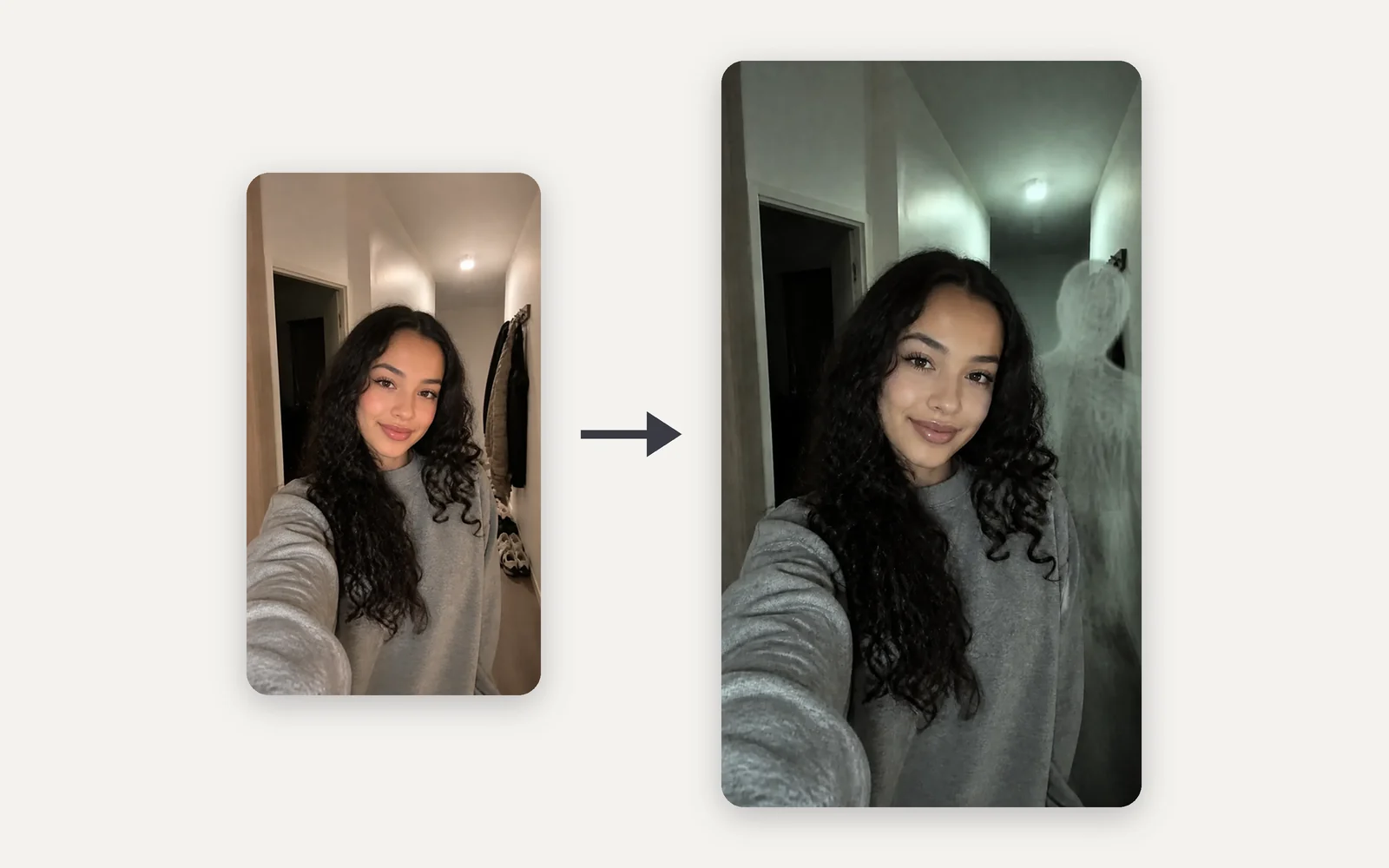
Over the shoulder
It stands behind you while you smile
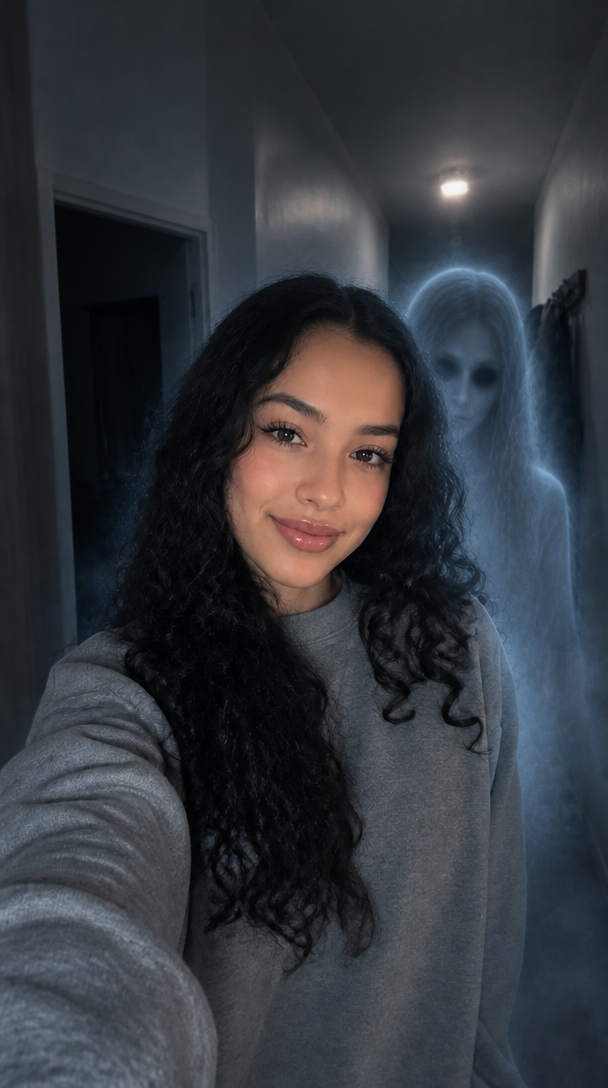
A pale, see-through ghost stands right behind your shoulder while you smile at the camera, its blank face turned toward the lens. The quietest look, and the one people stare at longest.
Upload a selfie and add a ghost to your photo: a pale figure stands over your shoulder, waits in the doorway or rests a hand on you, while you keep smiling.
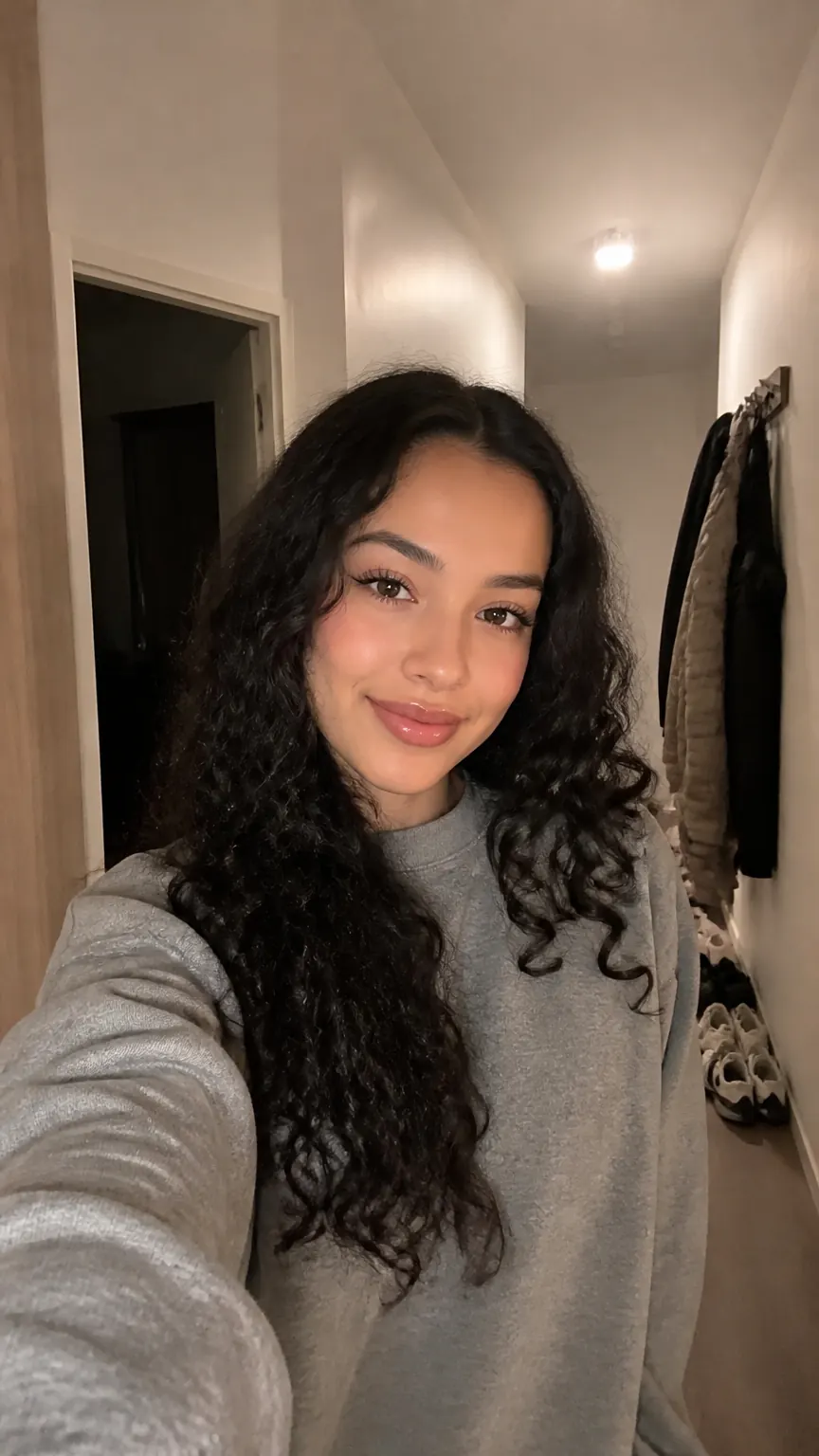
PNG / JPG / WebP · up to 10 MB · at least 512px on the short side
0/1 photos
An indoor selfie of one adult with some dark space behind you; a hallway or doorway works well. Face clear and front-on.
Photo settings
No prompt needed. Only upload photos of yourself or people who agreed to be featured; celebrity photos and film stills aren't allowed.
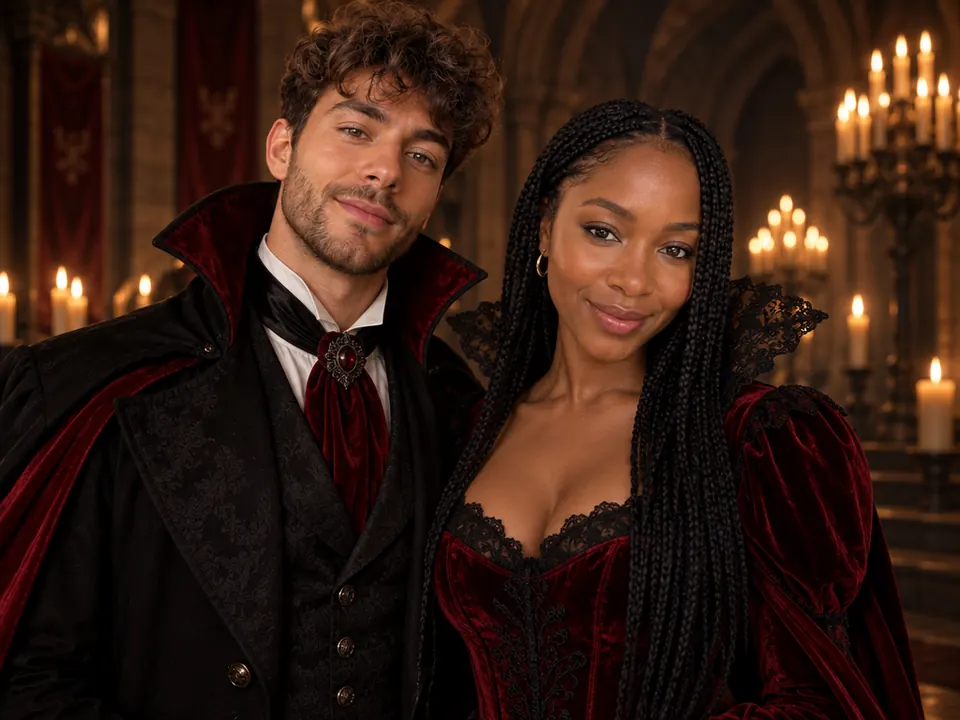
Two photos, one matching Halloween couple shot
Try it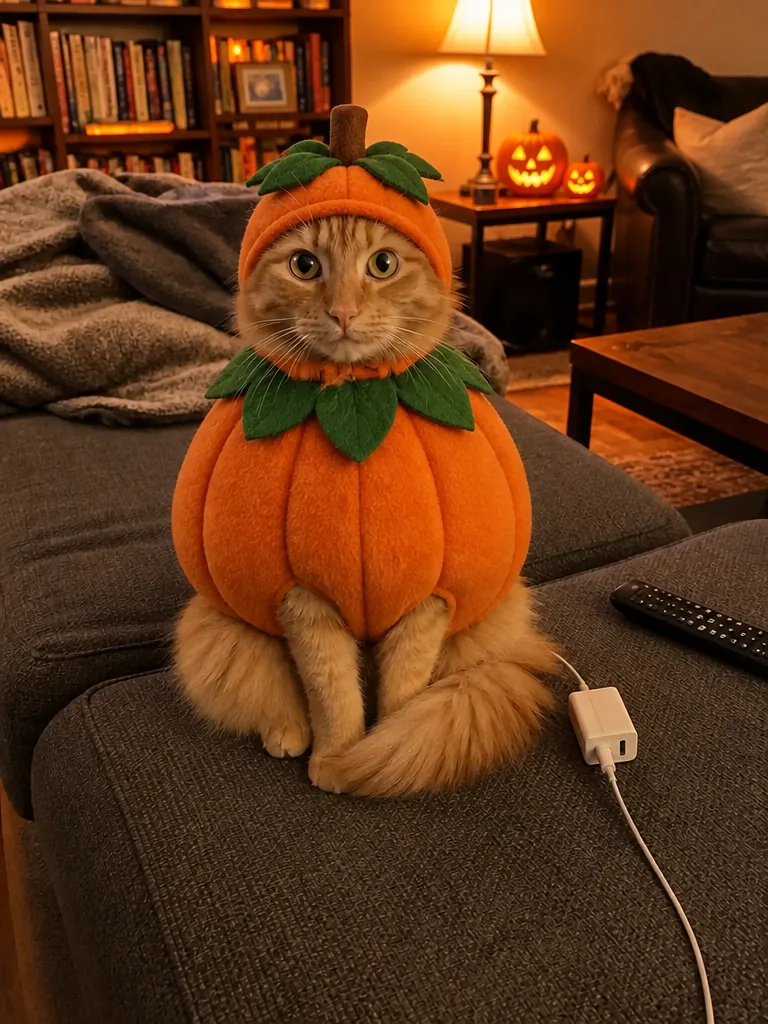
Your cat or dog in a Halloween costume, no dressing up
Try it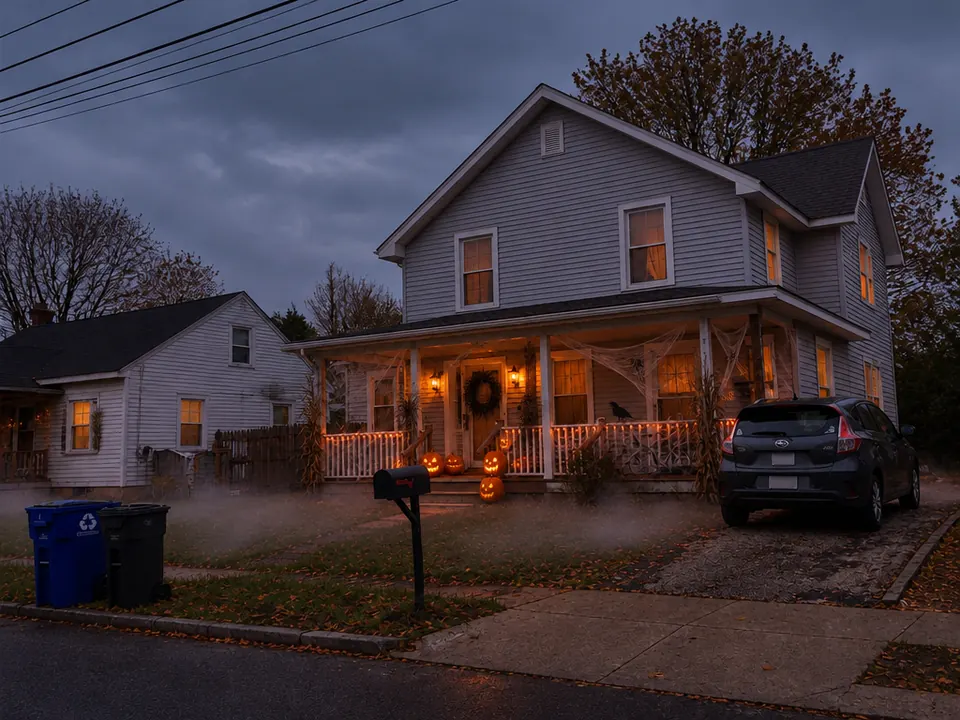
See your house decorated for Halloween first
Try it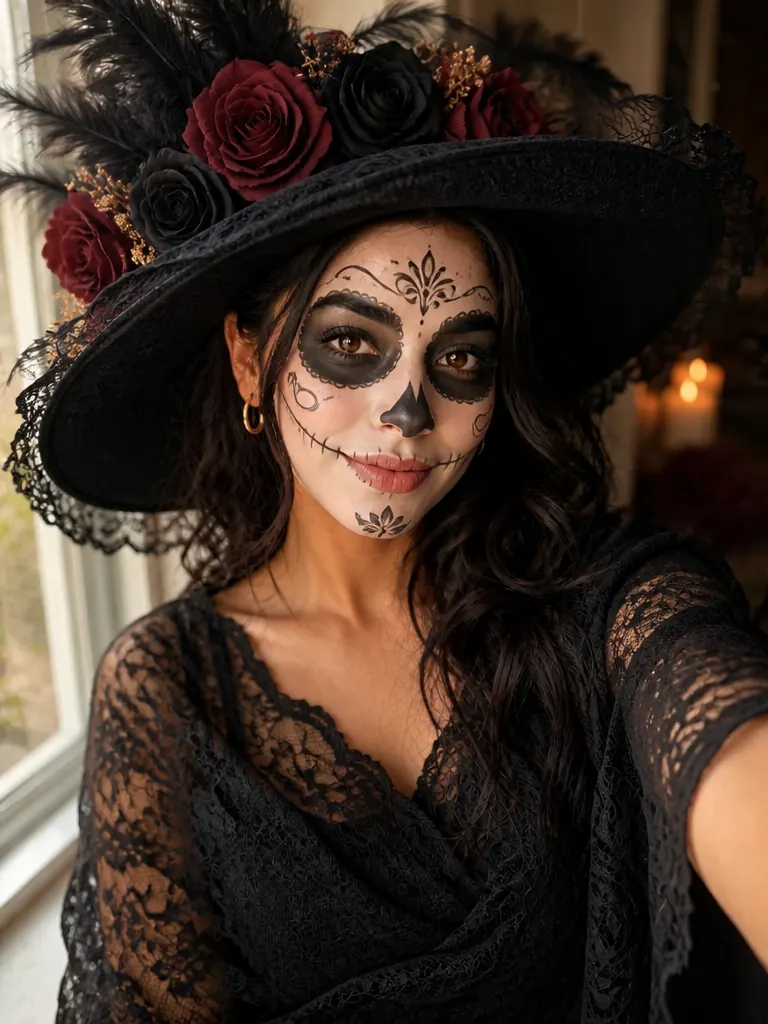
A La Catrina portrait for Día de Muertos
Try itBring a Halloween photo to life
Try itThe "ghost behind me" photo works because you never notice: you smile at the camera while something stands over your shoulder. This ghost photo AI needs no editing or green screen, just one selfie and the ghost you pick.
Over the shoulder
A pale, see-through ghost stands right behind your shoulder while you smile at the camera, its blank face turned toward the lens. The quietest look, and the one people stare at longest.
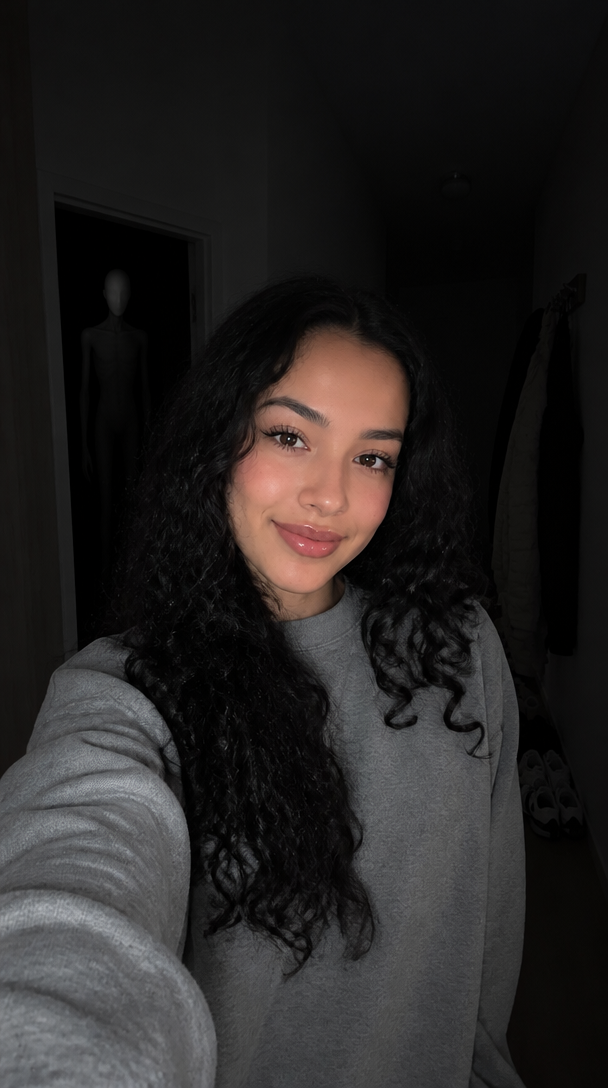
Lights out
The room falls almost dark, lit like a phone-flash shot, and a tall faceless shadow stands behind you. The sharpest jolt.
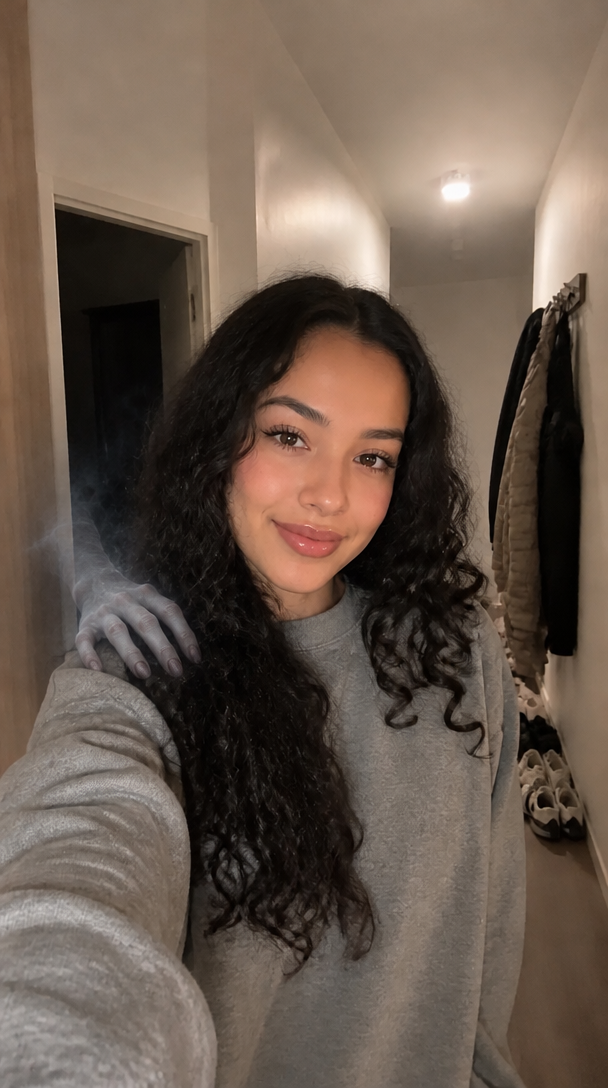
Hand on shoulder
No full ghost, only a pale hand with long fingers reaching out of the dark to rest on your shoulder, with a breath of cold mist. It's creepiest because you keep smiling.
When you add a ghost to a photo, the scare comes from what stands behind you, not from pretending someone broke in.
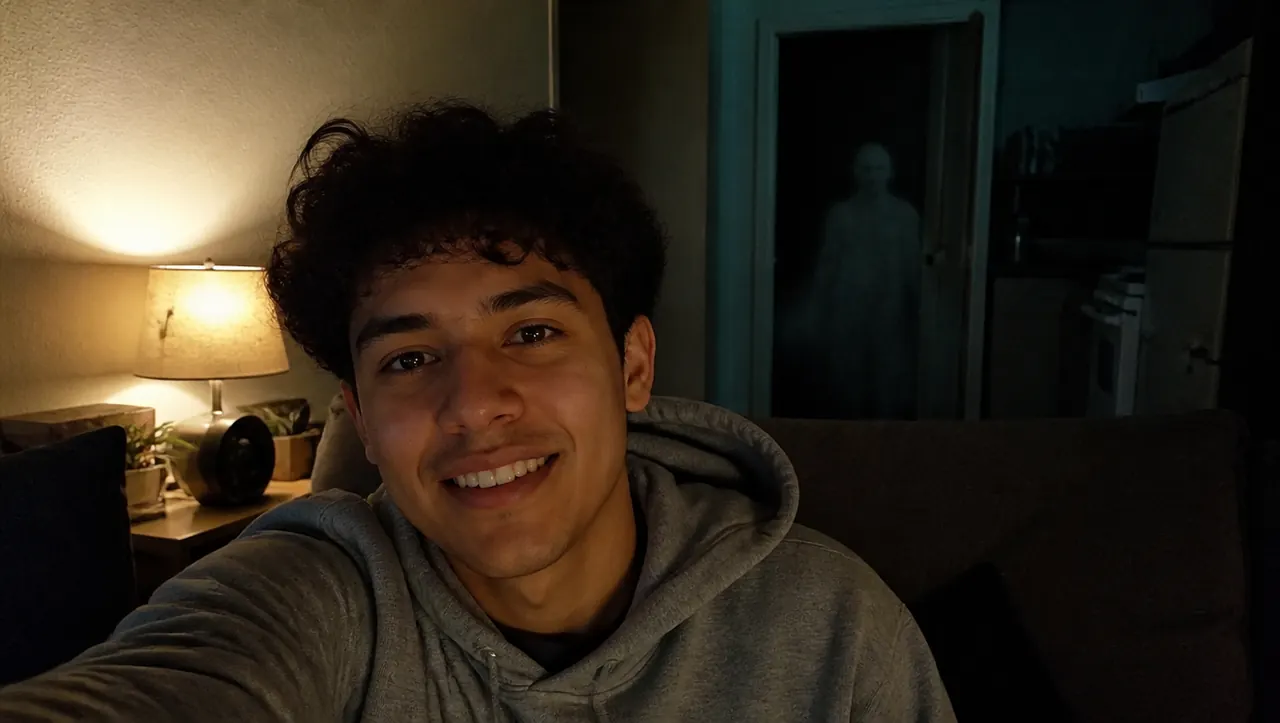
You keep smiling and never react, so whoever looks at the photo finds the ghost before you seem to. That small gap is the whole scare.
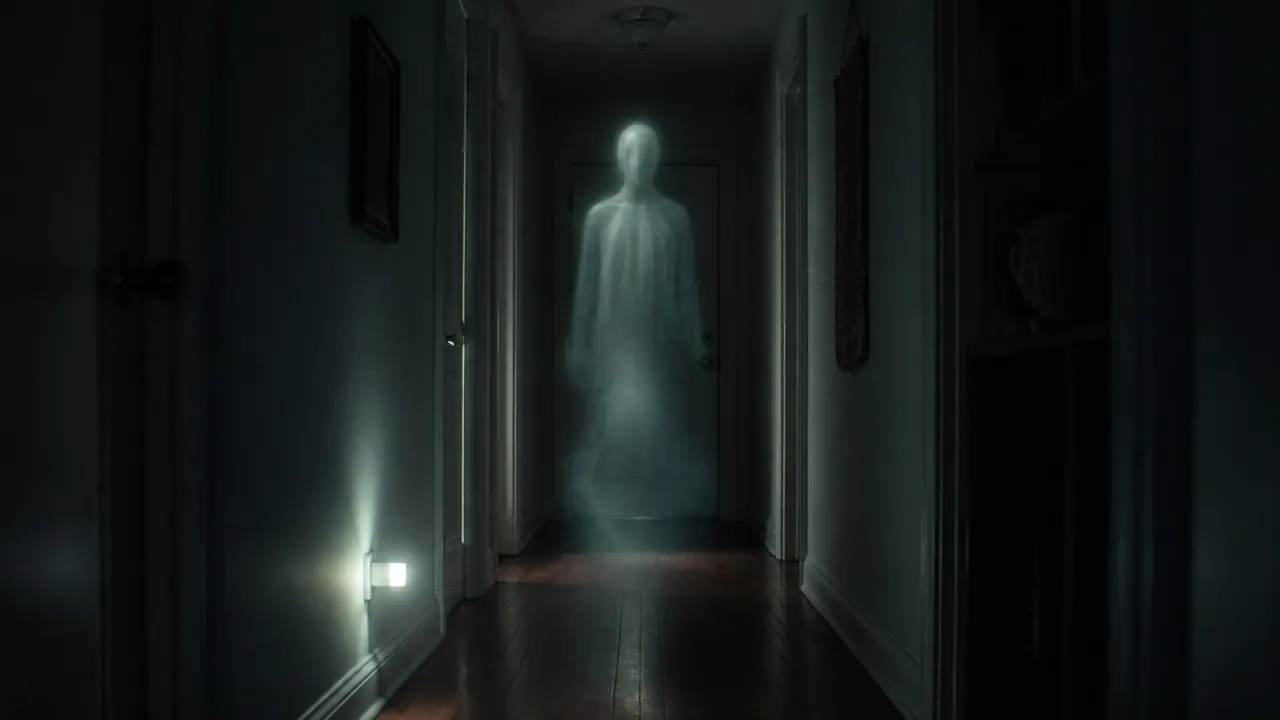
The figure is see-through, pale or a faceless shadow, so it reads as supernatural. Unlike "someone behind you" filters that add a real-looking person, nothing here looks like a break-in.
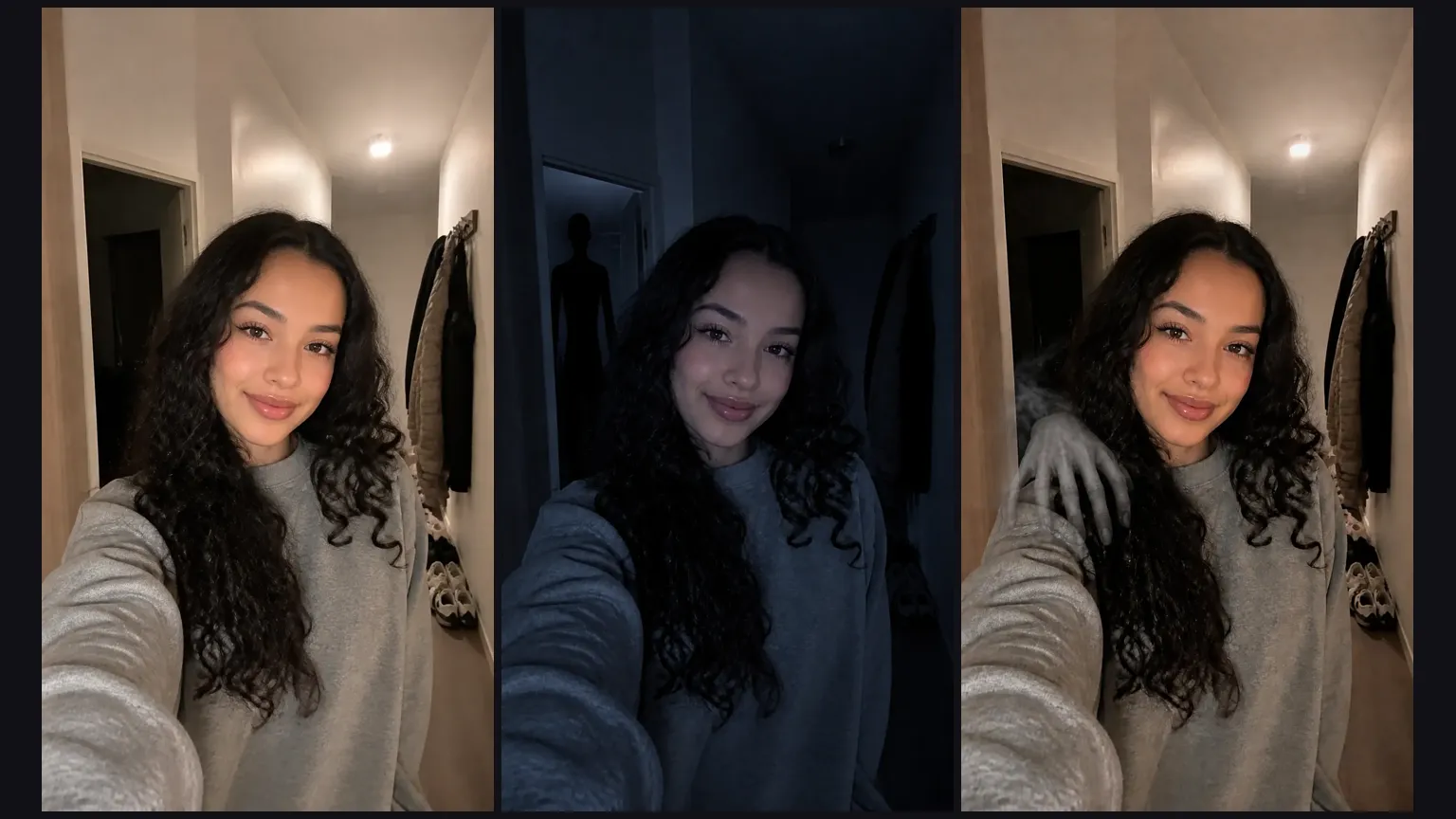
The photo keeps your face, pose and the room you shot in. Only the light dims and the ghost appears.
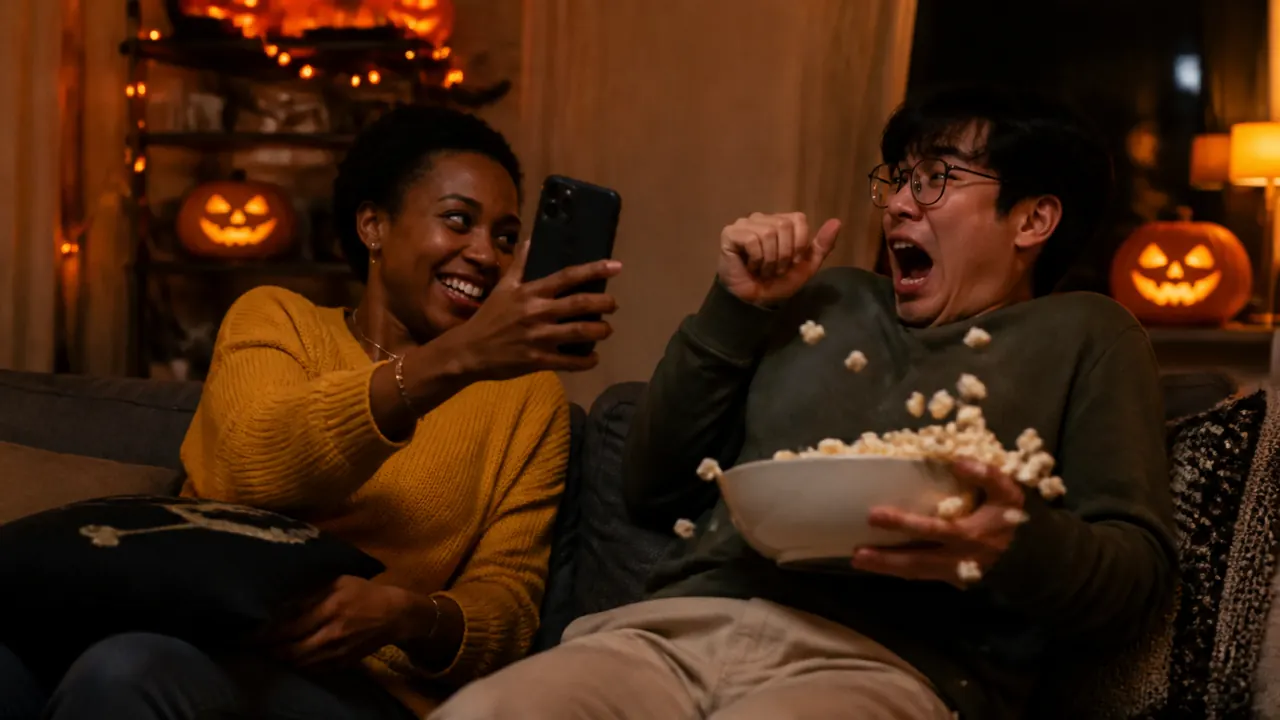
Send it like any other selfie and wait for the reply. Want the jump scare too? Animate it under the result turns the photo into a short video that starts from it.
You're adding a ghost to your photo, so give it somewhere to stand.
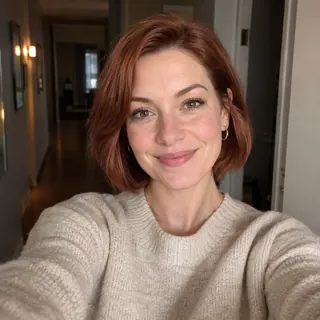
Indoors, with a doorway or hallway behind you
That dark space over your shoulder is where the ghost appears.
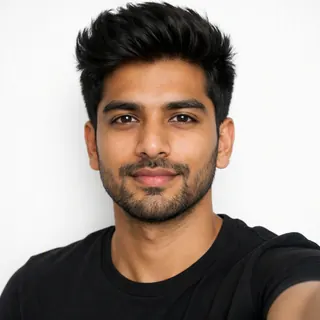
Face clear, at arm's length
Look at the lens with nothing over your face; head and shoulders fill the frame.
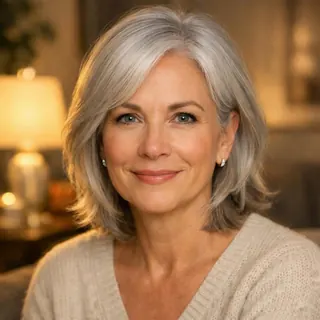
Normal room light
Light your face evenly; the result dims the room on its own.
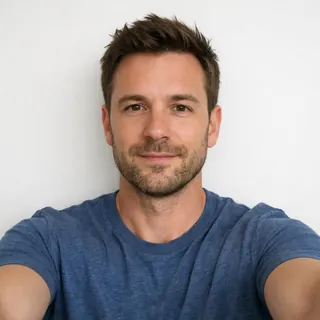
A wall right behind you
With no space behind you, the ghost has nowhere to stand.
Kids or teens
Use adults' photos only.
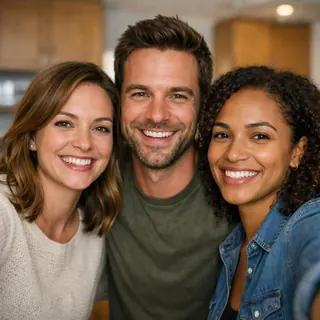
Group selfies
The scare is built around one person.
A friend's photo without asking
It's their face in a scare photo, so get a yes first.
Auto keeps your selfie's shape. Pick 9:16 before generating if you want a full-screen Story or TikTok photo post.
It's the same scare made a different way. The TikTok ghost filter adds a ghost to a live camera; here you add a ghost to a photo you already took and get a finished picture to post or send, and you can make it move afterwards.
Send it like any other selfie with a casual caption and let them find the ghost. Pick people who enjoy a scare, and tell them it's AI right after.
Young children, anyone anxious or with a heart condition or past trauma, and anyone who might think it's real, like an older relative. Parents filming toddlers with a ghost filter drew wide criticism in October 2026 (CafeMom, October 12, 2026). And never send it as proof that someone is in the house: fake AI intruder photos led to 911 calls and police warnings in several US states in October 2025 (ABC News).
Yes. Any photo of one adult works, not only a new selfie: upload it and pick where the ghost appears. It helps to have some space behind you, like a doorway or hallway, and your face clear. A video you already filmed won't work; this template starts from photos.
Yes, with sign-up credits: a ghost photo costs 3 credits and new accounts get 10, enough for 3 photos. Making it move costs more. Failed runs are refunded.
Yes. Under the finished photo, Animate it opens Animate a Halloween Photo with your ghost photo in place; pick Jump scare for a sudden shadow and a flicker, or Spooky ambience for a slow build, with sound. The photo becomes the first frame.
Yes. Instagram and TikTok ask you to label realistic AI-made images, and a short "made with AI" caption keeps a prank from turning into a hoax.
One indoor selfie, six ghosts to pick from. Make the photo, send it, then make it move.