


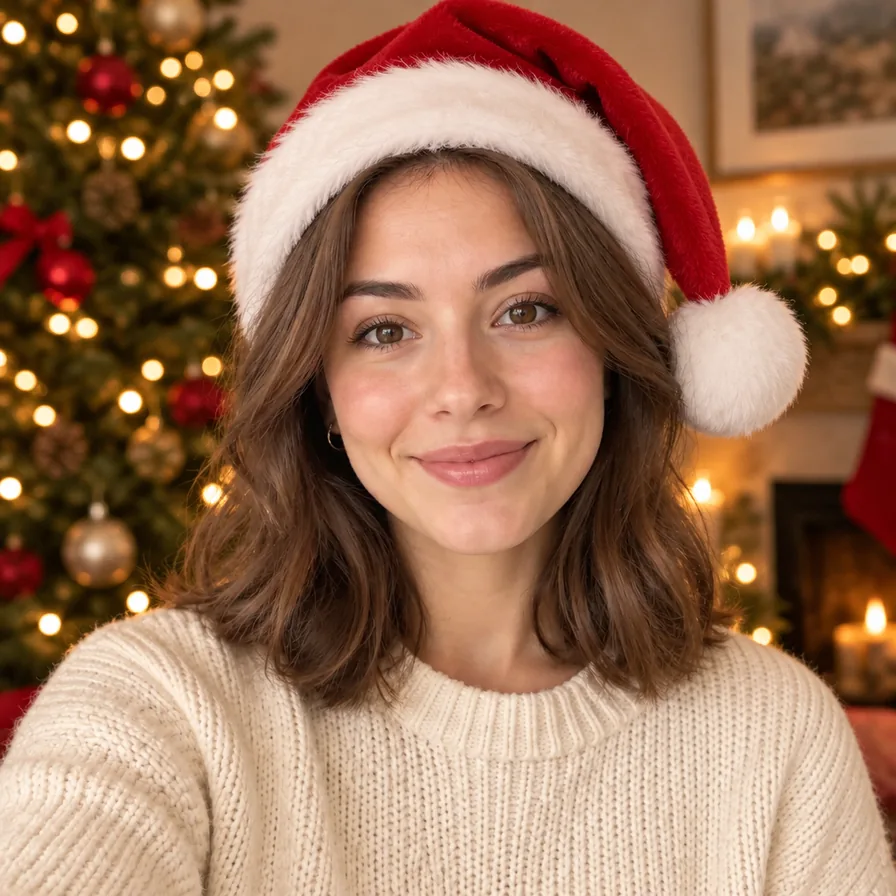
 Santa Hat
Photo used
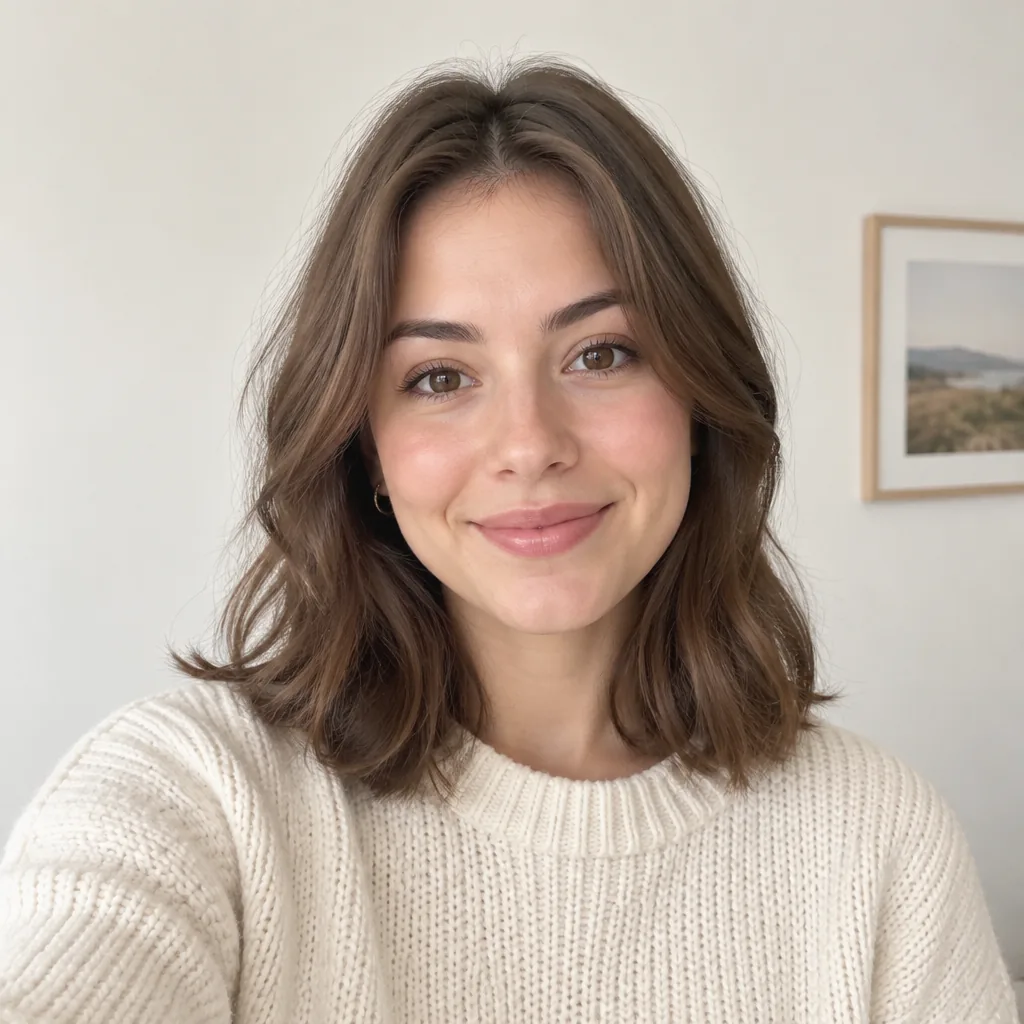
Your photo
Santa Hat
The default look: a soft red Santa hat with white trim and warm golden light, with a lit tree and fairy lights blurred behind you.
Turn your own photo into a Christmas profile picture with a Santa hat, snowy glow or tree lights, framed so your face survives a round avatar crop.
PNG / JPG / WebP · up to 10 MB · at least 512px on the short side
0/1 photos
One photo of one person or one pet, face clear and front-on.
Photo settings
No prompt needed. Only upload photos of yourself or people who agreed to be featured; celebrity photos and film stills aren't allowed.
A Christmas PFP AI generator turns one of your own photos into a festive AI Christmas profile picture: a square or 3:4 portrait with a Santa hat, snow glow or tree lights, framed so the face stays clear when a platform crops it into a round avatar. It edits your photo; it is not a library of ready-made anime or game character avatars.
The idea is the yearly habit of swapping to a festive avatar for the holidays. People have done it for years, and each winter a fresh set of tools appears to make the swap feel new — which is why “Christmas PFP” keeps coming back as a seasonal search.
Most results people find are ready-made character or fandom avatars. This page is the personal-photo version: upload your own selfie or pet photo and get a Christmas portrait that is still you, ready for the profile slot on the apps you already use.
A thread in r/discordapp asked whether anyone else changes their profile picture for the holidays, showing the habit predates the AI tools.
Competitor trend trackers began listing “Christmas PFP AI” as this season's avatar idea; there is no single post that started it.
Sources: a r/discordapp thread from November 1, 2024; competitor trend pages checked November 4, 2026.
The same selfie in every look, so you can compare what changes: a Santa hat, a snowy evening, or tree lights behind you.
Santa HatPhoto used
The default look: a soft red Santa hat with white trim and warm golden light, with a lit tree and fairy lights blurred behind you.
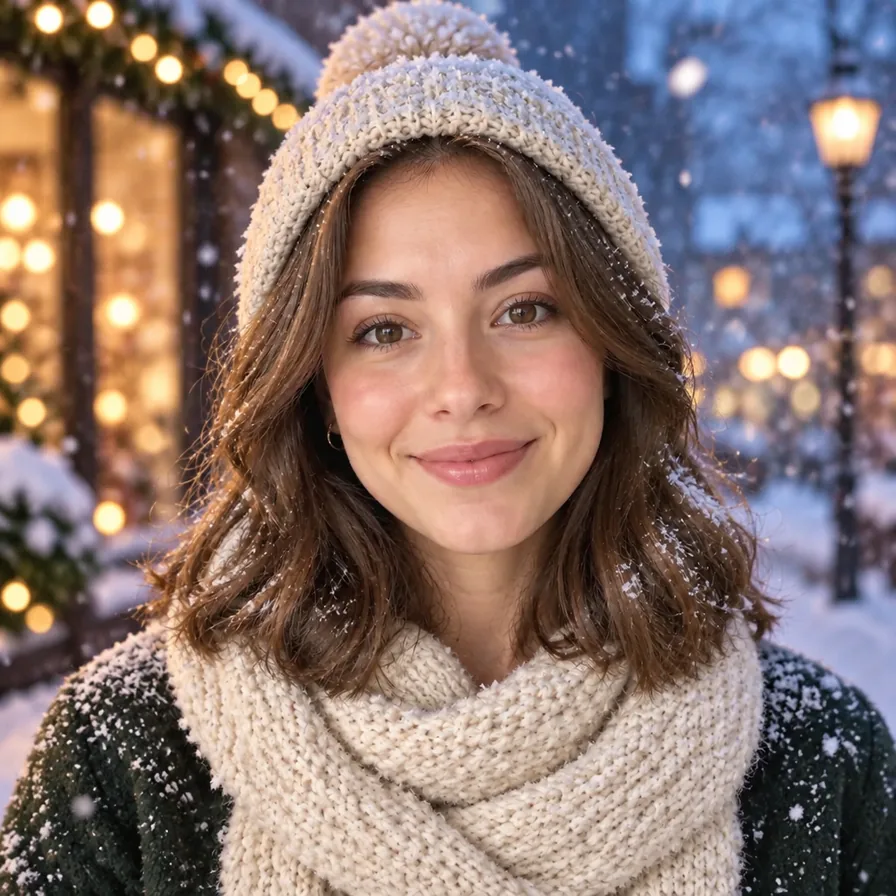 Snow Glow
Photo used
A cream knit scarf and a snow-dusted beanie, with snowflakes settling on your shoulders and warm window lights glowing behind the falling snow.
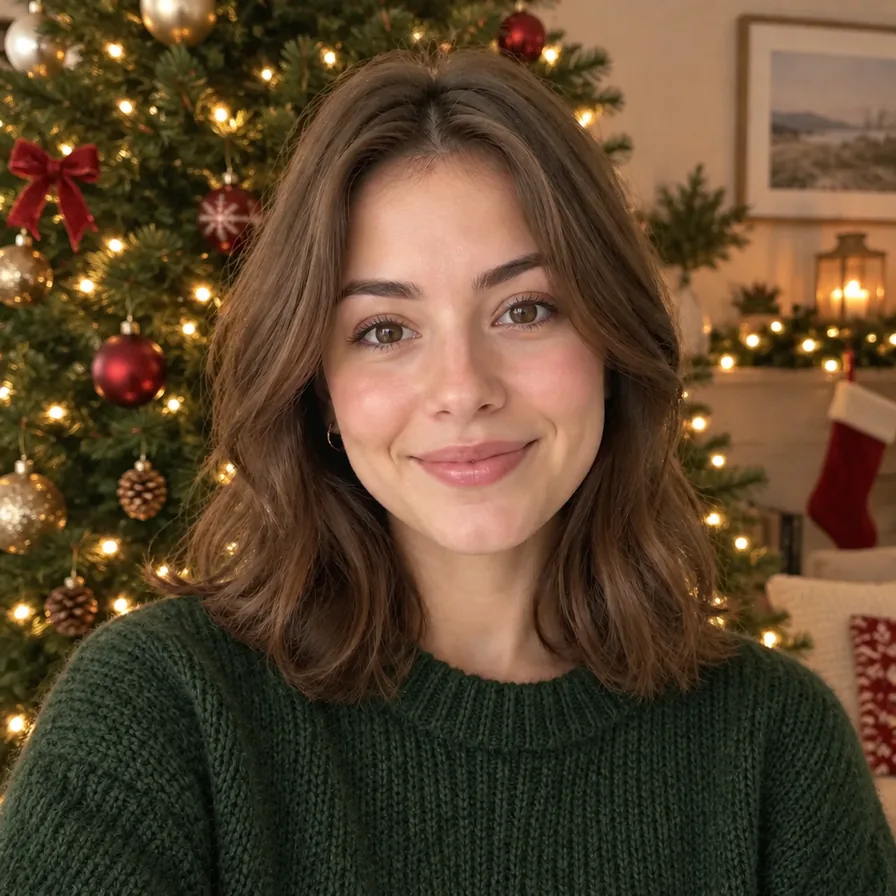 Tree Lights
Photo used
No hat: a deep green or cream knit jumper in front of a Christmas tree wrapped in warm white fairy lights.
What the photo needs, then three steps from upload to download.
1 photoYour photo
One photo with one person or one pet. The face, skin tone, hair and the number of people come from this photo; the look adds the hat, the scarf or the lights around you.
Strong choices
 One person, face clear and front-on
 Glasses stay on
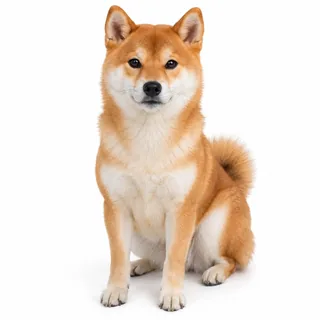 One pet sitting up and looking at the camera
Likely to miss
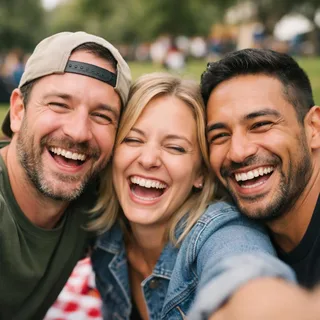 Three or more people in one shot
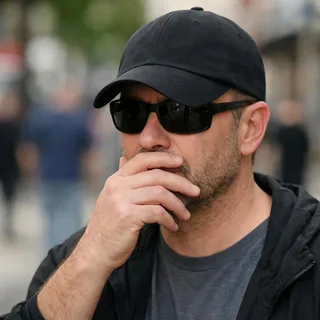 Hats, glasses or hands hiding the face
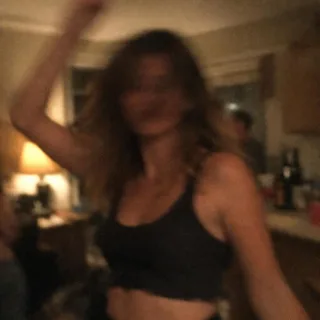 Dark, blurry night shots
Add your photo
Put one photo in the slot and pick a look; Santa Hat is selected first.
Pick a size and generate
Choose the aspect ratio and resolution, then click Generate. The button shows the exact credit price before you start.
Download and post
Save the image and set it as your profile picture, or post it with your own caption and music.
The look keeps the head centred with breathing room on every edge, so a circular crop removes only the corners. Four checks on the same framing:
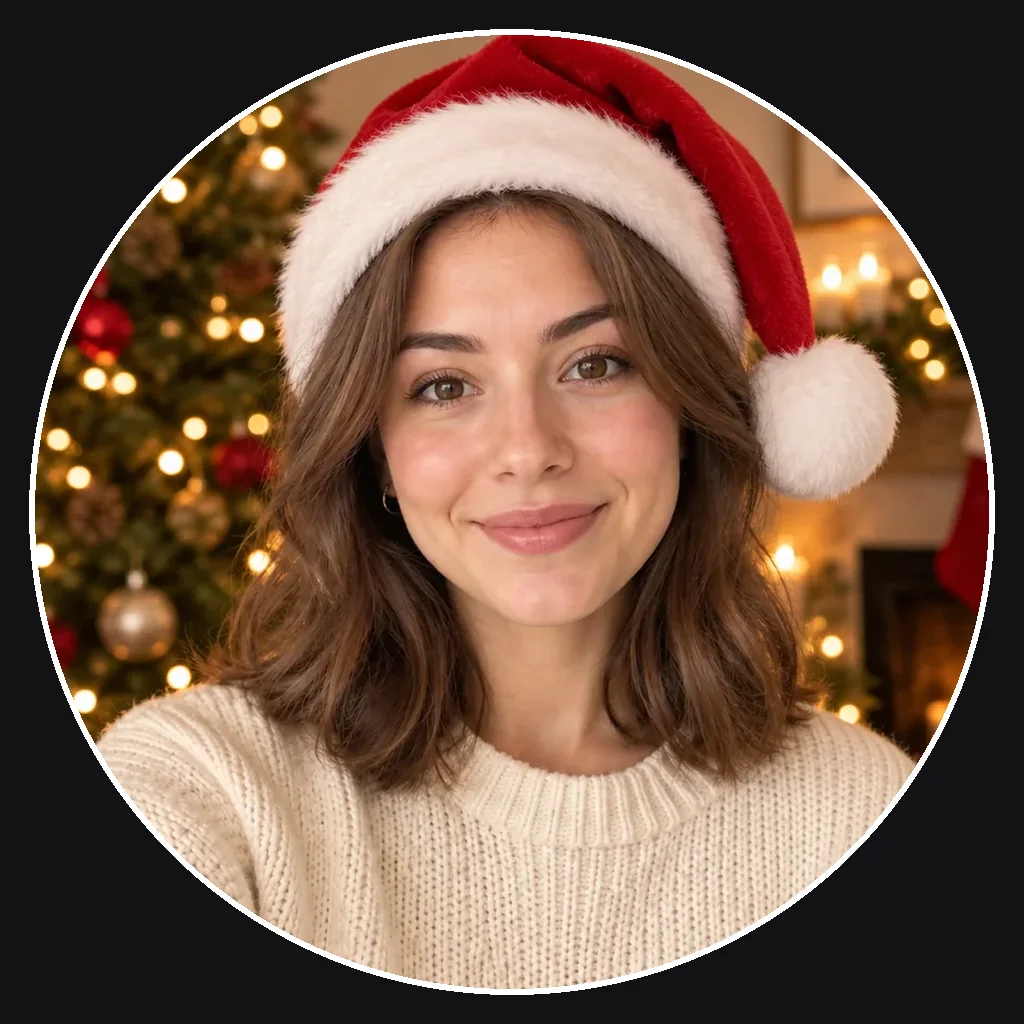
The white circle shows how much a round avatar keeps. The face, hair and hat all stay inside it.
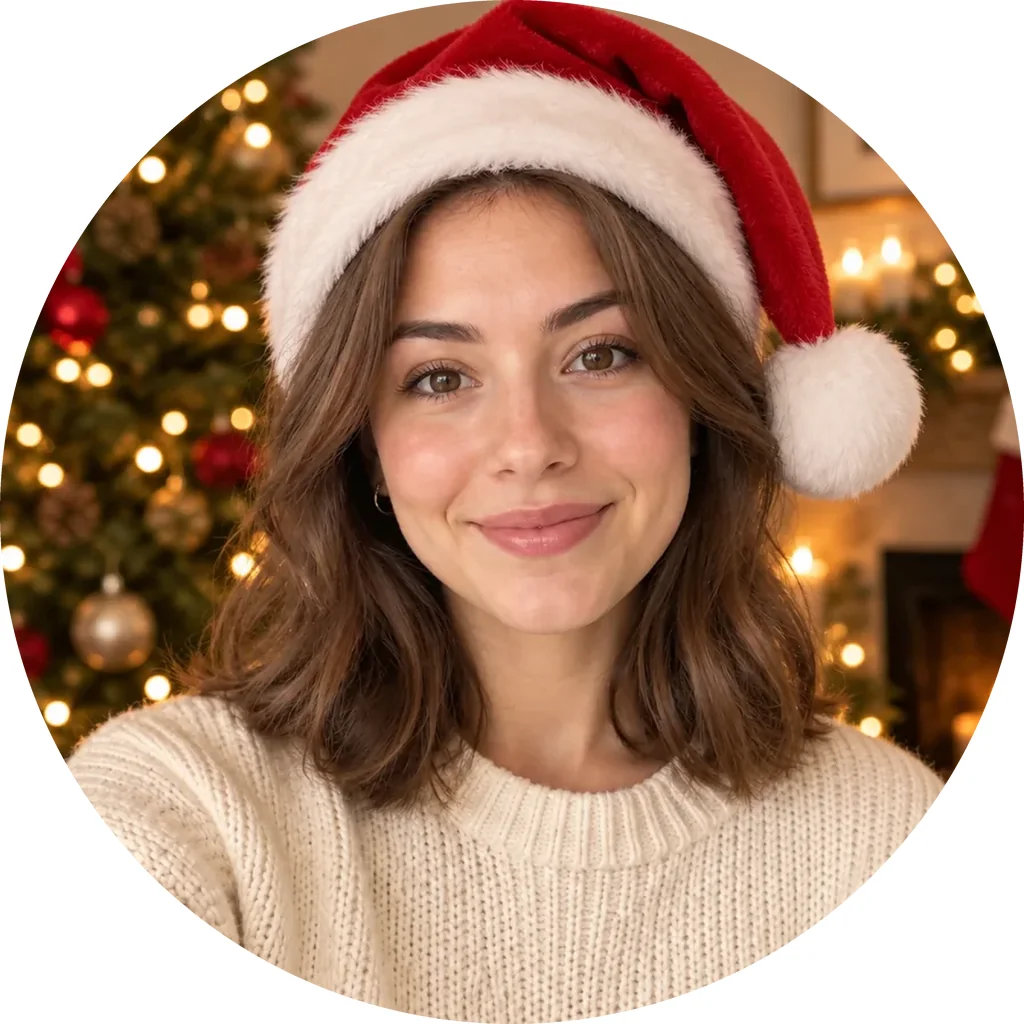
Each platform crops slightly differently, so check the preview after you save — the centred framing gives you the most room to spare.
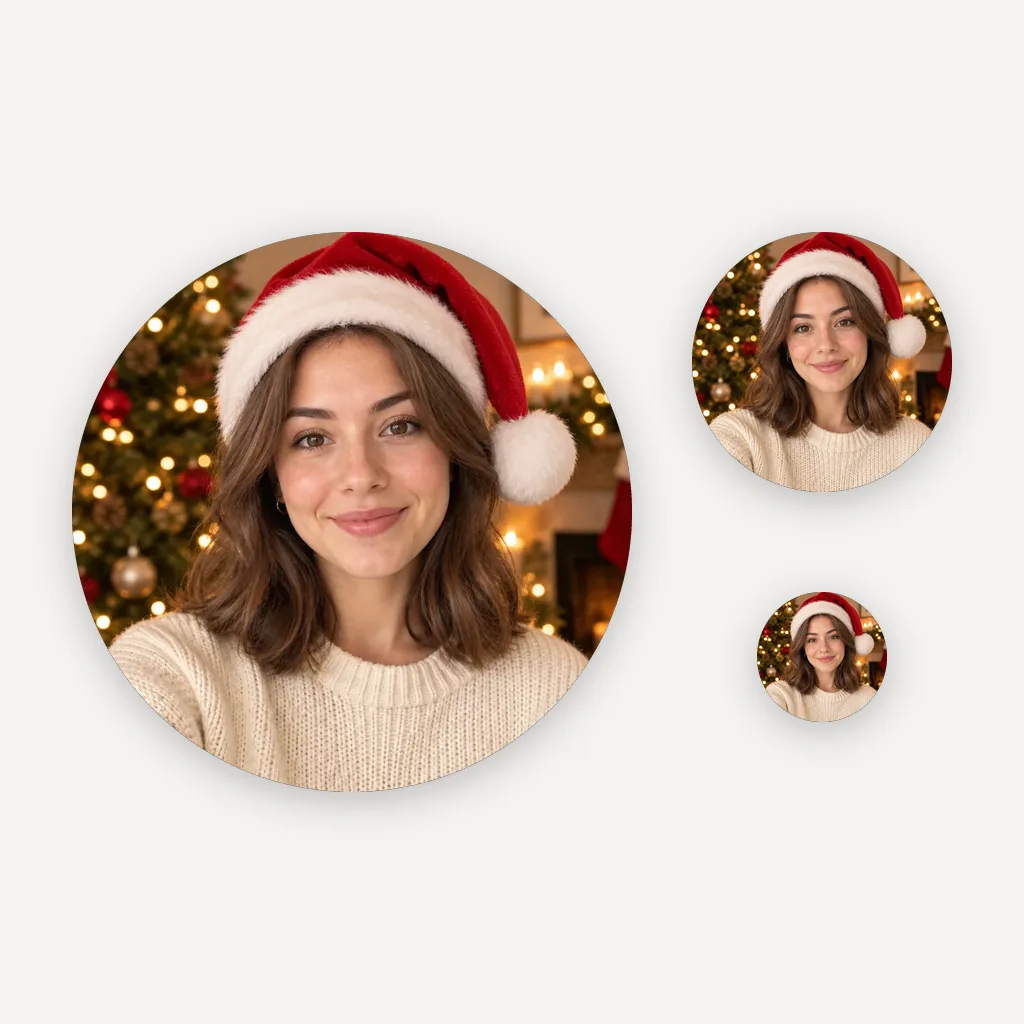
Shrunk to a comment or chat-list icon, the face and the red hat still read, because the head fills most of the circle.
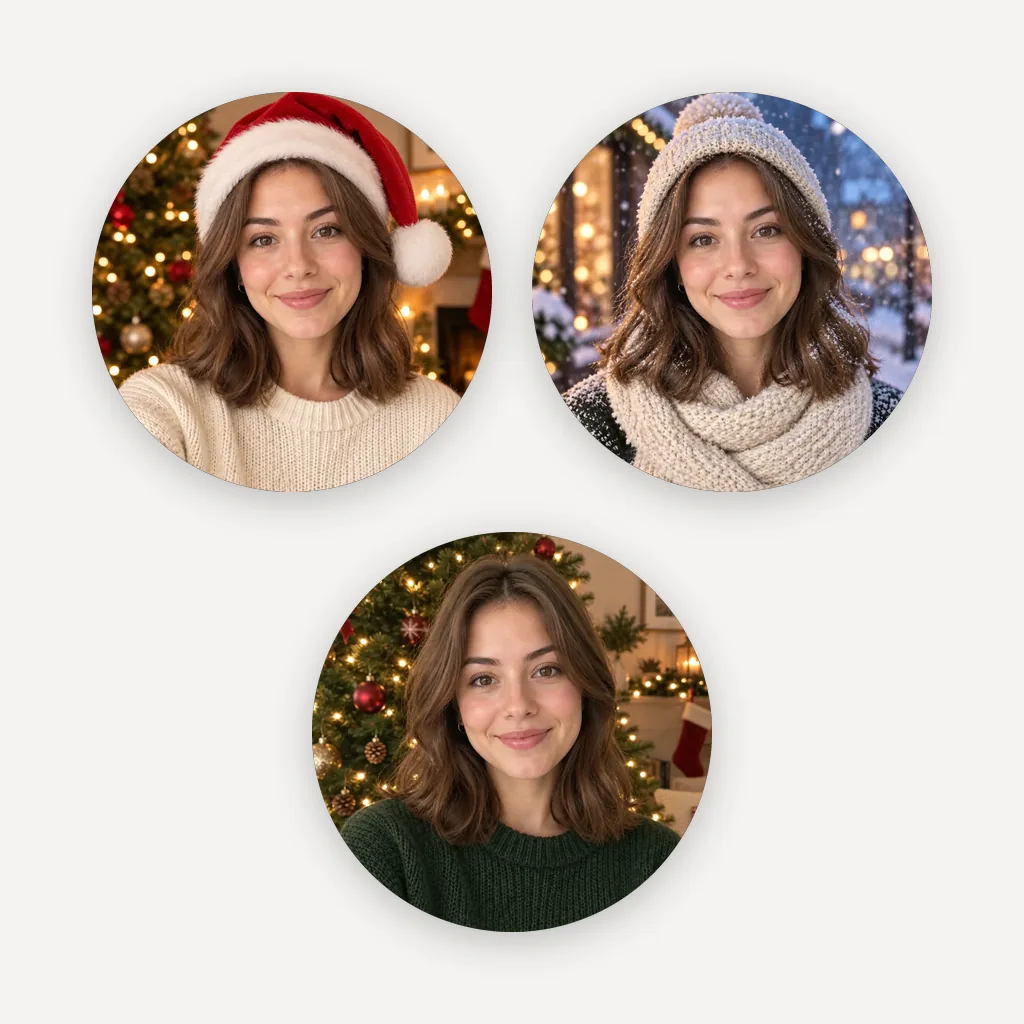
Snow Glow and Tree Lights use the same framing as Santa Hat, so switching looks never pushes the face toward the edge.
The prompts behind the three example portraits on this page, one per look, ready to paste into an image editor that takes a photo, such as ChatGPT or Gemini. Each starts with the same crop-safe framing; only the look changes. Here the prompt is built in, so you only pick a look.
GPT Image 2.5 Flare · image edit
Prompt length 1201
Turn image 1 into a festive Christmas profile picture of the exact same person or pet, framed for a circular avatar. Keep the face and identity from the photo: the same face shape and features, skin tone, age, hair colour and hairstyle, glasses or facial hair, and a pet keeps its species, breed, coat and markings. The head sits centred and fills most of the frame, with the whole head, hair and any hat fully inside the frame and clear breathing room on every edge, so a round crop cuts only background, never the face or the hat. Chest-up portrait, looking toward the camera, natural, friendly expression with a real smile. A soft red Santa hat with a white fur trim sits on the head, slightly tilted, with the white pom resting to one side and not covering the eyes. Background: a warm indoor Christmas scene, a lit tree and fairy lights softly out of focus, warm golden light on the face.
Photorealistic photo. Keep everyone at their real age and build: a child stays a child with a natural face, no makeup and modest, fully covered festive clothing. No text, logos, brand names or watermarks. Do not add any people, animals or characters other than those in the photos and those described above.Say it is for a round avatar
“Framed for a circular avatar” plus “breathing room on every edge” is what keeps the hat and the hair inside the circle.
List what must not change
Face shape, skin tone, age, hair, glasses: naming them is what keeps the edit looking like you after the festive restyle.
One look per prompt
A Santa hat, a snowy street and a tree in one request fight for the same small circle; pick one look and run another for the next.
“Full body, standing by the tree”
A full-length shot shrinks the face to a few pixels once it becomes an avatar; keep it chest up.
“Make me look like an elf”
Costume and character requests redraw the face; these prompts add a hat, a scarf or lights and leave you as you are.
Text on the picture
A “Merry Christmas” banner lands at the edge, exactly where a round crop cuts; add any text afterwards, outside the avatar.
No framing, no identity
Put a Santa hat on me for Christmas.
Framed for the circle
Turn image 1 into a Christmas profile picture of the same person: head centred with room on every edge so a round crop cuts only background, a red Santa hat fully inside the frame.
The first can return a tilted hat cut off at the top and a face that drifts from yours. The second keeps the person and puts everything inside the circle.
Every template works the same way: add your photos, press Generate and get a shareable video without writing a prompt.
View all effectsResize it for a platform, cut out the background for a sticker, upscale for a bigger print, or clean up a grainy photo before you upload it.
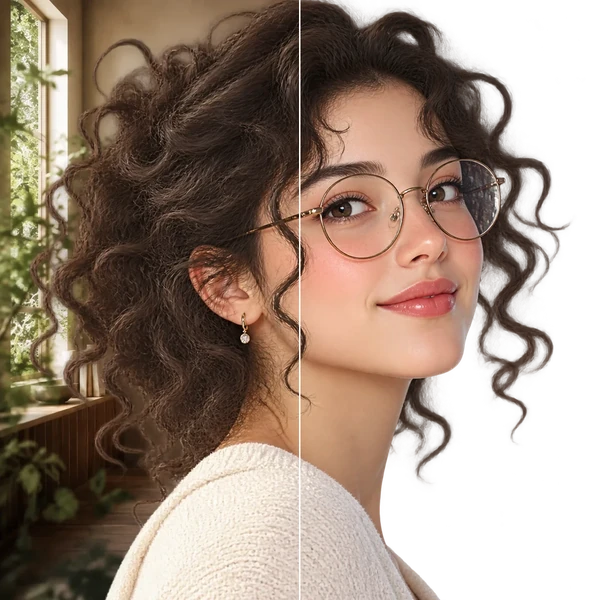
Transparent PNG or WebP with clean hair and product edges, ready for a listing or a new composition.
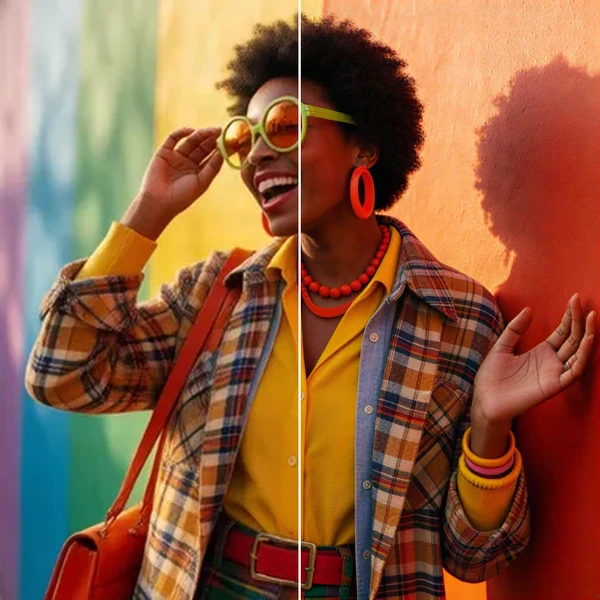
2× / 4× / 8× with recovered texture instead of smeared pixels, so a 1K draft can become a print.
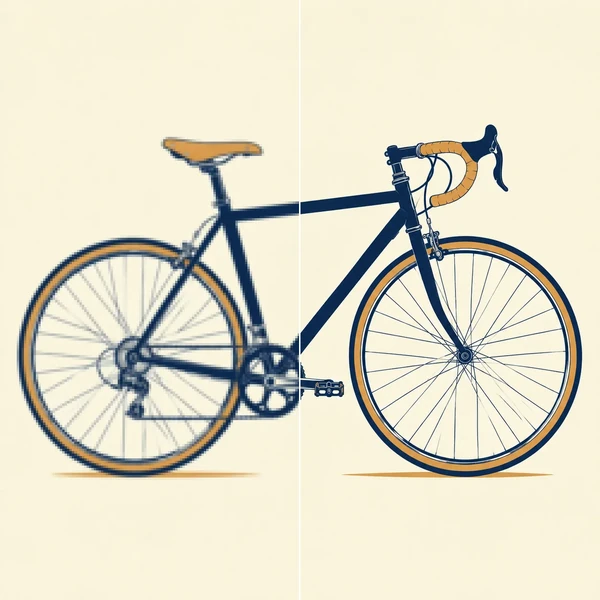
Logos, icons and flat illustrations become editable SVG that scales to any size.
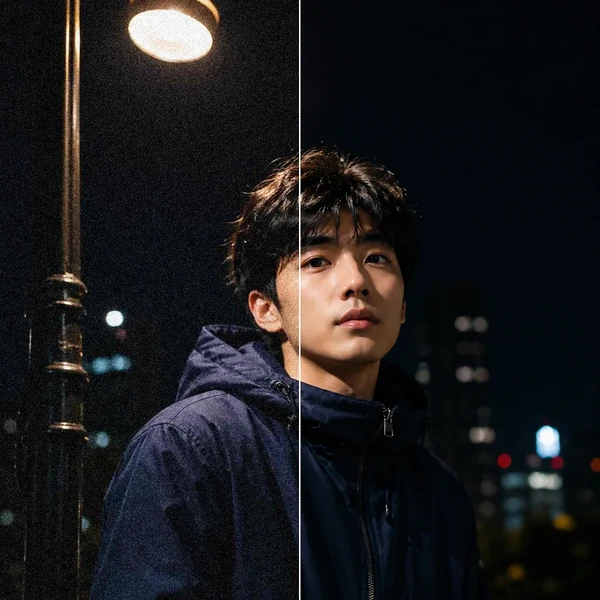
Remove grain and compression artifacts from low-light photos and scans while keeping real detail.
No. Each portrait costs credits, and the price depends on the resolution you pick; the Generate button shows the exact amount before you start. New accounts get 10 credits when they sign up.
Usually, yes. The edit keeps your face shape, skin tone, hair and expression, but it is a generative redraw rather than a pixel copy, so small details can shift. The photo checklist above shows which photos hold a likeness best.
Yes. Pick the Santa Hat look: it adds a soft red Santa hat with white trim and warm golden light, with a lit tree blurred behind you.
Run one photo at a time for a matching pair. Upload each person's own photo separately and pick the same look, so each face gets the same centred, crop-safe framing.
Yes. Upload one photo of one pet looking at the camera; it keeps its species, breed, coat and markings in the look you pick.
Yes, square is the default because most profile pictures are square. You can also pick 3:4 for a slightly taller profile card.
It is framed for one: the head stays centred with breathing room on every edge, so the round crop removes only the corners. Platforms crop differently, so check the preview once before you post.
Yes. Save the image and set it as your avatar on any of those apps; how it is displayed depends on each platform's own crop, which the centred framing leaves room for.
No. Pick one of the three looks and upload a photo; the festive edit is filled in for you. The prompts above are the same wording, for running a look in another image editor.
No. This page edits your own photo into a Christmas profile picture. It does not draw characters from anime, games or shows, and it is not a library of ready-made avatar images.
Blurry or dark photos, anything covering the face, and the model's own redraw can all shift the result. Start with a clear, front-on, well-lit photo and it will keep the likeness best.
No. Results from this page stay private in your account and never appear in the public gallery, on any plan.
Upload one photo, pick a look and get a crop-safe Christmas profile picture to download and set.