

Flamingo Float AI Trend

Sit on the pink flamingo float in a rooftop infinity pool, get pushed back from the edge and drift off across the skyline — all from one photo.

  • No prompt
  • One rider
  • Dubai skyline
Example · Flamingo Float AI

PNG / JPG / WebP · up to 10 MB · at least 512px on the short side

0/1 photos

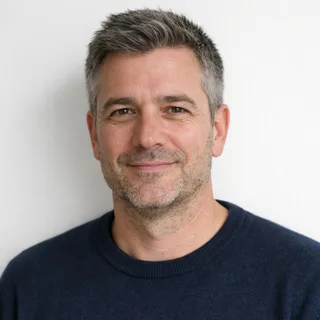
One photo of one person: they sit on the float, so a clear, front-facing face with little covering it works best. Bright and sharp, nobody else in the frame.

Video settings

No prompt needed. Only upload photos of yourself or people who agreed to be featured; celebrity photos and film stills aren't allowed.

What is the Flamingo Float AI trend?

The Flamingo Float AI trend is the rooftop infinity-pool clip where one person on a pink flamingo float drifts toward the edge, gets pushed back from it, and the float drifts off toward the skyline. This template puts your photo on the float and keeps the pool and the rescue.

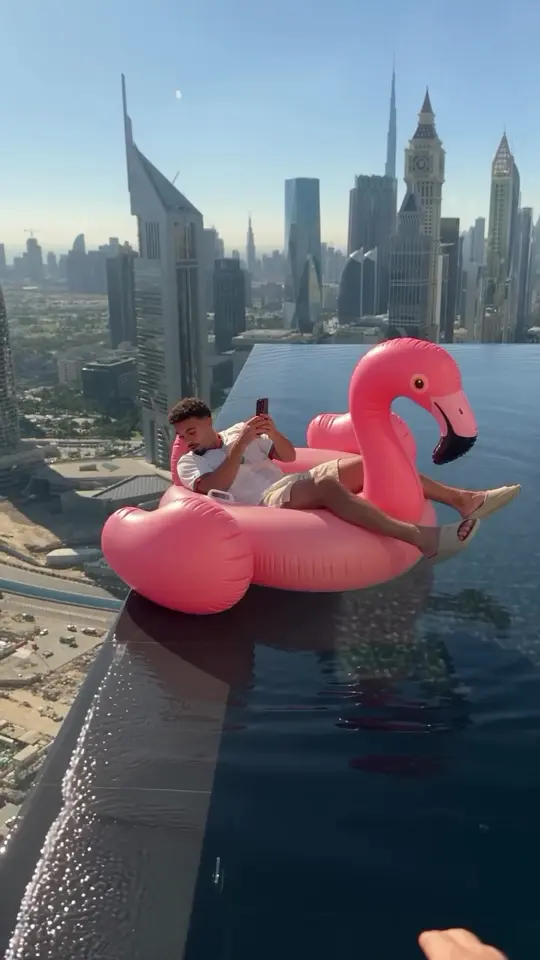
The pink flamingo float reaching the infinity edge of the rooftop pool, skyline behind, the rider still on it

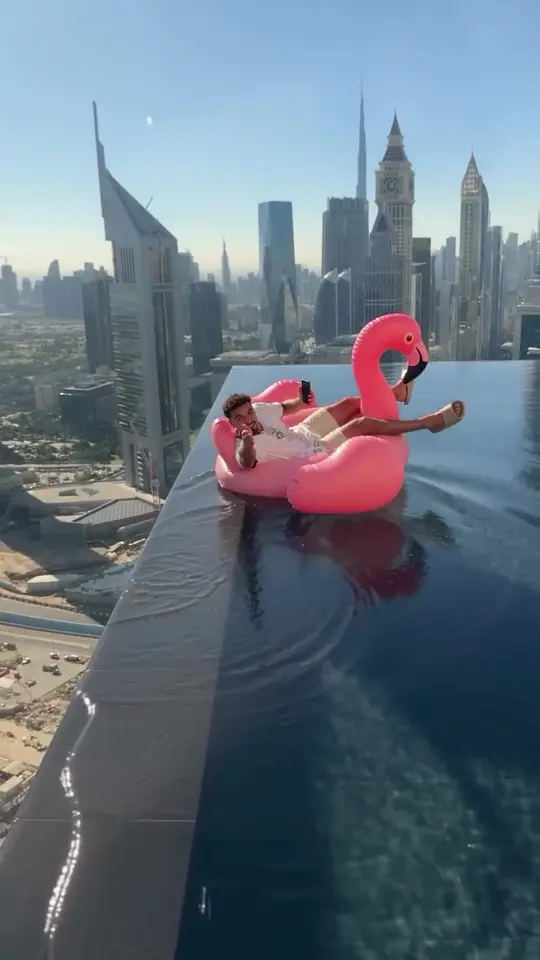
The clip is one continuous rooftop shot: a clear skyline behind the infinity edge, the pink flamingo float turning as it nears the edge, the brief close call, then it is pushed back from the edge. Nothing is cut, so the close call and the rescue play out in a single take.

The Dubai post that made the format famous carries the caption "Thank you bro" — also written "Hey bro" — a casual thanks after the rescue. That one line is the joke: the rescue happens in the clip, and the rider never even turns around.

An earlier Singapore version is marked as AI content; the Dubai post does not say how it was made. This page makes its own AI version of the rescue — it is a video template, not a built-in filter on any app.

When did the Flamingo Float trend spread?

  1. A Singapore post by @cain.aii goes up marked as AI content, with the caption about a flamingo almost taking its first flight.

  2. @youneszarou posts the Dubai rooftop rescue with the caption "Thank you bro".

  3. On 4 November 2026 the TikTok upload showed about 15.3 million plays and 1 million likes.

Dates and caption from the Instagram posts; the play and like counts read from the TikTok upload on 4 November 2026.

The rescue, shot by shot

One continuous rooftop shot, five stops: settling on the float, drifting to the edge, the close call, the hand that saves it and the drift away.

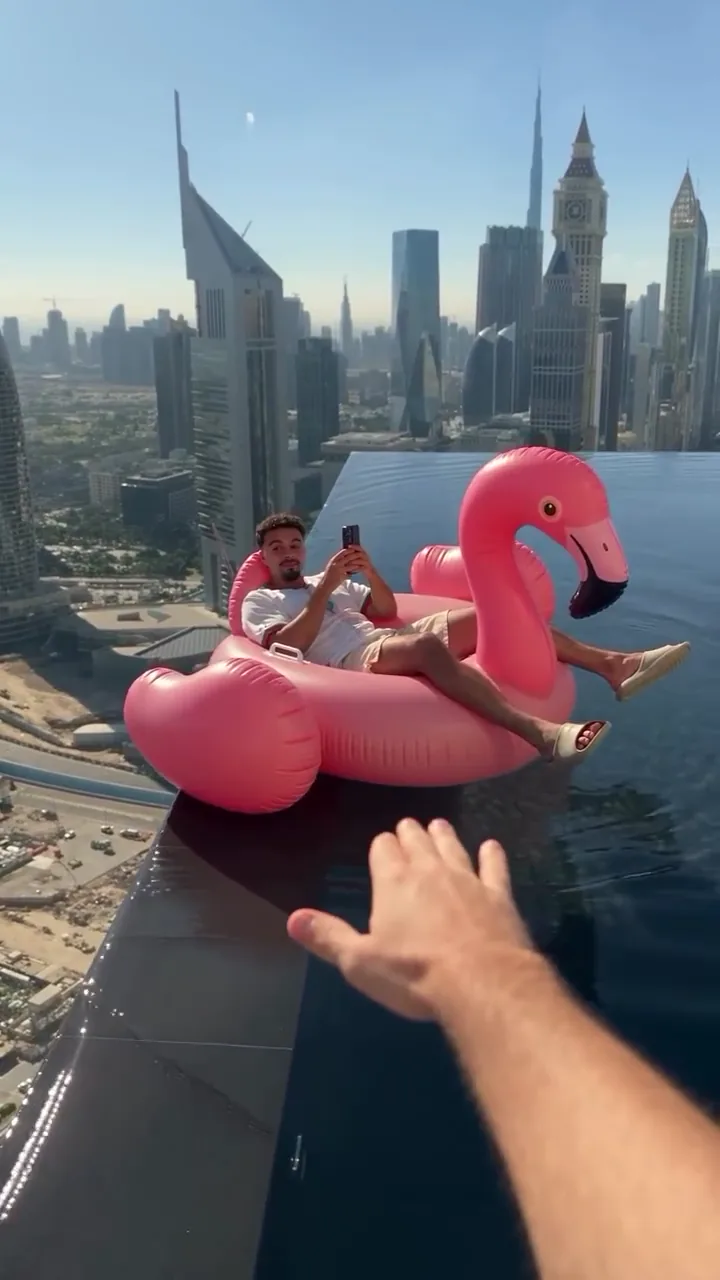
  1. A person sitting on a pink flamingo float in a rooftop infinity pool, phone in hand, city skyline behind10:00–0:02

    On the float

    The rider sits on the pink flamingo float with a phone in hand, the rooftop pool and the skyline behind, already drifting on the water.

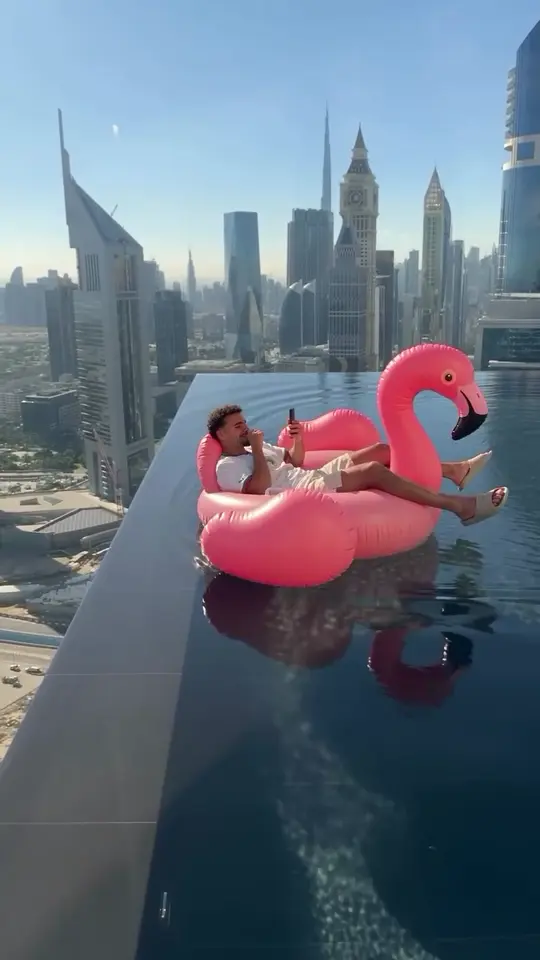
  2. The pink flamingo float turning toward the infinity edge of the rooftop pool20:02–0:04

    Drifting to the edge

    The float turns and drifts toward the infinity edge, the pool water meeting the skyline as it gets closer.

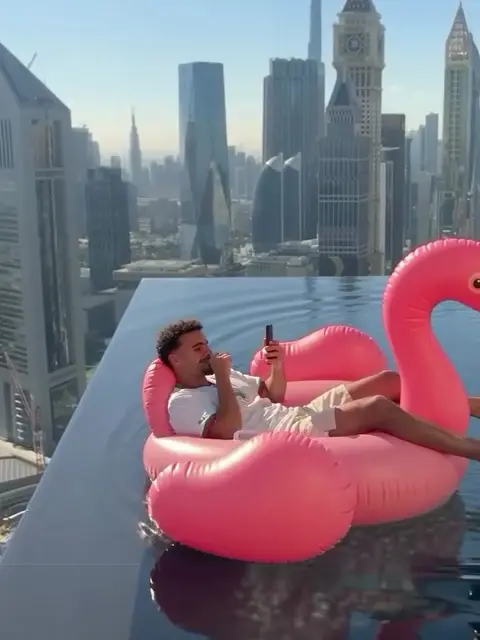
  3. The float right at the infinity edge, the rider closest to the camera, skyline behind30:04–0:04

    The close call

    The float reaches the edge and the rider is closest to the camera, the skyline filling the frame behind them.

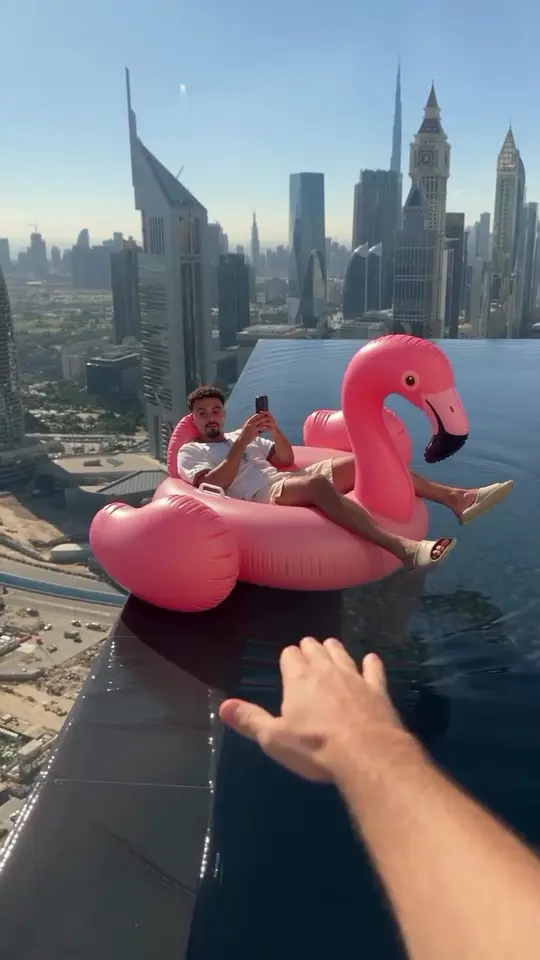
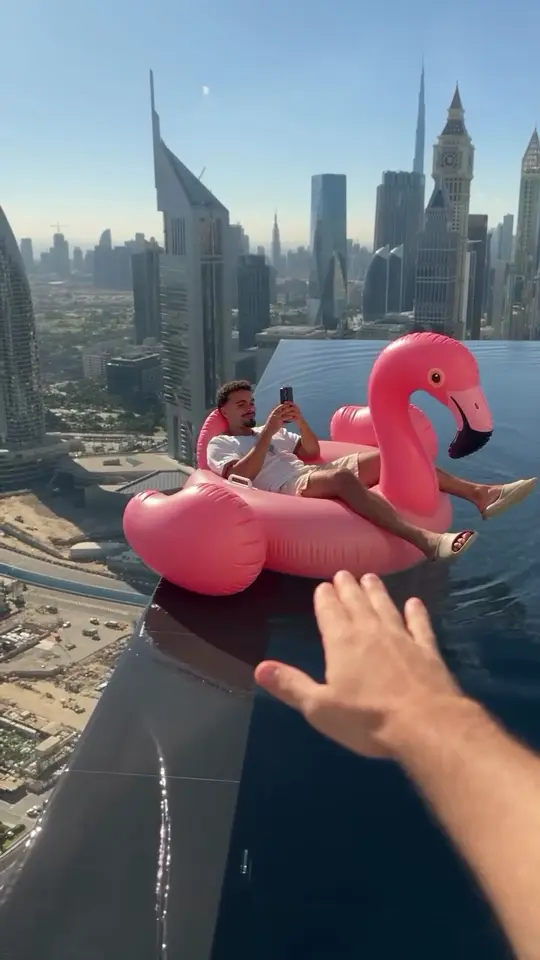
  4. A hand from off-frame reaching in to push the pink flamingo float back from the edge40:04–0:05

    The hand pushes it back

    A hand reaches in from off-frame and pushes the float away from the edge — the rescue the clip is known for.

  5. The pink flamingo float drifting back toward the skyline, the rider small on the water50:05–0:11

    Drift away

    The float drifts back toward the skyline, the rescue over, and the clip ends on the water settling.

Flamingo Float AI, an infinity-pool prompt, or a real trip?

Three different searches land on rooftop pool videos; only the first is this template: one photo placed in the fixed Dubai rescue.

CompareThis templateA pool promptA real-trip post
What you start withOne portrait photoA text descriptionYour own footage
What you getThe Dubai rooftop rescueA new pool sceneThe trip you filmed
The rescueFixed, the hand pushes backUp to the modelNothing staged
Where to make itThis pageAI Video GeneratorYour camera roll

How do you make a Flamingo Float AI video?

One photo, one rider, and no prompt: the rooftop pool, the float and the rescue all ship with the clip, and only the person on the float comes from your photo.

  1. The rider in the clip, sitting on the pink flamingo float in the rooftop pool

    Photo 1The rider

    Your photo becomes the rider on the pink flamingo float: the face, hair and build come from it. The clip keeps the pool, the float and the close call.

    • One person, clear face, little covering it
    • Bright and sharp, nobody else in the frame

Photos that suit a seated rider

Works well

  • A curly-haired woman in a mustard sweater, chest up, smiling at the cameraA clear, front-facing face
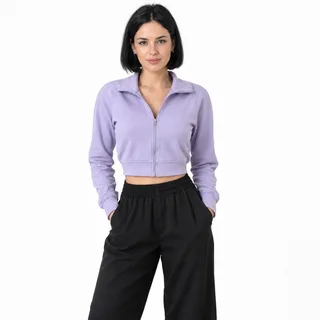
  • A woman in a lilac cropped jacket, head to thighs, hands in her pocketsHead to thighs, like a seated shot
  • A grey-haired man in a navy sweater, chest up, unfilteredNatural and unfiltered

Avoid

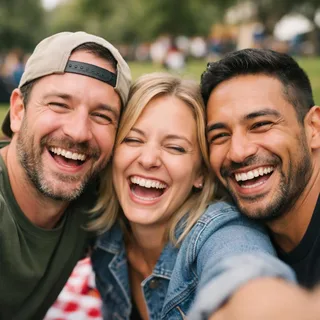
  • Three friends squeezed into one selfie at a picnicGroup or couple shots
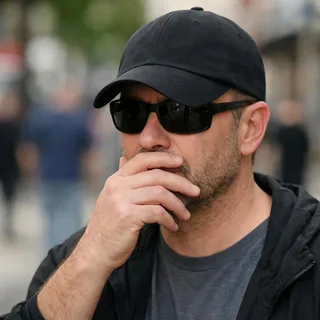
  • A man in sunglasses and a low cap with a hand over his mouthSunglasses, a cap or a hand over the face
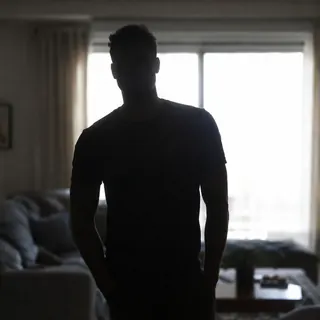
  • A man as a dark silhouette against a bright windowBacklit silhouettes

From one photo to the finished rescue

  1. Add one portrait

    Drop in one clear photo of the person who will ride the float.

  2. Click Generate

    The button shows the exact price for the resolution you pick before anything is charged.

  3. Post it

    Download the MP4 and post the rescue as it comes.

Flamingo Float AI prompt

Copy a Kling video-edit prompt that puts your portrait on the float in the rooftop clip itself, or a Seedance prompt that films the whole rescue from one photo. On this page the prompt is already set, so the photo is all you add.

Kling 4.0 video edit

Prompt length 979

Use @Video1 as the reference for the whole rooftop pool shot. Replace only the man in the white T-shirt lounging on the pink flamingo float with a phone in his hand with the person in @Image1.

Preserve the face, hairstyle, hair colour, skin tone, age and build of the person in @Image1. Transfer the rider's pose, gestures, gaze and timing from @Video1 frame by frame: lounging back on the float with the phone, the slow drift toward the infinity edge, the close call at the edge without looking up, and the float gliding back out across the pool.

The hand that reaches in from the bottom of the frame to push the float back belongs to someone off-camera: keep it exactly as it is and do not give it the face or skin of @Image1.

Keep the single continuous take, the handheld camera, the infinity pool, the pink flamingo float, the city skyline, the bright daylight, the vertical frame, the pacing and the audio of @Video1 unchanged. No cuts, no extra people, no text or logos.

What makes it work

  • Point at the rider, not the city

    “The man on the pink flamingo float” marks the one person to replace; the skyline needs no words because the clip already has it.

  • Keep the hand off-camera

    One sentence keeping the rescuing hand as it is stops the model from cloning the rider into the save.

  • Keep it one take

    The joke works because nothing is cut: the close call and the push happen in a single shot.

Leave these out

  • “Wave thank you to the camera”

    In the clip the rider never reacts; a wave or a turn changes the timing and spoils the “thank you bro” punchline.

  • “Fall over the edge”

    The rescue is the point; a drop off the building is a different, dangerous scene the model will try to render.

  • “Make it Singapore”

    Asking for another skyline re-shoots the background, and the float's drift and the hand go with it.

One request, two prompts

Asks for a new pool scene

Put me on a flamingo float in a rooftop pool.

Swaps the rider, keeps the save

Use @Video1. Replace only the man on the pink flamingo float with @Image1; keep the hand that pushes the float back, the single take and the clip's audio.

The first asks for a new pool scene and leaves out the rescue. The second keeps the clip, swaps the rider and protects the hand.

Flamingo Float AI: one photo, length and credits

Flamingo Float AI: one photo, length and credits
Photos
1 photo
Photo files
PNG / JPG / WebP, up to 10 MB, at least 512 px on the short side
Length
11 seconds, the whole clip kept end to end
Frame
9:16, vertical, matching the clip
Resolution
720p or 1080p; 720p by default
Sound
The clip's own sound, kept on the result
Credits
431–646 credits per video; 431 for the 11-second clip at 720p
Visibility
Videos made on a free account are public. On a paid plan they are private by default.
If a run fails
The credits go back to your balance automatically

FAQ

Flamingo Float AI: the source, the sound and the rider

Is Flamingo Float AI free?+

No, each video costs credits, and the price follows the resolution you pick. Generate shows the exact number before anything is charged, and a new account starts with 10 credits.

Does it keep the original sound?+

Yes. The result keeps the sound the clip already carries, and there is no field to swap in another track.

Where did the Flamingo Float trend start?+

The earliest version this page could check is a Singapore post from 29 October 2026, marked as AI content; the Dubai rescue with the "Thank you bro" caption followed on 2 November. That is the earliest evidence found, not proof of who posted first.

Is the rooftop pool video real or AI?+

It depends on the post. The Singapore version is marked as AI content; the Dubai post does not say how it was made, and its comments are not confirmation either way. This page makes its own AI version.

Who does the hand belong to?+

Someone off-frame in the clip. The hand is part of the fixed rescue and is never replaced by the photo you upload.

Can two people sit on the float together?+

No. This template is written for one person on one float, and a two-person version is a different composition that is not offered here.

Can my dog or cat ride the flamingo float?+

No. The rider slot takes one person, and the close call and the push are written for a human rider.

Can I choose Singapore or another city?+

No. This template is fixed to the Dubai rooftop rescue; the Singapore version is a different clip with a different action, and changing the skyline is not offered.

Do I need to write a Flamingo Float AI prompt?+

No. The clip, the camera and the rescue are fixed, so there is no prompt field and you only add one photo. The prompts above are for running the rescue in another video editor.

Why does my face change in the wide shots?+

Later in the clip the rider is small in the frame, and that gives the face fewer pixels to work from. A sharp, front-facing photo helps most; the checklist above covers the rest.

Is there a Flamingo Float TikTok filter?+

No. This is a browser-based AI video template, not a filter inside TikTok or any other app.

Can I use a friend's photo?+

Yes, with their permission: one clear photo of one person takes the only slot, and that person becomes the rider.

Flamingo Float AI

Make your Flamingo Float video from one photo

One portrait, one click: the float, the pool and the rescue are already in the clip.