


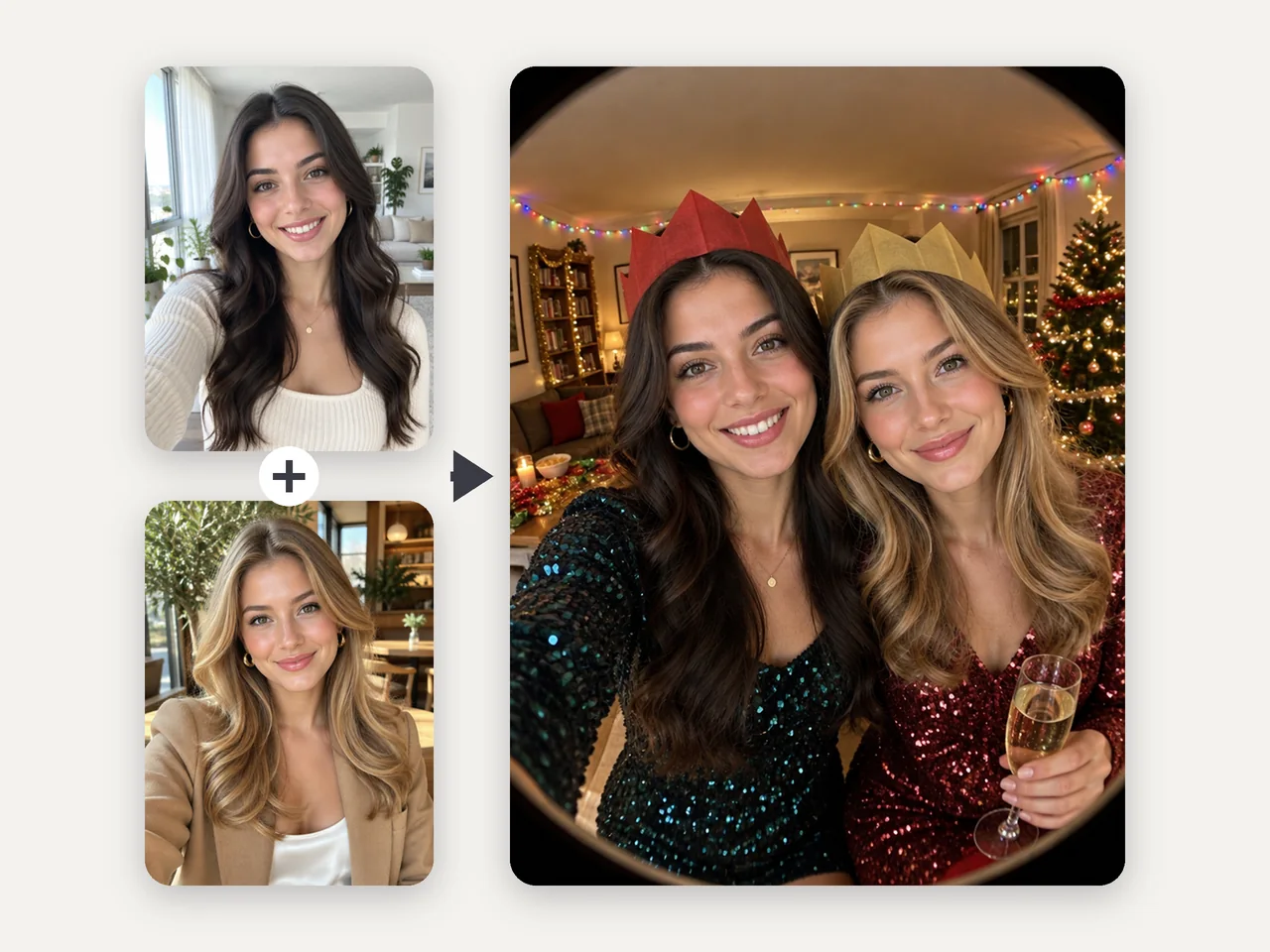
How the two photos meet
Taken in Different Places
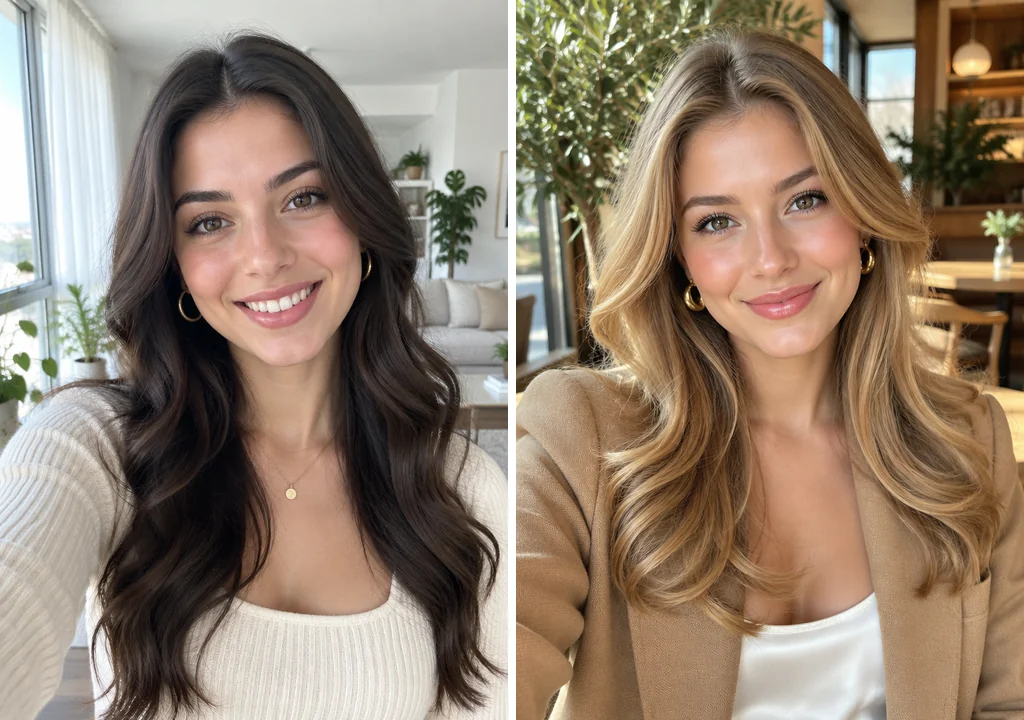
One portrait was taken by a window, the other in a café. The first photo places one friend on the left and the second places the other on the right.
Upload one photo of each friend and create a festive Christmas photo together. Choose matching pajamas, playful selfies, and cozy holiday scenes.
PNG / JPG / WebP · up to 10 MB · at least 512px on the short side
0/2 photos
Use one clear photo per person. Choose two front-facing portraits with similar framing.
Photo settings
No prompt needed. Only upload photos of yourself or people who agreed to be featured; celebrity photos and film stills aren't allowed.
Share a four-frame holiday photo strip
Try itA Christmas portrait from one selfie, your face unchanged
Try it
A hat, antlers or elf ears on every head
Try it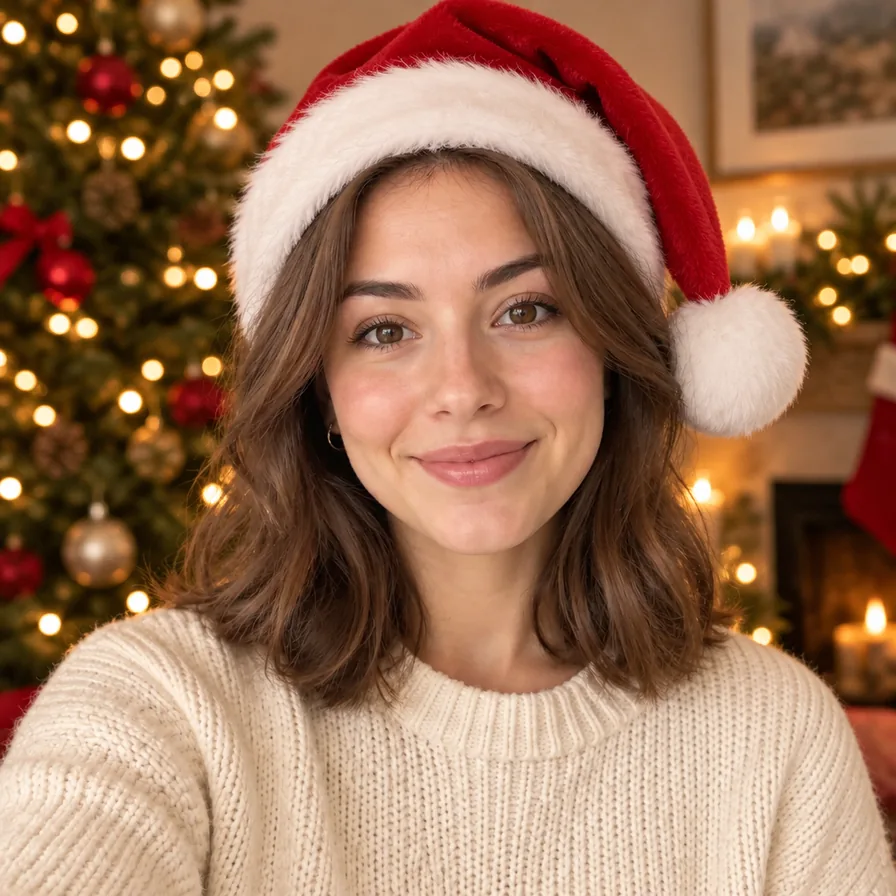
A festive avatar that survives the crop.
Try it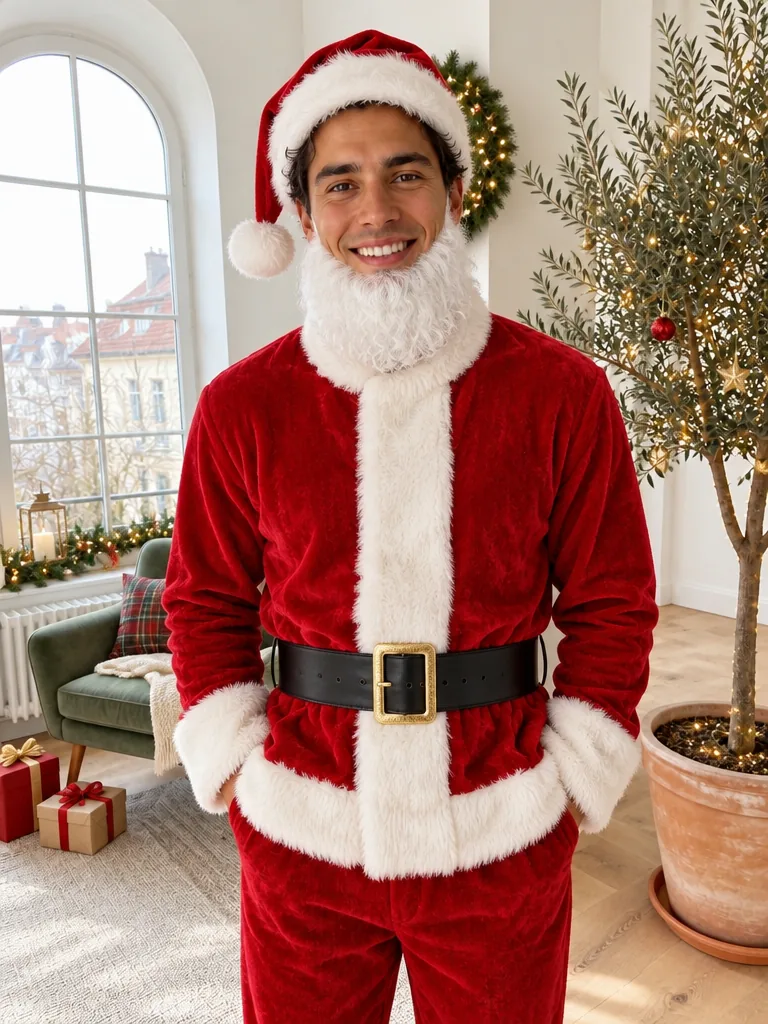
Be Santa, an elf or a snowman in one photo
Try itStart with two portraits taken separately and see how both friends fit into one holiday scene.
How the two photos meet
One portrait was taken by a window, the other in a café. The first photo places one friend on the left and the second places the other on the right.
Shared lighting and outfits
The template uses each portrait as a reference and creates one scene with shared lighting, a festive background, and outfits that fit the look you choose.
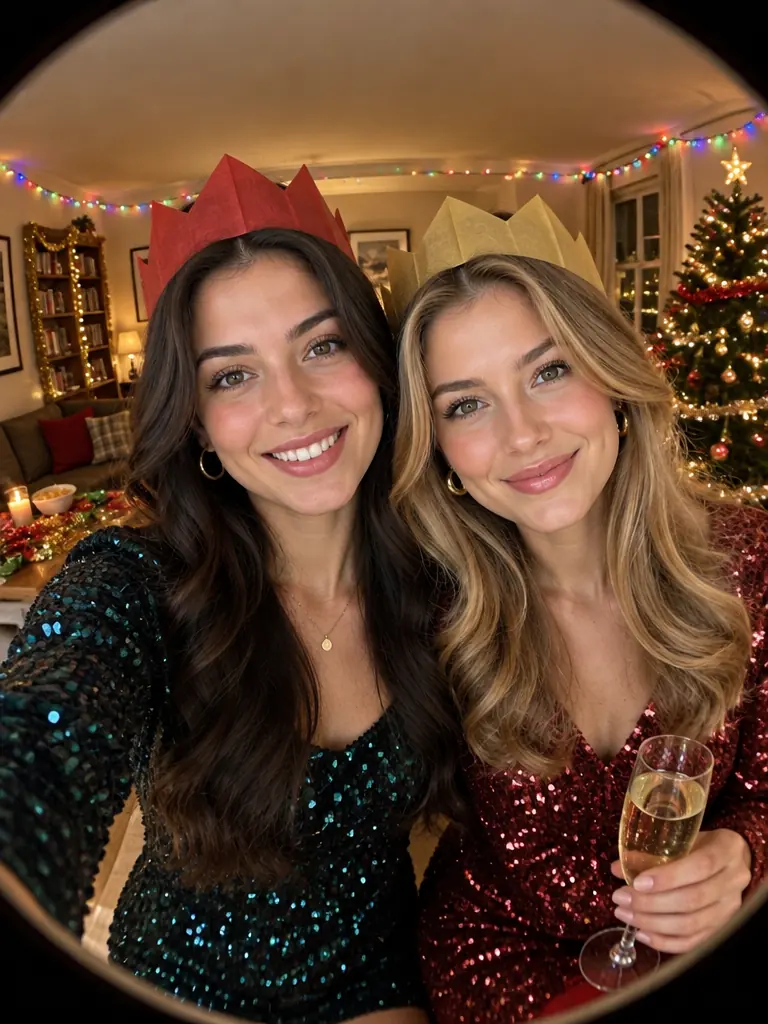
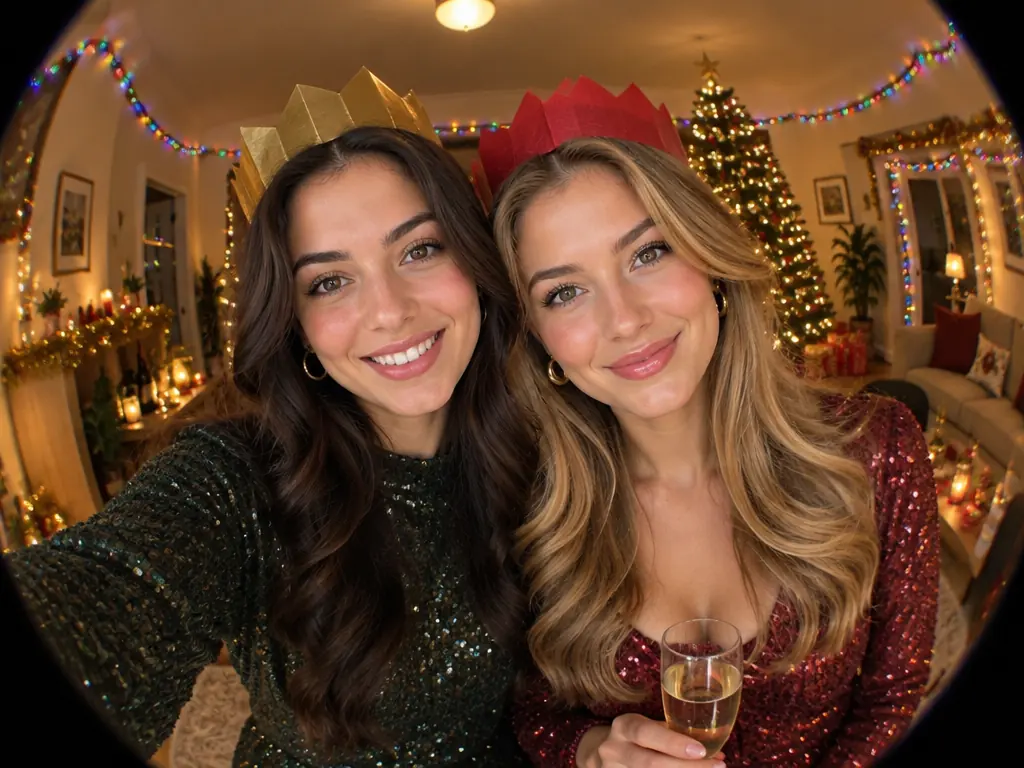
Try a close-up fisheye party shot, matching Christmas pajamas, or a mirror selfie with both of you in frame.
Default look
Lean into the camera together, with party crowns up close and Christmas lights curving around the edges.
Night in
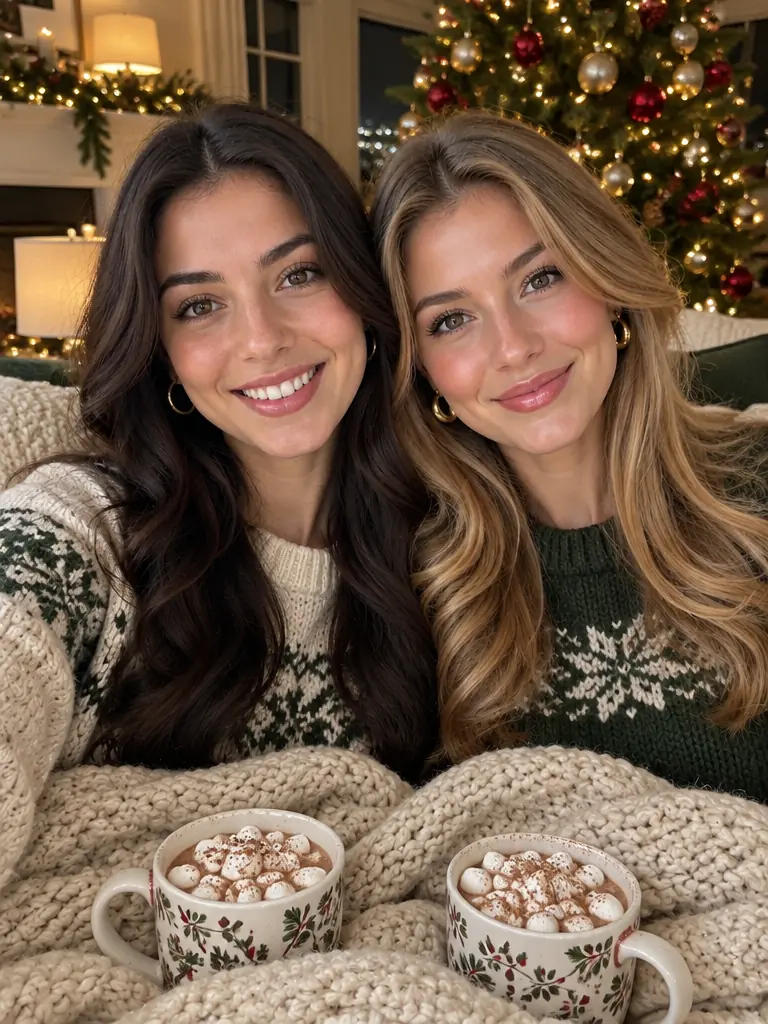
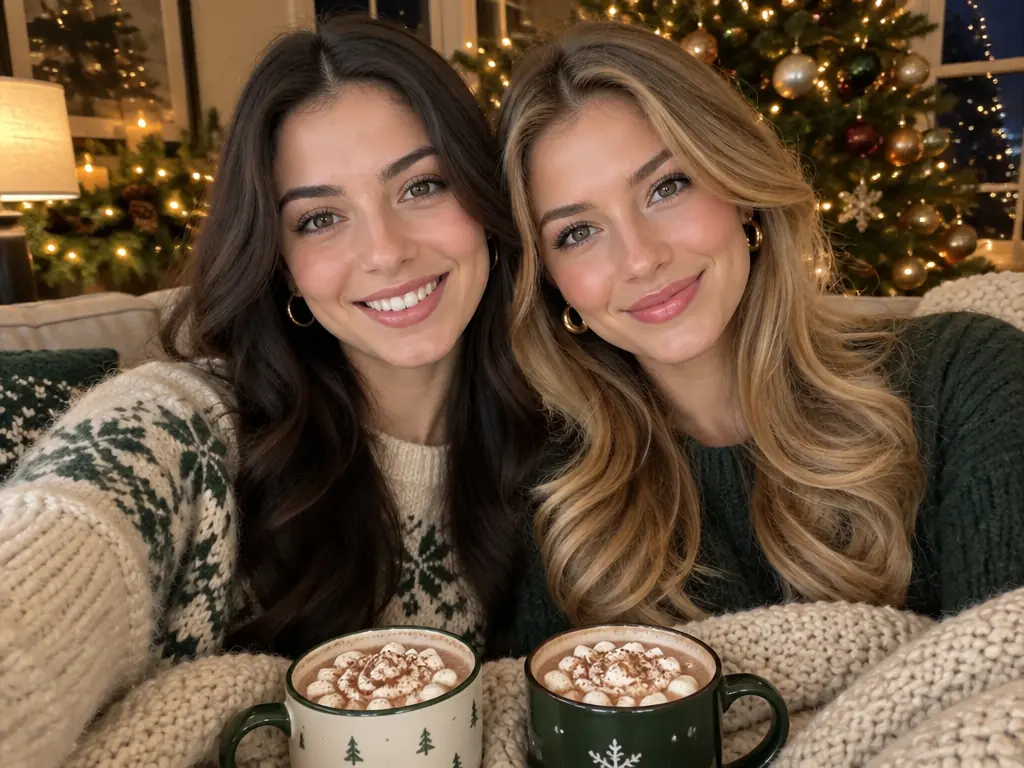
Snuggle under one blanket on the sofa, with warm tree lights behind you and cocoa in the foreground.
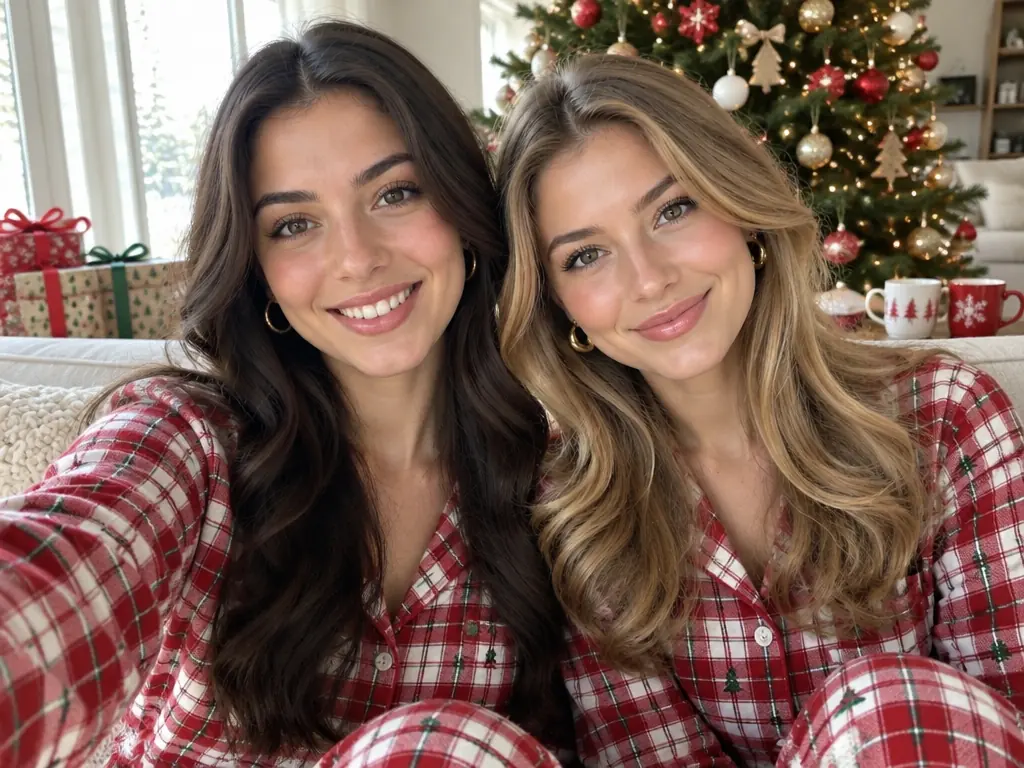
Christmas morning
Sit shoulder to shoulder by the tree in matching plaid Christmas pajamas, with wrapped gifts nearby.
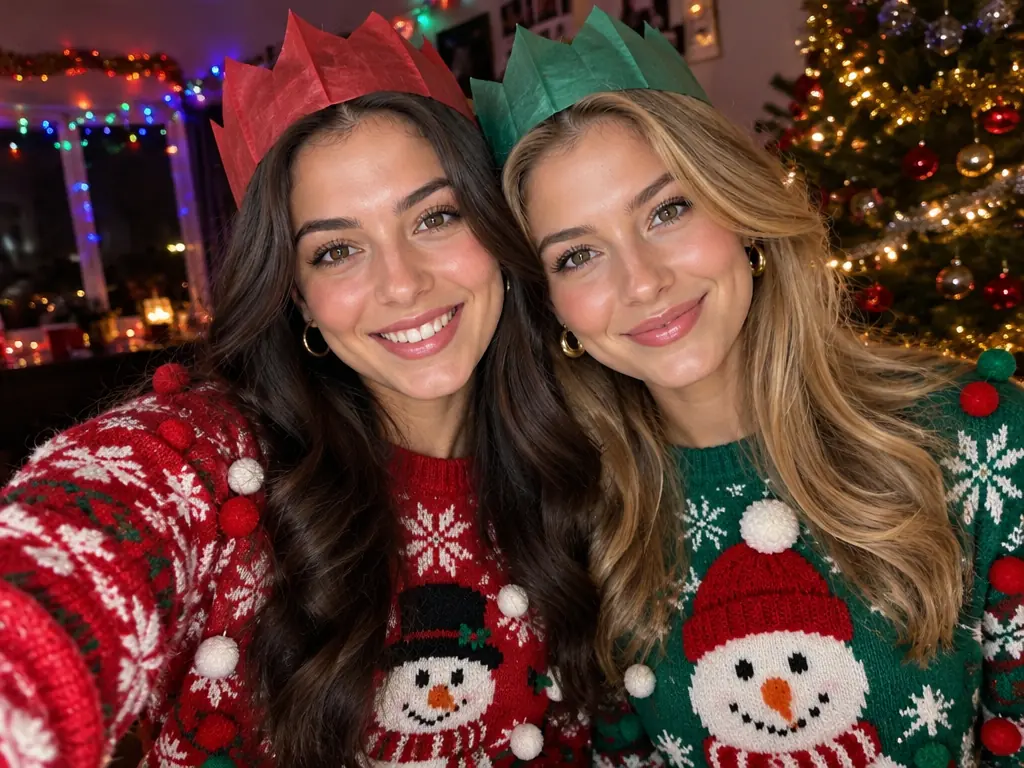
Direct flash
Get close to the camera in loud Christmas sweaters and paper crowns, with direct flash for a party snapshot.
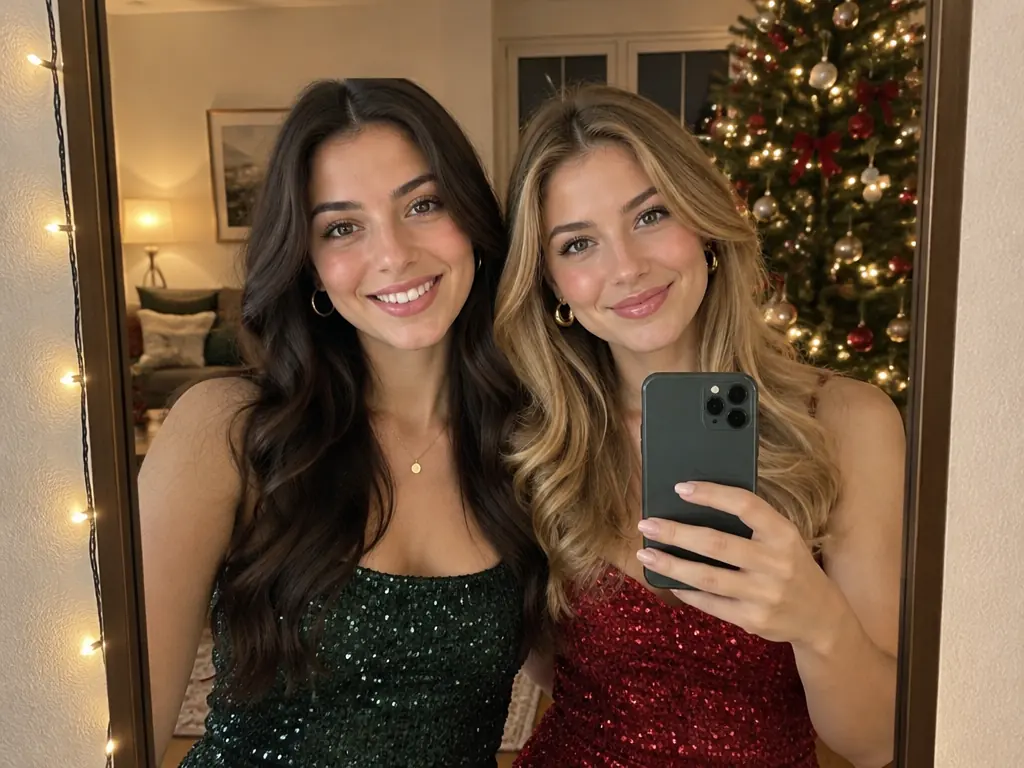
Outfit first
Take a mirror selfie together with one phone in view and the Christmas tree reflected behind you.
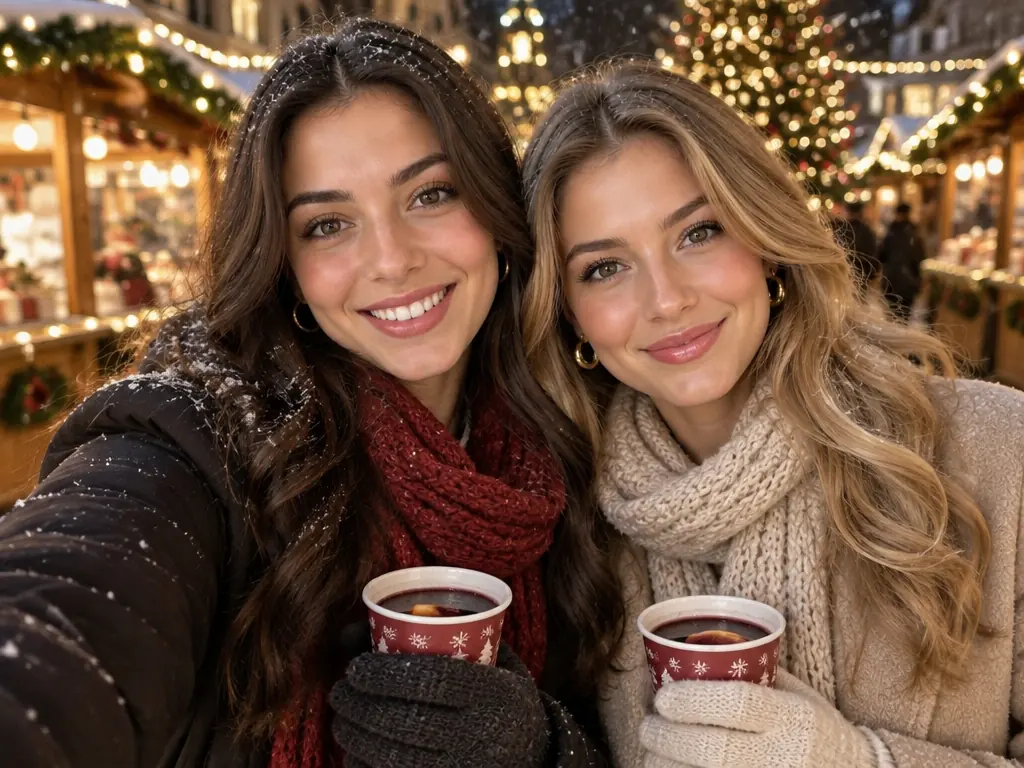
Outdoors
Take a close-up winter selfie with scarves and warm drinks against the lights of a Christmas market.
Use two clear solo portraits. Choose similar framing, such as two chest-up photos, even if the backgrounds differ.
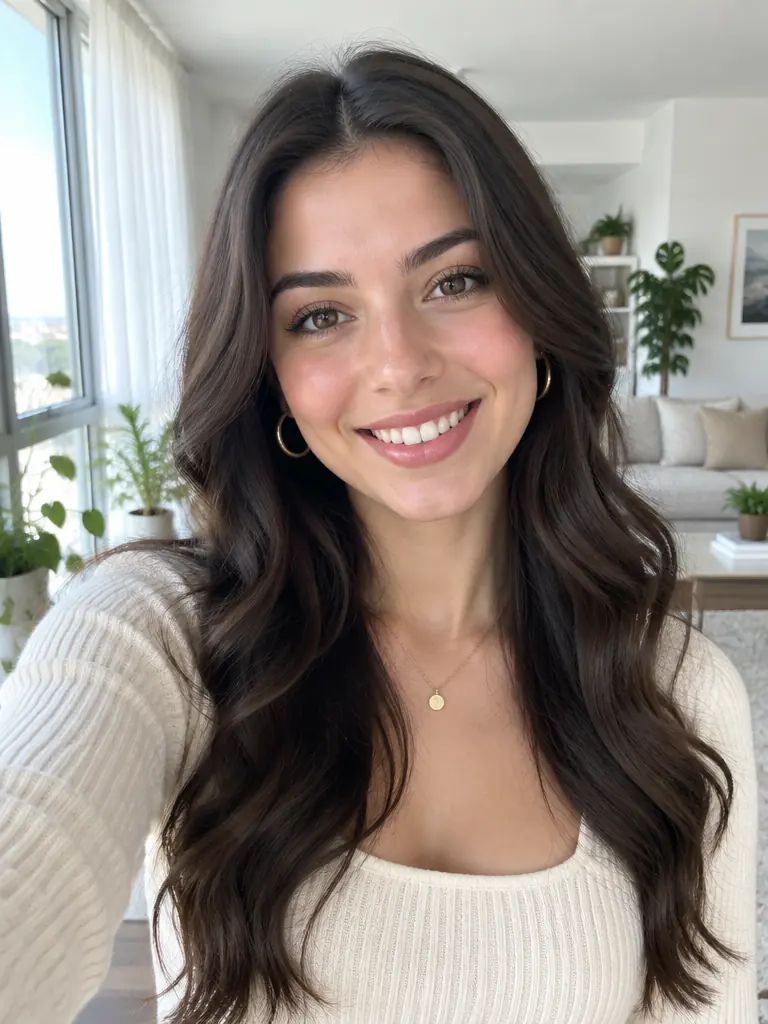
Photo 1Left friend
Becomes the friend on the left of the selfie.
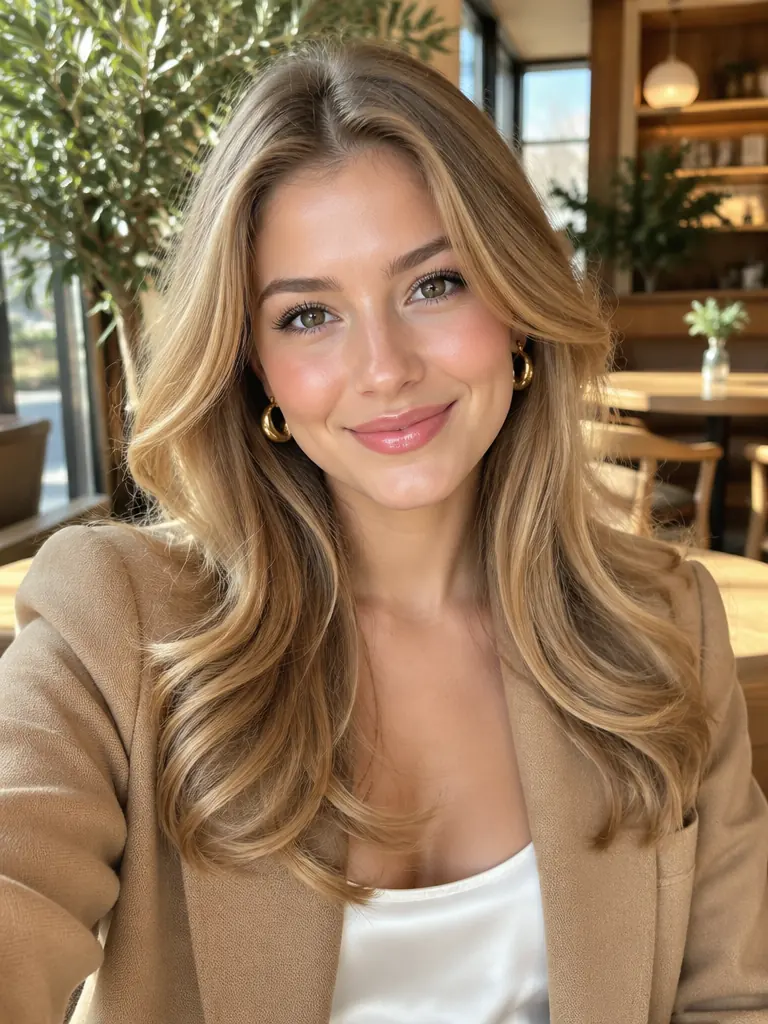
Photo 2Right friend
Becomes the friend on the right of the selfie.
Use
 Face to the camera with both eyes clear
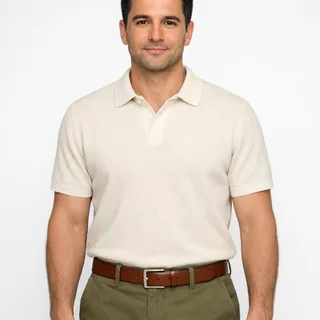 The same framing in both photos
Avoid
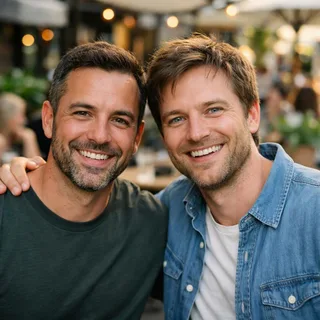 A photo with both of you in it
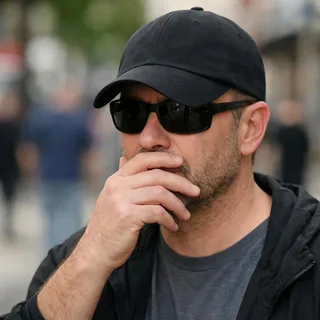 Sunglasses, low caps or hands over the face
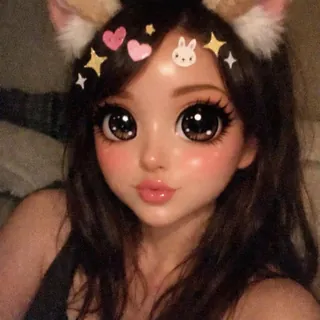 Beauty or cartoon filters
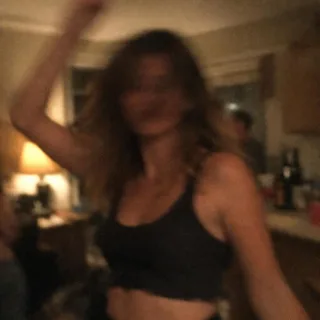 Dark or blurry night shots
Add both photos
Add one solo portrait in each slot. The first slot is for the friend on the left and the second is for the friend on the right.
Generate
Pick a look, aspect ratio, and resolution. Check the credit cost on the Generate button.
Download or animate it
Download the photo, or press Animate it to carry it into the Animate Christmas Photo template for a short video.
To create your own version in an image editor, attach both portraits and copy a prompt below. Image 1 is the friend on the left. Image 2 is the friend on the right.
Image editor with two reference photos
Prompt length 1262
Create one Christmas selfie photo of two adult friends: the person from image 1 on the left and the person from image 2 on the right. Keep each person's face, identity, age, skin tone, hairstyle and body shape, and keep their two faces apart: never blend, average, age or swap their features. They lean in with their heads close together, both faces turned to the camera, happy and relaxed, framed from the chest up, one of them holding the phone out of frame. They are friends, not a couple: no kiss and no romantic pose. It is a real phone selfie: arm's-length camera at about chin height, mild wide-angle perspective, both faces sharp and evenly lit, natural phone-camera detail, no beauty retouching. Shot on a 180-degree fisheye lens: the wide circular view is obvious, and the straight lines of the room bend around the corners while both faces stay undistorted near the middle of the frame. A home Christmas party with warm fairy lights, tinsel, paper party crowns, a decorated tree and strands of colored lights curving with the walls behind them, festive party outfits with a little sparkle, one glass of something sparkling within reach. Photorealistic photo. No text, logos or watermarks, no extra people, and no characters from films, shows or games.Image editor with two reference photos
Prompt length 1230
Create one Christmas selfie photo of two adult friends: the person from image 1 on the left and the person from image 2 on the right. Keep each person's face, identity, age, skin tone, hairstyle and body shape, and keep their two faces apart: never blend, average, age or swap their features. They lean in with their heads close together, both faces turned to the camera, happy and relaxed, framed from the chest up, one of them holding the phone out of frame. They are friends, not a couple: no kiss and no romantic pose. It is a real phone selfie: arm's-length camera at about chin height, mild wide-angle perspective, both faces sharp and evenly lit, natural phone-camera detail, no beauty retouching. Sitting close together on a sofa in front of a decorated tree at night, one knitted blanket pulled up over both their laps and shoulders, their arms hidden under the blanket so no hands or arms are in frame, two mugs of cocoa resting on the blanket in front of them. Warm fairy lights glow behind their heads, soft lamps and pine garlands around them, cozy cream and forest-green knits, a calm evening at home. Photorealistic photo. No text, logos or watermarks, no extra people, and no characters from films, shows or games.Image editor with two reference photos
Prompt length 1117
Create one Christmas selfie photo of two adult friends: the person from image 1 on the left and the person from image 2 on the right. Keep each person's face, identity, age, skin tone, hairstyle and body shape, and keep their two faces apart: never blend, average, age or swap their features. They lean in with their heads close together, both faces turned to the camera, happy and relaxed, framed from the chest up, one of them holding the phone out of frame. They are friends, not a couple: no kiss and no romantic pose. It is a real phone selfie: arm's-length camera at about chin height, mild wide-angle perspective, both faces sharp and evenly lit, natural phone-camera detail, no beauty retouching. Both wear the same red-and-white flannel Christmas pajama set: button-up shirts and pajama pants with the same small print. They sit side by side on a sofa in front of the tree on Christmas morning, soft daylight from a window, a few wrapped gifts and two mugs beside them, hair loose and natural. Photorealistic photo. No text, logos or watermarks, no extra people, and no characters from films, shows or games.Image editor with two reference photos
Prompt length 1108
Create one Christmas selfie photo of two adult friends: the person from image 1 on the left and the person from image 2 on the right. Keep each person's face, identity, age, skin tone, hairstyle and body shape, and keep their two faces apart: never blend, average, age or swap their features. They lean in with their heads close together, both faces turned to the camera, happy and relaxed, framed from the chest up, one of them holding the phone out of frame. They are friends, not a couple: no kiss and no romantic pose. It is a real phone selfie: arm's-length camera at about chin height, mild wide-angle perspective, both faces sharp and evenly lit, natural phone-camera detail, no beauty retouching. Both wear loud ugly Christmas sweaters with different novelty patterns, snowmen and pom-poms, at a house party lit by direct camera flash, paper party crowns on their heads. Tinsel and a lit tree behind them, their heads tipped together mid-laugh, colorful party lights in the background. Photorealistic photo. No text, logos or watermarks, no extra people, and no characters from films, shows or games.Image editor with two reference photos
Prompt length 1259
Create one Christmas selfie photo of two adult friends: the person from image 1 on the left and the person from image 2 on the right. Keep each person's face, identity, age, skin tone, hairstyle and body shape, and keep their two faces apart: never blend, average, age or swap their features. They lean in with their heads close together, both faces turned to the camera, happy and relaxed, framed from the chest up, one of them holding the phone out of frame. They are friends, not a couple: no kiss and no romantic pose. It is a real phone selfie: arm's-length camera at about chin height, mild wide-angle perspective, both faces sharp and evenly lit, natural phone-camera detail, no beauty retouching. A mirror selfie: both stand side by side in front of a tall full-length mirror, and the mirror frame, the wall around it and the room with a decorated tree are all visible in the reflection. One of them holds the phone up at chest height so both faces stay clear above it. Festive evening outfits with a little sparkle, warm lamp light and one string of lights. Exactly one reflection of each person, no duplicated body and no extra hands. Photorealistic photo. No text, logos or watermarks, no extra people, and no characters from films, shows or games.Image editor with two reference photos
Prompt length 1112
Create one Christmas selfie photo of two adult friends: the person from image 1 on the left and the person from image 2 on the right. Keep each person's face, identity, age, skin tone, hairstyle and body shape, and keep their two faces apart: never blend, average, age or swap their features. They lean in with their heads close together, both faces turned to the camera, happy and relaxed, framed from the chest up, one of them holding the phone out of frame. They are friends, not a couple: no kiss and no romantic pose. It is a real phone selfie: arm's-length camera at about chin height, mild wide-angle perspective, both faces sharp and evenly lit, natural phone-camera detail, no beauty retouching. Outdoors at a Christmas market in the evening: wooden stalls with warm bulbs and evergreen garlands and a lit tree, all softly blurred behind them. Both wear winter coats, knitted scarves and gloves, one holds a cup of mulled wine or cocoa, cold air, glowing bokeh and soft snow in the light. Photorealistic photo. No text, logos or watermarks, no extra people, and no characters from films, shows or games.Keep one look per prompt
Fisheye party and market night in one sentence gives the model two scenes and you neither.
Say where each face sits
Both faces in the middle band, above the phone in a mirror shot, is what keeps a fisheye from stretching a cheek.
Don't ask for a crowd
"Friends around us" adds people the photos do not contain, and the two real faces stop being the subject.
Don't ask for a filter
A filter keeps your background; these prompts rebuild the room, the light and the outfits instead.
A photo costs 5 credits at 1K, 6 at 2K, or 7 at 4K. New accounts start with 10 credits. The Generate button shows the cost before you run it.
Yes. You can use portraits taken in different places or on different days. Pick two clear photos with similar framing.
This template needs one solo photo per person. If you already have a photo together, use AI Christmas Family Photo to give it a Christmas look.
The AI uses both portraits as separate references for the two friends. Facial details can vary. Clear, front-facing photos without filters give it a better reference.
Yes, by choosing that look: matching flannel pajamas and loud sweaters are what those two looks are for. In the other looks the template dresses you to fit the scene, so clothes from your photos are not kept piece by piece.
No. Pick one of the looks and generate; the scene, light and camera are already written. If you want a scene this page does not have, the image generator takes a prompt of your own.
Yes: 3:4 by default, plus 1:1 and 4:3. Square suits a post or a profile picture, and landscape leaves room for the tree and the room. Check that both faces are still in frame before you download.
You get one still photo of the two of you. Use Christmas Photobooth AI to make a four-frame Christmas photo strip video.
Upload photos only with each person's permission. Results from this template stay in your Creations and are kept out of the public gallery.
Start with one photo each and try the fisheye party look.