

Bandit AI Trend

Cast yourself and a friend in a Bandit rap video based on Juice WRLD and YoungBoy Never Broke Again’s music video. Upload one portrait per role.

  • No prompt
  • Duo cast
  • Sound included
Example · Bandit AI Trend

PNG / JPG / WebP · up to 10 MB · at least 512px on the short side

0/2 photos

Add one portrait for the lead in the dark suit and one for the partner in the green top and cap.

Video settings

No prompt needed. Only upload photos of yourself or people who agreed to be featured; celebrity photos and film stills aren't allowed.

Six shots in the Bandit AI remake

Follow how the Bandit rap duo moves from an outdoor wide shot to close-ups. Use this shot list to check your video as the camera distance and lighting change.

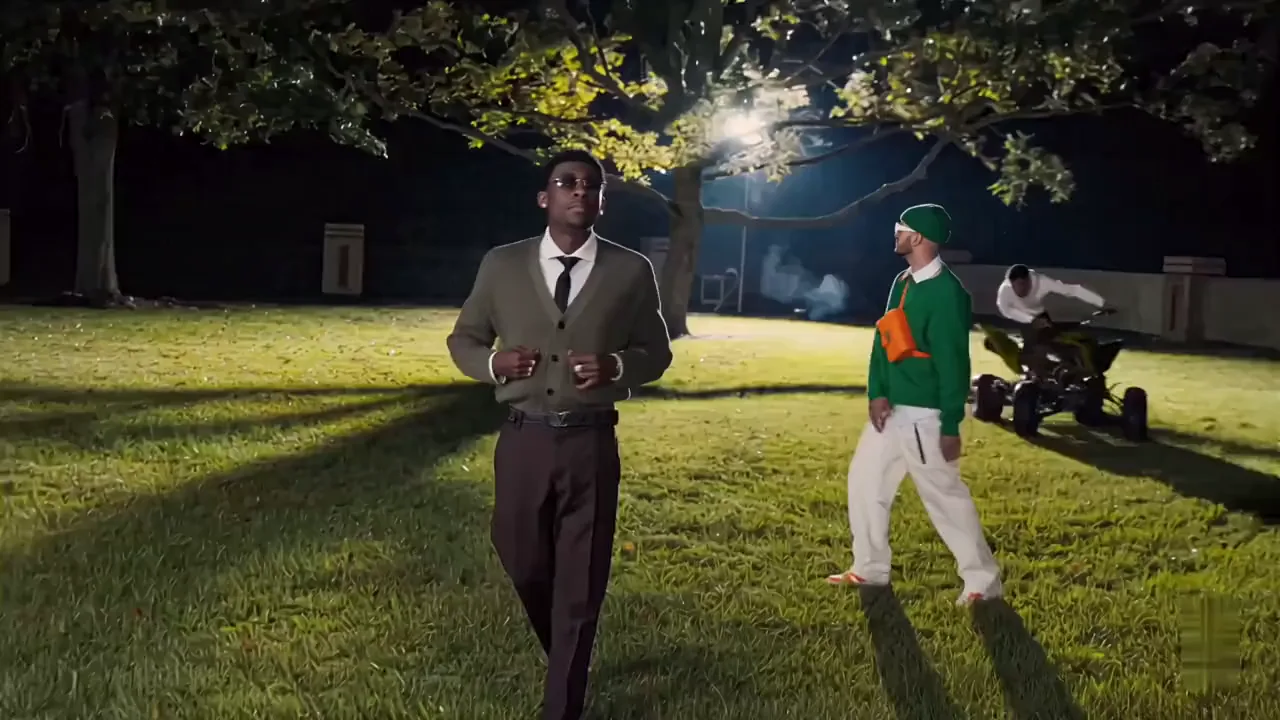
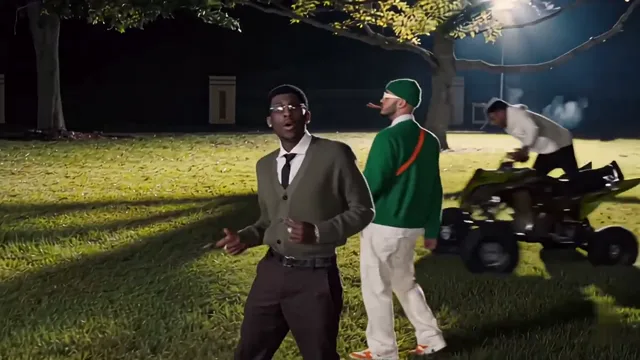
  1. The pair stands on a floodlit lawn with a quad bike in the background.10:00–0:03

    Night lawn opening

    A wide shot places the two rappers on the lawn, with a quad bike visible behind them.

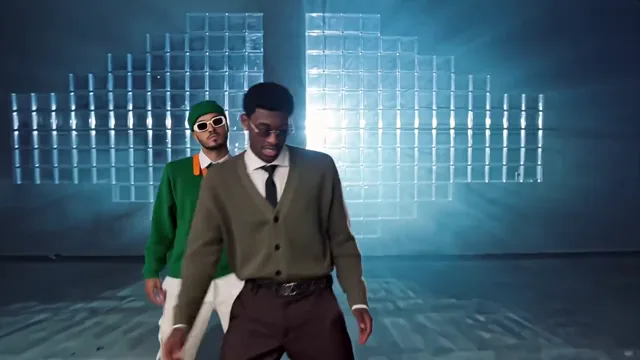
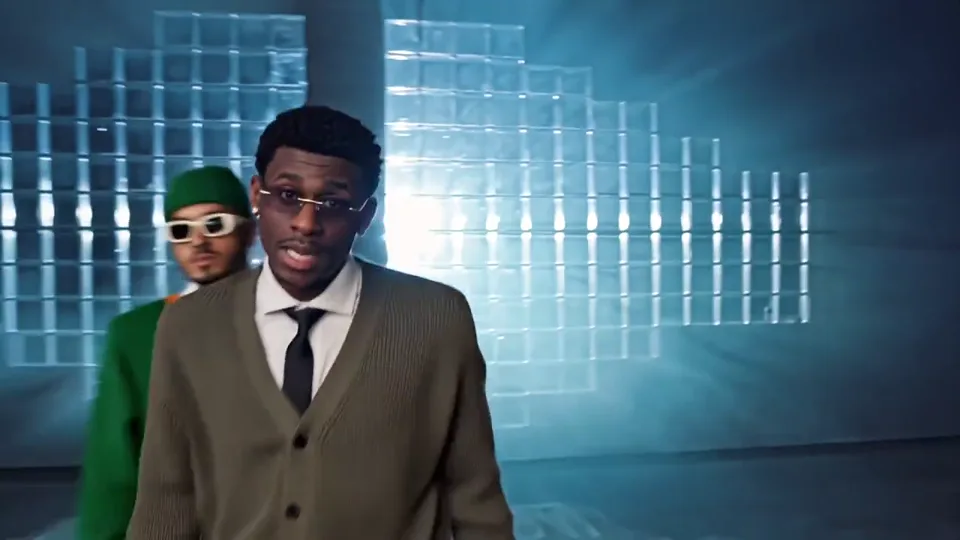
  2. Two rappers stand in front of a blue-lit wall of glass blocks.20:03–0:07

    Blue studio two-shot

    The lead faces the camera against blue glass blocks before the frame widens to include both performers.

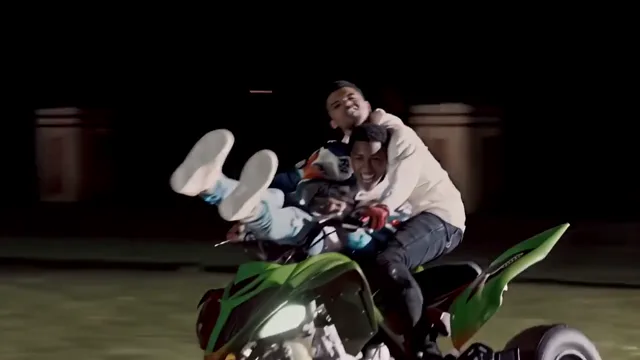
  3. A rider on a green ATV under a spotlight.30:07–0:08

    ATV insert

    The edit briefly leaves the duet for a shot of the quad bike and its rider.

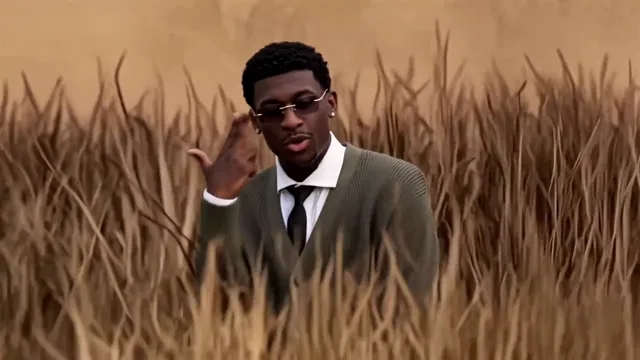
  4. The lead rapper gestures among tall gold stalks.40:08–0:11

    Solo in the wheat

    The lead appears alone in warm light and raises a hand beside his face.

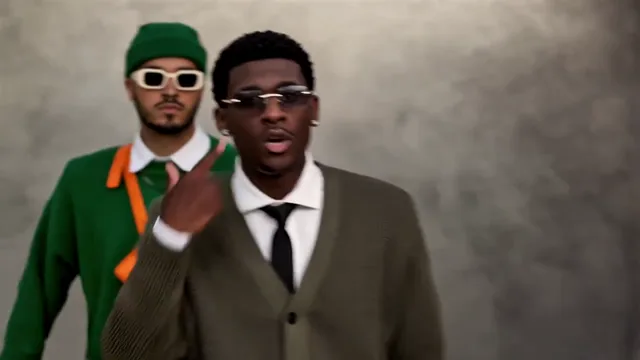
  5. The green-clad rapper stands behind the suited lead at a grey wall.50:11–0:13

    Grey-wall reunion

    Both performers return in depth, with the partner behind the lead as the camera moves in.

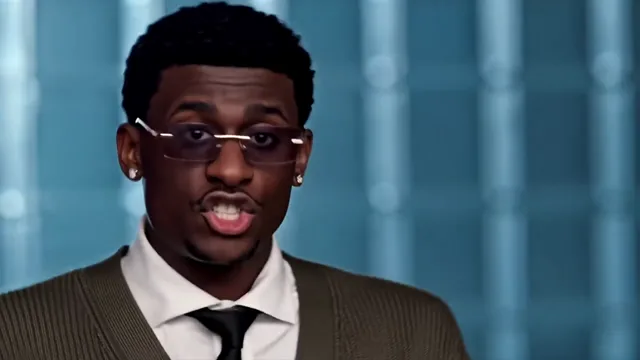
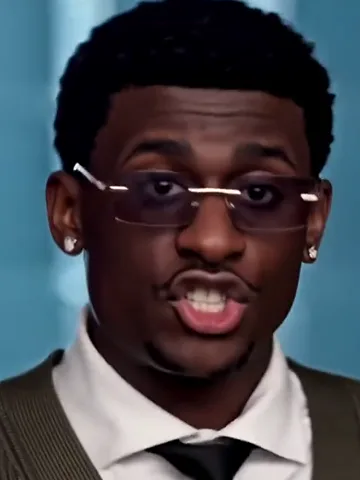
  6. Close-up of the lead rapper under blue studio lighting.60:13–0:15

    Final blue close-up

    A tight shot returns to the blue set and brings the lead’s expression into full view.

What is the Bandit Juice WRLD AI trend?

The Bandit AI trend puts familiar characters or new faces into the performance scenes from the “Bandit” music video. The verse stays recognizable as the cast changes.

Both rappers face the camera against blue-lit glass blocks.

Juice WRLD and YoungBoy Never Broke Again released “Bandit” in 2019. The Lyrical Lemonade music video gives the edit its recognizable mix of a night lawn, blue-lit interiors and a field.

TikTok’s November 19, 2026 iCarly edit showed an unlikely cast performing the familiar verse. The post displayed 556.6K likes when checked on November 22. Edits featuring The Office and Monsters, Inc. played with the same idea.

How do you make a Bandit AI video with two photos?

Choose who gets the final close-up before you upload. You can swap their slots anytime before generating.

  1. The lead performer in a dark suit and tie in the final close-up.

    Photo 1Lead in suit

    This photo takes the suited lead, who opens the verse and gets the final close-up.

    • Choose a shot where the lips and jawline are visible for the close framing.
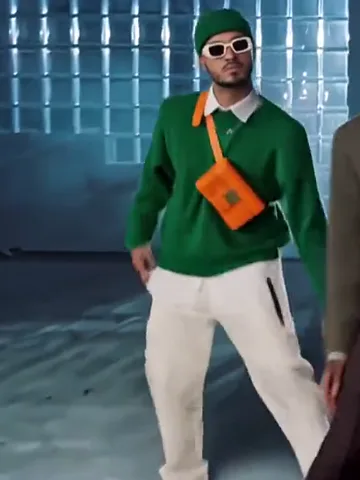
  2. The partner in a green top and cap on the blue studio set.

    Photo 2Green partner

    This photo takes the partner in green, who joins the lead in the wider shots.

    • Leave room around the head and shoulders for the wider framing.

Pick photos for both sides of the verse

Do

  • A person facing the camera in even light.Use even light so the face reads in the blue-lit shots.
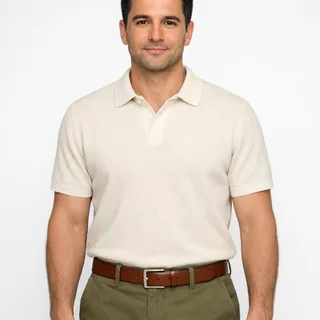
  • A person in a cream polo shown from the waist up.Try a waist-up portrait with one person in the frame.

Avoid

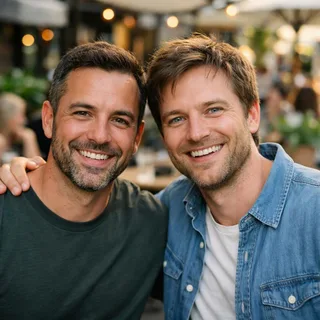
  • Two people posing side by side in a café.Separate both people into individual portraits.
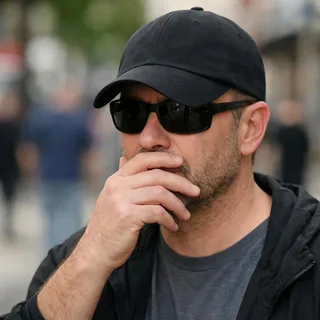
  • A person in sunglasses with a hand partly covering the mouth.Skip photos with a hand, hat brim or dark shades hiding the face.

From casting to your finished Bandit edit

  1. Fill both roles

    Upload your portraits into the labeled slots and check the two thumbnails.

  2. Choose the video resolution

    Check the credit amount on Generate, then start the render.

  3. Check the rider and export

    Play the ATV insert before sharing and check that the rider kept their own face. Download once you’re happy with the edit.

A Bandit AI prompt for Kling video editing

For a custom Bandit AI remake, use a clip with two distinct outfits and attach one portrait for each role in Kling Video Edit.

Kling 4.0 video editing

Prompt length 357

Use @Video1 for the rap edit. In each cut, find the lead by the dark jacket and tie and give that person the face from @Image1. Find the partner by the green outfit and give that person the face from @Image2. Match their faces to the same clothes even when they cross the frame. Keep both people’s performance timing and leave the rider on the ATV as shown.

Do

  • Track the two outfits

    Name the suit and green top so the same roles carry from a wide shot to a close-up.

Avoid

  • Assigning people by screen position

    The cut moves people around and shows the rider alone. A left-or-right instruction can send a rapper’s face to the wrong person.

Bandit video length, resolution and credit cost

Bandit video length, resolution and credit cost
Photos
2 single-person photos
Files
PNG / JPG / WebP, up to 10 MB, short side at least 512 px
Length
About 15 seconds
Frame
16:9 landscape
Resolution
720p or 1080p; 720p by default
Credits
566 credits at 720p and 849 credits at 1080p

Edit the Bandit clip after export

Upscale a finished cut, extend a scene or make a follow-up video using your own reference.

  • AI Video Generator

    Generate a clip from a prompt, a still image, a reference or existing footage.

    Open tool
  • Video Upscaler

    Raise a clip to 1080p or 4K and sharpen detail frame by frame.

    Open tool
  • Video Extender

    Add seconds before or after a shot while its motion and subject carry on.

    Open tool
  • Motion Control

    Give a character image the performance from a reference clip.

    Open tool

Bandit AI trend questions

Can I make the Bandit AI trend with one group photo?+

The preset needs two separate portrait files. If both faces are clear in one group photo, crop it into two images with one person in each.

Does the Bandit AI video keep its original sound?+

The Bandit video keeps the template’s built-in soundtrack. The verse is fixed, and custom audio uploads are unavailable.

How close is the lip sync in the Bandit AI video?+

The edit follows the template’s performance timing. Fast syllables or profiles can still show mismatches. Play the close-up with sound before sharing it.

What if the two faces look swapped between shots?+

Check the blue studio two-shot and the shot at the grey wall. If both faces are reversed in both scenes, check the upload order. If only one face changes in one shot, try a clearer portrait with both eyes and the mouth visible.

Can I post this Bandit edit vertically?+

Place the wide video inside a vertical canvas to keep both rappers visible. A center crop can hide the partner in the wider shots.

What changes the credit cost of a Bandit video?+

Output resolution changes the price. The Generate button shows the total for your selection before you start.

Do I need a Bandit AI CapCut template?+

You can make the Bandit edit directly in Oeneo AI. The preset supplies the scenes, so you can start with portraits in the upload slots above.

Can a pet take one of the Bandit rap roles?+

Use human portraits for this preset. The close-ups depend on human mouth movements and facial expressions.

Make a Bandit rap video with a friend

Cast the verse together and see how you both look under the blue studio lights.