


Photo used
Before
On your own
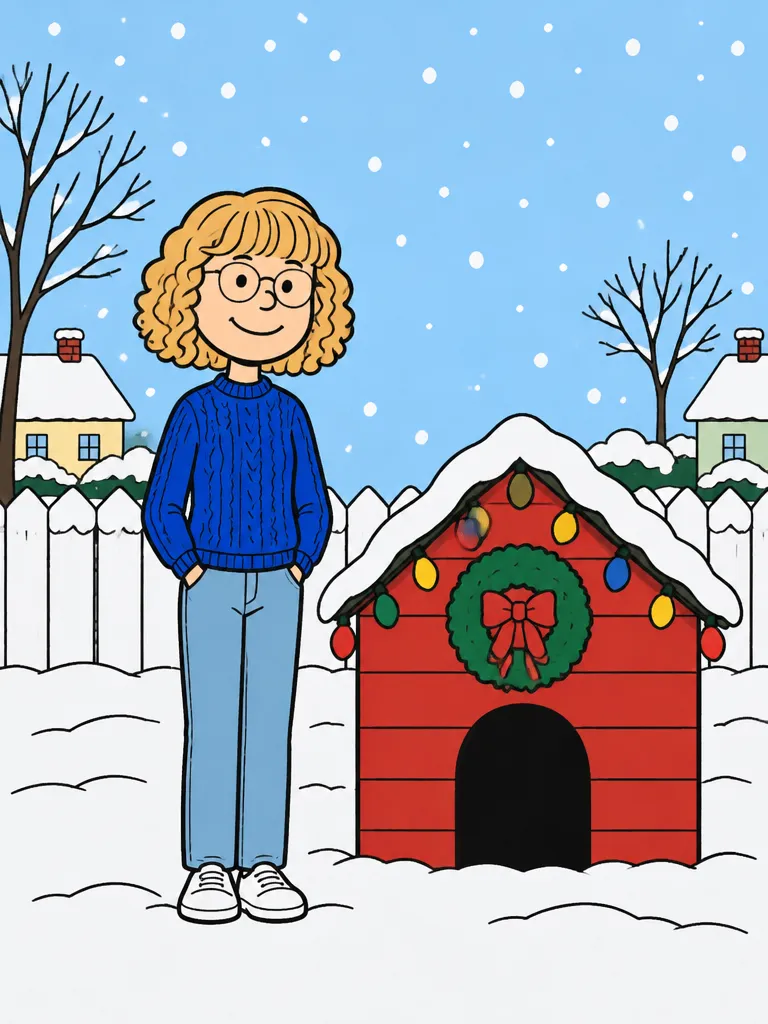
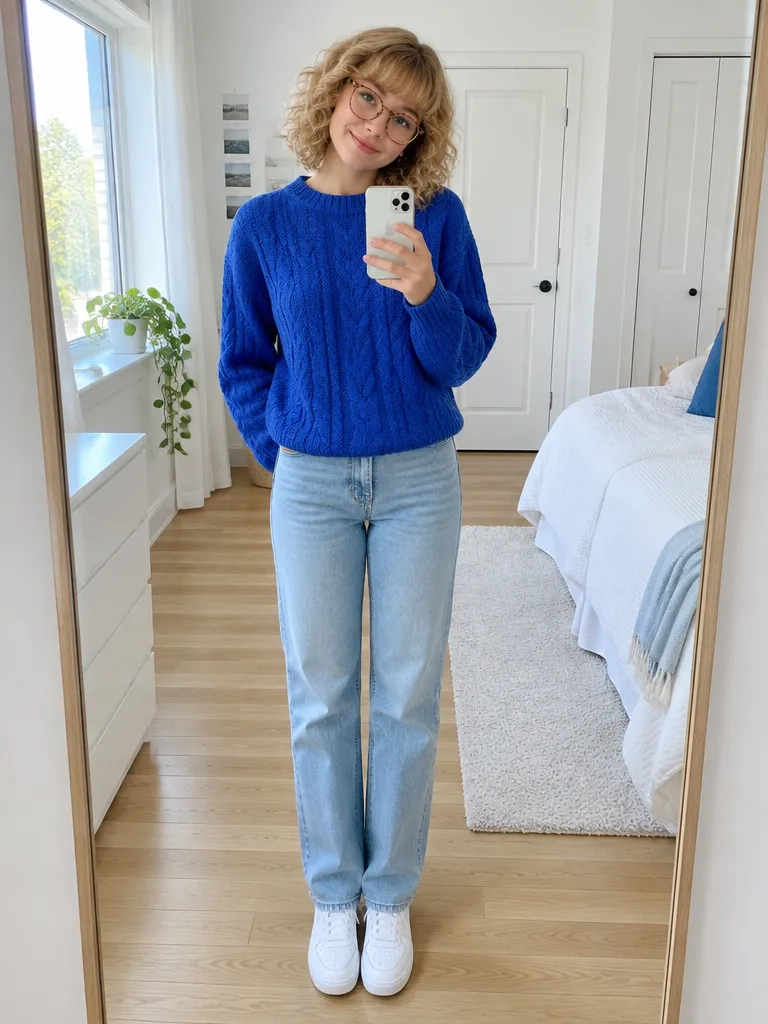
Her curly blonde bob with bangs, round glasses and blue cable knit carry over almost one to one, while the face becomes the simple cartoon face of the trend.
Upload one photo and get the Charlie Brown Christmas trend picture: you, your friends or your dog drawn as a flat 1960s holiday cartoon by a red doghouse in the snow.
PNG / JPG / WebP · up to 10 MB · at least 512px on the short side
0/1 photos
One photo: just you, up to four people standing together, or your pet. Hair, glasses and clothes should be easy to see, head to toe if you can.
Photo settings
No prompt needed. Only upload photos of yourself or people who agreed to be featured; celebrity photos and film stills aren't allowed.
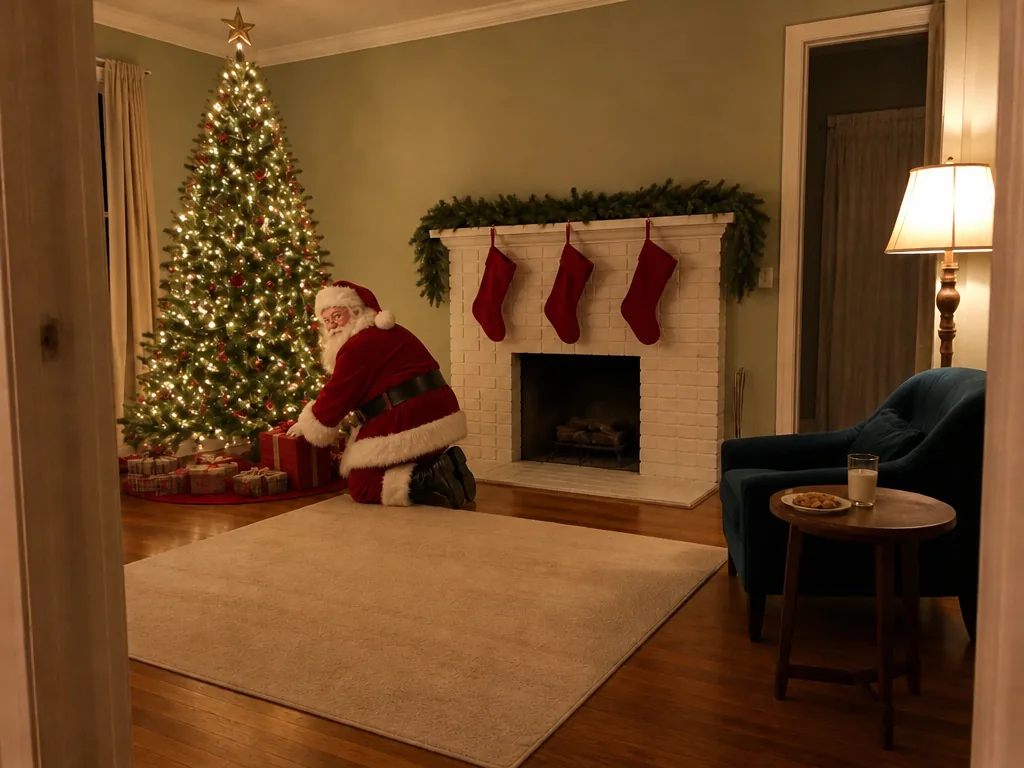
Santa in your own room, porch or family photo
Try itSanta's visit, filmed in your own room
Try it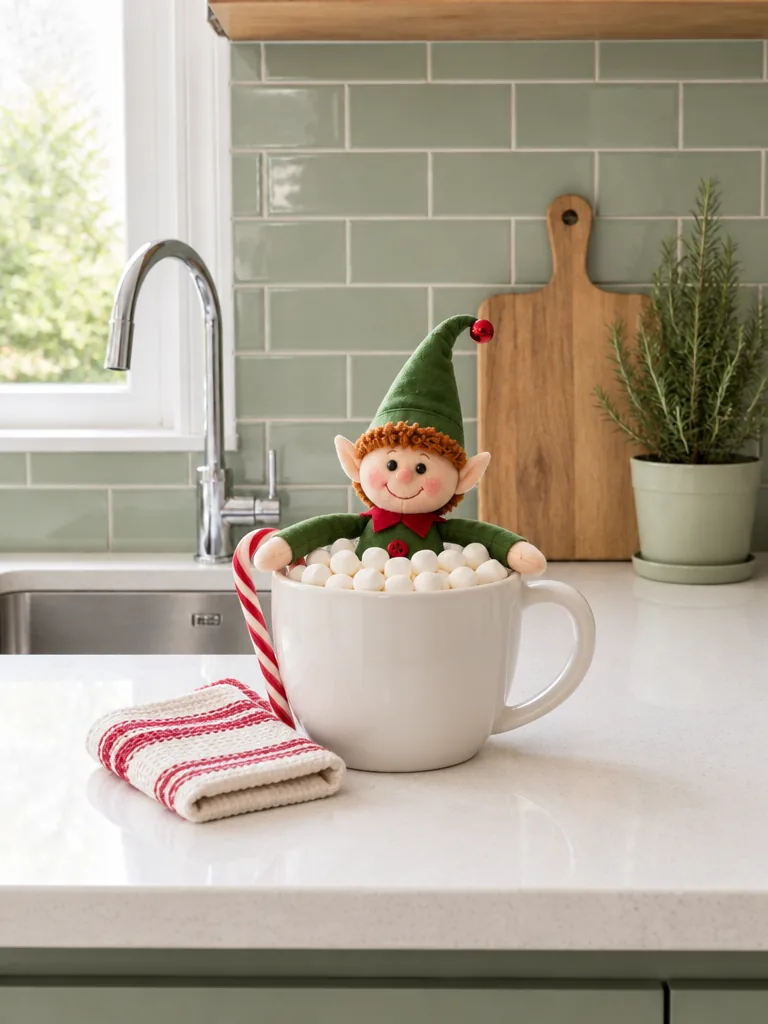
Your elf doll in tonight's prank scene, from one photo
Try itYour elf doll comes alive on video
Try it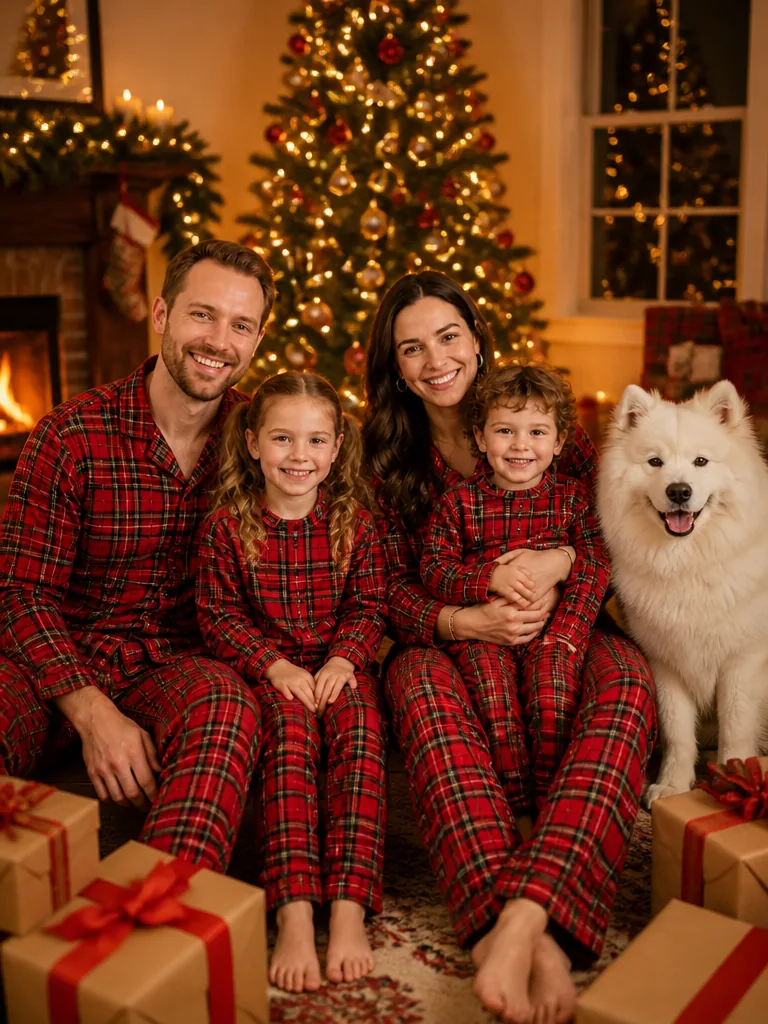
Your group photo, dressed for Christmas
Try itThe Charlie Brown Christmas trend, also called the Snoopy AI filter, the Snoopy Christmas filter or the Peanuts Christmas trend, turns one photo into a flat 1960s holiday cartoon of you on or beside a red wooden doghouse with a green wreath in the snow. It spread on TikTok in late October 2026, about sixty days before Christmas.
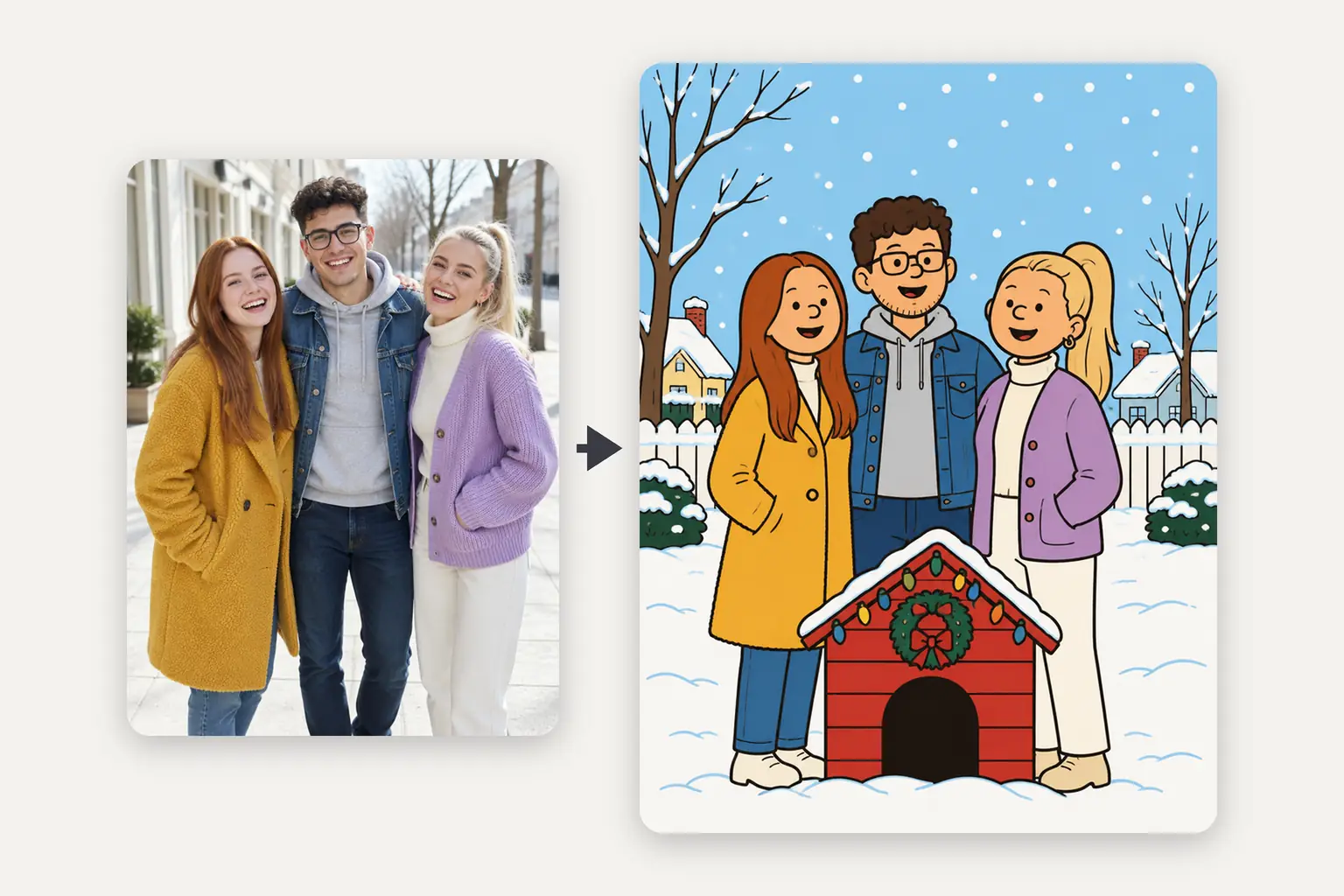
It is not the same as the 2024 Snoopy filter. That December, a CapCut template redrew the whole photo, background and all, as a line-art comic with a Snoopy sticker in the corner. This year's version puts you into one fixed scene, the doghouse in the snow, and it turned up about six weeks earlier in the season.
This page makes your own version of that picture in two looks. Red doghouse puts you, your friends or your pet into the trend's scene, with the same flat look, red doghouse, wreath and falling snow but no Snoopy, no other characters and no title lettering; if your dog or cat is in the photo, it takes the spot on the doghouse. Snoopy style skips the scene and redraws your photo as it is, background and all, in the same flat cartoon style.
On TikTok the picture comes from a CapCut template, and it does not show up for everyone: the most-watched tutorial, at about 165,000 views on October 30, has a caption that reads "If you can't see the template". Here the Snoopy filter works online, with nothing to find or install: upload a photo in your browser, on a phone or a computer.
A Charlie Brown Christmas first airs on TV. Snoopy decorating his doghouse for a lights contest is where the red doghouse and its wreath come from.
A CapCut template called "Filtro snoopy" sets off a Snoopy filter wave on TikTok; on October 30, 2026 it showed 1,633,805 uses.
This year's CapCut template, "A Charlie Brown", is created: the photo swipes away to a still cartoon on the doghouse while snow falls.
The first TikTok post with it, a mirror selfie, is captioned "I know Christmas is still some time away."
A TikTok post captioned "Sixty days till Christmas!" carries it wider, with about 61,400 views by October 30.
Sources: CapCut template pages and TikTok posts, with uses and views read on October 30, 2026; the 1965 air date from the special's broadcast history.
Yes, through your hair, glasses and clothes rather than your face. When it turns you into a Peanuts-style cartoon, every face gets the same round head, dot eyes and small smile, so the likeness comes from your hairstyle and hair color, glasses, beard and the clothes and colors in the photo. The clearer those are, the more it looks like you. The three Snoopy AI photos below were made from the photos shown with them.
Photo used
Her curly blonde bob with bangs, round glasses and blue cable knit carry over almost one to one, while the face becomes the simple cartoon face of the trend.
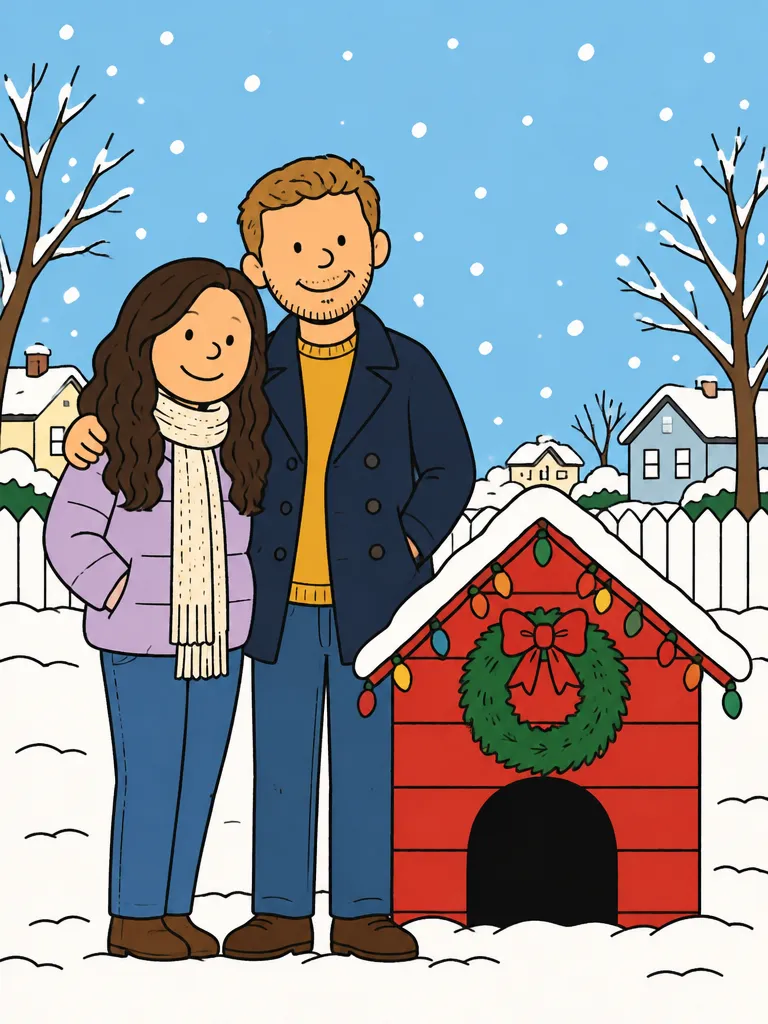
Photo used
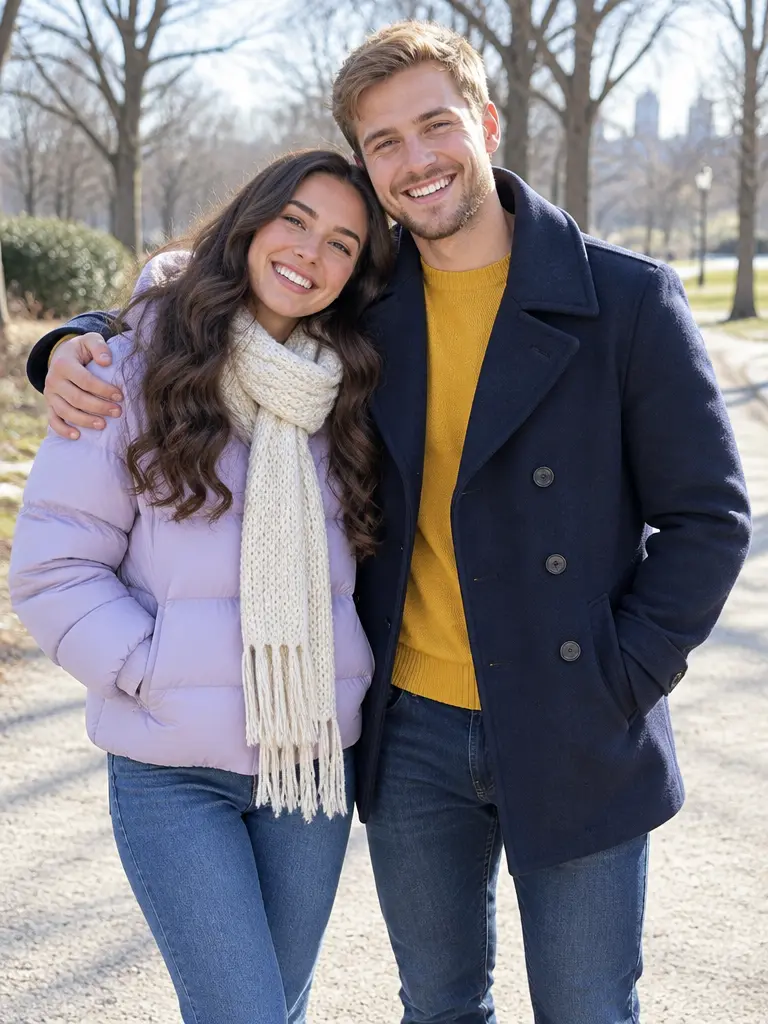
Each keeps their own look side by side: her long dark waves and lilac puffer, his sandy hair, short beard and navy peacoat over a mustard sweater, even his arm around her shoulders.
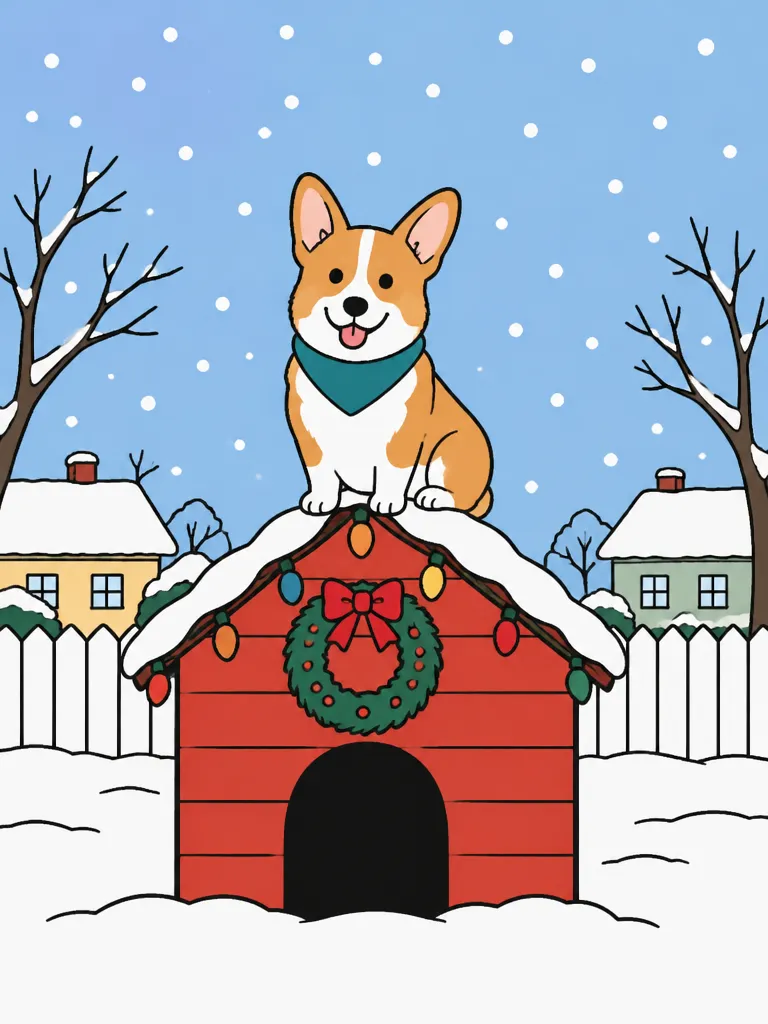
Photo used
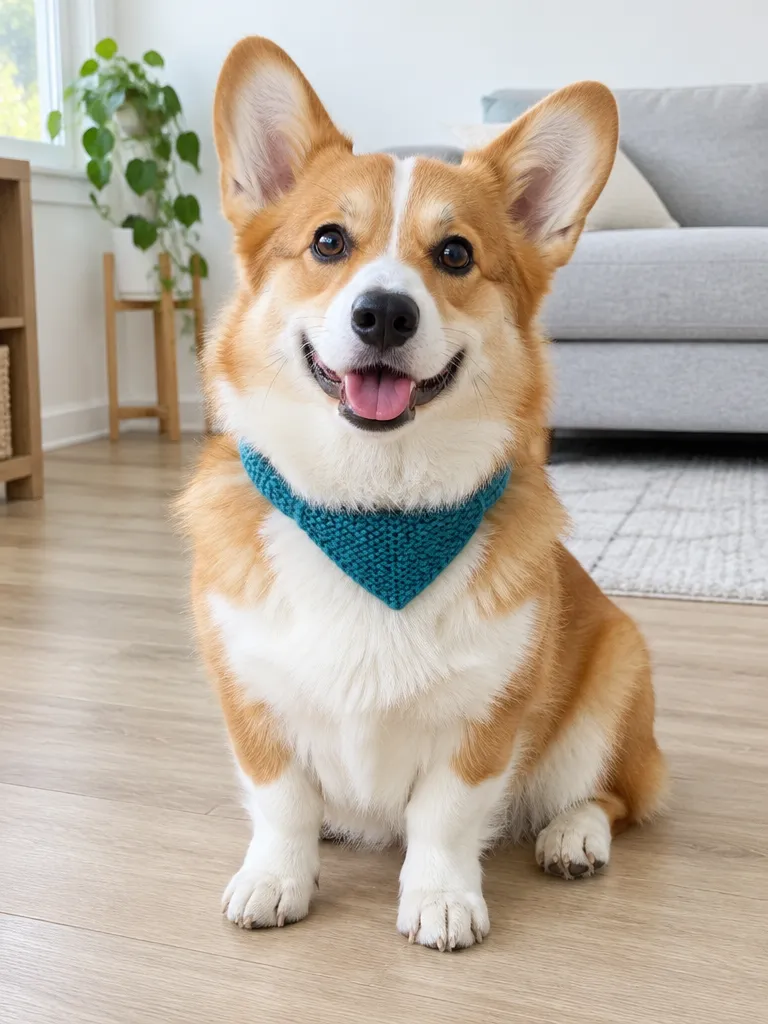
Breed, coat colors and markings stay, so a corgi stays a corgi, down to the big ears and the teal knit scarf.
Everything except the photo is already set: the flat 1960s style, and in the Red doghouse look also the doghouse, the wreath and the snow. The Snoopy style look keeps the setting of your own photo and redraws it in the same style.
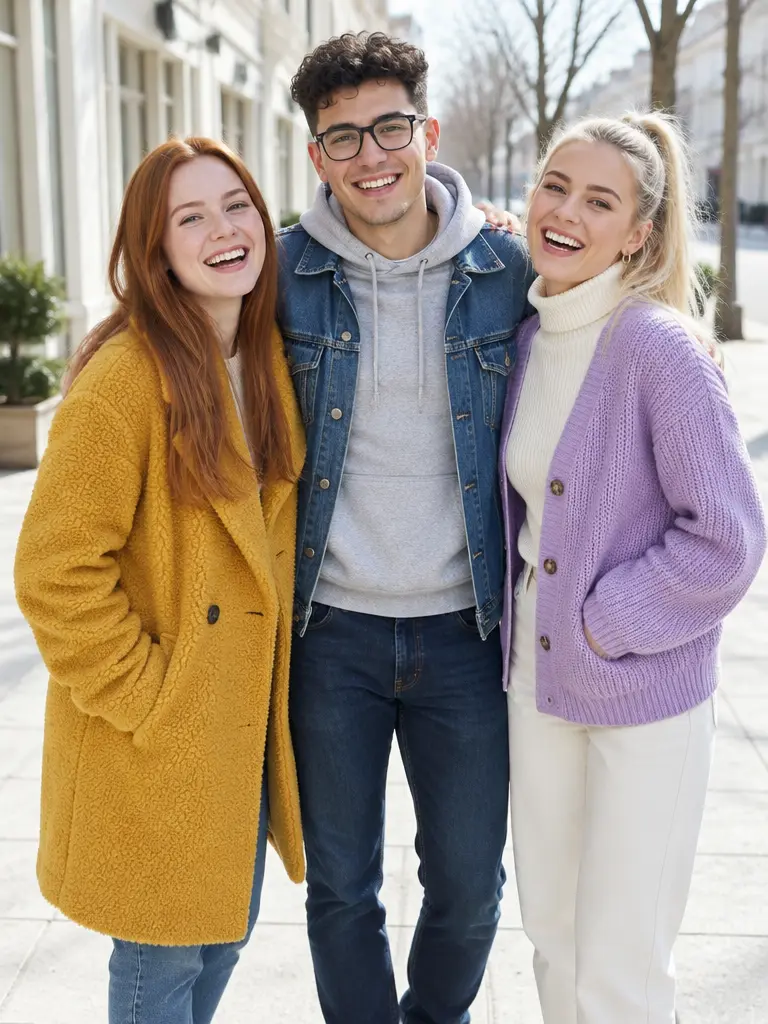
1 photoYour photo
Whoever is in it is redrawn as a flat cartoon: on or around the red doghouse in the Red doghouse look, or in your photo's own setting in the Snoopy style look. Just you, up to four people, or your pet with or without you.
Shows the details
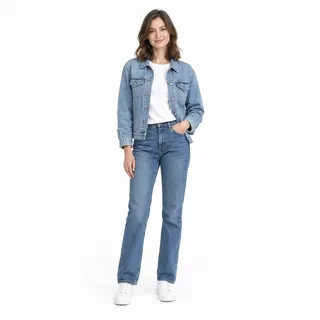 Head to shoes, outfit showing
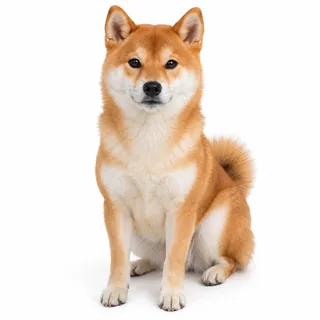 A pet whole and facing you
Hides the details
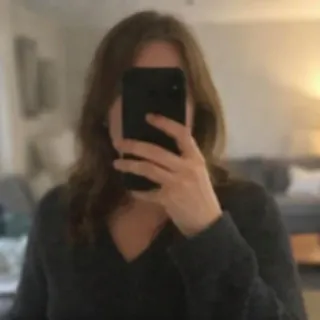 A phone over your face in a mirror selfie
 Sunglasses, low caps or hands hiding your face
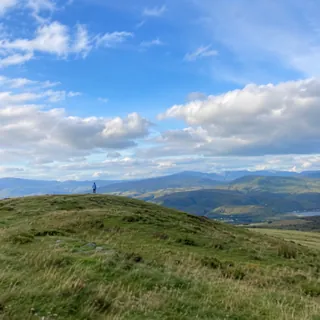 Tiny faces or photos under 512 px on the short side
Add your photo
Drop it into the slot at the top of this page from your phone or computer.
Click Generate
The button shows the exact price before you start. Change the ratio or resolution first if you want a wallpaper or a print.
Download or animate it
Save the picture for your post or profile, or click Animate it under the result to carry it over to Animate Christmas Photo, pick the falling-snow look there and make a short clip.
No. Oeneo AI has no connection with Peanuts, and this is not the Snoopy effect on Instagram either: that one is a live camera effect, while this page draws a new Christmas picture from the photo you upload.
No. The dance trend copies the children's dance from the 1965 special, and the "Charlie Brown Christmas tree" trend is about decorating with a small, sparse tree. This page turns your photo into the trend's flat cartoon picture.
Yes. In the Red doghouse look, your pet on its own is drawn on the doghouse roof; in a photo with you, it joins you in the scene. Use a photo of the whole animal facing the camera so its breed, coat colors and markings carry over.
Yes, up to four people, as long as everyone is in the same photo: there is one upload, so separate selfies can't be put together. Each person keeps their place from left to right.
No. The cartoon style is built in, and so is the doghouse scene in the Red doghouse look, so there is nothing to write. In September 2025 people traded long ChatGPT prompts for Peanuts-style portraits; here the photo is the only input.
No, each picture uses credits, and new accounts get 10 credits at sign-up. The price depends on the resolution you choose, and the Generate button shows the exact amount before you run it.
No. Pictures from this template always stay private, whatever your plan.
Yes. Download it at 4K for the sharpest print and use it as is, or open the Christmas Card template on this site if you want a card layout with a printed greeting.
Upload a selfie, a couple photo or your pet and download yourself as a flat 1960s cartoon, by the red doghouse or in your own setting, square for your profile or tall for your lock screen.