


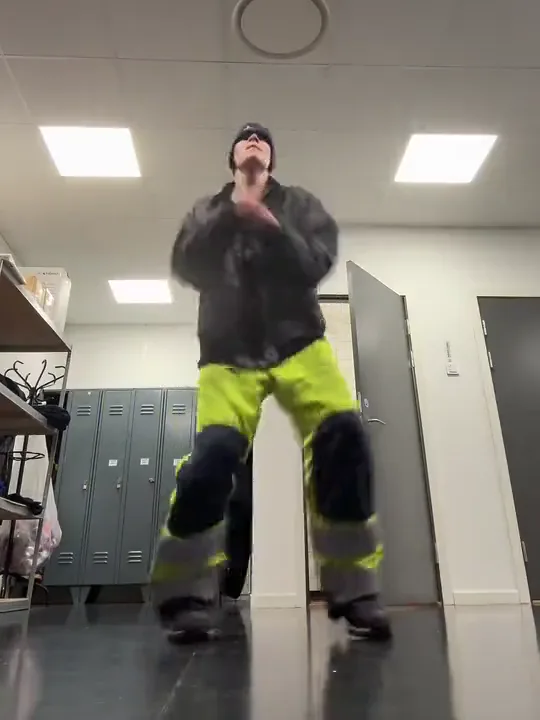
The cheek flick
Set up a quick dismissal for the hand flick beside the cheek.
Caption idea: Me brushing off one more rehearsal note.
Turn a full-body photo into a CORTIS REDRED dance video with the signature hand flick, side hop and forward kick.
PNG / JPG / WebP · up to 10 MB · at least 512px on the short side
0/1 photos
Add 1 standing full-body photo of the dancer, with both hands and shoes in frame.
Video settings
No prompt needed. Only upload photos of yourself or people who agreed to be featured; celebrity photos and film stills aren't allowed.
The REDRED dance challenge grew out of CORTIS’s choreography for the song of the same name. This template turns a full-body photo into an AI dance video using a signature excerpt.
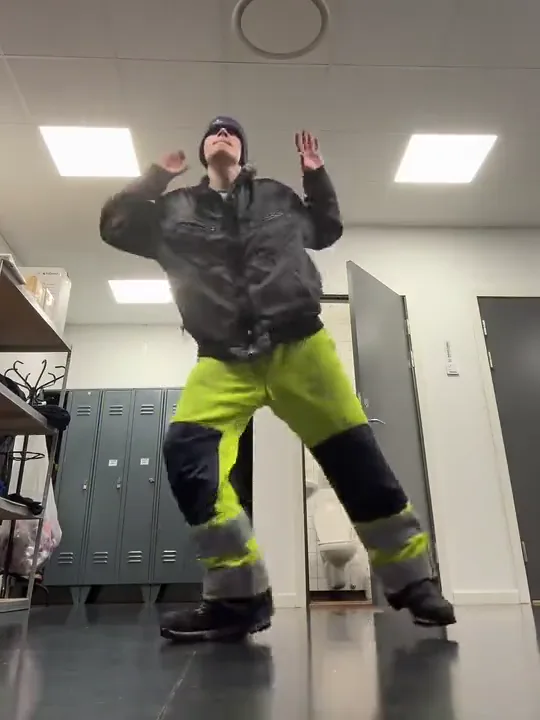
Huss Huss Huss REDRED dance means the November covers that paired the REDRED steps with “Huss Huss Huss Phonk X Jersey,” often filmed head to toe from a fixed camera.
“Red Red” is another spelling for the same dance. The kick is a recognizable cue that makes a familiar face in the video a surprise.
HYBE LABELS released the official REDRED music video.
CORTIS released its REDRED dance practice video, with a continuous view of the footwork.
On November 18 and 19, @alexspjeld posted two TikTok covers to the remix. The November 26 public read showed about 131,900 and 852,900 likes, respectively.
CORTIS posted the same choreography on TikTok. By the November 26 public read, it had about 6.6 million likes and 621,500 shares.
MakeViral listed a template for generating a REDRED dance video from a photo. The TikTok counts above measure engagement with human dance performances.
Learn the counts, rehearse at tempo or turn a full-body photo into a video of the signature REDRED steps.
| Option | Use it to | Start with | What you get |
|---|---|---|---|
| REDRED Dance AI | Make a REDRED dance video | Full-body photo | Signature REDRED excerpt |
| REDRED mirror tutorial | Learn the steps | Mirrored demonstration | Breakdown by count |
| Mirrored practice video | Rehearse at full tempo | Flipped practice footage | Continuous run-through |
| General dance generator | Explore other moves | Photo or prompt | Dance varies by tool |
Follow the signature excerpt in the dance video, from the opening stance to the final step.
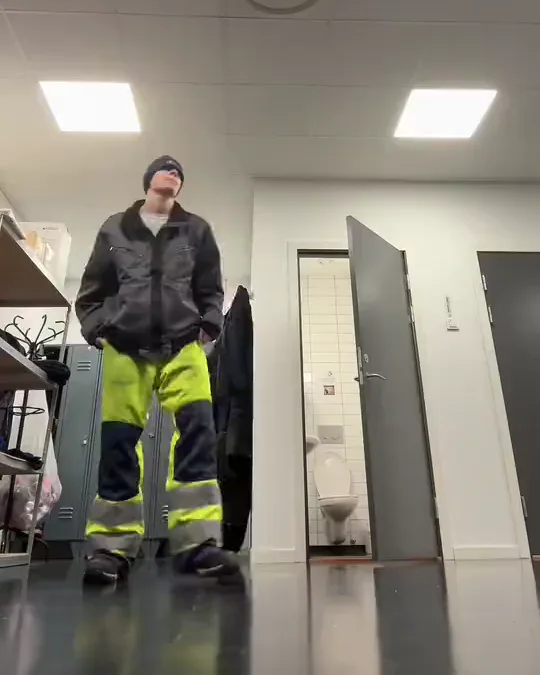 10:00
The take opens with the dancer facing the camera, arms low and weight shifting into the first step.
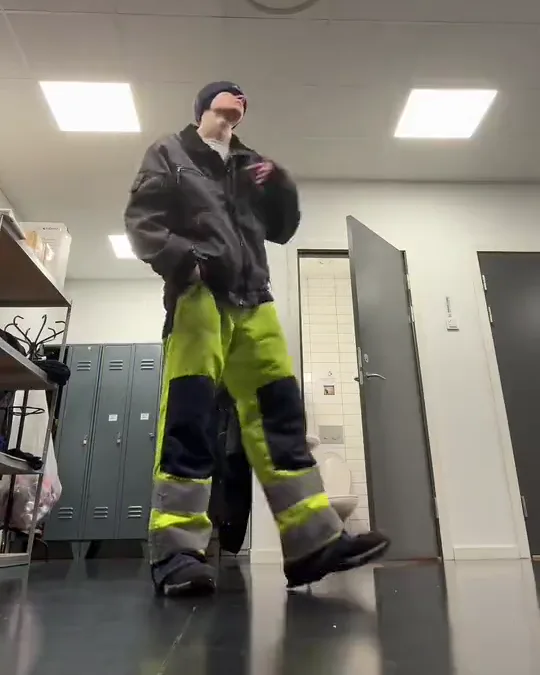 20:01
Small steps lead into a head tilt and a quick hand flick beside the cheek.
 30:04
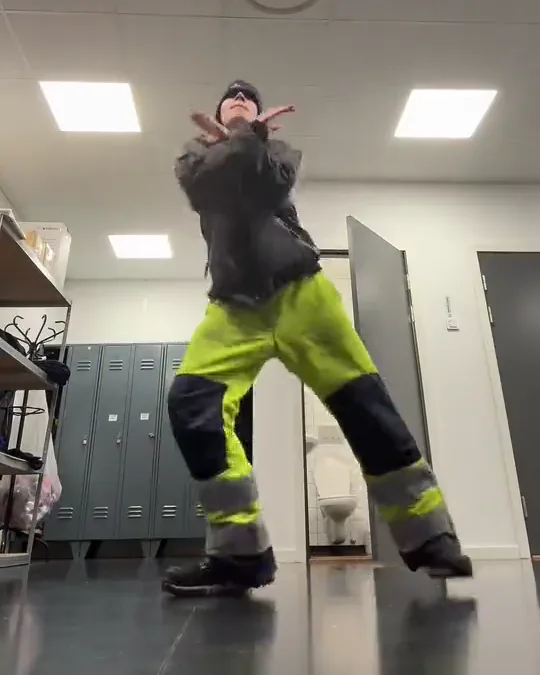
The wrists cross just below the face as one foot slides out to the side.
 40:06
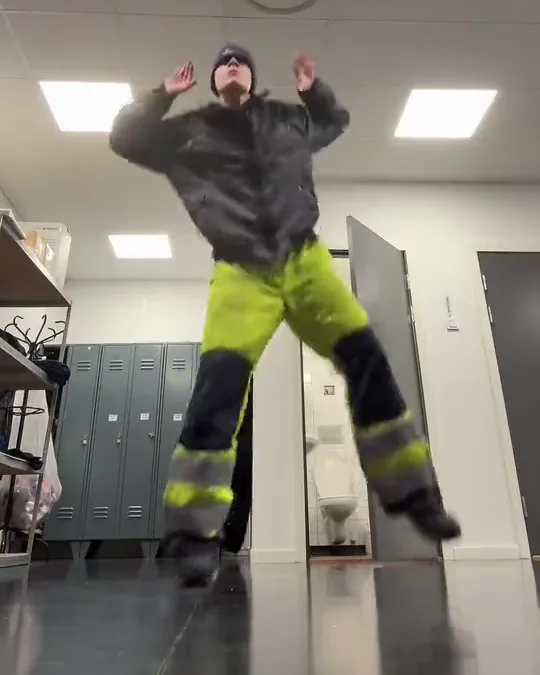
Both hands open near the shoulders as the steps build into a hop to the side.
 50:08
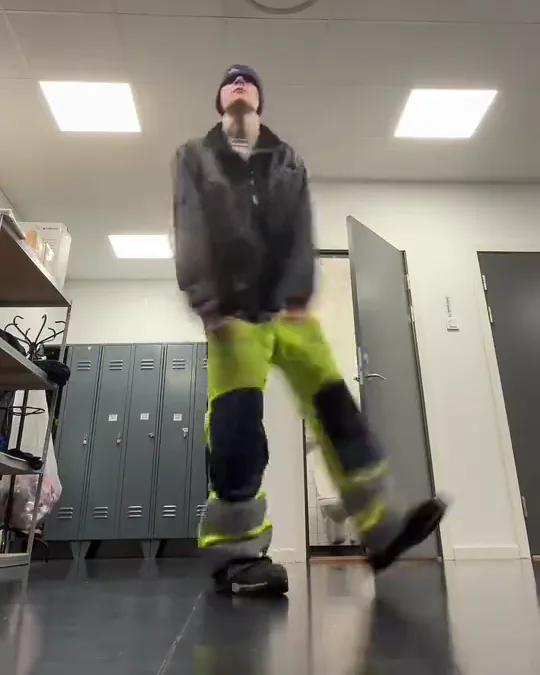
The knee lifts and the boot kicks forward before the dancer steps down.
 60:09
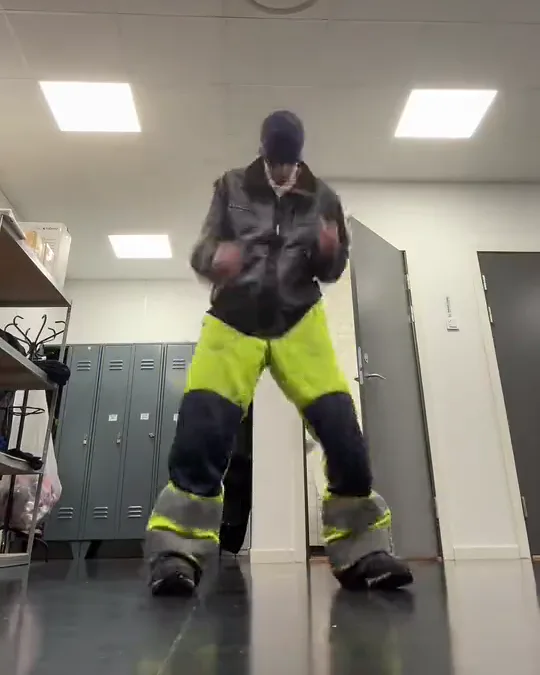
The shoulders turn on the step across, then the dancer plants both feet wide and dips their head.
Pick the move that delivers the punchline and pair it with a caption when you post the dance video.
Set up a quick dismissal for the hand flick beside the cheek.
Caption idea: Me brushing off one more rehearsal note.
Use the crossed wrists as the moment the answer changes.
Caption idea: I was about to say yes.
Use the sideways hop for a joke about getting out of the way.
Caption idea: When they ask who wants to go first.
Save your strongest reaction for the kick toward the low camera.
Caption idea: When the group chat finally picks a time.
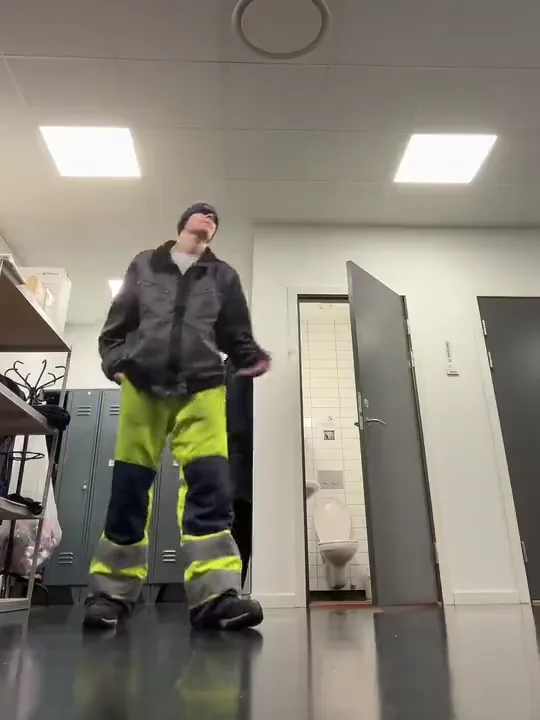
Your inputDancer
The photo supplies the dancer, outfit and room. The built-in clip guides the steps and low camera angle in the finished video.
Look for this framing
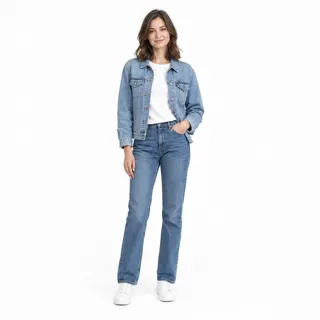 Keep the whole body in frame
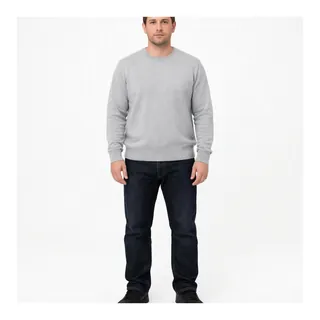 Leave space beside both hands
Choose a different shot
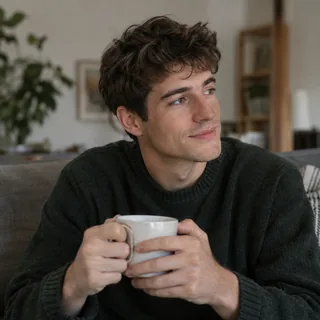 Skip seated photos
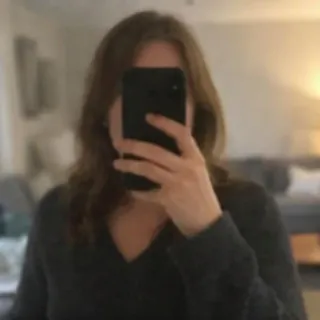 Keep the phone clear of the face
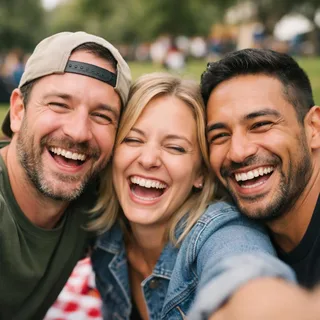 Skip group selfies
Fill the Dancer slot
Choose your photo in the Dancer slot above and check the upload preview.
Generate the dance video
Choose a resolution, check the price on the button, then click Generate.
Download and post
Download your dance video, then pick a caption for Reels or TikTok.
Every template works the same way: add your photos, press Generate and get a shareable video without writing a prompt.
View all effectsTry a different motion clip, sharpen a video, or extend it for a longer edit.
Generate a clip from a prompt, a still image, a reference or existing footage.
Open toolThe dance video uses a signature excerpt. CORTIS’s official REDRED Dance Practice is the place to learn the whole routine.
Choose a full-body shot for this routine. The checklist above shows the framing for the kick.
The hand moves quickly past the cheek and the wrists briefly overlap. Either can make the outline of the fingers blur or shift as the video is generated.
A low camera angle can put the floor near the bottom of the frame. When a kick travels forward, the shoe can reach that edge even if both feet are visible at the start.
No. The download uses the built-in take’s soundtrack, and this template has no track picker.
The video follows the template clip’s framing. Use a mirrored tutorial if you want to practise the steps by following the screen.
Oeneo AI offers this template independently of CORTIS.
No. The take follows one adult through the side hop and kick.
No. Each generation costs credits. Choose a resolution to see the exact price on the Generate button before submitting.
Upload your full-body photo and see the signature kick and closing step in your own dance video.