


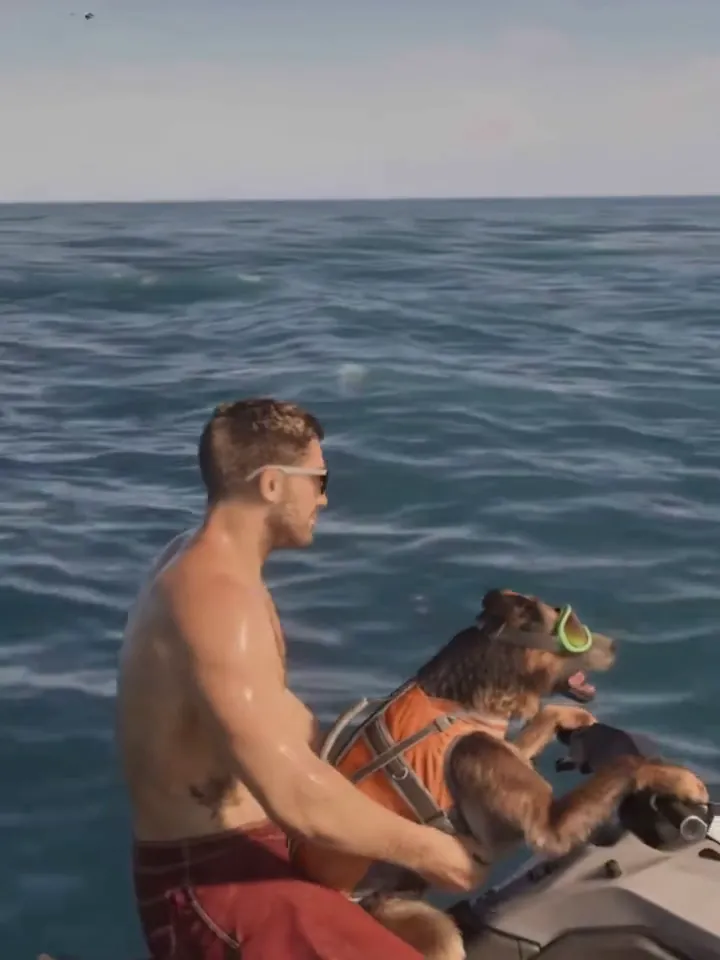
Your pet and you
Your dog drives and you or a friend climb onto the rear seat. The clip keeps the same boarding sequence and camera cuts.
Photos: 2 photos
Put your pet at the handlebars, climb aboard as the swimmer, or do both in the GTA 6 Jet Ski Dog AI rescue. The built-in clip carries the action from pickup to ride-off.
PNG / JPG / WebP · up to 10 MB · at least 512px on the short side
0/1 photos
Upload a portrait for the swimmer who climbs onto the rear seat.
Video settings
Use photos you have permission to upload. Ask before casting a friend. Making a cat video? Try Cat Taxi AI.
Pick a clear photo for each role you want to recast.
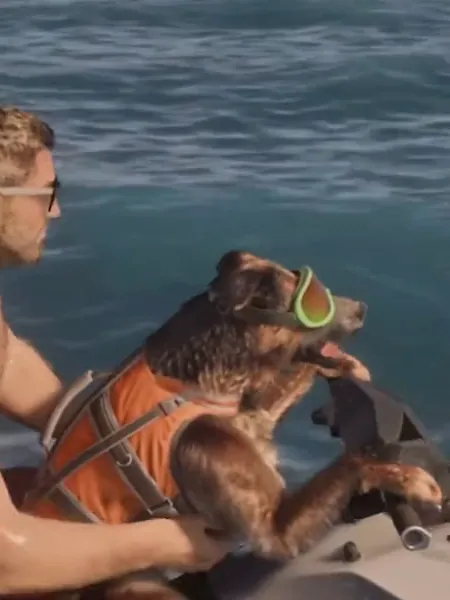
1 photoRescue dog
Your dog’s face and coat replace the dog at the front of the jet ski. The edit uses the photo for identity and the clip for the driving pose.
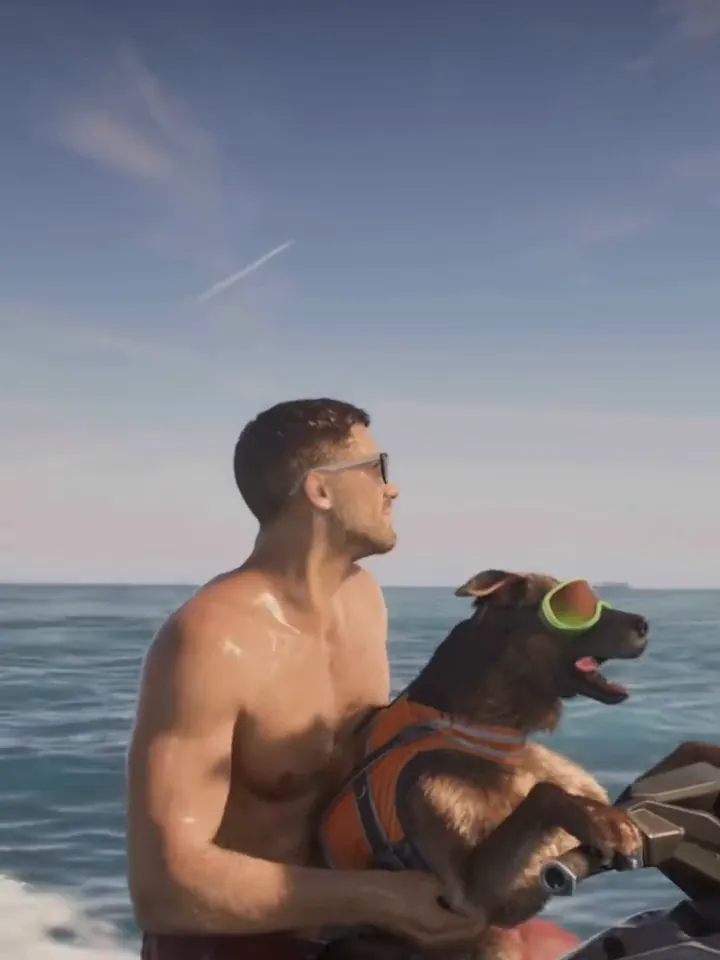
1 photoSwimmer
This portrait becomes the swimmer who climbs onto the rear seat. Use your own photo or ask a friend for permission to use theirs.
Keep these in view
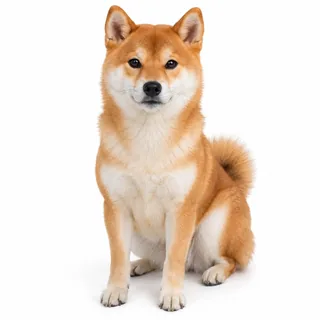 If possible, keep the front legs and paws inside the frame.
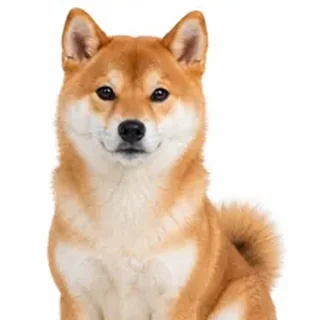 Show both ears and the chest markings in even light.
Retake this
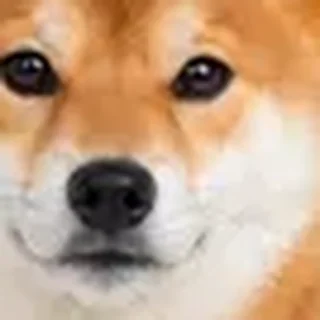 Avoid an extreme crop that cuts off the ears and leaves only the eyes and nose.
Add your casting photos
Choose a casting at the top of the page and fill the photo fields it shows.
Choose resolution and generate
Pick the resolution for the rescue. Generate displays the exact credit cost before you start.
Download the rescue
Download the rescue and see who your friends recognise first.
All three castings keep the jet ski, sea, wake, spray and original sound.
Your dog drives and you or a friend climb onto the rear seat. The clip keeps the same boarding sequence and camera cuts.
Photos: 2 photos
Your dog takes the handlebars. The swimmer from the clip still climbs aboard and rides behind.
Photos: 1 photo
You swim up and hop onto the back. The rescue dog at the handlebars keeps its original look and moves.
Photos: 1 photo
This GTA 6 rescue dog AI effect puts your dog in the driver’s seat. Use the sample frames to locate each moment, then review those points in your video.
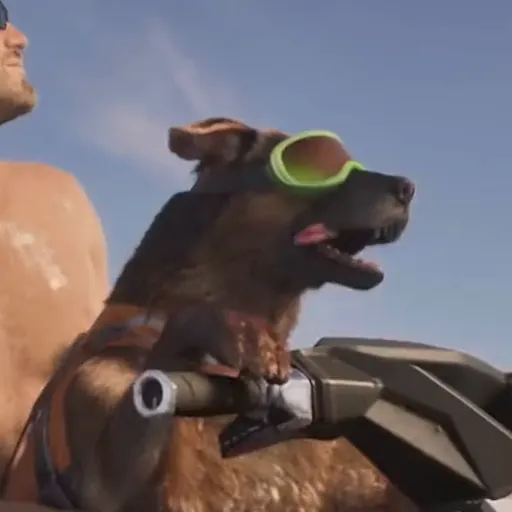
What to check: Compare the side view before the cut with the bow close-up. The muzzle, ears and markings should still read as the same dog.
If the muzzle or coat changes across the cut, try a photo with a clearer three-quarter view of the face.
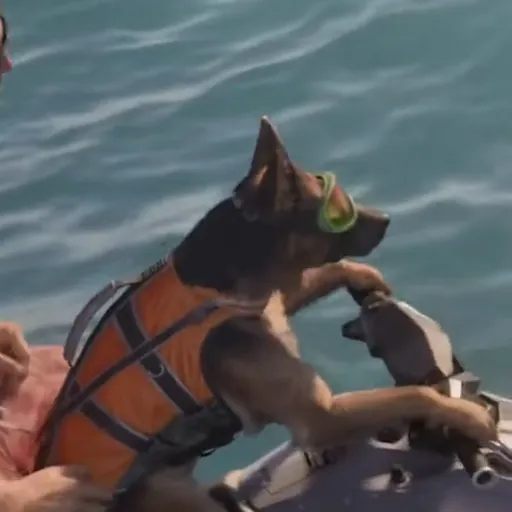
What to check: Compare the side view during boarding with the ride-off. Each visible paw stays on its grip, and the swimmer’s hands only cover the paws or bars where they overlap in the shot.
If a paw cuts through the bar, try another generation. For a manual Kling edit, see the prompt note on paws, grips and hands.
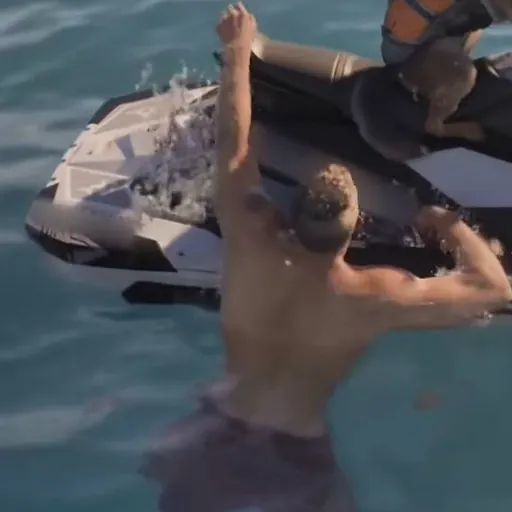
What to check: Compare the swimmer’s hand on the hull with the seated frame before departure. The grab leads into the climb, then the passenger settles in the rear seat before the boat moves off.
If the swimmer jumps straight to the seat or the boat moves early, try another generation and review the same transition before sharing.
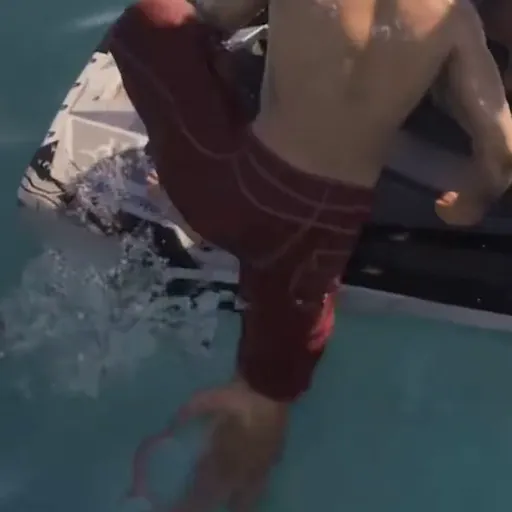
What to check: Compare the splash at the swimmer’s leg with the wake as the jet ski pulls away. Spray briefly covers the edge, and the wake trails behind the moving hull.
If the boat’s outline floats or breaks in the spray, try another generation. Use the prompt section to specify the wake and spray in a manual edit.
The GTA 6 jet ski dog meme comes from the game’s Cool Dog rescue easter egg. A dog drives a jet ski over to pick up a swimmer.
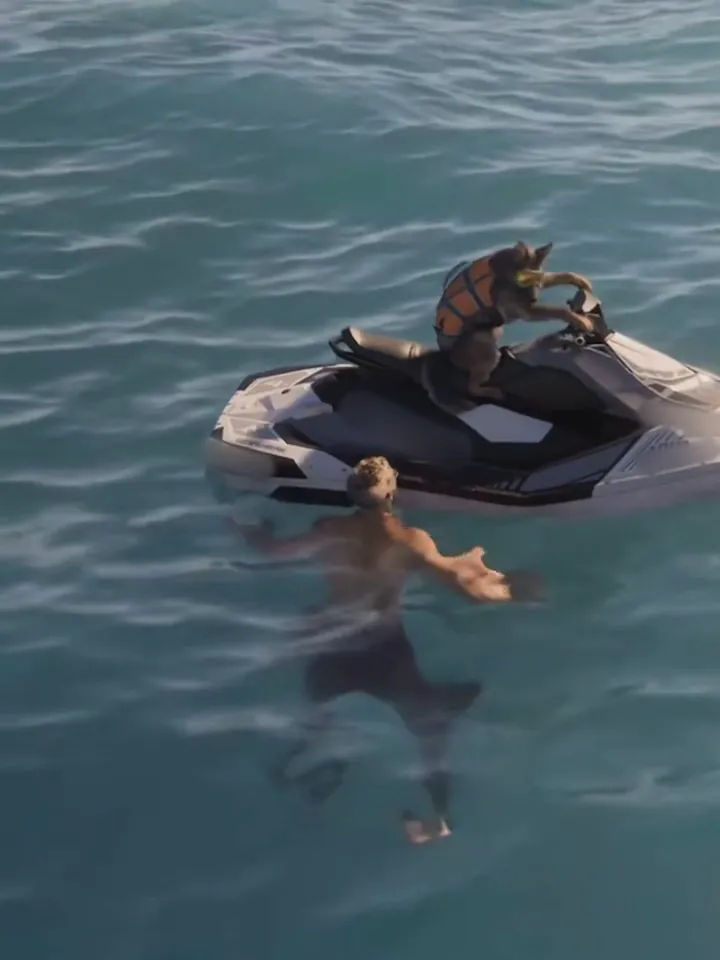
The swimmer makes an ordinary boarding manoeuvre. The gag lands when the driver stays on duty in goggles and a life vest as if it were a routine pickup.
The rescue spread through TikTok gameplay clips posted on November 18. By November 20, @itstherespawn’s game clip had 456.4K likes and 84.7K shares.
@overtime’s November 18 TikTok gameplay clip had 392.6K likes and 60K shares.
Daily Mail’s November 18 TikTok gameplay clip had 331.9K likes and 76K shares.
@overtime’s TikTok gameplay clip climbed to 411.1K likes and 62K shares.
Daily Mail’s TikTok gameplay clip climbed to 352.1K likes and 78.9K shares.
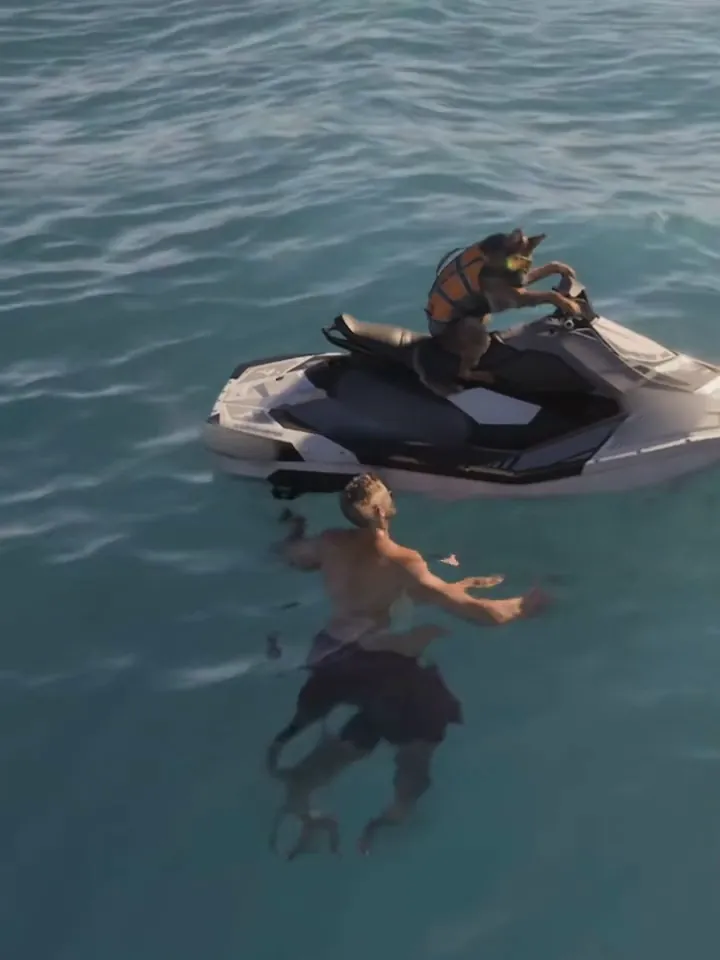 10:00–0:03
From above, the swimmer closes the gap while the dog waits at the front of the jet ski.
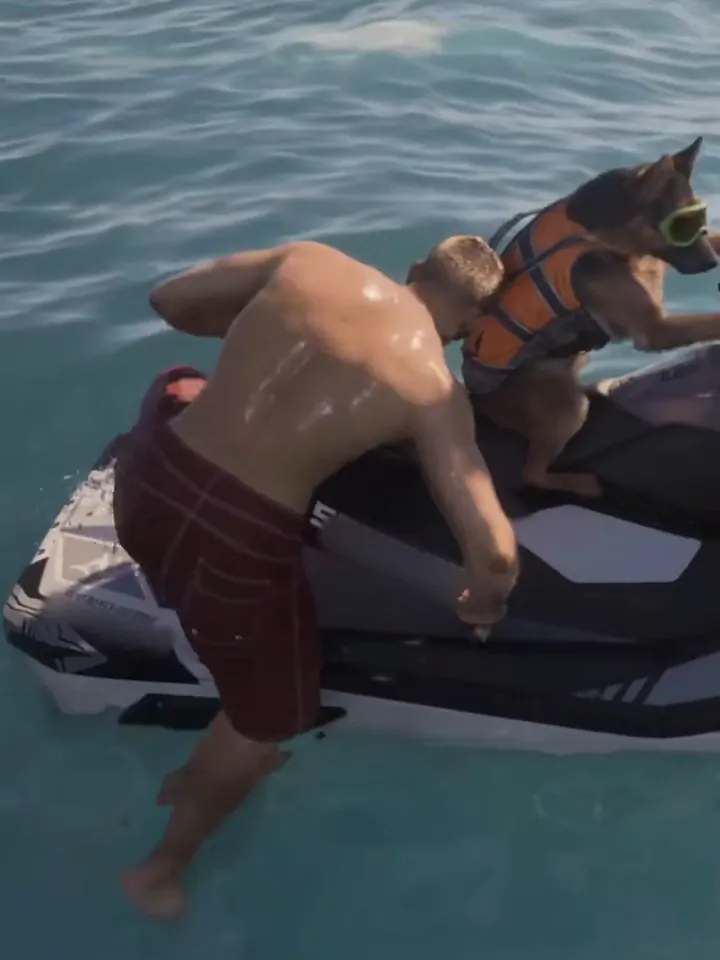 20:03–0:06
The camera drops toward the side of the hull as the swimmer grabs it and pulls himself up onto the back seat.
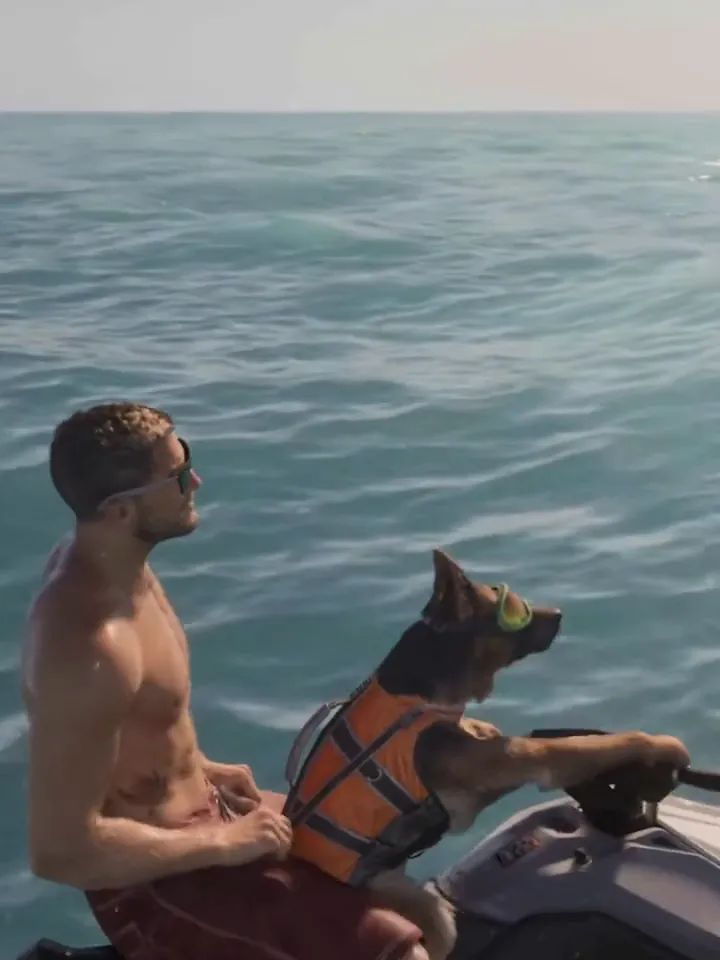 30:06–0:11
Once the passenger settles in, the jet ski pulls away. The side view shows how the front paws sit on the grips as the boat turns.
40:11–0:14The cut drops to the bow and brings the muzzle, goggles and grips into view against the sky. The passenger stays in the frame behind the dog.
Specify what stays visible when spray crosses the hull. Use Kling to edit your own rescue footage. Starting with a dog photo alone gives you a new Seedance take with fresh water and engine sound.
Kling 4.0 video edit
Prompt length 1032
Use @Video1 as the source take. Replace only the dog in the orange life vest and green goggles at the front handlebars with the dog from @Image1. Carry over its muzzle, ear shape, coat colour and distinct markings. Keep the same dog through the high angle, boarding and low angle. Fit the source goggles and vest to the new dog without hiding its muzzle or ears.

Match the driver's posture, gaze and motion to the source. Keep its front paws on their corresponding grips whenever visible, with the bars, paws and the swimmer's hands occluding each other in the same order. Keep the swimmer in red trunks and their original movement: swim up, grab the hull, climb, settle on the rear seat, then ride away behind the dog. Leave the boat, sea and sunlight in place. Keep the wake aligned behind the hull and let spray pass in front of the same foreground edges as in the source.

Preserve the framing, camera movement, cuts, timing and original sound. Avoid face changes behind the goggles, fused limbs, extra animals, text and logos.Seedance Reference to Video
Prompt length 1053
Use @Image1 as the only identity reference for the dog. Create an original vertical 3D game-style ocean rescue at high sun, with hard reflections on teal water and white spray. Put the dog in an orange flotation vest and green goggles at the front grips of an unbranded black-and-white jet ski. Keep its muzzle, ear shape, coat colour and distinctive markings consistent from shot to shot.

Start high above the water as an adult swimmer in red trunks approaches. Move down to hull level as the swimmer takes hold of the side and climbs onto the rear seat. Hold until the swimmer sits, then show the jet ski moving away from a three-quarter rear angle. Finish at a low angle off the bow with the muzzle, goggles, front paws and rear passenger in view. Land each paw on its own grip, keep the swimmer behind the dog, and keep both in their seats through the final cut. Let the wake trail the moving hull and let passing spray briefly obscure the edge of the boat. Use natural water and engine sound. No extra passengers, writing, logos or game interface.Specify contact and occlusion
Tell it where the paws meet the grips and which edge goes behind the spray. These relationships matter more than adding a style adjective.
An open-ended scene rewrite
“Give it a fresh look” can invite a new hull, another rider or different light. Name the one change the edit has permission to make.
Vague edit
Put my dog on a jet ski and make it cinematic.
Role and action specified
In @Video1, replace only the dog in the orange vest with @Image1. Keep the swimmer in red trunks and wait until the swimmer sits on the rear seat before the jet ski pulls away.
Calling out the red trunks gives the model a visual anchor for the passenger. The seated pause gives the departure a clear cue.
Every template works the same way: add your photos, press Generate and get a shareable video without writing a prompt.
View all effectsUpscale the bow close-up, extend a ride-off, or start a different scene with the video generator.
Generate a clip from a prompt, a still image, a reference or existing footage.
Open toolYes. Choose Just you to take the rear seat. A regular portrait works, and the clip supplies the swimming and boarding.
Only for Your pet and you, which takes 2 separate photos. Upload 2 photo if you’re changing just one role.
The driver role is for dogs. To cast your cat as a driver, try Cat Taxi AI.
Photos are all you need to upload. The template supplies the rescue video and the edit instructions.
A normal seated dog portrait works. Leave the face uncovered. The rescue clip supplies the driving pose, green goggles and orange life vest.
No. The edit uses the coat colour, markings, muzzle and ear shape visible in your photo. A dog with a different profile can supply its own look.
This is a fan-made AI effect on Oeneo AI, not a Rockstar Games feature or official game content.
Yes. The edited video keeps the sound from the built-in rescue clip.
No. Each generation costs credits. The amount depends on your selected resolution, and Generate shows the exact charge before you start.
Videos made on a free account are public. On a paid plan they are private by default.
Pick who drives and who gets the ride home.