


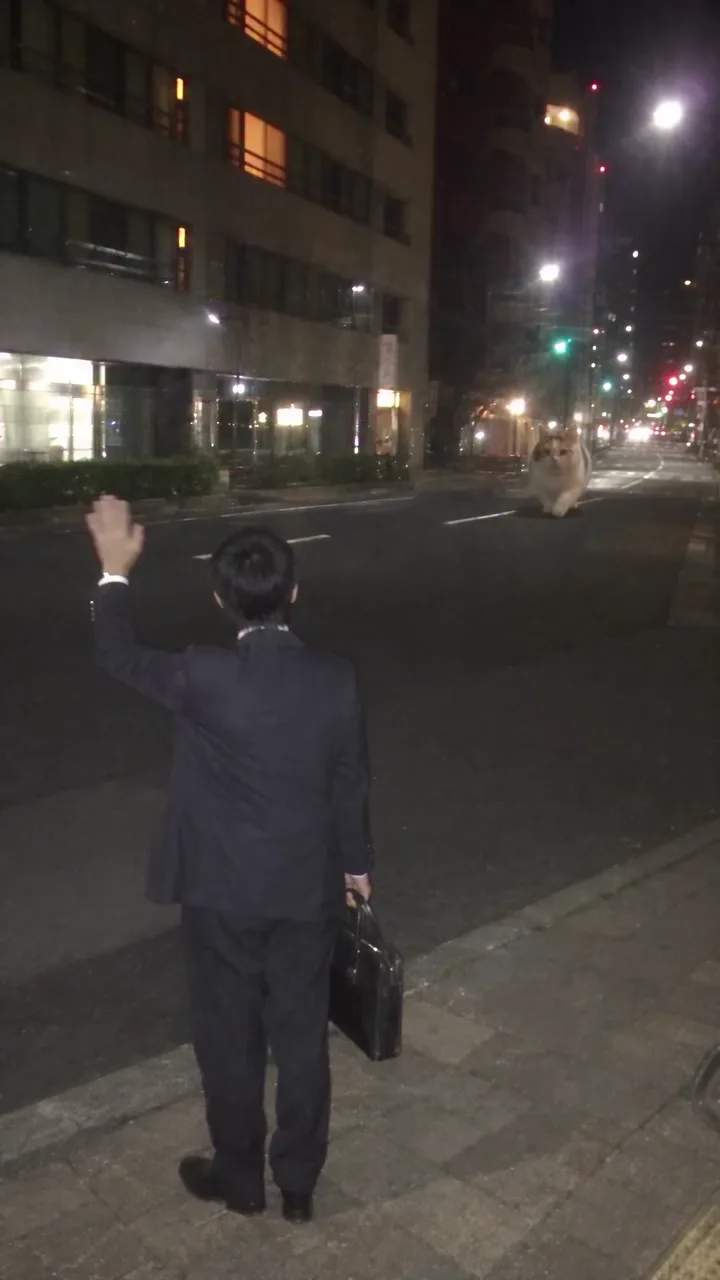
Make the arrival read as a pickup
A distant approach gives the giant animal a place in the street before it crouches beside the curb. Keep that spatial connection: an animal suddenly appearing at full size loses the pickup setup.
Make a pet taxi AI video starring you and your cat or dog. Your giant companion pulls up on a night street, lets you climb aboard, and carries you home.
PNG / JPG / WebP · up to 10 MB · at least 512px on the short side
0/2 photos
Upload the rider first, then one cat or dog. Show the rider’s hair and outfit, and your pet’s body and markings. Both photos are required.
Video settings
No prompt needed. Only upload photos of yourself or people who agreed to be featured; celebrity photos and film stills aren't allowed.
Use two separate pictures; you do not need a photo of yourself already riding an animal. Keep the rider and pet in their named slots—swapping them changes the assignment.
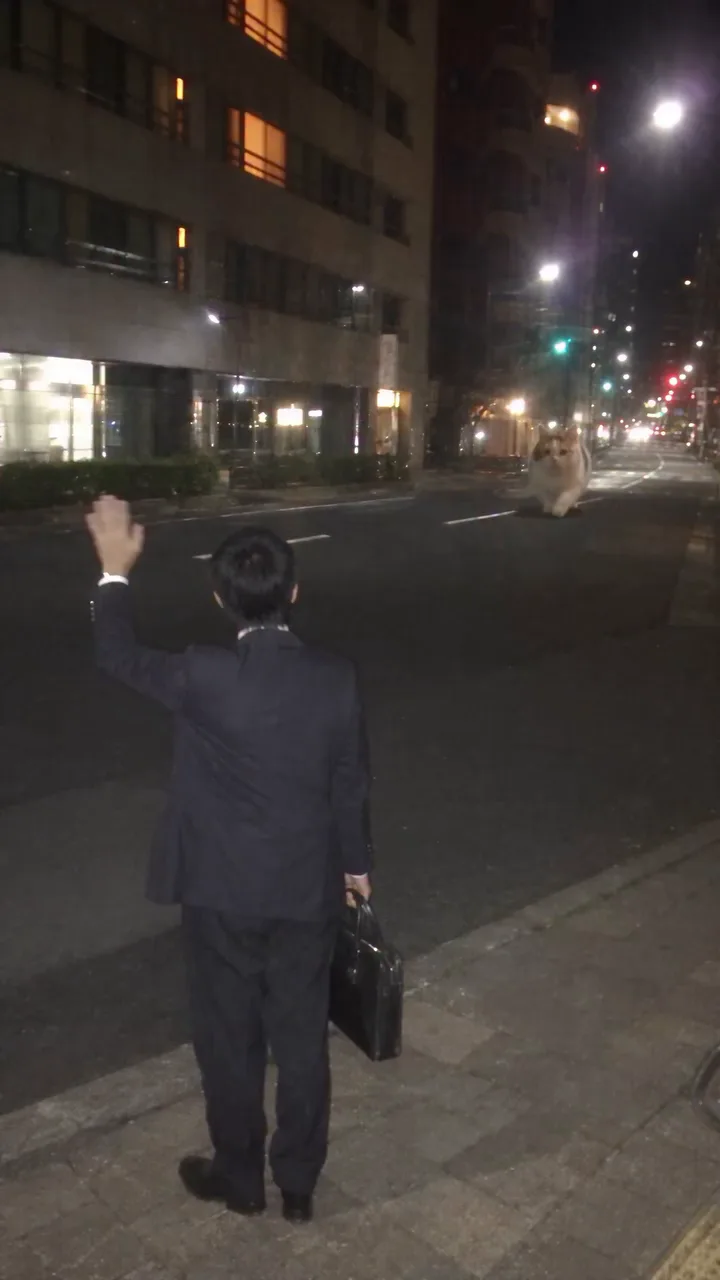
Photo 1Rider
This picture supplies the rider’s face, hair and visible outfit. The template supplies the hailing, touch, climb and seated movements; the black bag remains a scene prop.
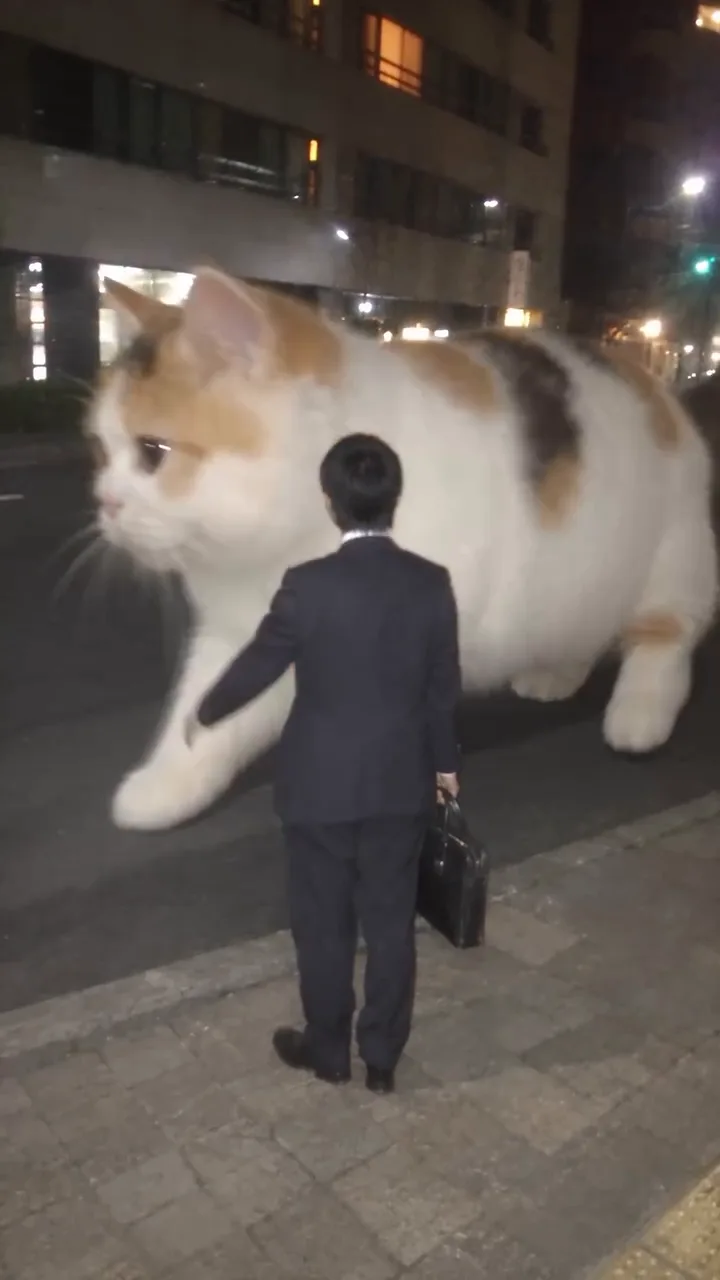
Photo 2Giant pet
This picture supplies the cat or dog’s species, face and coat pattern across the body. Giant scale and the approach, crouch and departure follow the template.
Use
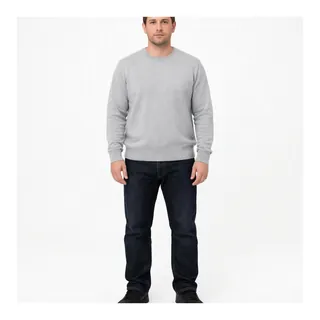 An evenly lit body shot, even though the finished scene is at night.
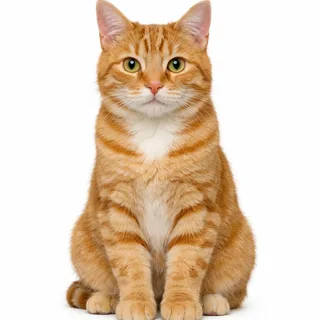 A cat with its face, coat and whole body visible.
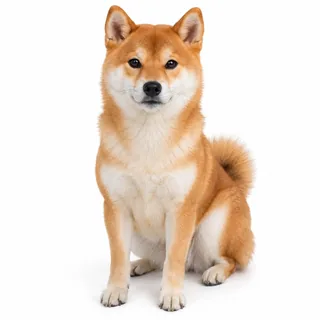 A dog with clear ears, muzzle and paws.
Skip
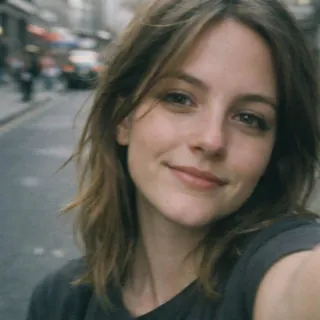 A tight selfie that cuts away the hairstyle, outfit or body.
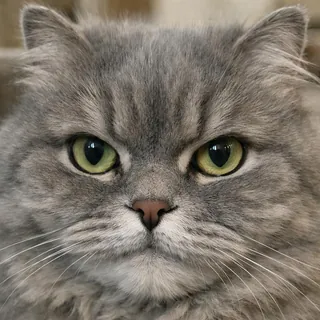 Only the pet’s face, with no markings or legs to reference.
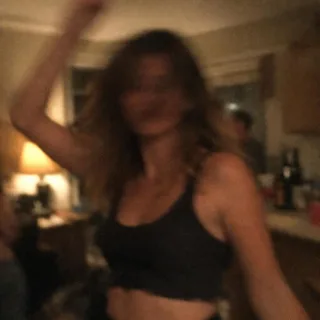 A dark, blurred photo that hides hair or fur against the background.
Add the rider and pet
Fill both named photo slots and check the previews before continuing.
Choose clarity and generate
Select 720p or 1080p. The generation button shows the exact credit cost before you submit.
Download and share the ride
Save the finished video and post the whole pickup-to-departure sequence with your own caption.
Cat Taxi AI is a fantasy video effect in which a giant pet picks someone up after work, crouches for the rider to climb on, then carries them away. “Pet taxi AI” and “giant pet ride” describe the same visual joke.
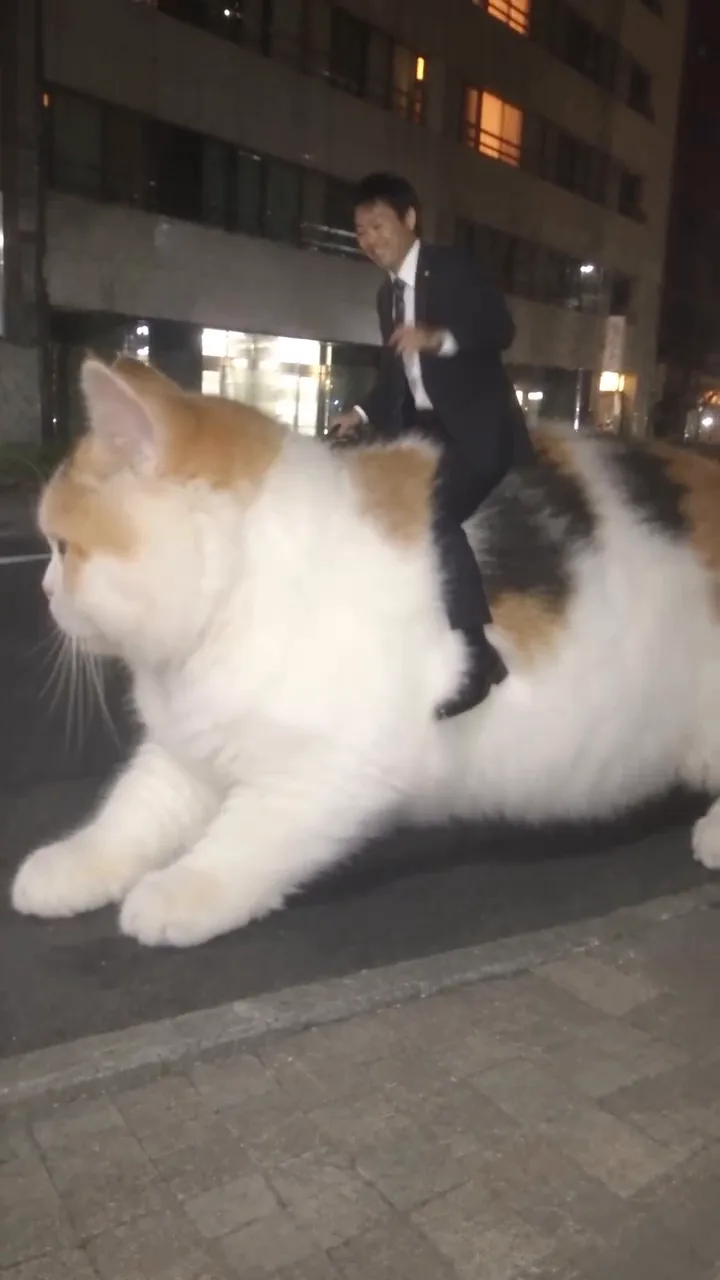
The familiar “my pet picks me up from work” idea turns an ordinary commute into an impossible ride home. It is not a real pet-transport booking service, a cat driving a car, or simply a giant cat placed in a city.
A matching CapCut template was created on November 11, 2026; a linked TikTok tutorial on November 13, 2026 showed a different rider and a cream-colored cat. Those records establish template participation, not the original author or first-ever version.
Sources: CapCut template details and its linked TikTok tutorial, checked November 14, 2026.
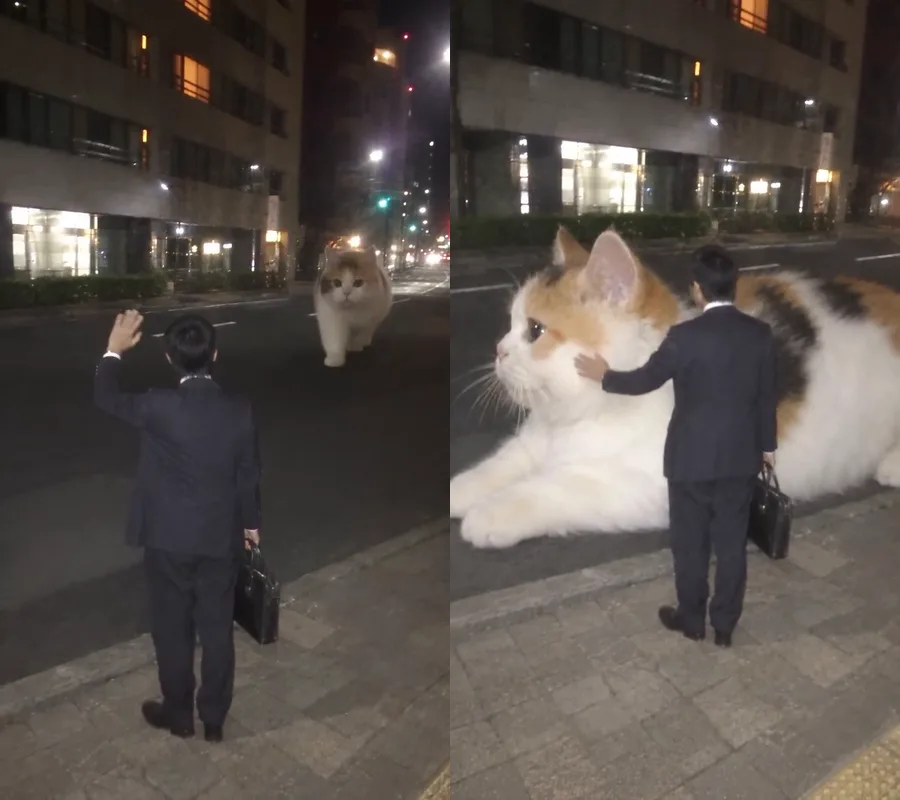
The ride needs a complete beginning, handoff and exit. These paired moments show how the pickup becomes an actual journey rather than a giant-pet portrait.
A distant approach gives the giant animal a place in the street before it crouches beside the curb. Keep that spatial connection: an animal suddenly appearing at full size loses the pickup setup.
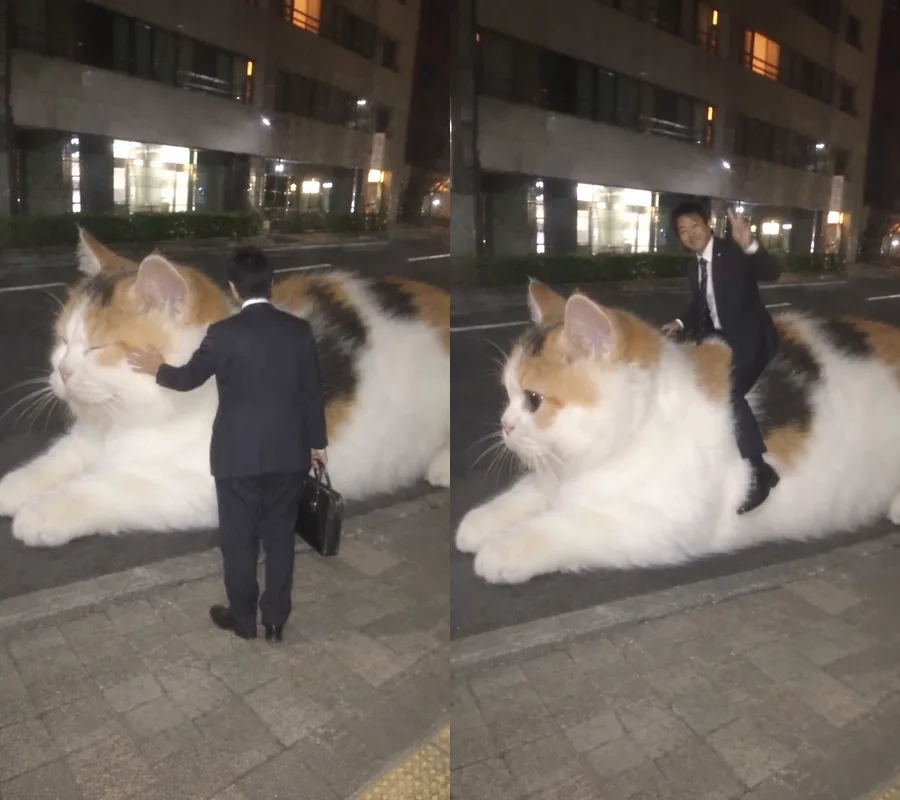
The hand on the head and the climb onto the back connect the two subjects. On playback, watch the palm, knees and seat together; they should meet the animal rather than pass through its fur or float beside it.
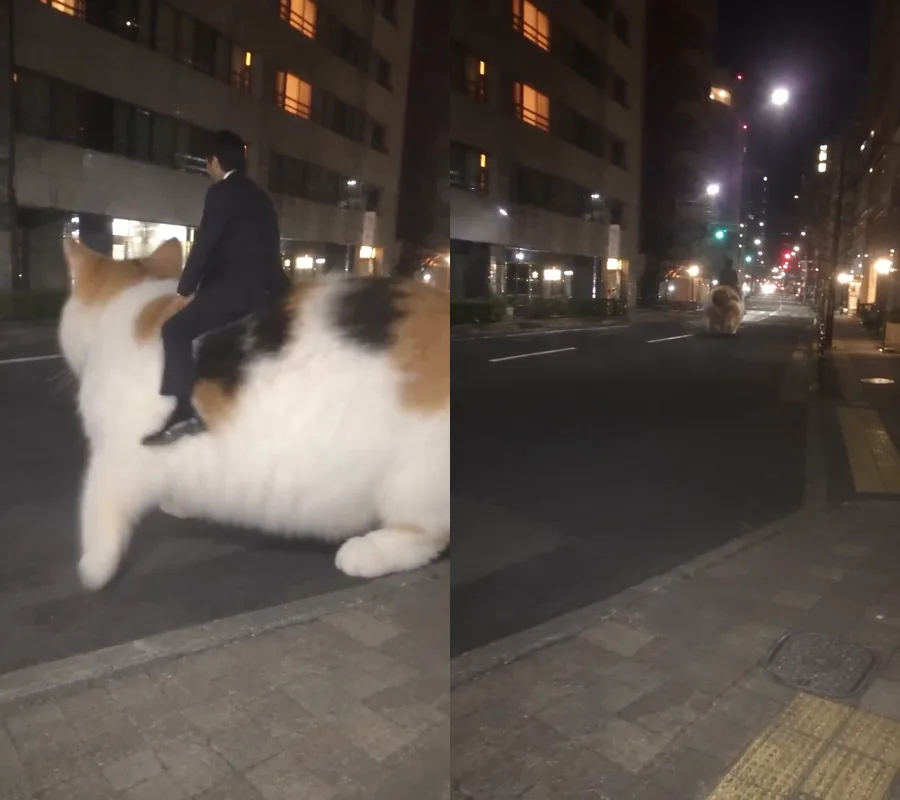
The animal stands and moves down the road with the rider aboard. Keep the departure in the shared video: cutting at the seated pose turns “riding my cat home” back into a static gag.
Cats and dogs can take the giant-pet role, but a convincing result depends on the whole animal and the moving rider. Judge the sequence in motion, not just its best-looking frame.
At giant scale, body patches and tail markings become large visual landmarks. A recognizable head attached to the template cat’s coat can still feel like a different pet.
Playback check: Compare the head, flank and tail across the approach and exit.
A giant dog ride changes the muzzle, ears, paws and body silhouette as well as the coat. Check for cat-shaped features left behind; a dog’s face alone does not complete the swap.
Playback check: Look at the standing silhouette and paws when the animal carries weight.
The opening shows much of the rider from behind; the mounting brings the head and body into new angles. Hair, build and outfit continuity matter alongside the face, especially during that turn.
Playback check: Follow the rider through the turn instead of judging only the final seated pose.
Oeneo AI applies this scene without a prompt field. For a separate Kling video-edit workflow, the example below explains how to keep the pickup story while replacing both subjects.
Kling video editing with a source clip
Prompt length 864
Use @Video1 as the editing reference. Replace the short-haired adult at the curb, carrying a black bag, with the adult in @Image1; preserve the photo's face, hairstyle and visible outfit. Replace the entire giant calico cat with the pet in @Image2, including its species, ears, muzzle, body, legs, tail and coat pattern. Keep the pet at the reference animal's giant scale. Transfer the complete action in order: the rider hails the pet, the pet approaches and crouches, the rider touches its head and climbs onto its back, then the pet stands and carries the rider away. Preserve @Video1's street, black bag, camera movement, framing, cuts, night lighting, timing and original sound. Keep the rider recognizable from behind and through the turn. Maintain natural hand-to-head and seat-to-back contact without merging limbs or retaining the original cat's markings.Name what stays fixed
Keep the curb, bag, night lighting and moving camera together so the new subjects inhabit the same event.
Do not request a new trip at the same time
Adding a taxi cab, a different street or an extra destination asks the edit to invent a different scene. Use a new-video workflow for a different story.
Every template works the same way: add your photos, press Generate and get a shareable video without writing a prompt.
View all effectsUse a dedicated video tool when you need a larger export or want to separate the moving subject from its surroundings.
Generate a clip from a prompt, a still image, a reference or existing footage.
Open toolCut the subject out of any clip and export a transparent WebM or a solid colour.
Open toolGeneration uses credits. The price changes with resolution, and the generation button shows the exact cost before you submit.
No. This version requires both photo slots to be filled; it does not provide a fixed or randomly chosen passenger.
No. This effect uses a fixed editing model, with resolution as its output choice. For model selection, open the separate AI video generator.
Yes. This template retains the built-in clip’s original sound. There is no custom soundtrack or audio switch in this effect.
The rider moves from a back view into oblique angles while climbing. Occlusion and those changing views can cause identity drift; exact face or clothing fidelity is not guaranteed. Start with the photo checklist above.
This page is designed around cats and dogs. It does not promise support for birds, reptiles or every other animal; their body shapes and the riding contact differ substantially.
No. The night street and pickup sequence are fixed in this effect. Use the AI video generator to plan a different setting or a new storyline.
Free-plan generations are public. Paid users can choose private generation. Check the visibility setting before you submit a personal or pet video.
Give your next “pet picks me up from work” post a complete ride-home story.