

Riding Lion AI Trend

Upload one photo and become the rider: on a night road the lion pads up behind you, you pat its mane, climb on and ride toward the camera — the scene and the lion are built in.

  • No prompt
  • Lion included
  • No app
Example · Riding Lion AI

PNG / JPG / WebP · up to 10 MB · at least 512px on the short side

0/1 photos

One clear photo of the person who becomes the night-road rider; the lion, the night road and the clip's own sound stay from the template.

Video settings

No prompt needed. Only upload photos of yourself or people who agreed to be featured; celebrity photos and film stills aren't allowed.

What is the Riding Lion AI trend?

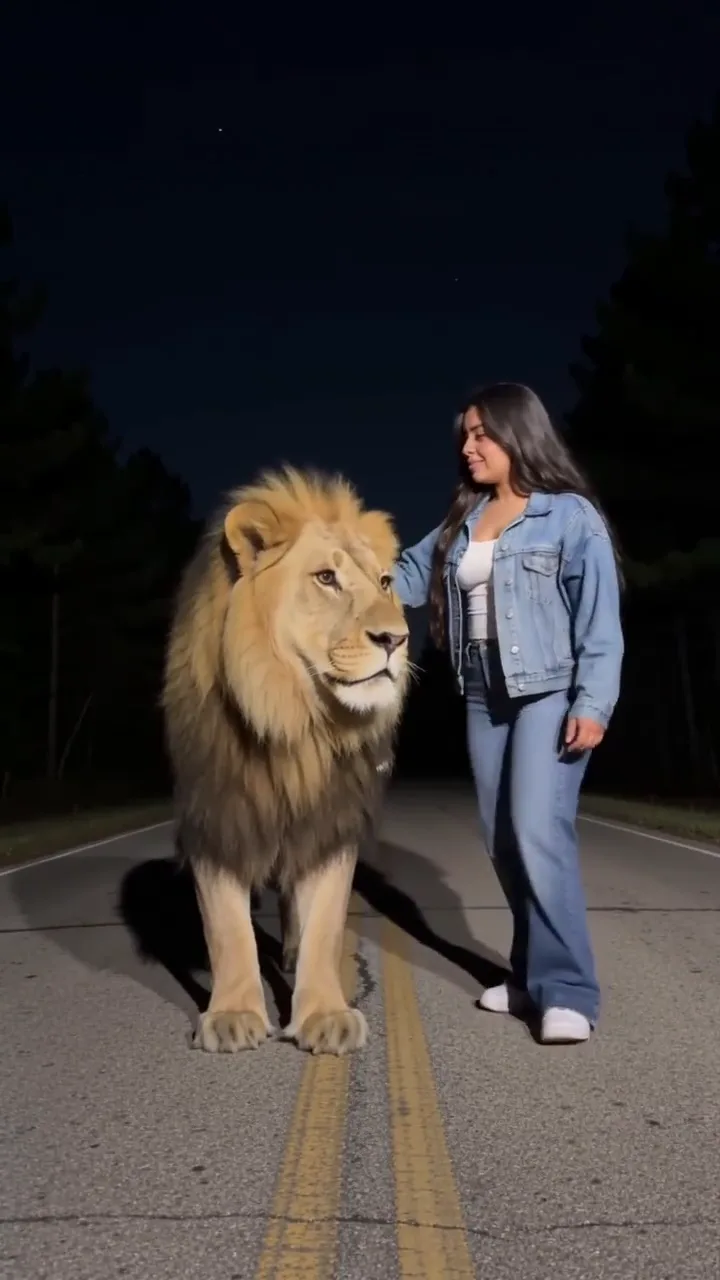
The Riding Lion AI trend is a night-road clip where a lion pads up behind the rider, who pats its mane, climbs on and rides toward the camera — your photo becomes that rider.

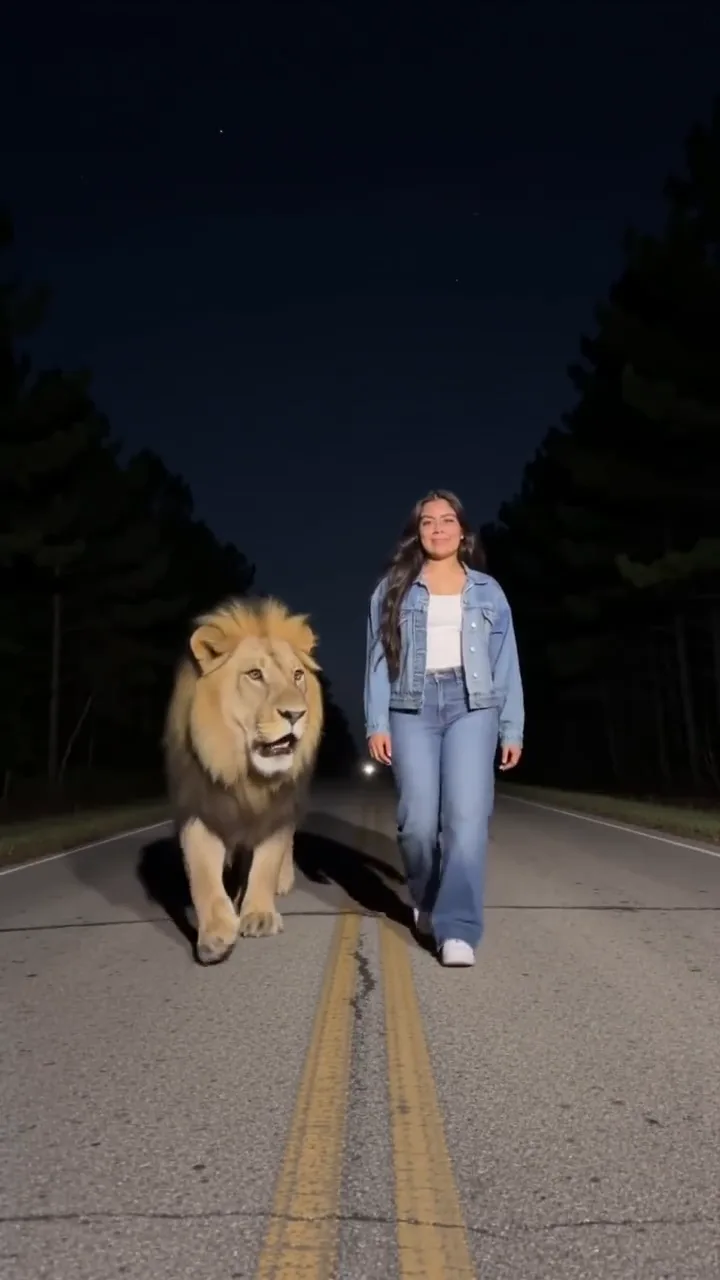
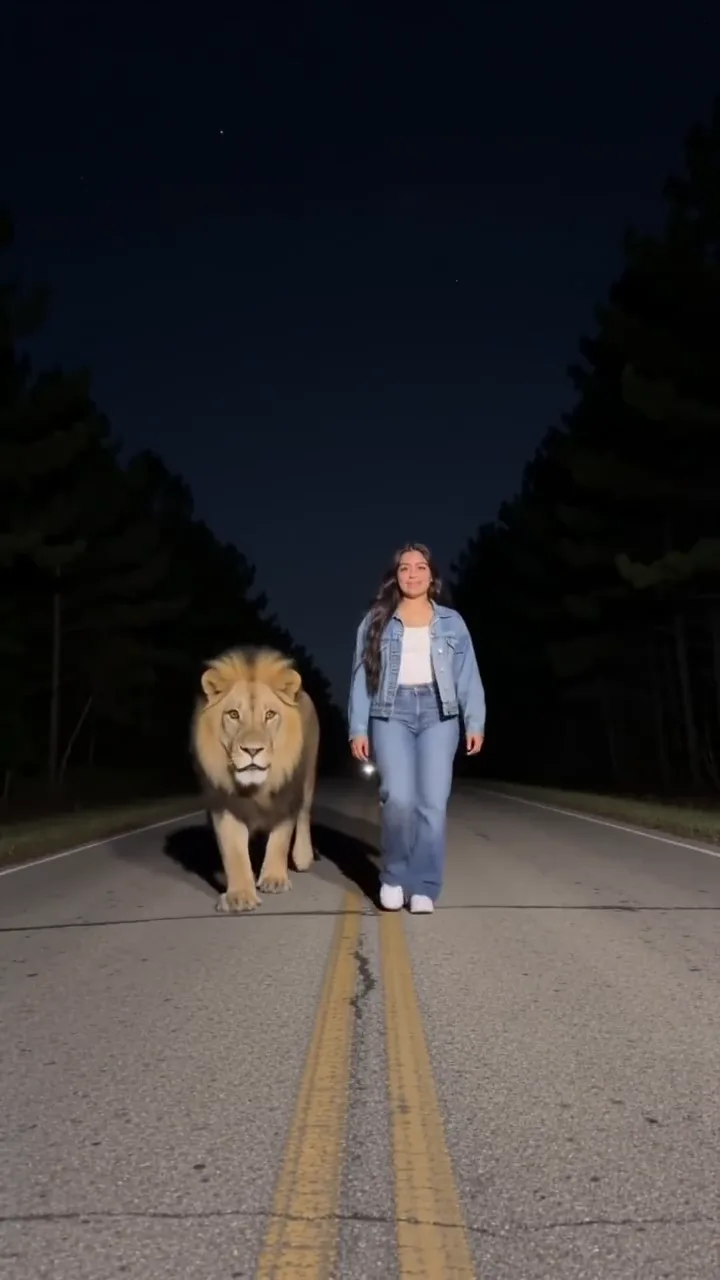
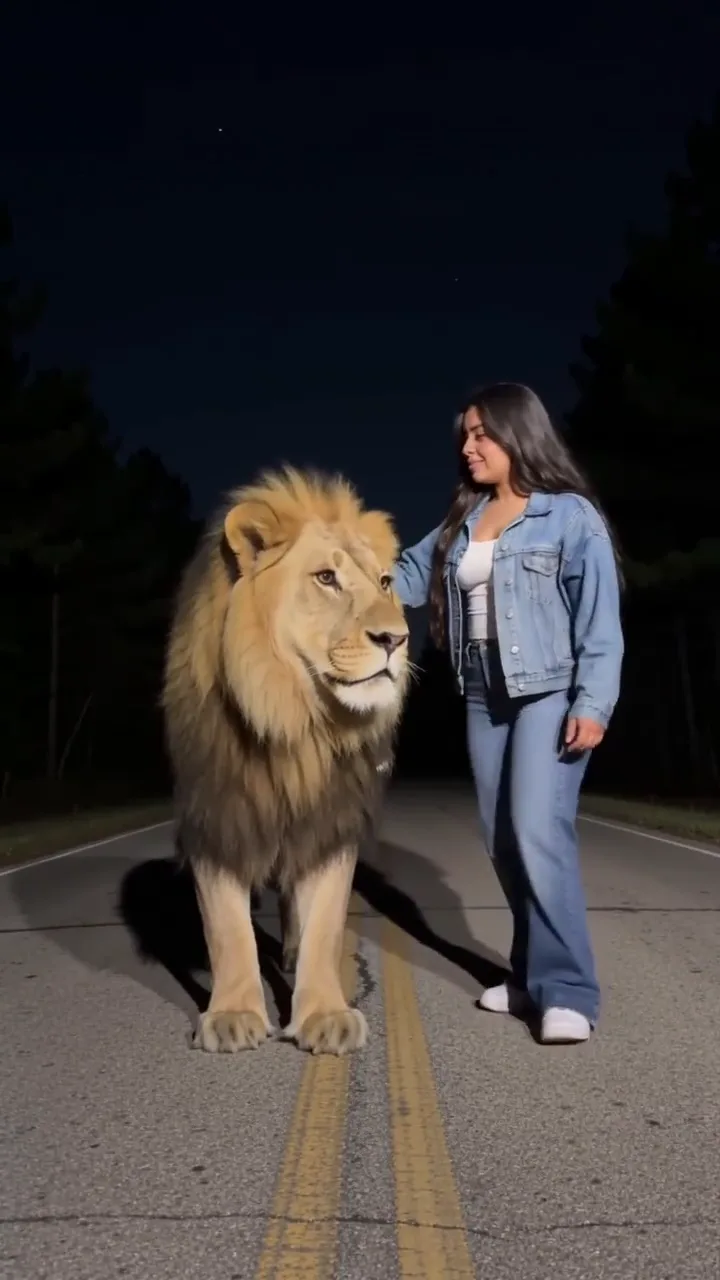
A rider in a denim jacket and jeans walking down a tree-lined night road as a lion pads up behind them

The joke is the contrast between the danger and the calm. A lion appears on a dark road with its mouth open, and instead of running the rider touches its mane and climbs on as calmly as hailing a taxi. The whole reversal plays out in about ten seconds.

The bare words "riding lion" also surface children's books, toys and dream posts, so this page is the specific AI night-road clip. Two nearby effects are different: Cat Taxi takes two photos so you can swap a giant pet too, and Sheru Bhai keeps the white lion standing beside you instead of carrying you down a road.

How the wave built up

  1. The Lion Taxi Ride template went up on CapCut, setting the single-rider night-road format.

  2. The first same-format promo posts followed, pointing one photo at the rider.

  3. The same template read 173,947 uses on November 18, 2026.

Uses and dates read on November 18, 2026; a CapCut template detail page.

What happens in the riding lion clip

One continuous 10.1-second shot with no cuts: a walk, a roar, a pat and a ride, and only the rider changes.

  1. A rider in a denim jacket and jeans walking down a tree-lined night road toward the camera, a lion approaching behind10:00

    Walk toward the camera

    The rider walks down the middle of the night road toward the camera, trees and headlights around, as the lion pads up from behind.

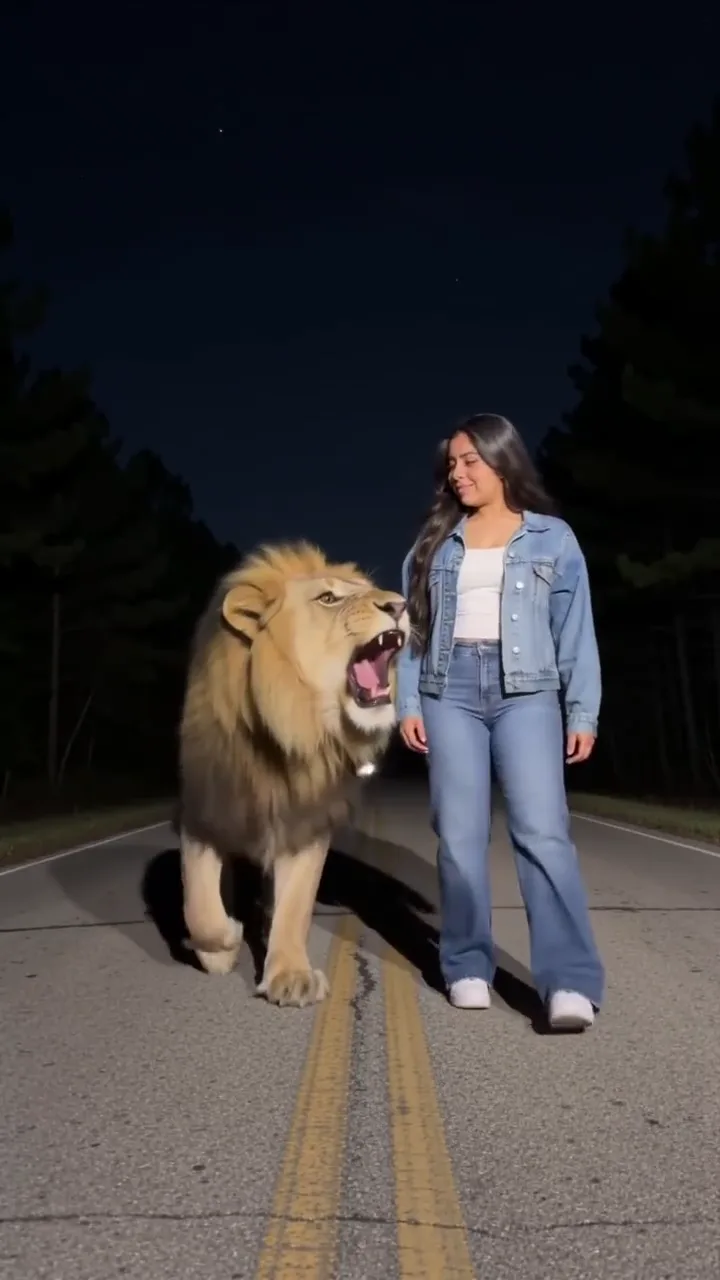
  2. A lion opening its mouth beside a rider reaching toward it on a night road20:03

    The lion opens its mouth

    The rider turns to the lion, and it opens its mouth; the rider's hand starts toward its mane.

  3. A rider's hand on a lion's mane, one leg swinging over its back30:05

    Hand on the mane

    The rider pats the mane, then swings one leg over the lion's back.

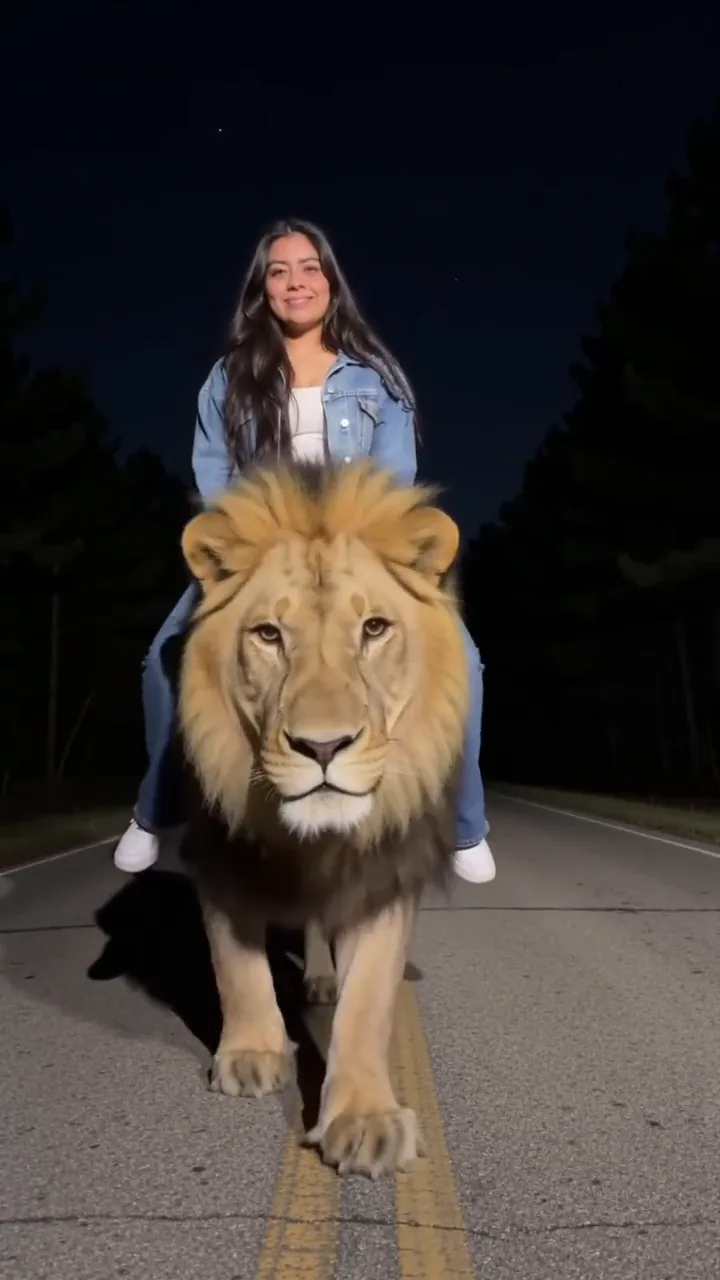
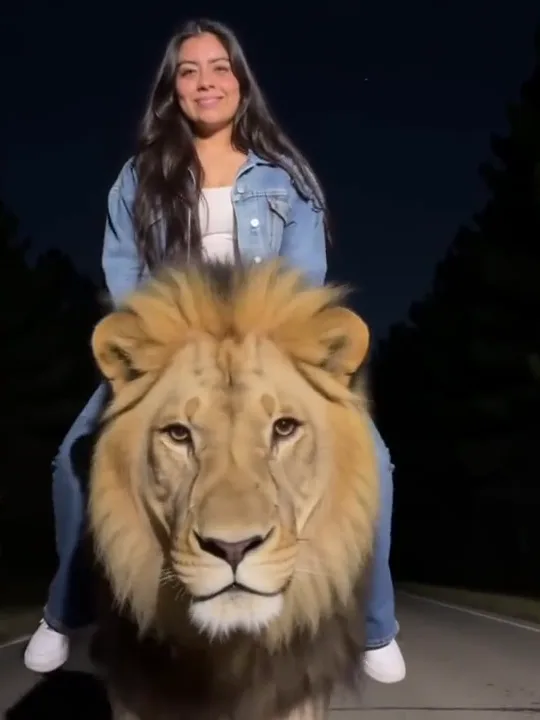
  4. A rider seated on a lion's back riding toward the camera, the lion's head large in the lower frame40:07

    Ride toward the camera

    The same person sits on the lion's back and rides toward the camera, the lion's head large in the lower frame.

The camera never moves, and the lion, the road and the rider's denim jacket and jeans stay from the template.

Why does the rider float, or turn into someone else?

What a run usually gets wrong around the mount, why it happens, and what to change before the next attempt.

  • You don't look like you after the mount

    Why
    The turn and the mane hide the face, and identity loosens as the clip goes on.
    What to change
    Use a front-facing, evenly lit photo; if a run drifts, try another photo rather than a longer prompt.
  • Hands and legs float off the lion's back

    Why
    Contact between the hand, leg and mane is the hardest part of the scene to repaint.
    What to change
    There is no slider for it; keep the prompt's contact sentence and check the mount and the seated pose before sharing.
  • Your face ends up on the lion

    Why
    The take carries two faces, so a soft or angled photo gives the model too little to separate them.
    What to change
    Keep the lion sentence in the prompt and use a clear face photo; the lion is never replaced.
  • The jacket or the jeans don't match

    Why
    The clip's outfit is kept, not your photo's, so a different jacket or jeans can show.
    What to change
    The denim jacket and jeans stay from the template; your photo supplies the face and hair.

How do you make a Riding Lion AI video from one photo?

One photo of the rider, then three steps from upload to download.

  1. A rider in a denim jacket seated on a lion's back on a night road, riding toward the camera

    Photo 1Night-road rider

    Your photo replaces the rider in the denim jacket. The photo supplies the face, hair and build; the clip keeps the denim jacket and jeans, the lion and the night road.

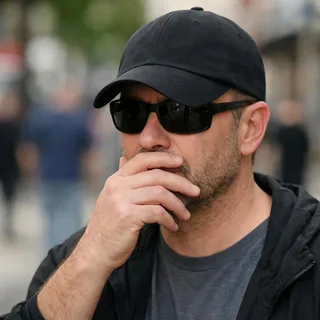
    • Face and hair clear, no sunglasses or hands over them
    • One person only; a waist-up or full-body photo works best

Photo checklist

Works well

  • A curly-haired woman in a mustard sweater, chest up, smiling at the cameraFace lit and front-on
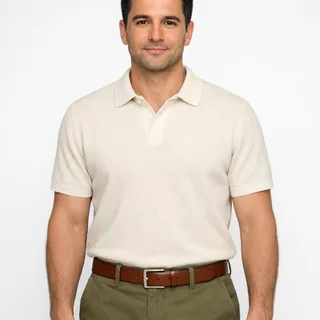
  • A man in a cream polo, head to waist, arms relaxed at his sidesWaist-up or full-body photo
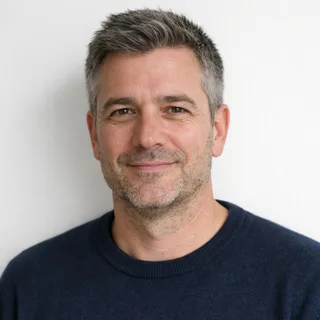
  • Chest-up photo of a man in a navy sweater, unfilteredPlain background, no filter

Avoid

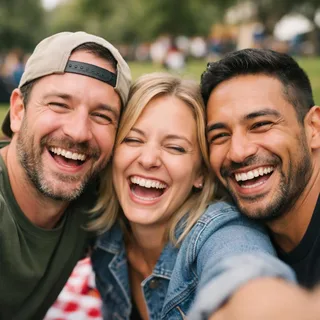
  • Three friends squeezed into one selfie at a picnicTwo or more people in one photo
  • Man in sunglasses and a low cap with a hand over his mouthSunglasses, caps or hands over the face
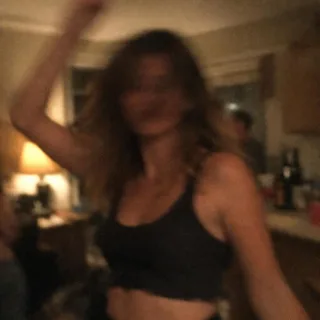
  • Dim, blurry snapshot of a woman dancing at a night partyDim, blurry or heavily filtered shots

From upload to a posted ride

  1. Upload one photo

    Add one clear photo of the person who should ride the lion.

  2. Pick a resolution and generate

    Choose 720p or 1080p, then click Generate. The button shows the exact credit price before you start.

  3. Download and post

    Download the clip and post it as it is, or write your own caption.

Riding lion AI without the CapCut template

This page runs the preset in the browser. The same one-photo swap exists as a CapCut template, but you don't need to install it to get the clip here.

Oeneo AI (this page)CapCut / Hypic template
What you giveOne rider photoOne photo in the app
What you getA downloadable 720p or 1080p clipAn in-app edit you export
Need an app?No — runs in the browserYes — CapCut or Hypic
Change the scene?No — the lion and night road stayNo — the template keeps them

Riding Lion AI prompt for Kling and other tools

Two public versions of the same instruction: one edits the source clip with one photo, the other recreates the take in a reference tool. Paste either and keep the sentences about what must not change.

Kling 4.0 video edit

Prompt length 882

Use @Video1 as the source take. Replace only the rider — the person in the denim jacket and jeans walking down the middle of the night road — with the person in @Image1.

Keep @Image1's face, hair colour and length, age, gender and build, and keep the clip's denim jacket, jeans and shoes on the replacement. Transfer the calm walk toward the camera, the turn to the lion, the hand on its mane, swinging one leg over its back and the seated ride toward the camera, frame by frame.

Keep everything else from @Video1: the lion and its mane, the night road, the trees, the headlights, the camera, the single continuous shot, the lighting, the pacing and the built-in sound. The lion is never replaced and never takes the face from @Image1; the hands and legs stay in contact with its back. Do not add people, animals or props, and do not cut the take. No face blending, text or logos.

Keep these in the rider prompt

  • Name the rider by position

    The person walking down the middle of the night road; "the rider" alone gets vague once the lion is also AI.

  • List the moves in order

    Walk, turn, open mouth, pat, mount, ride: each one tells the model which pose belongs to which second.

  • Protect the lion and the contact

    Say the lion keeps its mane and never takes the new face, and that hands and legs stay on its back.

Leave these out of the rider prompt

  • Don't swap the road for another scene

    A different road, a tiger or a zoo makes the model re-shoot instead of replacing one rider.

  • Promise the clip's original sound

    The finished video's sound is generated; no prompt makes it keep the template's track for certain.

  • "Swap our faces"

    Two faces and one photo invite the lion's head to turn human.

A bare lion swap vs one the model can follow

Too vague

Put me on the lion.

Works better

Use @Video1 and replace only the rider in the denim jacket walking down the night road with @Image1; keep the lion, its mane, the trees, the mount and the ride, and never put the new face on the lion.

The second one names the rider, the photo and what must stay; the first gives the model nothing to hold on to.

Riding Lion AI length, resolution and credits

Riding Lion AI length, resolution and credits
Photos
1 photo
Photo files
PNG / JPG / WebP, up to 10 MB, at least 512 px on the short side
Length
One 10.1-second take; length and frame follow the clip
Frame
9:16 vertical
Resolution
720p or 1080p; 720p by default
Sound
The built-in clip keeps its own sound; the finished video's sound is generated and may not keep it.
Credits
380 credits at 720p, 570 at 1080p
Visibility
Videos made on a free account are public. On a paid plan they are private by default.
If a run fails
The credits go back to your balance automatically

FAQ

Riding Lion AI FAQ

Is the riding lion video real or AI?+

AI. The scene is a fixed AI clip, and this page replaces its rider with the person in your photo; it is not a real lion ride.

Who started the Riding Lion trend?+

The format spread in mid-November 2026: the Lion Taxi Ride template went up on November 12, the first same-format promo posts followed on November 13, and by November 18 the template read 173,947 uses. This page does not name a single creator.

Do I need lion footage, CapCut, or a prompt?+

No. The page supplies the fixed night-road clip and its prompt; you add one photo and pick a resolution in the browser.

How many photos does the rider slot take?+

One. This version has a single rider slot, so one clear photo of one person is enough.

Can two people ride the lion together?+

No. This version has one rider slot and does not support a second rider.

Can my cat replace the lion?+

No. This page keeps its lion fixed. To upload a rider and a giant pet together, use the Cat Taxi effect.

Is Riding Lion AI free?+

No, each video costs credits. The price follows the resolution you pick, and the Generate button shows it before you start. New accounts start with 10 credits.

Can I pick 1080p, or change the length and frame?+

Resolution is the only choice: 720p or 1080p, with 720p by default. Length and frame stay fixed as the clip's one 10.1-second 9:16 take.

Does it keep the clip's sound?+

The built-in clip keeps its own sound, but the finished video's sound is model-generated, so it is not guaranteed to keep the template's track.

Why do I look different after the mount?+

The turn and the mane can hide the face, and identity may drift as the clip goes on. A clearer, front-facing photo helps, but a small drift is still possible.

Why does the rider float above the lion?+

Contact between the hand, leg and lion is the hardest part of this scene, so the mount or the seated pose can come out detached. Check those beats before sharing; there is no slider that fixes them.

Does my photo's outfit carry over?+

No. This version keeps the clip's denim jacket and jeans, and your photo supplies the face, hair and build. There is no clothing control.

Make your riding lion video

One photo in, one night-road ride out — the lion, the road and the take stay, and your face becomes the rider.