


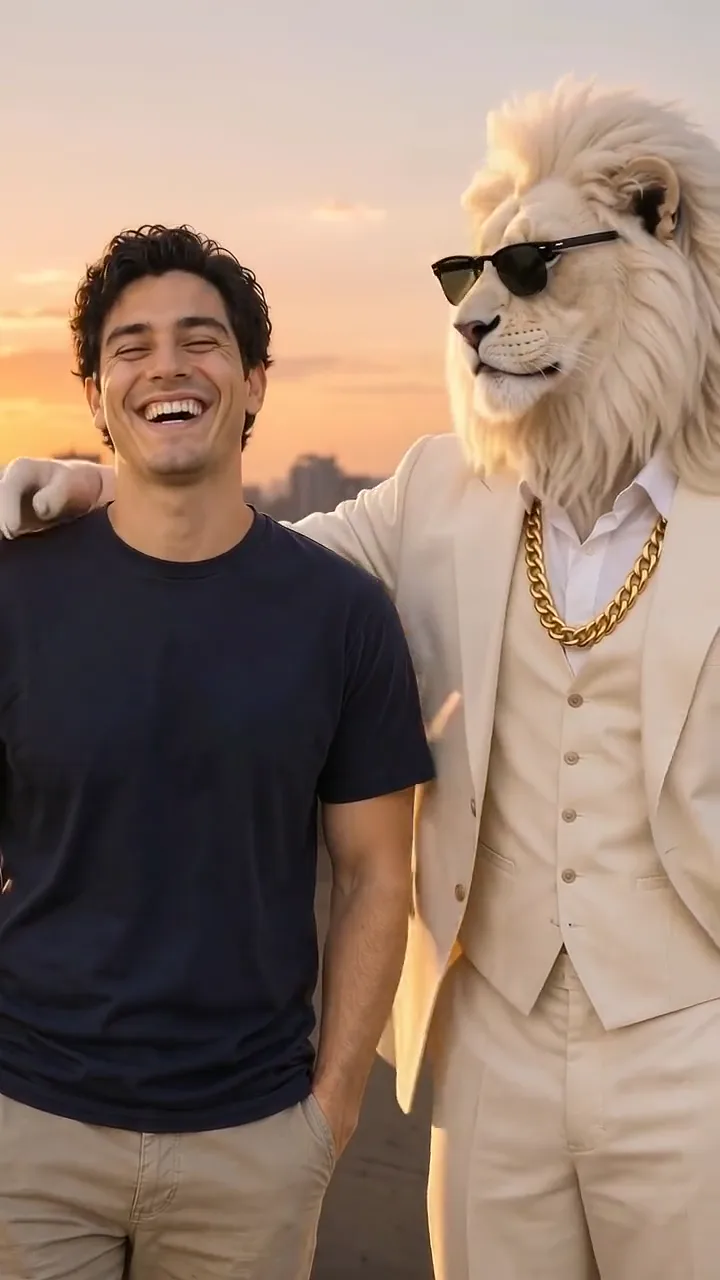
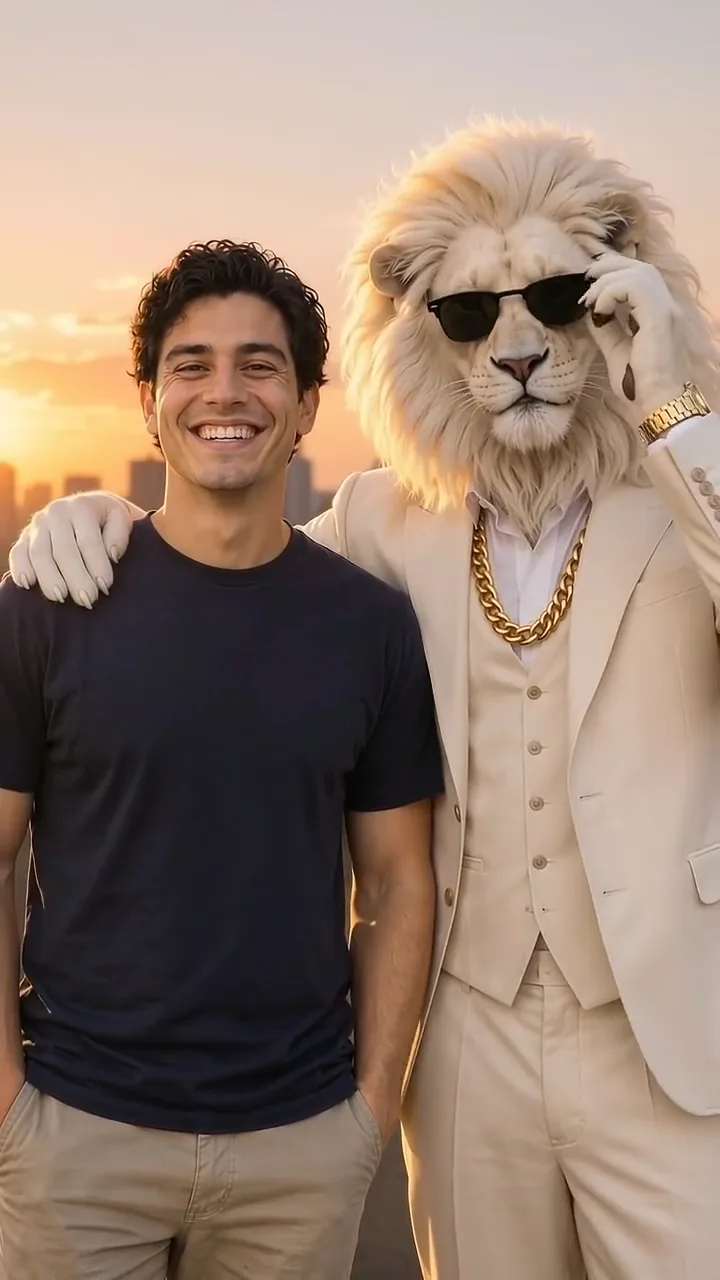
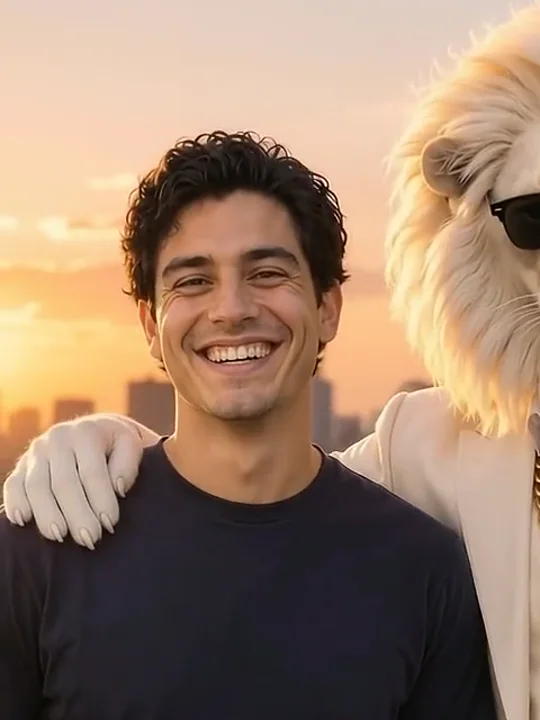



Kling 4.0 video edit
Prompt length 914
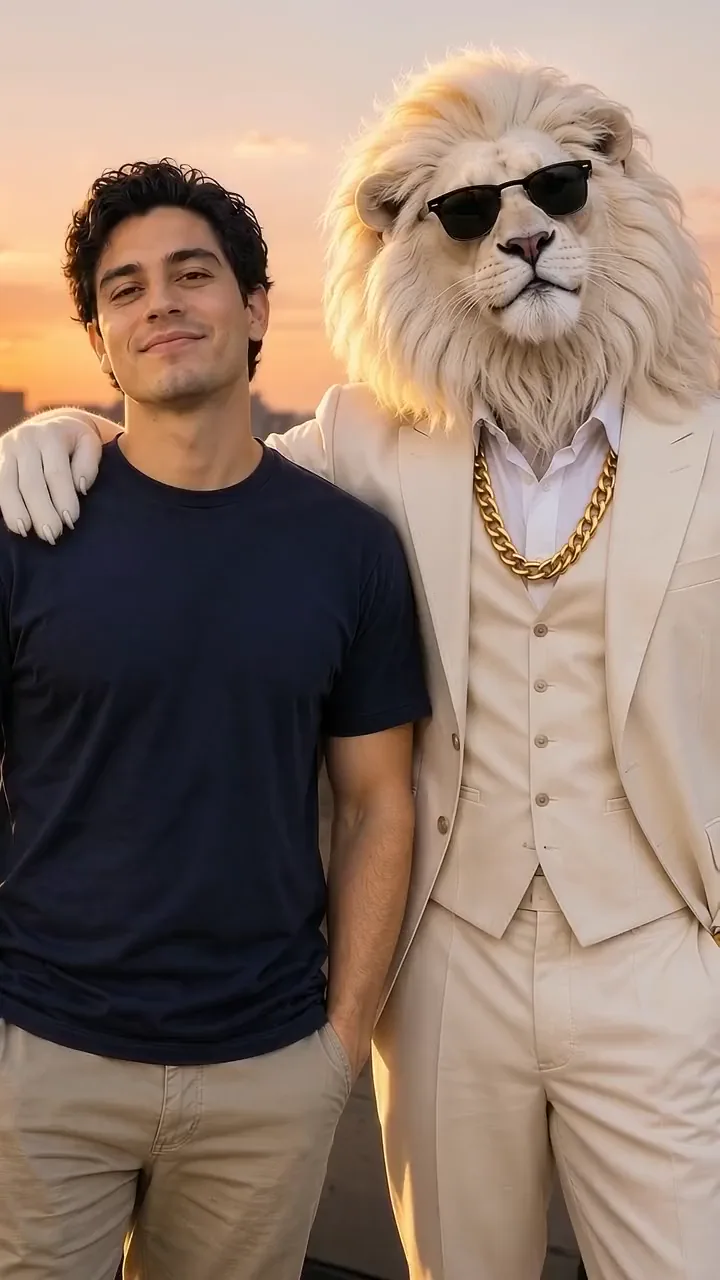
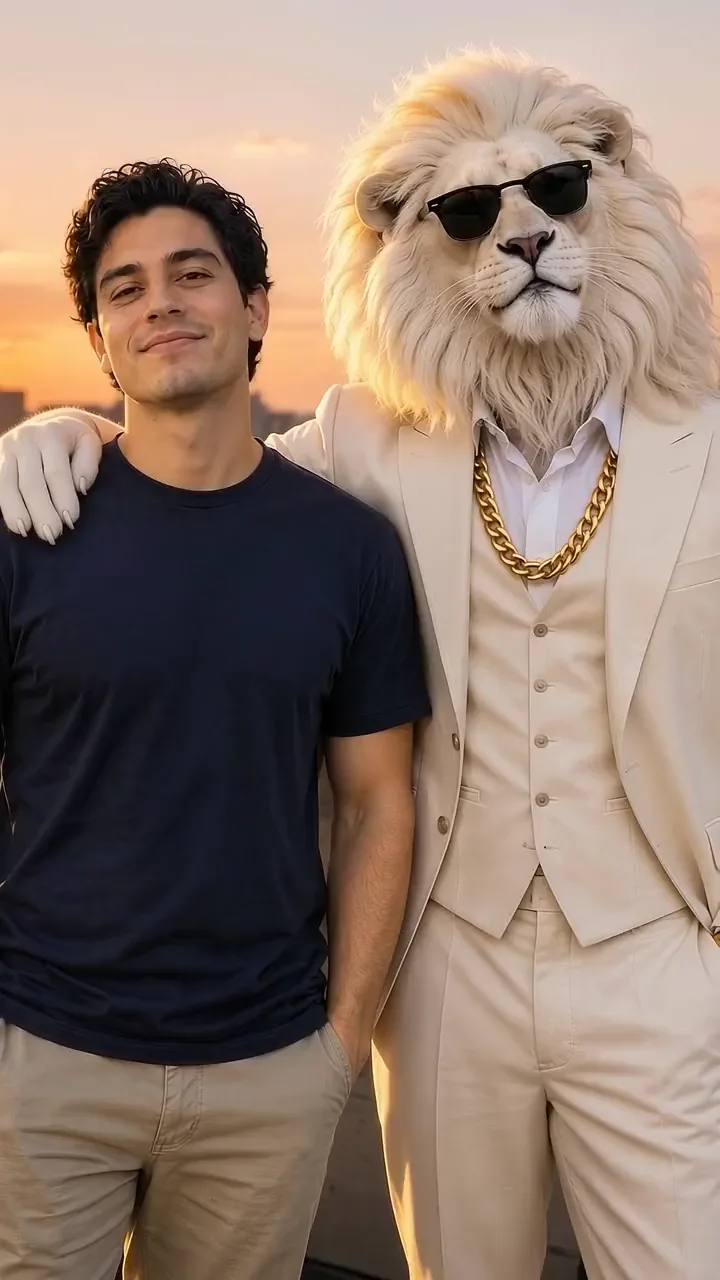
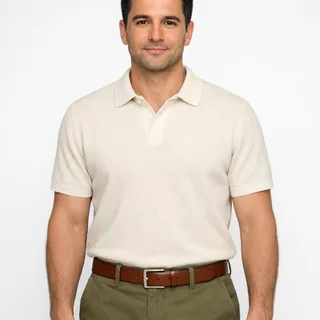
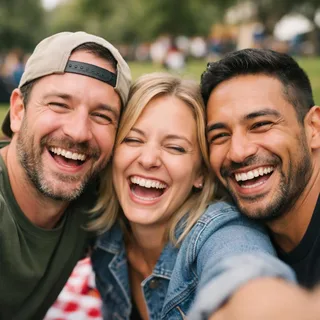
Use @Video1 as the source take. Replace only the person on the left — the curly-haired man in the plain navy T-shirt and light trousers — with the person in @Image1.

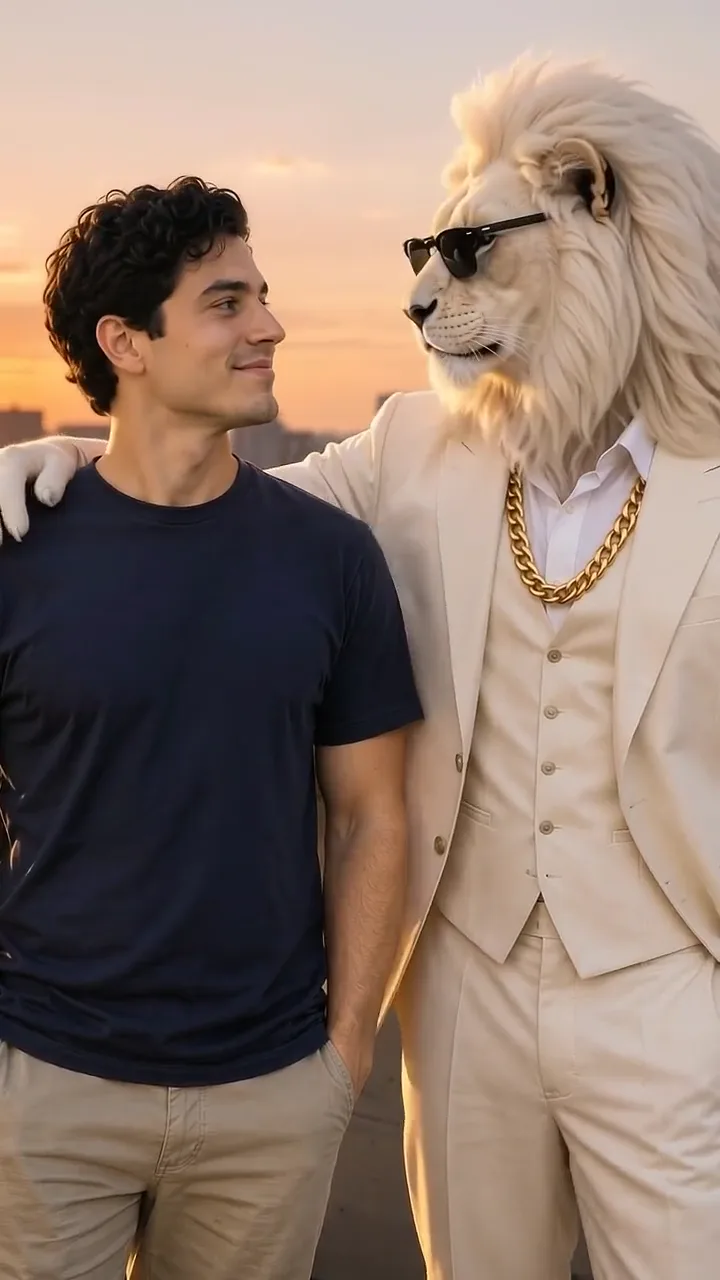
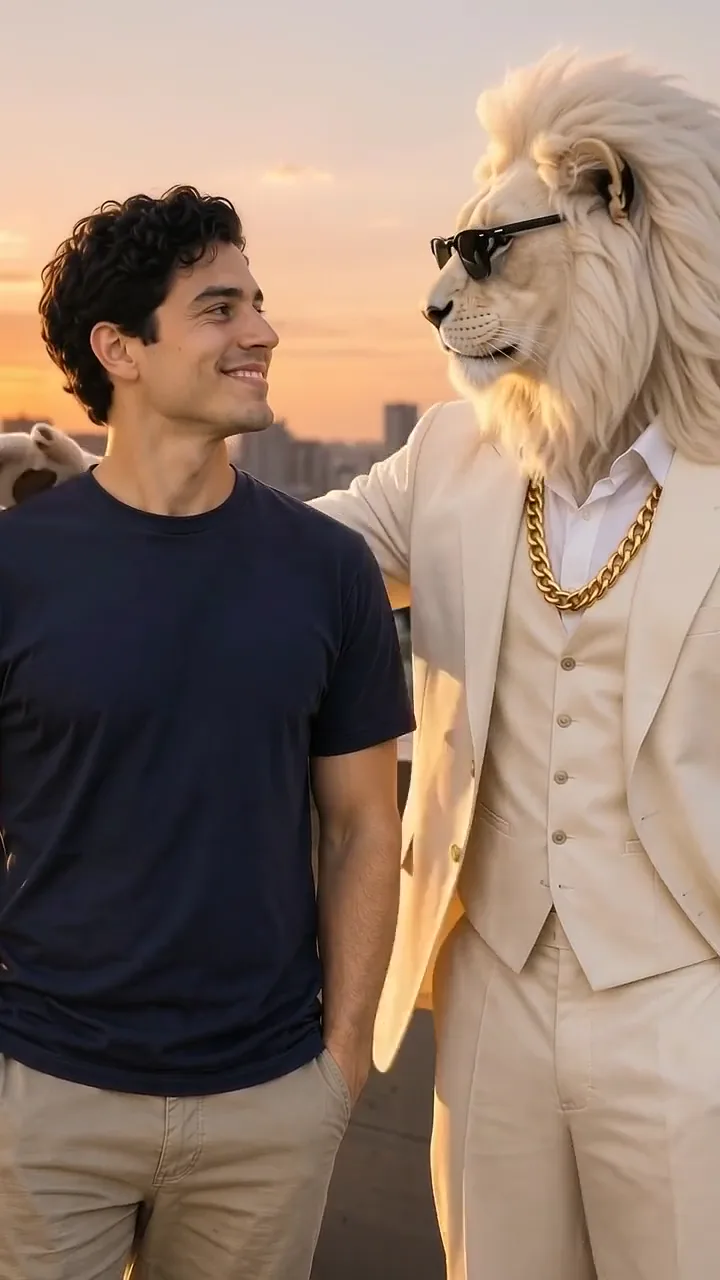
Keep @Image1's face, hair colour and length, skin tone, age and gender, and keep @Video1's navy T-shirt and light trousers fitted to their own body. Carry the performance over frame by frame: the smile into the camera, the turn toward the lion, the laugh back at the camera, and the last smile while the lion settles its sunglasses.

Keep everything else from @Video1: the white lion on the right with its mane, cream three-piece suit, gold chain and black sunglasses; its paw on the left person's shoulder; the rooftop, the sunset sky, the city skyline, the static camera, the single continuous shot and the built-in sound. Do not put the new face on the lion, do not add or drop actions, and do not cut the take. No face blending, text or logos.