


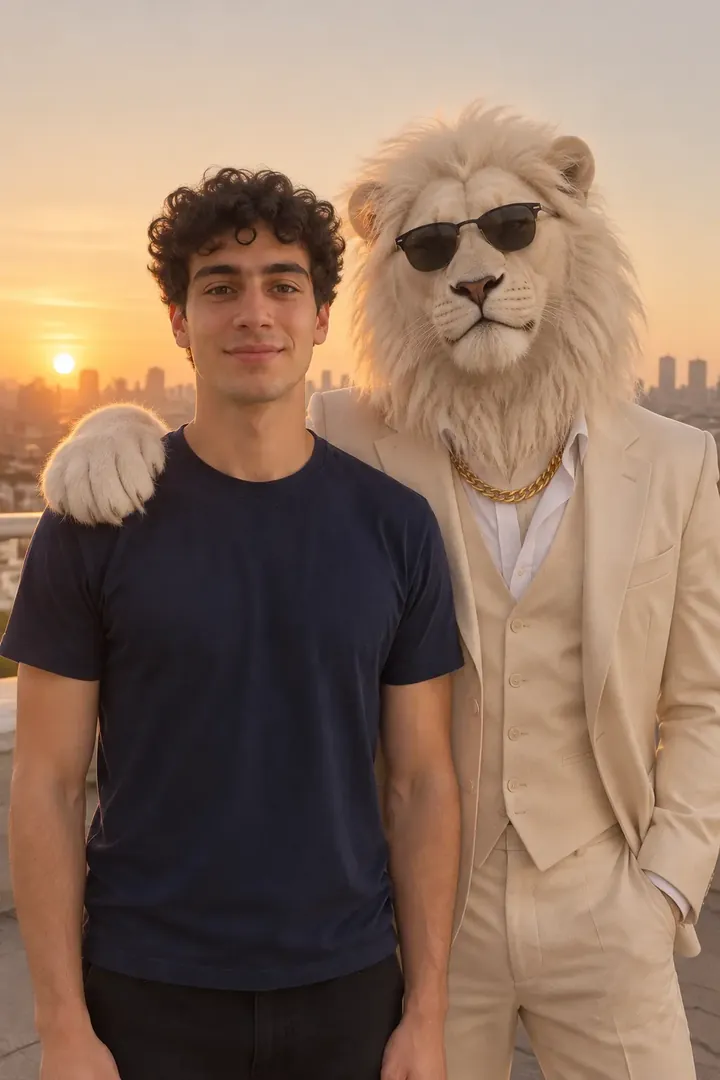
 Paw on shoulder
Before
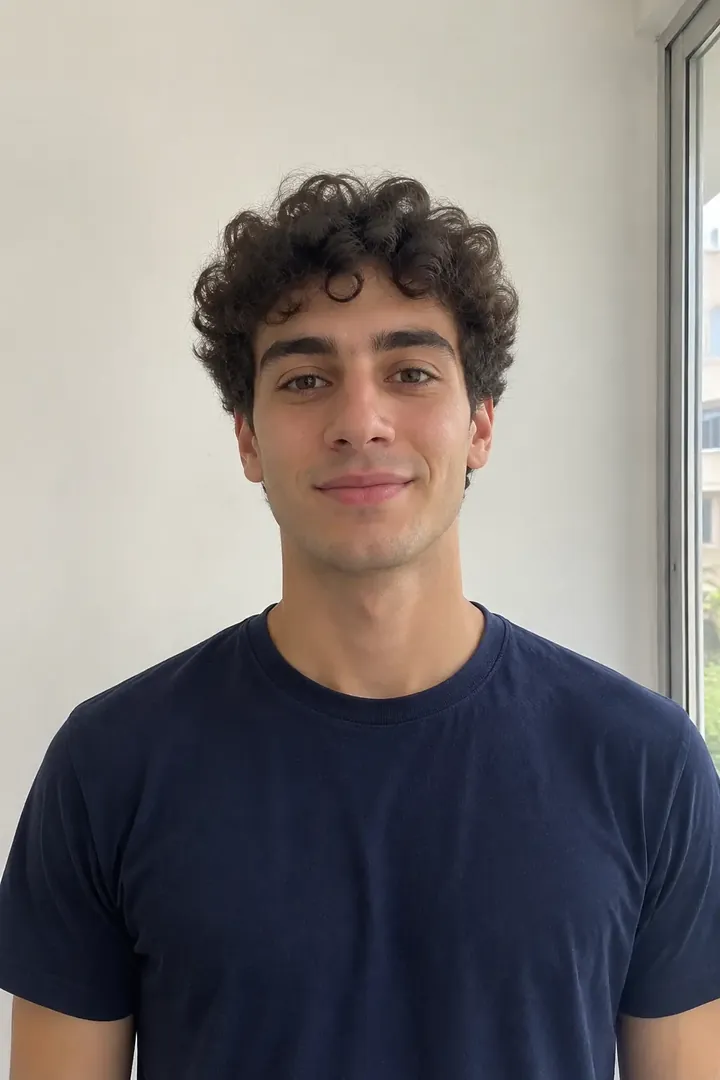
Your photo
Rooftop sunset
The frame the trend is known by: a golden-hour rooftop, the white lion half a step behind your shoulder with one paw resting on it, the city low behind you.
Edit one clear photo so you stand beside an AI white-lion boss: a rooftop, a palace, a mirror selfie or a night car. Your face and clothes stay yours.
PNG / JPG / WebP · up to 10 MB · at least 512px on the short side
0/1 photos
One photo of one person, face clear and unobstructed. The lion, its paw and the light come from the template.
Photo settings
No prompt needed. Only upload a photo of yourself or someone who agreed to be featured; celebrity photos and film stills are not allowed. Make the video version
The same task in four places: a rooftop at sunset, a palace doorway, a mirror and a hotel forecourt at night. Men and women both keep their own face beside the lion, and every result sits next to the phone photo it was edited from.
Paw on shoulderBefore
The frame the trend is known by: a golden-hour rooftop, the white lion half a step behind your shoulder with one paw resting on it, the city low behind you.
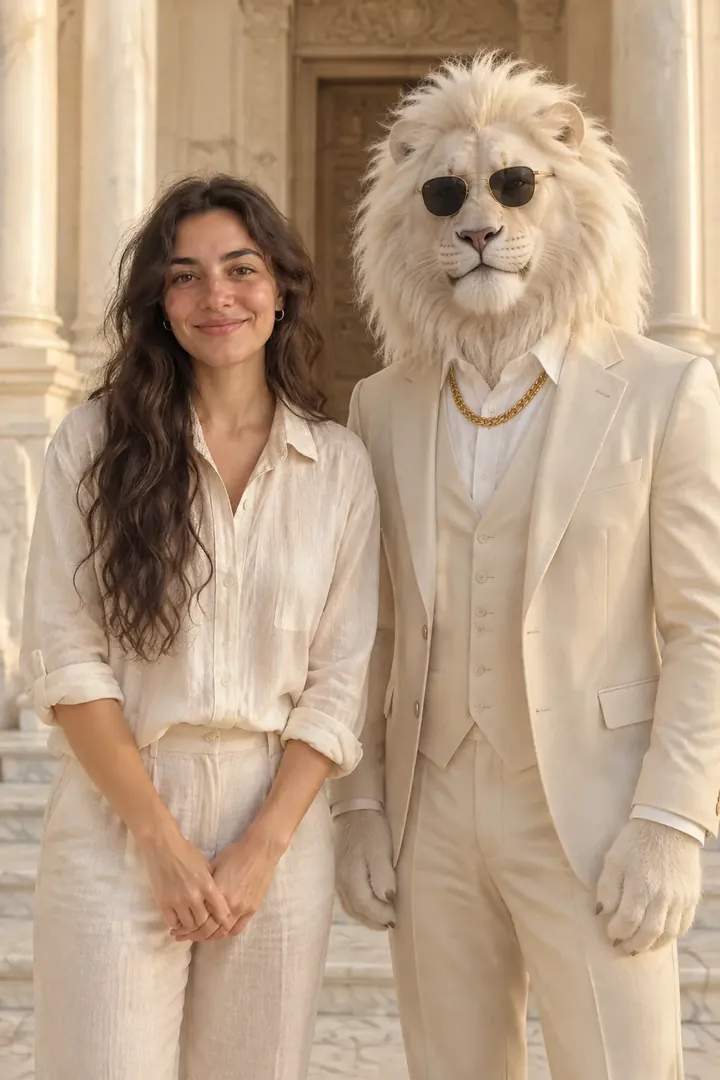 Hands apart
Before
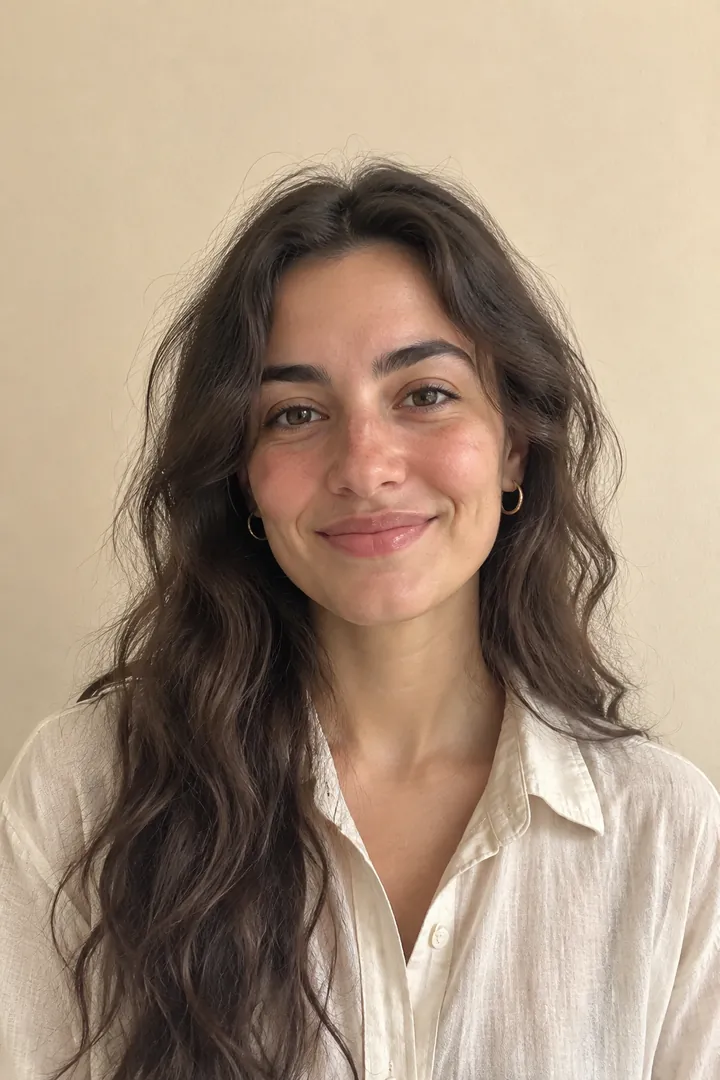
Marble columns and warm afternoon light, the two of you side by side with your own hands in view: the calmest scene for a face that stays yours.
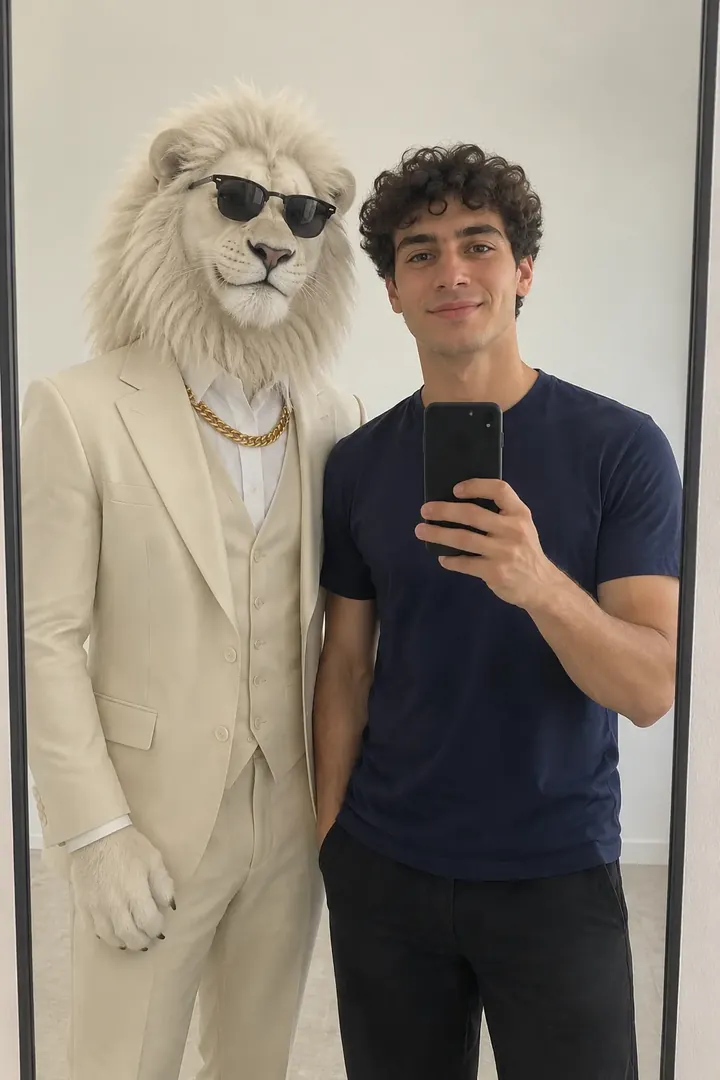 Phone in hand
Before
One phone, one reflection: the shot people already post, with the white lion standing just behind your shoulder and its sunglasses mirrored back.
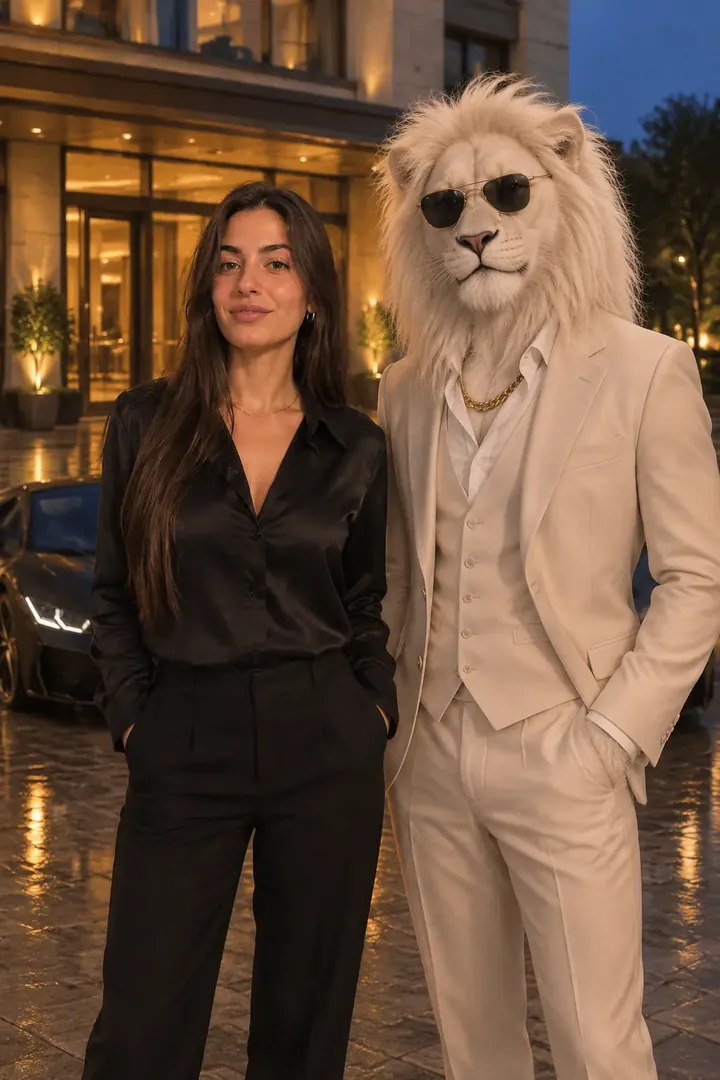 Car behind
Before
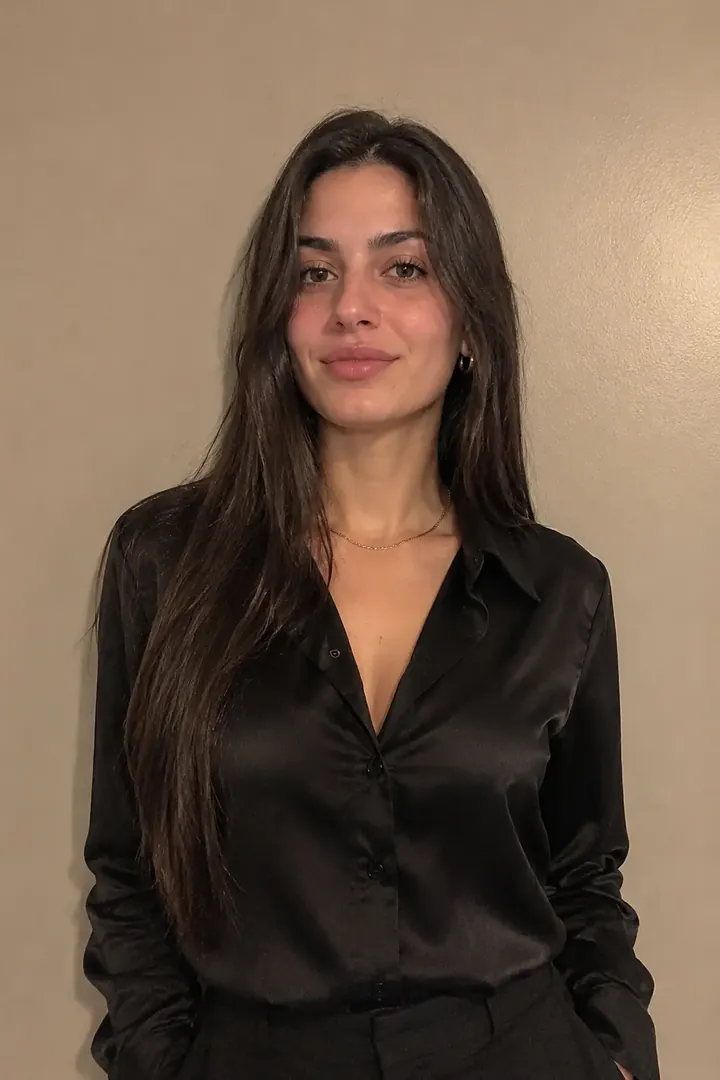
Blue hour outside a lit hotel with a low, unbranded car behind you and the lion on your right: the richest-looking version of the same joke.
The Sheru Bhai AI photo is a picture of yourself standing next to a white-maned lion in a pale suit, gold chain and sunglasses: the AI rich-boss character of the Sheru Bhai short stories, added to your own photograph.
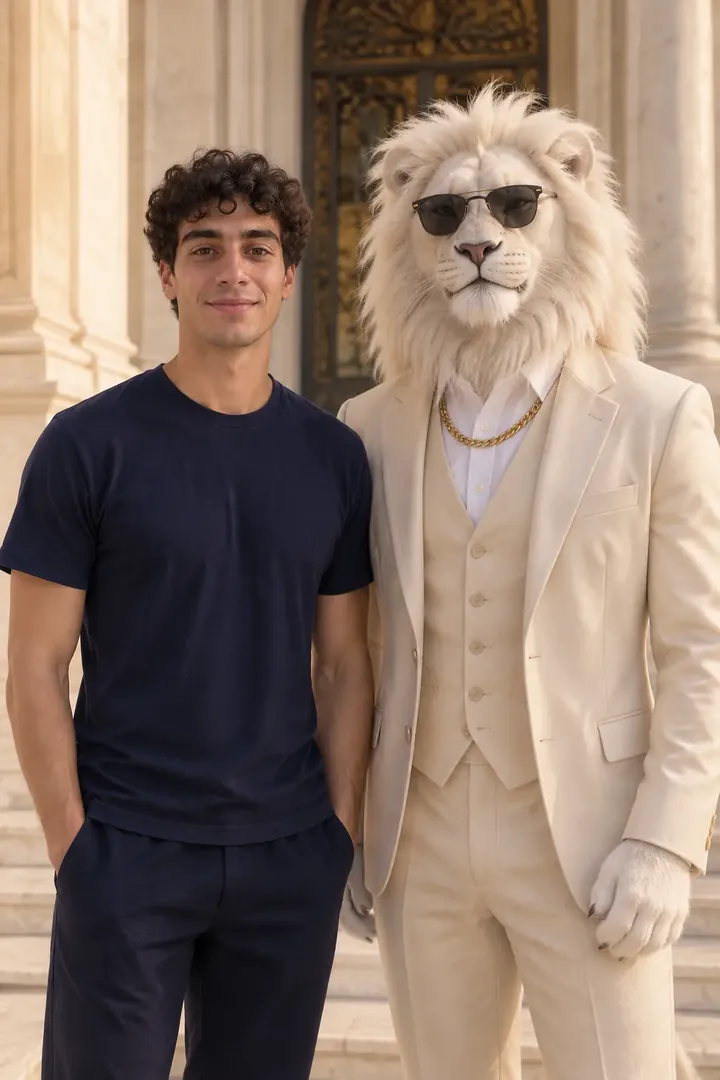
Sheru Bhai is a character, not a real person and not a model you can download. In AI skits he is a wealthy lion boss in a cream suit, usually with a chunky gold chain and dark sunglasses, and the joke is that he is impossibly rich and oddly friendly. The white mane and pale suit are what most photos use; gold-maned and dark-suit versions exist too.
The photo version keeps you human. Your photo supplies the face, hair and clothes, and the template adds the lion, the place and the light, so the result reads as “me and my impossibly rich friend”. It is a one-click editor rather than a prompt box; plenty of people still search for it as the Sheru Bhai photo generator. Becoming a lion head, or downloading a lion-only wallpaper, is a different task.
A Telegram tutorial channel posted a mirror selfie of a man beside the white lion; the post has about 3,200 views.
The same channel posted the two-reference prompt behind that selfie, one photo for the person and one for the lion, after readers asked for it. The post has about 1,900 views.
A woman posted her own photo with the lion on X with a joke about standing next to Sheru; by November 16 it had about 2,600 views and 11 likes.
Three more sites with a Sheru Bhai photo or video template appeared in one day, taking the count of dedicated domains to six.
Sources: public view counts and likes read on November 16, 2026; a US Google Trends read of “sheru bhai” for November 9–15, 2026.
Three different jobs share one character: this page makes a still with your own face, and the others are separate tasks.
| What you want | This page | Best fit |
|---|---|---|
| You beside the lion | Yes, 4 scenes | Use the workbench |
| Your photo in a video | No, photo only | Sheru Bhai AI Video |
| A prompt to reuse | The palace prompt | Copy it below |
| You as a lion head | No | Not offered |
What the photo needs, then three steps from upload to download.
1 photoYour photo
One photo with one adult. The photo gives your face, hair, skin tone and the clothes you wear; the template adds the white lion, the paw on your shoulder in the rooftop scene, the place and the light. A group photo makes it unclear who should stand beside the lion, so use a photo of one person.
Works well
 Face lit and front-on
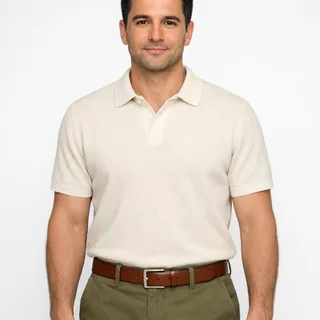 Waist-up photo, arms relaxed
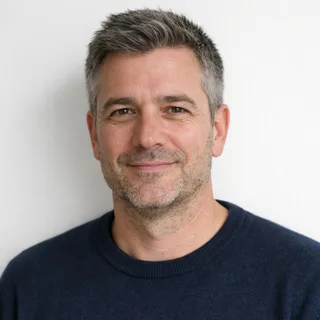 Natural light, no filter
Avoid
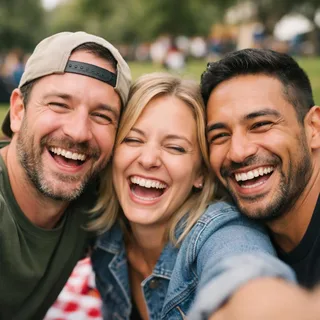 Two or more people in one photo
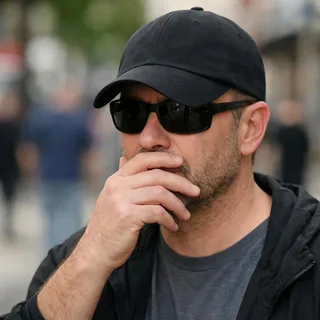 Sunglasses, caps or hands over the face
 Dim, blurry or heavily filtered shots
Add your photo
Put one clear photo in the slot and pick a scene; Palace is selected first.
Pick a size and generate
Choose the aspect ratio and resolution, then click Generate. The button shows the exact credit price before you start.
Download and post
Save the still and use it as a profile picture, a Status or a lock screen, or post it with your own caption.
The text behind the rooftop example, rendered the way the generator sends it. The second tab is the same frame with the two of you apart. Paste either one into an image editor with one photo attached.
ChatGPT, Gemini or any image editor
Prompt length 2581
Edit image 1 into a believable photograph of the exact same adult standing beside a tall, anthropomorphic white lion. The person keeps their own identity: the same face shape and features, eye colour, skin tone, age, hair colour, hair length and hairstyle, the same glasses, facial hair or makeup and the same body build, so friends recognize them at once. Keep the clothes they wear in the photo, in their own colours and fit; where the photo only shows the head and shoulders, complete the rest of the outfit naturally in the same style and colours.
The lion is an original character, not a real animal and not a character from any film, show, game, brand or real person: an adult, roughly human-height body, standing upright on two legs, a real white lion's head with a full white mane around the face, calm, warm and slightly amused, and white furred hands with soft claws. It wears a pale cream three-piece suit over a white shirt, a chunky gold chain and black sunglasses.
Both stand side by side on the same ground, in the same light and under one set of shadows, heads at a similar height, shoulders turned toward the camera, so the person is never hidden, both faces fully visible with nothing in front of them, the person still reads as one of the two subjects of the picture, and there is a little clear space on the outer side of each of them. Place: a rooftop terrace at golden hour, the sun low over a hazy city skyline, warm rim light on both faces. Pose: they face the camera side by side, the lion on the right standing half a step behind the person with its near arm brought around their back, its big white furry paw resting on their near shoulder with the forearm visible along the shoulder line, and its other hand relaxed at its side; the person stands upright and relaxed with both hands at their sides, and the paw sits on the shoulder without covering the face, the neck, the ear or the collar. Framing: head to about the hips, both of them fully in frame with quiet sky above and the skyline low behind them.
Photorealistic photo with real skin, hair and fur detail. Exactly the one adult from the photo and one lion: no other people, animals, reflections or duplicated bodies, no second lion, no blended or swapped faces, no animal features on the person. Keep the person's face unchanged: no beauty retouching, no slimming, no age change, no new makeup, and if the photo shows more than one person keep only the one in the centre. No text, letters, captions, logos, watermarks, badges, brand names or team crests anywhere, and no trademarked characters.ChatGPT, Gemini or any image editor
Prompt length 2357
Edit image 1 into a believable photograph of the exact same adult standing beside a tall, anthropomorphic white lion. The person keeps their own identity: the same face shape and features, eye colour, skin tone, age, hair colour, hair length and hairstyle, the same glasses, facial hair or makeup and the same body build, so friends recognize them at once. Keep the clothes they wear in the photo, in their own colours and fit; where the photo only shows the head and shoulders, complete the rest of the outfit naturally in the same style and colours.
The lion is an original character, not a real animal and not a character from any film, show, game, brand or real person: an adult, roughly human-height body, standing upright on two legs, a real white lion's head with a full white mane around the face, calm, warm and slightly amused, and white furred hands with soft claws. It wears a pale cream three-piece suit over a white shirt, a chunky gold chain and black sunglasses.
Both stand side by side on the same ground, in the same light and under one set of shadows, heads at a similar height, shoulders turned toward the camera, so the person is never hidden, both faces fully visible with nothing in front of them, the person still reads as one of the two subjects of the picture, and there is a little clear space on the outer side of each of them. Place: the foot of a bright marble palace entrance in warm late-afternoon daylight, pale stone columns, a carved doorway and a low step behind them. Pose: the person stands relaxed on the left with both hands at their sides or lightly clasped in front, the lion stands just to their right with its own hands at its sides, and the two never touch. Framing: head to thigh, upright, with quiet space above the heads and the palace behind them in soft focus.
Photorealistic photo with real skin, hair and fur detail. Exactly the one adult from the photo and one lion: no other people, animals, reflections or duplicated bodies, no second lion, no blended or swapped faces, no animal features on the person. Keep the person's face unchanged: no beauty retouching, no slimming, no age change, no new makeup, and if the photo shows more than one person keep only the one in the centre. No text, letters, captions, logos, watermarks, badges, brand names or team crests anywhere, and no trademarked characters.Name what stays
Say that the face, hair, skin tone and clothes stay from image 1, or the model repaints them.
Describe the lion once
White mane, cream three-piece suit, gold chain, sunglasses: one description, then keep it intact.
Fix the relationship
Say side by side, heads level, no contact, so the model does not invent a paw on a shoulder.
“Make me a lion”
That turns your face into an animal head and loses the likeness you wanted.
Two references without roles
Two people and two photos invite swapped or blended faces; start with one person.
A pile of adjectives
“Viral, ultra-HD, richest” adds nothing; the place and the light do.
Too vague
Make me a photo with Sheru Bhai.
Works better
Keep the exact face, hair and clothes from image 1; add one white lion in a cream suit, gold chain and sunglasses standing beside me on a rooftop at sunset with its paw on my shoulder, both faces clear.
Both are short; only the second says which parts must not change.
Every template works the same way: add your photos, press Generate and get a shareable video without writing a prompt.
View all effectsSharpen a portrait for print, cut out the background for a sticker, turn it into a vector for a shirt, or clean up a grainy photo before you upload it.
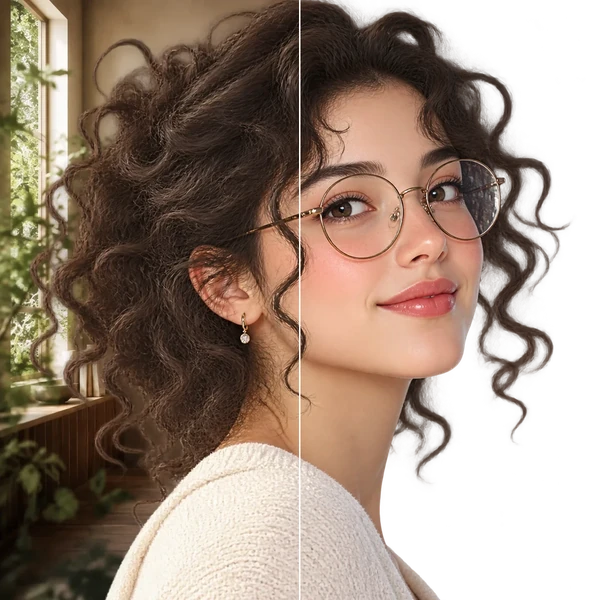
Transparent PNG or WebP with clean hair and product edges, ready for a listing or a new composition.
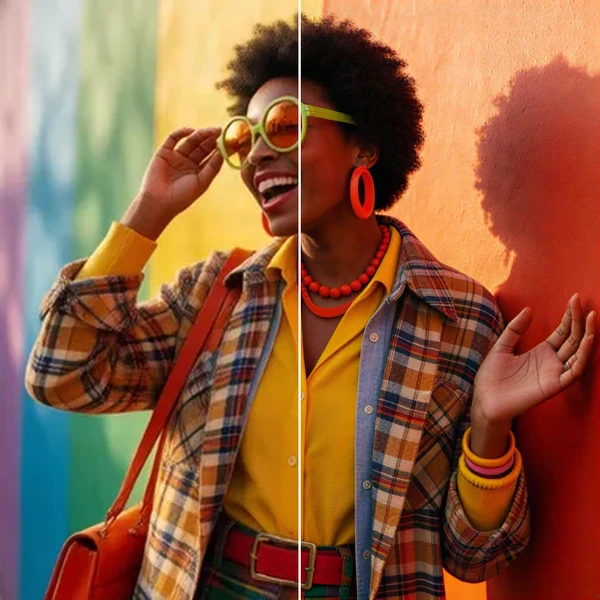
2× / 4× / 8× with recovered texture instead of smeared pixels, so a 1K draft can become a print.
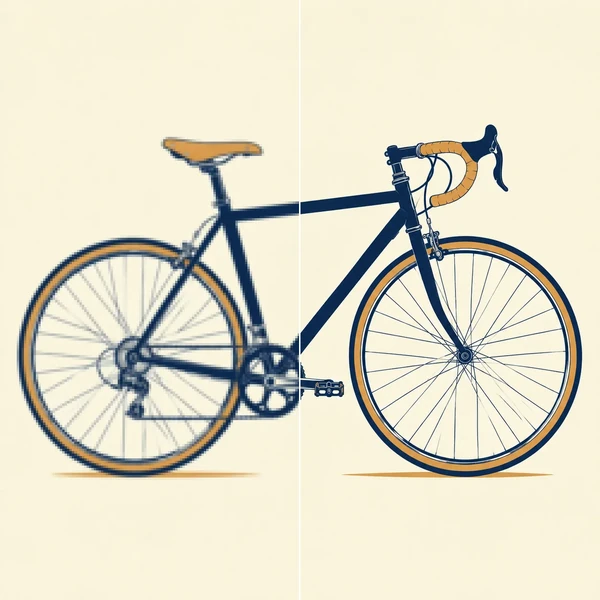
Logos, icons and flat illustrations become editable SVG that scales to any size.
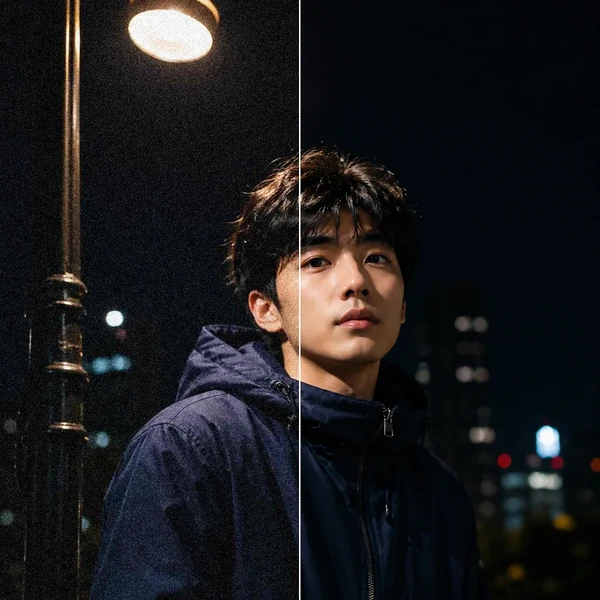
Remove grain and compression artifacts from low-light photos and scans while keeping real detail.
No. Each photo costs credits, and the price depends on the resolution you pick; the Generate button shows the exact amount before you start. New accounts get 10 credits when they sign up.
A white-maned lion boss in a pale suit from AI short stories, made up rather than a real person. There is no single official model behind him: this page is one effect that draws a lion in that look.
Usually, yes. Your photo supplies the face, hair, skin tone and clothes, and the model keeps those while it paints the new scene. Small details can shift, and a soft, dark or angled photo drifts more; the checklist above shows what holds a likeness.
The clothes visible in your photo are kept in their own colours. Whatever the photo does not show, such as shoes, the rest of a cropped top or the other side of a jacket, is completed by the model in the same style.
No. This template keeps you human and adds the lion next to you. A lion-head look changes your face into an animal character, which is a different task and not what these examples show.
No. Each run takes one photo of one person, so a group shot leaves it unclear who should stand beside the lion. Run it once per person, or add the second person in an editor.
No. Pick a scene and upload a photo; the prompt, the lion and the light are already set. The prompt section is for people who want to try the same look in ChatGPT or Gemini.
You can pick 1K, 2K, or 4K before you generate, and the largest size is a real output size, not a word in a prompt. A bigger size costs more credits, shown on the button.
Yes. A square or 9:16 crop works as an avatar, and the vertical scene suits a Status; you download the file from your account, and nobody posts for you.
That is a separate template: Sheru Bhai AI Video puts your photo into a fixed rooftop clip with the white lion. A still made here is not animated automatically.
The paw is painted together with your shoulder, and a contact point is the hardest part of any two-subject edit: it can sit too high, too low or slip behind your arm. A photo with a clear shoulder line and a plain top gives it fewer edges to misread, and the other three scenes keep the two of you apart if you would rather avoid the contact.
No. Oeneo AI made this photo effect; it is not affiliated with anyone who posts the character, and the lion here is drawn from a description rather than copied from an official design.
One photo in, one palace, mirror or night-car portrait out, with your own face in it.