


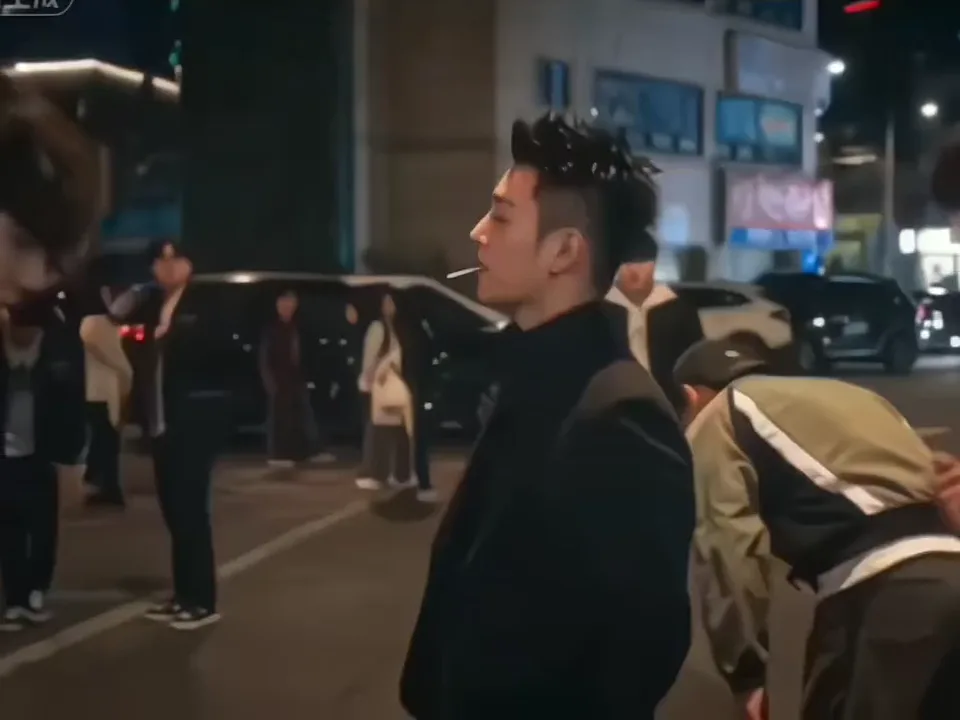
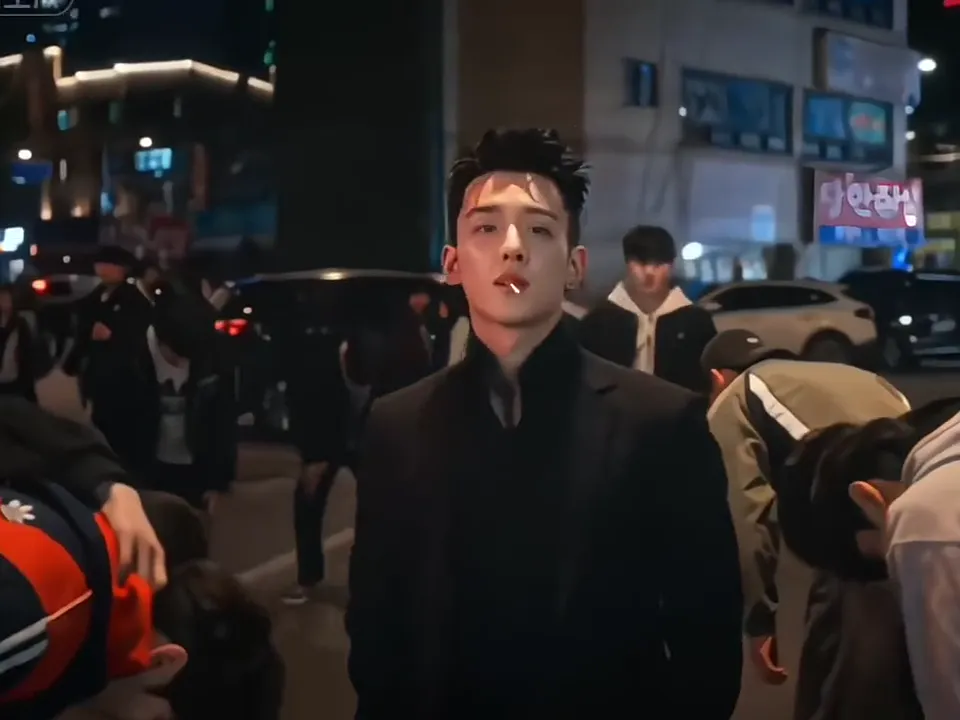
Night street, crowd bowing
The opening makes the entrance feel earned: the crowd is already bent forward, so the lead reads as the one person moving upright through the street.
Make your entrance as the crowd bows around you. One photo puts you in the King Jin AI video's four scenes, from the night street and lollipop close-up to the stairwell and skyline.
PNG / JPG / WebP · up to 10 MB · at least 512px on the short side
0/1 photos
Use one clear, front-facing photo showing your face, hair and visible outfit. The lollipop, crowd, stairwell and skyline follow the clip.
Video settings
No prompt needed. Only upload photos of yourself or people who agreed to be featured; celebrity photos and film stills aren't allowed.
King Jin AI is a boss-entrance video trend where a crowd bows around the central lead. Oeneo AI puts your photo into the four-scene version: night street, lollipop close-up, blue stairwell and daylight skyline.
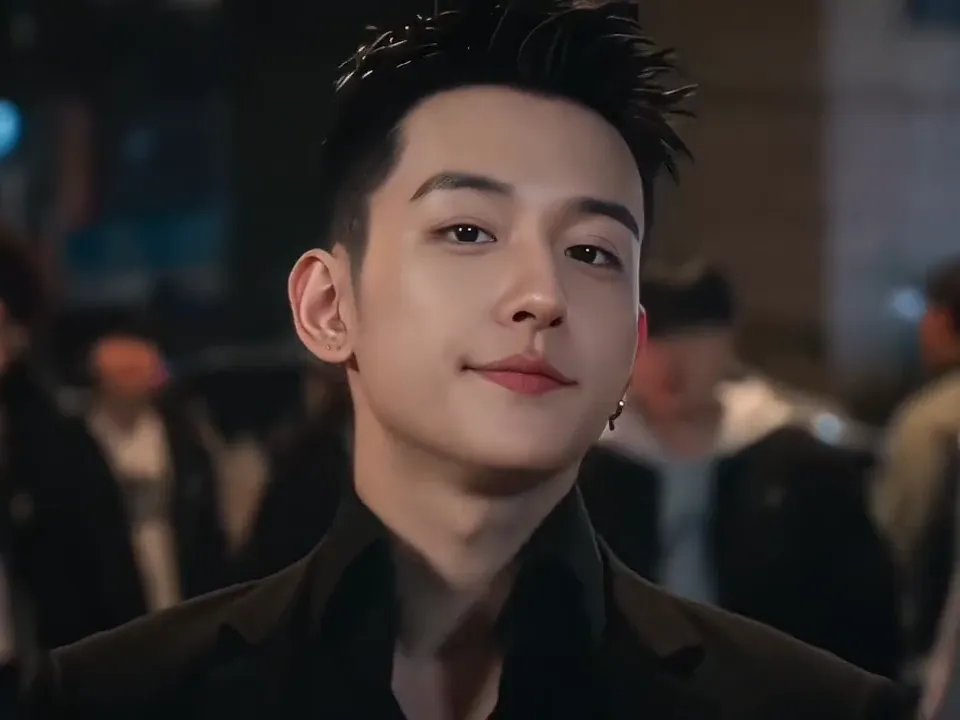
King Jin is a trend label rather than a confirmed person. The identity of the figure in the clip and where the name comes from are not verified, so this page doesn't tie it to a real name, a character or a song.
The hook is a boss-entrance identity flip: the street parts and bows, and one photo puts you at the centre of the incoming walk with the clip's built-in sound.
A tutorial repost carries the CapCut template link, the earliest visible step of the template wave.
A black-outfit walkthrough of the entrance is posted on 13 November, and its full clip matches the four scenes used here.
The #kingjinaitrend tag keeps adding posts, most of them multilingual template promotions.
Sources: public TikTok entrance tutorials and CapCut template details, checked November 15, 2026.
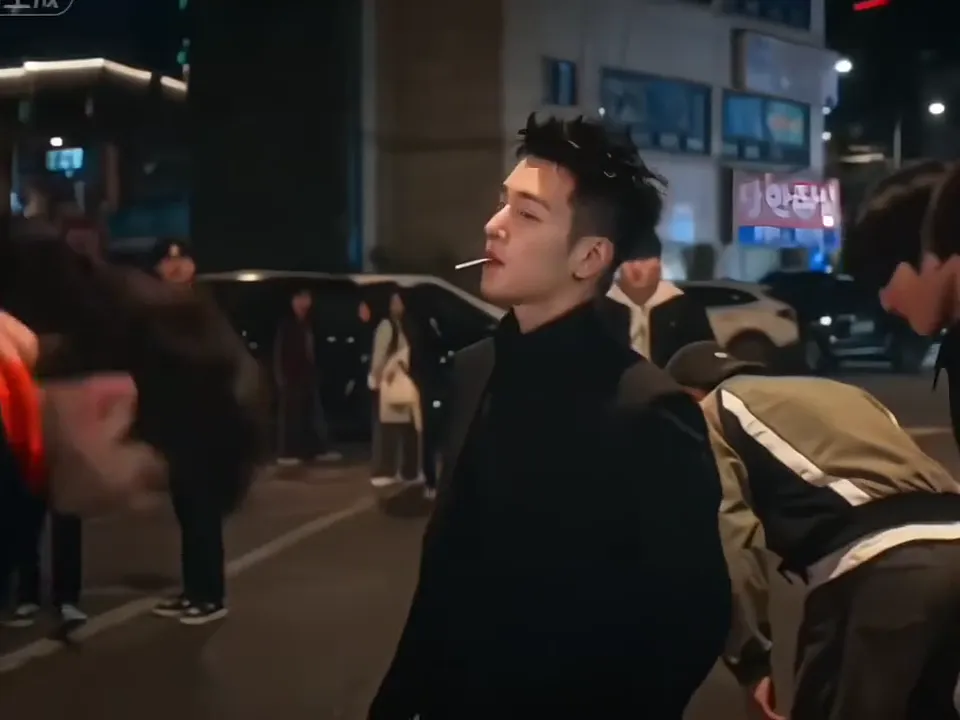
The clip runs 7.7 seconds and moves through four scenes in this order, ending on the short skyline beat.
 10:00
The clip opens on the night street and holds it until 2.8s.
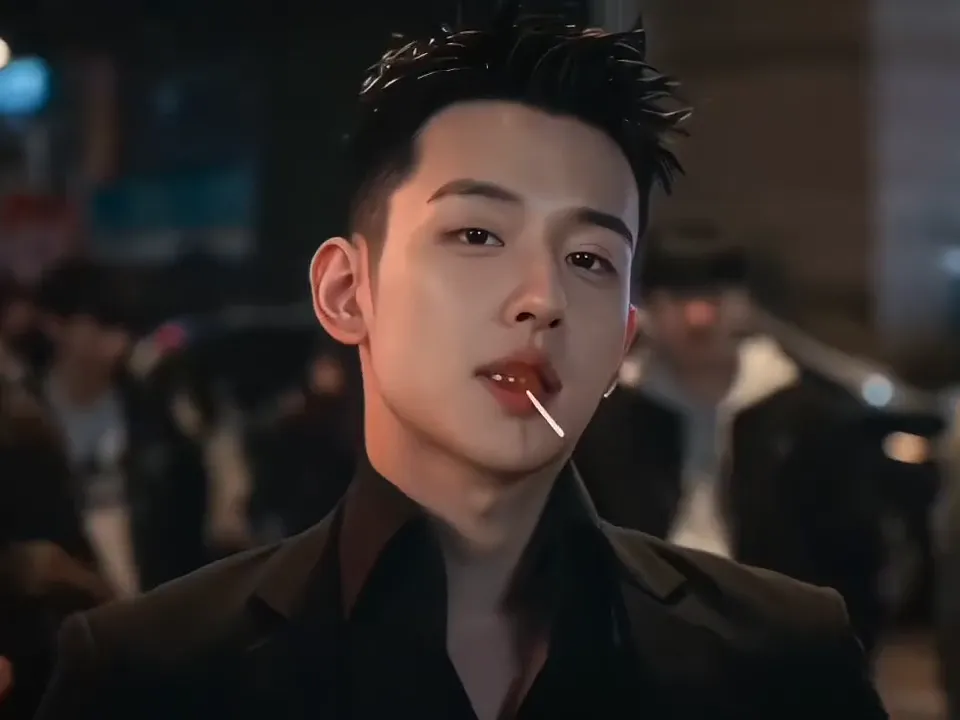 20:02
The frame cuts in for the lollipop close-up at 2.8s.
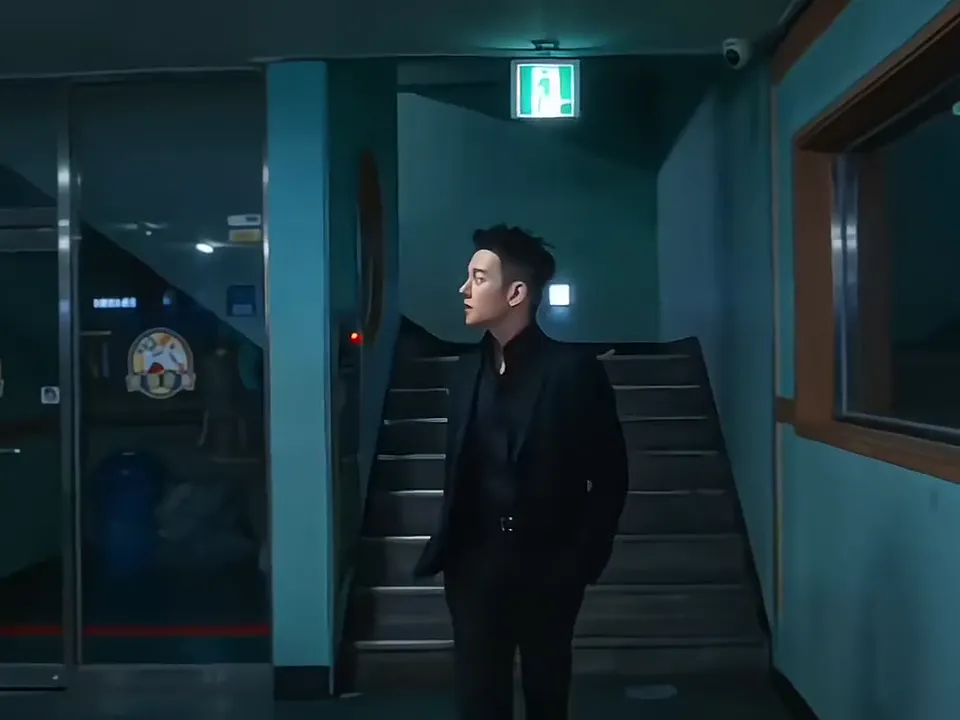 30:04
The scene changes to the blue stairwell at 4.9s.
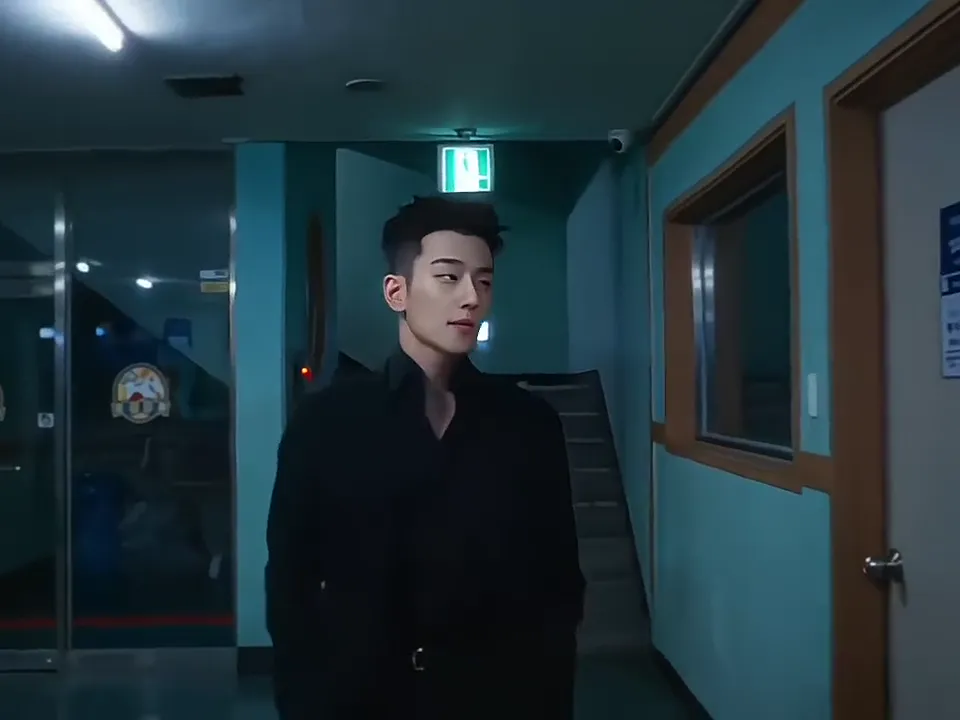 40:06
The final cut lands on the daylight skyline at 6.8s and holds there for the last beat.
Follow the entrance from the bowed night-street crowd to the daylight skyline, with the lollipop close-up and stairwell walk in between.
The opening makes the entrance feel earned: the crowd is already bent forward, so the lead reads as the one person moving upright through the street.
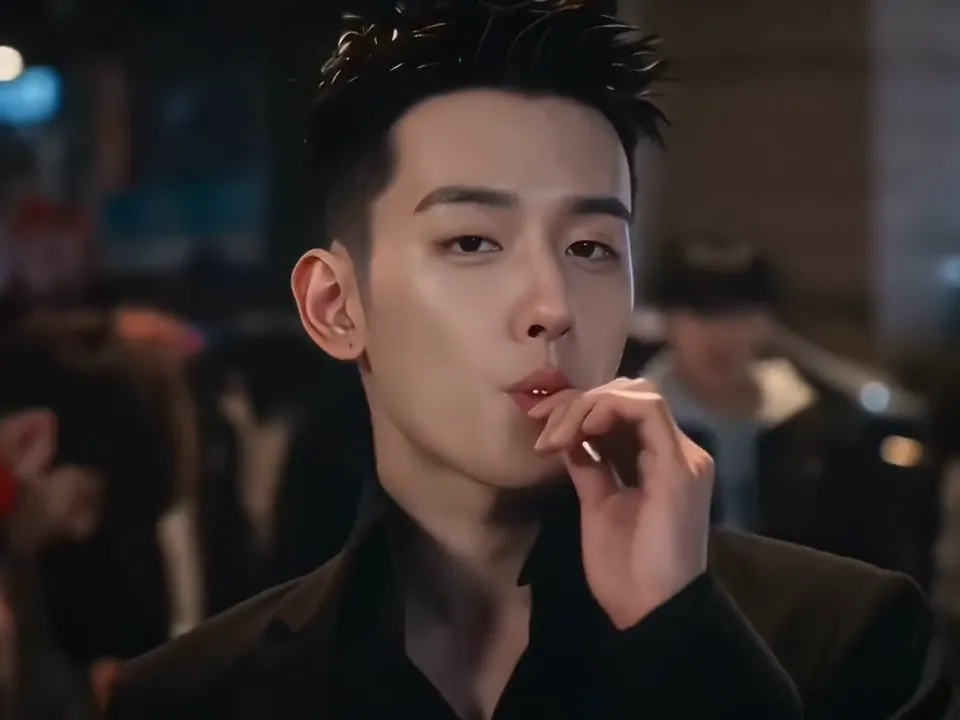
The close-up plants the prop and the attitude: the lollipop sits over the mouth, and the small head tilt sells the calm entrance.
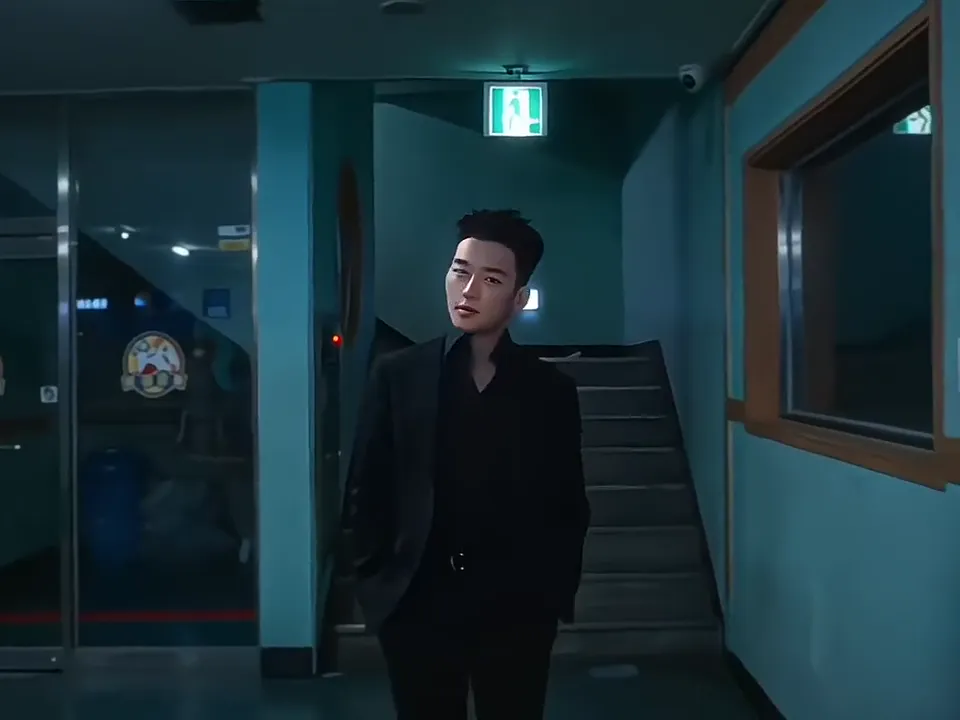
The blue stairwell pushes the walk toward the camera, so the lead grows in the frame and the entrance picks up speed.
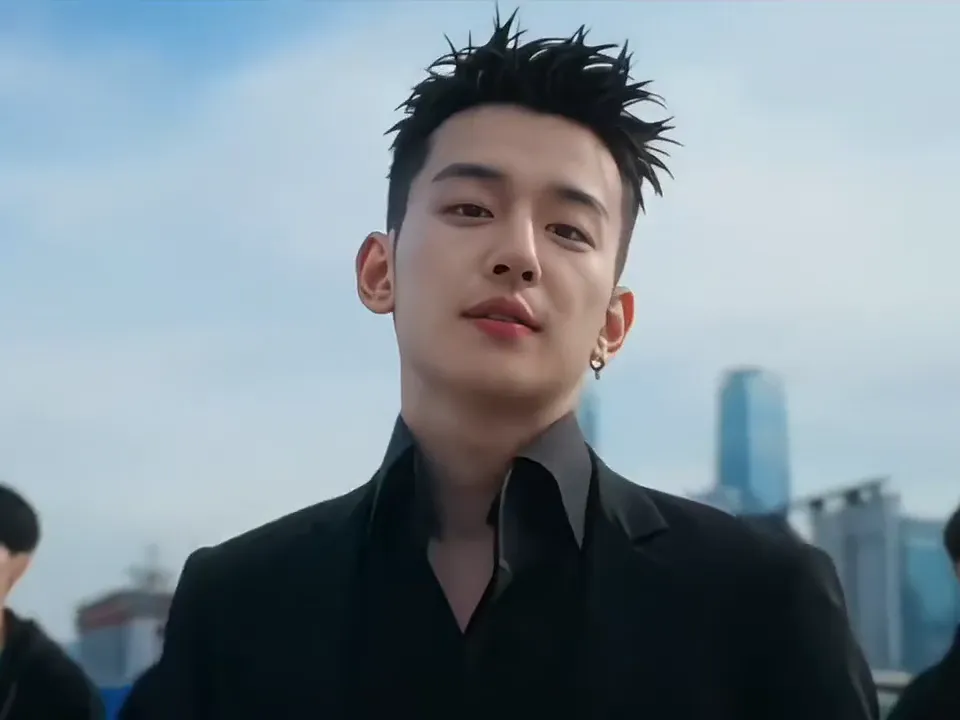
The daylight skyline gives the entrance a bright payoff and a clear ending, with the followers kept behind the lead.
Upload one photo, choose a resolution and generate. The entrance, four scenes and sound are already set.
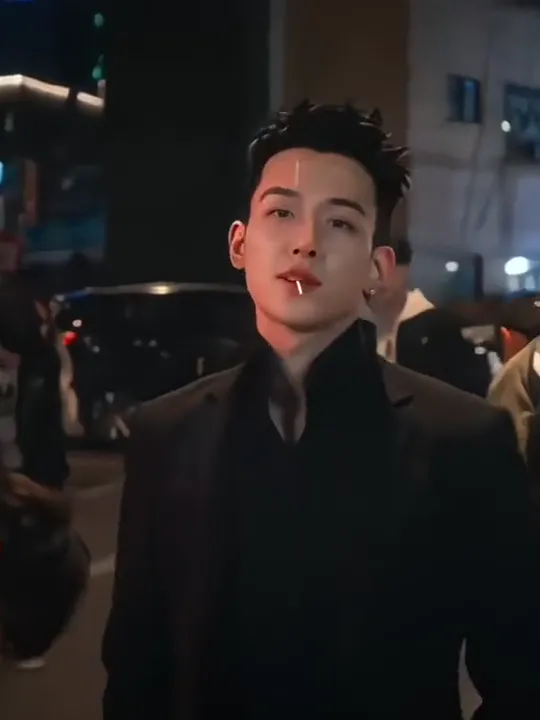
Photo 1Entrance lead
Your photo replaces the example's black-outfit lead across all four scenes.
Works well
 A clear, front-facing face
 Waist-up framing that shows your outfit
 A natural, unfiltered photo
Avoid
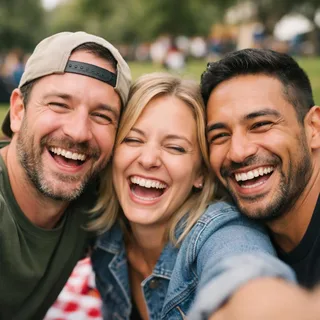 Two or more people
 A hand, prop or glasses hiding the face
 A dim or blurry night shot
Upload one photo
Add one clear, front-facing photo of one person.
Pick a resolution and generate
Pick 720p or 1080p. The Generate button shows the exact credit price before you start.
Download and post
Download the finished clip and post it with the clip's own sound intact.
The page itself needs no prompt. These two starting texts are for people who want to run the same look in Kling's edit tool or a reference-to-video tool.
Kling video edit
Prompt length 1039
Use @Video1 as the reference for the full scene and performance. Replace only the centre lead — the black-outfit person front and centre holding a lollipop — with the person in @Image1.

Preserve the identity, facial features, age, body proportions, hair, visible clothing, colours and overall recognizability from @Image1. Keep the lollipop from @Video1. Transfer the lead's body motion, poses, gestures, facial expressions, gaze and the four scene changes in order: the night street with the bowed crowd, the lollipop close-up with the small head tilt, the walk toward camera in the blue stairwell, and the daylight skyline finish.

Keep @Video1's camera, framing, cuts, setting, lighting, composition, pacing and built-in sound unchanged. Keep the bowed crowd and background people as they are; do not copy the lead's face onto them. Do not reinterpret the performance, add or remove actions, alter the setting or introduce extra subjects.

Maintain a stable identity and outfit through all four scenes. No face blending, text or logos.Reference clip
Prompt length 767
Use @Video1 as the scene and @Image1 as the person. Recreate the same four-scene entrance in order: the lead stands centre in a night street with a bowed crowd, the frame cuts to a lollipop close-up with a small head tilt, then the lead walks toward camera in a blue stairwell, and it ends on a daylight skyline with followers behind.

Preserve the face, hair, body proportions and visible outfit from @Image1. Keep the lollipop from @Video1. Copy @Video1's camera height, framing, cuts, night-to-day lighting, pacing and built-in sound. Keep the bowed crowd and background people as they are, without the lead's face.

One lead, one photo, four scenes in the same order. Keep the same identity and outfit throughout. No extra people, no face blending, text or logos.Name the lead by what's visible
Say "the black-outfit person front and centre holding a lollipop" so the model knows who to replace.
List the four scenes in order
Write the street, the close-up, the stairwell and the skyline in the clip's sequence, so none is skipped.
Keep the scene and the sound
Tell it to hold the camera, cuts, lighting, pacing and the clip's built-in sound.
Don't name a real person or character
The clip's figure isn't confirmed, so a real name or game character can pull the look off course.
Don't give conflicting outfit instructions
Use the photo for the lead's visible clothing. Asking to keep the example's black outfit at the same time gives conflicting instructions.
Don't replace the crowd
The bowed crowd has to stay as the clip shows it, without picking up the lead's face.
Too vague
Make my photo do the King Jin entrance.
Points at the person and the scenes
Use @Video1 as the scene and @Image1 as the person: replace the black-outfit centre lead with the photo's face, hair and visible outfit. Keep the four scenes in order, the lollipop, the crowd and @Video1's sound.
The wrong version doesn't say who to replace, so the model may rebuild the whole scene instead of the lead.
Four failure points the clip makes easy to hit, and the input-side fix that helps most.
Every template works the same way: add your photos, press Generate and get a shareable video without writing a prompt.
View all effectsFAQ
No, each video costs credits. The price follows the resolution you pick, and the Generate button shows it before you start. New accounts start with 10 credits.
King Jin is the trend label for this entrance format. The identity of the person shown and where the name comes from are not confirmed, so this page doesn't claim a real person, a character or a song.
No. This is the night-street entrance, and the clip has no tiger. The tiger-fight videos are a different effect with a different clip.
One photo. The four scenes keep the same lead, so you are not uploading four different people.
Yes, it keeps the clip's built-in sound; the exact track isn't identified here.
No. The 7.7-second length and the 4:3 frame follow the clip, and only the resolution is open: 720p or 1080p.
Some posts reuse a shorter yellow-outfit CapCut branch that keeps only the night street. This page's clip is the full four-scene cut, with the stairwell and the skyline included.
Yes. You make it in the browser here; there is no CapCut install and no template search.
The lollipop sits over the mouth, hands touch the face, and the model repaints the lead across four different scenes, so a result can drift. A clear, unobstructed front-facing photo helps most, but the page doesn't promise a pixel-perfect match.
No. Upload your photo, choose a resolution and generate. The prompt tutorial below is for recreating the entrance in a separate video tool.
No. The template takes one person's photo, and pets or group shots don't map to the single centre lead.
Upload one clear photo and let the four-scene night entrance put you centre stage with the clip's sound.