


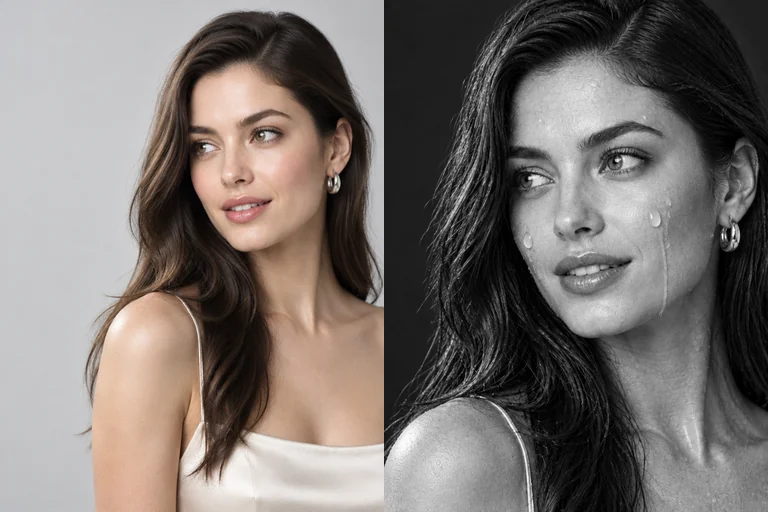
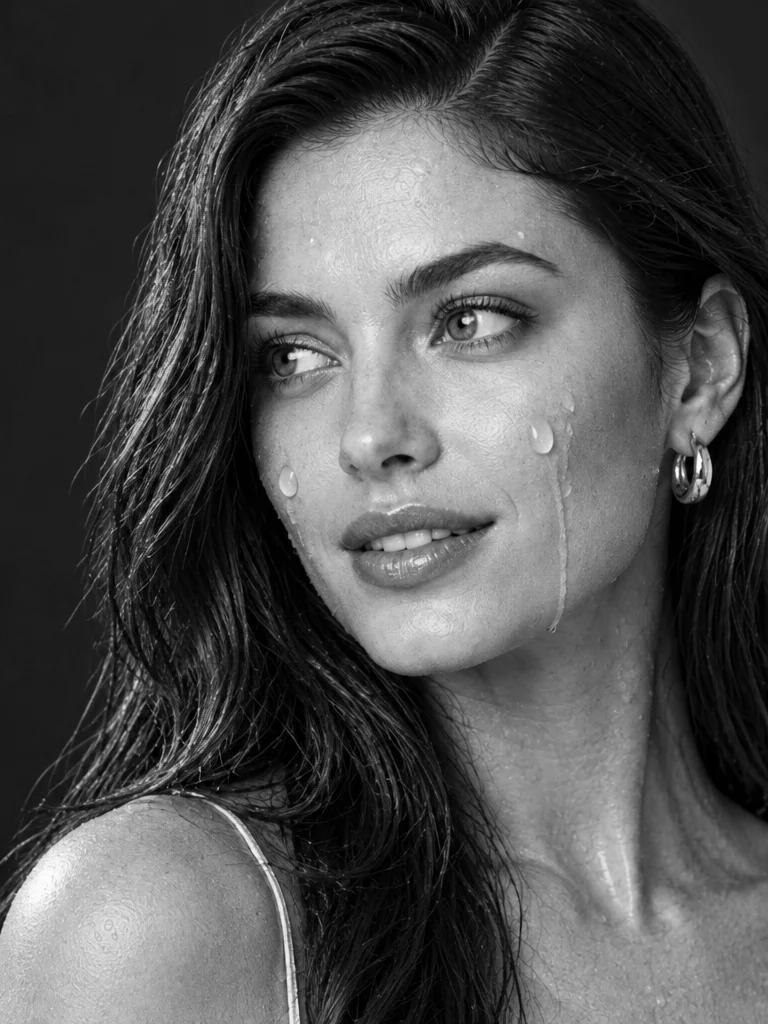
Look for three details in the close-up
Side light catches the beads on her cheek and the damp strands along her shoulder. The eyes and the slight smile remain visible against the charcoal backdrop.
Make an AI wet look photo from one selfie. Side lighting brings out damp strands and water droplets in a black-and-white close-up.
PNG / JPG / WebP · up to 10 MB · at least 512px on the short side
0/1 photos
Use one head-and-shoulders selfie with both eyes visible. Dry hair is fine.
Photo settings
No prompt needed. Only upload photos of yourself or people who agreed to be featured; celebrity photos and film stills aren't allowed.
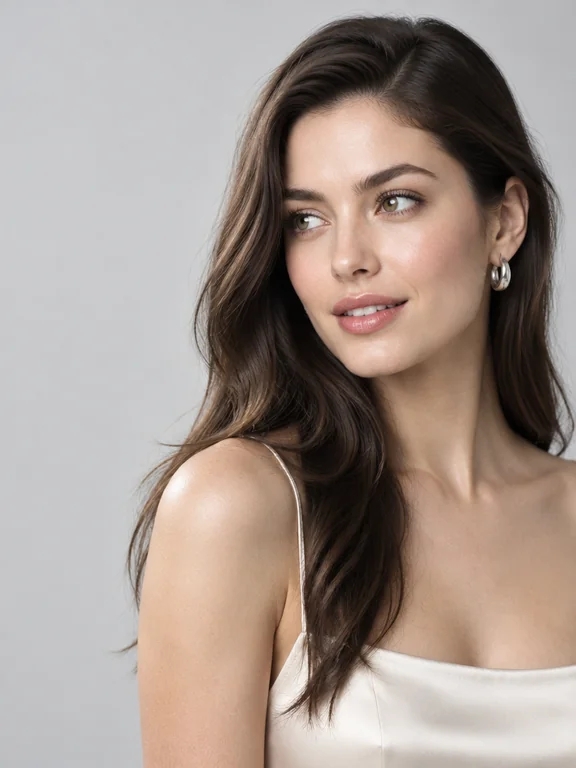
The same portrait goes from soft daylight to a black-and-white wet look. Compare the turned chin, off-camera gaze and slight smile in both frames.
Side light catches the beads on her cheek and the damp strands along her shoulder. The eyes and the slight smile remain visible against the charcoal backdrop.
1 photoYour photo
Start with one person, framed from the top of the hair to the shoulders. The edit uses that photo to place the wet strands and beads on the subject.
Look for these details
 Short hair and curls both work. Keep the entire hair outline in the frame.
 Choose an unfiltered photo with natural skin detail.
Choose another photo when
 Skip dark lenses and anything that covers the eyes.
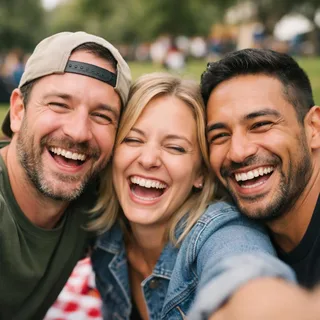 Crop a single person out of a group selfie first.
Add your selfie
Upload the photo to the portrait slot.
Pick a crop and generate
Choose a square crop for a profile picture, a standard portrait frame for the upper shoulders or a tall frame for a phone screen. Select a resolution and generate.
Download and check the final crop
Download the still image. If a profile app crops it to a circle, keep the crown and chin within the preview before saving your avatar.
For a custom wet look photo edit, attach your selfie in ChatGPT or an image editor that accepts a reference photo, then paste this instruction.
ChatGPT image editing
Prompt length 448
Edit my selfie into a black-and-white studio portrait. Keep my expression, hairline and face shape. Put one soft light to the side of the camera and make the background charcoal. Add dark, damp strands and small water beads on my forehead and cheeks. Put a few larger droplets on the side closest to the light. Keep both eyes visible and preserve the freckles and texture between droplets. For a square avatar, leave room around the crown and chin.Anchor the face to the source
Name a feature you want to keep, such as freckles, an uneven hair part or a familiar expression.
Be specific about water
“Make it rainy” can add streaks in the air. Ask for separate beads sitting on the skin to keep the studio look.
Every template works the same way: add your photos, press Generate and get a shareable video without writing a prompt.
View all effectsRemove the background, upscale, vectorize or denoise any result, all on the same credit balance.
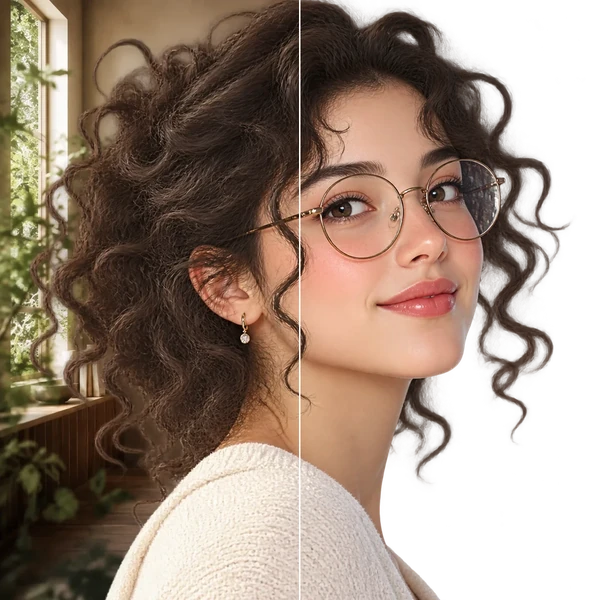
Transparent PNG or WebP with clean hair and product edges, ready for a listing or a new composition.
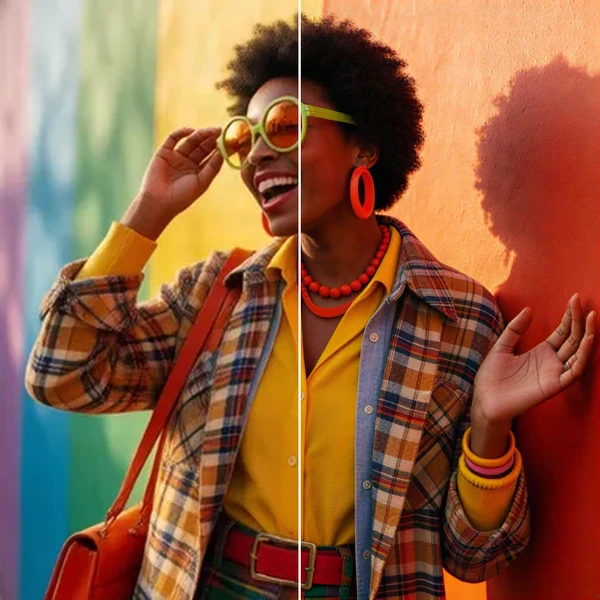
2× / 4× / 8× with recovered texture instead of smeared pixels, so a 1K draft can become a print.
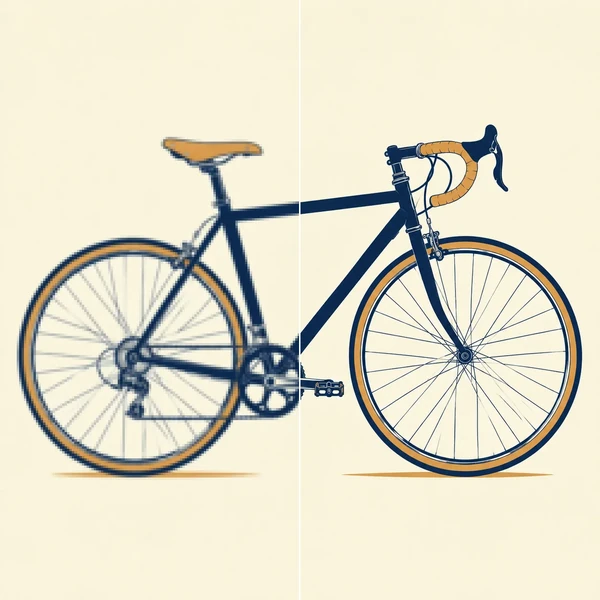
Logos, icons and flat illustrations become editable SVG that scales to any size.
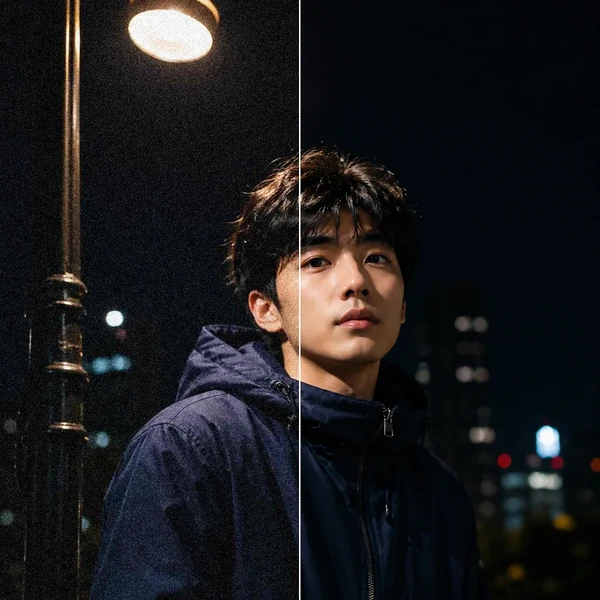
Remove grain and compression artifacts from low-light photos and scans while keeping real detail.
The trend turns a selfie into a monochrome close-up with damp hair and water beads. Digital Camera World’s July 2025 ChatGPT trial reported rougher skin texture in a generated portrait. Similar edits resurfaced on TikTok in November 2026.
A monochrome filter changes the tones in the original photo. The wet look edit also changes the lighting and background and draws in damp hair texture and water beads.
The wet face portrait is a tight studio-style crop with beads already on the skin. A rain photo typically makes falling rain and the outdoor scene part of the composition.
Side lighting changes the apparent shape of the nose and jaw, and damp strands can shift how the hairline reads. Compare the eye spacing and hairline with your original at the same zoom. Try another selfie from the photo checklist if those landmarks drift.
Start with a selfie taken without portrait smoothing. If the entire cheek is blown out by a phone flash, retake the photo near a window in soft light so the edit can reference the skin texture.
You can start with a photo in clear glasses. Check whether the frame shape and pupils still read clearly after the edit, especially where reflections meet the rim.
It returns one downloadable still portrait. CapCut lists a similar look as a video template with a timed reveal.
Generating a portrait uses credits. The cost depends on the resolution, and the Generate button shows the quote before you start.
Choose a frame for your avatar, portrait or phone wallpaper.