


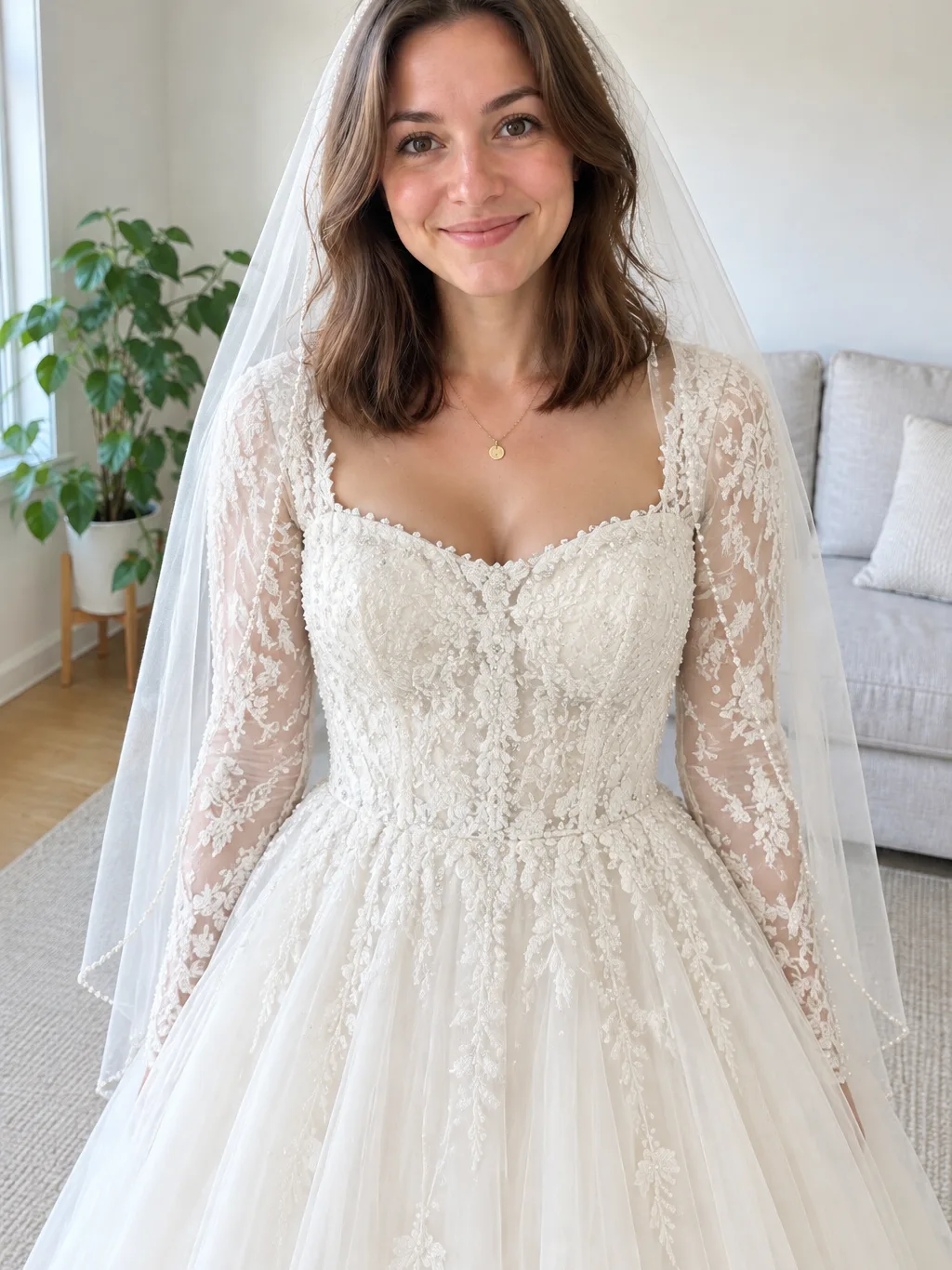
 Beaded lace
Your photo
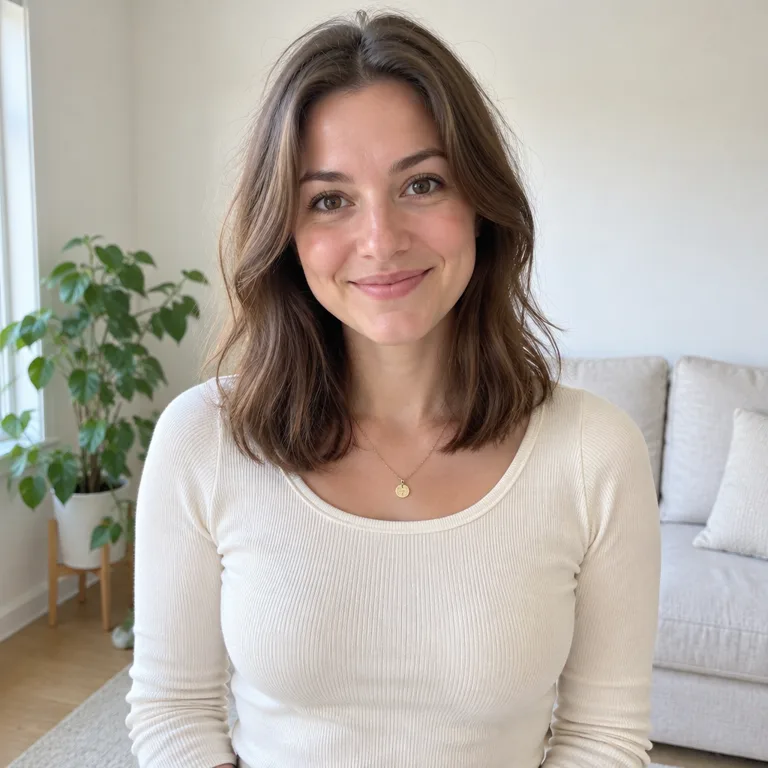
Your photo
Beaded bodice and pearl veil
The default: a fitted ivory bodice with pearl and crystal beading, long lace sleeves and a fingertip veil edged in pearls.
Virtual wedding dress try on from one photo: upload it, pick one of three bridal looks, and get a still preview with the credit price shown first.
PNG / JPG / WebP · up to 10 MB · at least 512px on the short side
0/1 photos
Upload one clear photo of the adult you want in a bridal look; a chest-up or waist-up shot with the face visible works best.
Photo settings
No prompt needed. Only upload photos of yourself or people who agreed to be featured; celebrity photos and film stills aren't allowed.
Virtual wedding dress try on turns one photo of you into a still preview in a bridal look you choose on the page: upload your photo, pick a preset and get a single wedding dress photo.
Weddings keep the idea evergreen, so people search for it under several names — ai wedding dress generator, maker, filter, try on and photo editor all describe the same task: putting a bridal look on a photo of you. Natural posts and tutorials from mid-November 2026 show the same single-photo approach, so a clear portrait is all it takes to start.
This page produces one still photo. It is not a wedding dress transformation video, there is no motion or sound, and it does not add a partner for a couple photo.
It also does not copy a dress you upload, does not measure your body to predict how a real gown fits, and is not a wedding dress designer. A free-form bridal prompt or a custom edit belongs in the image generator instead.
Three bridal presets run on the same phone photo, so you can compare the beaded, satin and lace silhouettes before you generate.
Beaded laceYour photo
The default: a fitted ivory bodice with pearl and crystal beading, long lace sleeves and a fingertip veil edged in pearls.
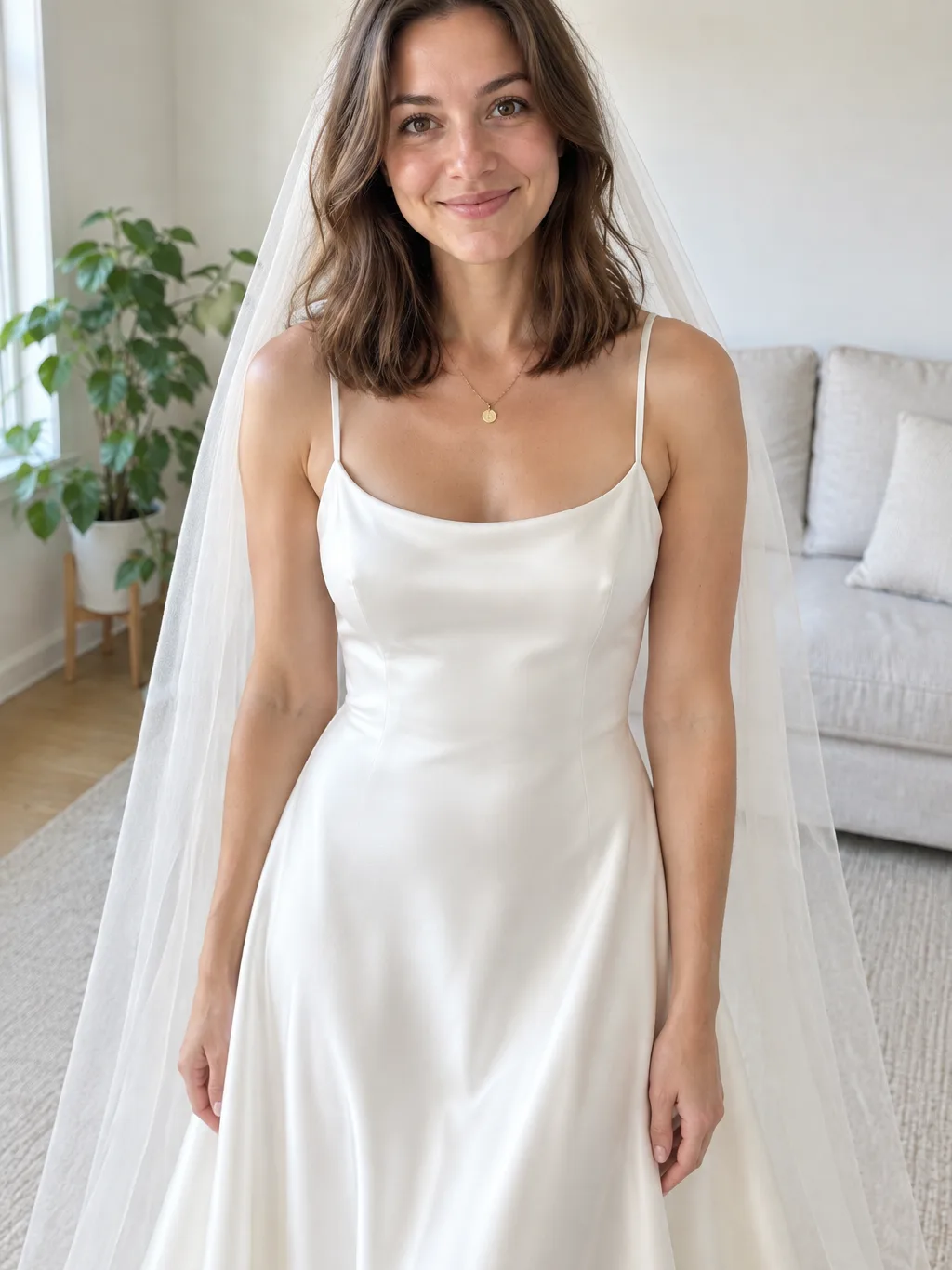 Minimal satin
Your photo
A bias-cut ivory satin dress with a simple neckline and a plain tulle veil, for a clean, modern look.
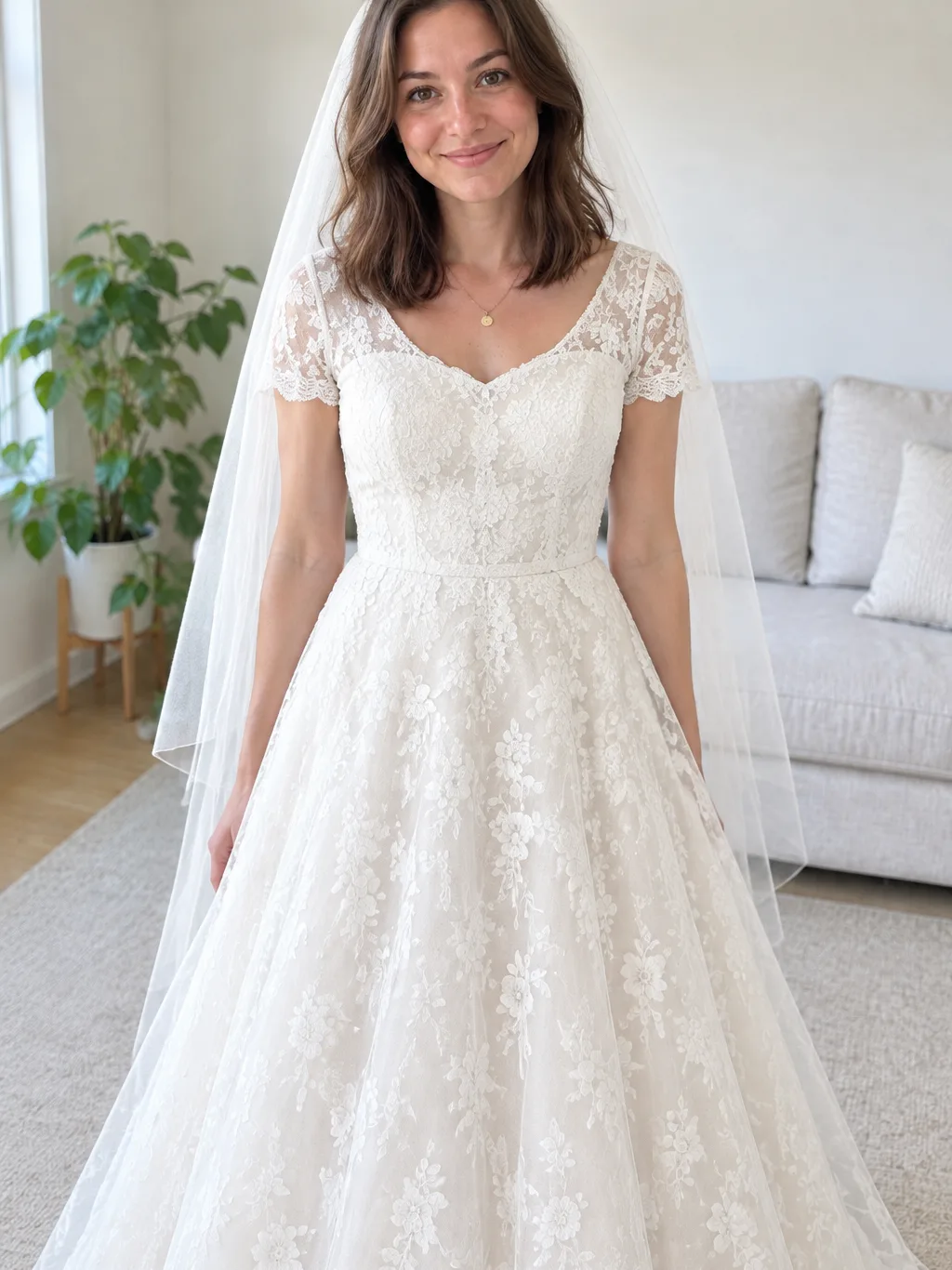 A-line lace
Your photo
A fitted lace bodice and a full tulle-and-lace skirt that flares from the waist, worn with a plain veil.
Upload one clear photo, pick a bridal preset and generate. The look stays a single still photo.
1 photoYour photo
Your photo provides the face, hair or headscarf, skin tone and visible body; the preset you pick supplies the gown and veil.
Photos that work
 One adult, face clear and front-facing
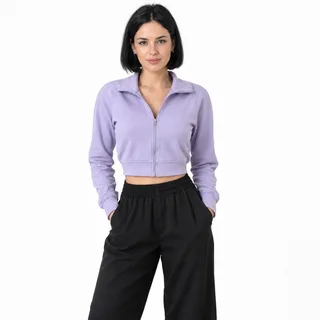 Chest-up or waist-up shows body proportion
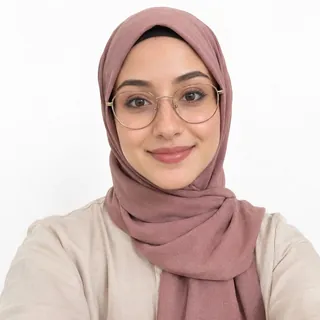 A clear headscarf stays covered under the veil
Avoid
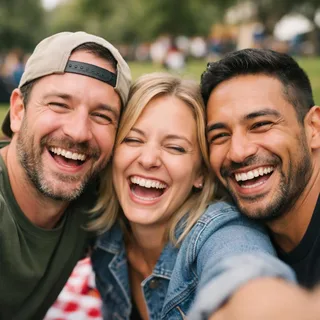 Group or couple photos — only one person is dressed
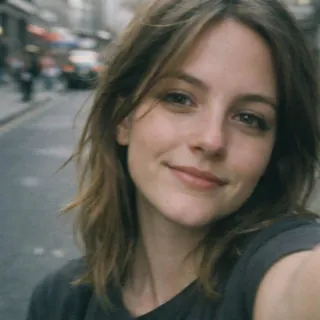 A face-only selfie hides the body the gown needs
 Sunglasses, a hand or a cap over the face
Upload your photo
Add one clear photo, then pick a look such as Beaded lace.
Check the price and generate
The button shows the exact credit price for the look and size you picked before you start.
Download and post
Download the still and post it as a before-and-after, or save it privately.
This page restyles your photo with three built-in bridal presets. A real fitting, or a tool that copies a dress you upload, is a different job.
| What you ask | This page | A real or upload-based fitting |
|---|---|---|
| Upload your photo | Yes — one photo | Yes — usually a photo |
| Upload a specific dress | No — 3 built-in presets | Yes — the dress is the input |
| Pick a bridal style | Yes — beaded, satin, A-line | The real dress is the style |
| Predict how it fits | No — a styled image only | Closer — real fabric and body |
| Photo or video output | One still photo | Not applicable |
| Keep the background | A goal, not a guarantee | Not applicable |
| Custom dress or prompt | Use the AI image generator | Not applicable |
One finished photo, three ways to use it: preview styles, keep a headscarf under the veil, or post a before-and-after filter.
Post caption: Three bridal looks, same me.
Run the same photo through each preset and compare the silhouettes before you decide.
Post caption: Veil over the headscarf, hair still covered.
A clear headscarf photo gives the edit a covered-hair reference; coverage can still drift, so check it before sharing.
Post caption: Before and after: one photo, one veil.
Download the still and arrange the before-and-after in the platform you choose; this page does not export a video.
No — this page already sends the wording for each preset. Below is the exact ai wedding dress prompt the template runs, so you can copy it into another tool.
GPT Image 2.5 Flare photo edit
Prompt length 1947
Edit image 1 into a believable bridal try-on photo of the exact same adult from the photo. Keep the person instantly recognisable so friends can tell who it is: the same face shape and features, eye colour, skin tone, age, body build, hair colour, hairstyle and hair length or headscarf, glasses, facial hair and makeup, with no beauty retouching, no slimming and no age change. Keep the pose, camera angle and framing from the photo where they read naturally, and keep the background and the light from the photo as the goal, softly rendered around the subject; if the photo only shows part of the body, complete the rest naturally in the same style and colours, and if it already shows the waist or legs, the gown falls naturally over the body without changing the person. The person stands relaxed and upright, looking toward the camera, framed from about the head to the knee or lower so the full skirt of the gown stays in the picture, in a clean, elegant, photorealistic bridal portrait. Look: a beaded lace bridal gown. A fitted ivory bodice richly embroidered with pearl and crystal beading, long sheer lace sleeves, and a full ivory tulle skirt; over the hair sits a sheer fingertip-length veil whose edge is trimmed with a fine line of small pearls. The beading and the pearl veil edge catch soft highlights, and the gown reads clearly as one dress with clean lines.
Exactly one adult, the one in the photo: no second person, no extra face, no other body, arms or hands added, and no faces merged or swapped. The person stays a real adult at their real age and body build, never a child, and the outfit is a modest, fully lined bridal gown, never underwear, lingerie, sheer or see-through fabric, nudity or anything sexualised. No text, letters, captions, monograms, logos, brand names or watermarks anywhere, and no logo or monogram on the gown. Draw no real brand or designer wedding dress, and no trademarked characters or likenesses.GPT Image 2.5 Flare photo edit
Prompt length 1863
Edit image 1 into a believable bridal try-on photo of the exact same adult from the photo. Keep the person instantly recognisable so friends can tell who it is: the same face shape and features, eye colour, skin tone, age, body build, hair colour, hairstyle and hair length or headscarf, glasses, facial hair and makeup, with no beauty retouching, no slimming and no age change. Keep the pose, camera angle and framing from the photo where they read naturally, and keep the background and the light from the photo as the goal, softly rendered around the subject; if the photo only shows part of the body, complete the rest naturally in the same style and colours, and if it already shows the waist or legs, the gown falls naturally over the body without changing the person. The person stands relaxed and upright, looking toward the camera, framed from about the head to the knee or lower so the full skirt of the gown stays in the picture, in a clean, elegant, photorealistic bridal portrait. Look: a minimal satin bridal gown. A smooth, bias-cut ivory satin dress with a simple neckline and thin straps, a gently flared skirt, no lace and no beading, and a single soft, plain tulle veil without any trim. The satin catches gentle, even light and the look stays clean, sleek and understated.
Exactly one adult, the one in the photo: no second person, no extra face, no other body, arms or hands added, and no faces merged or swapped. The person stays a real adult at their real age and body build, never a child, and the outfit is a modest, fully lined bridal gown, never underwear, lingerie, sheer or see-through fabric, nudity or anything sexualised. No text, letters, captions, monograms, logos, brand names or watermarks anywhere, and no logo or monogram on the gown. Draw no real brand or designer wedding dress, and no trademarked characters or likenesses.GPT Image 2.5 Flare photo edit
Prompt length 1893
Edit image 1 into a believable bridal try-on photo of the exact same adult from the photo. Keep the person instantly recognisable so friends can tell who it is: the same face shape and features, eye colour, skin tone, age, body build, hair colour, hairstyle and hair length or headscarf, glasses, facial hair and makeup, with no beauty retouching, no slimming and no age change. Keep the pose, camera angle and framing from the photo where they read naturally, and keep the background and the light from the photo as the goal, softly rendered around the subject; if the photo only shows part of the body, complete the rest naturally in the same style and colours, and if it already shows the waist or legs, the gown falls naturally over the body without changing the person. The person stands relaxed and upright, looking toward the camera, framed from about the head to the knee or lower so the full skirt of the gown stays in the picture, in a clean, elegant, photorealistic bridal portrait. Look: an A-line lace bridal gown. A soft A-line silhouette with a fitted natural waist, a fine floral lace bodice and short lace sleeves, and a full tulle and lace skirt that flares gently from the waist to the floor, worn with a plain soft veil. The lace pattern is delicate and even, and the skirt keeps a clear, airy A shape.
Exactly one adult, the one in the photo: no second person, no extra face, no other body, arms or hands added, and no faces merged or swapped. The person stays a real adult at their real age and body build, never a child, and the outfit is a modest, fully lined bridal gown, never underwear, lingerie, sheer or see-through fabric, nudity or anything sexualised. No text, letters, captions, monograms, logos, brand names or watermarks anywhere, and no logo or monogram on the gown. Draw no real brand or designer wedding dress, and no trademarked characters or likenesses.Say keep the face
The frame's identity line is what stops the edit from swapping in a stranger.
Name each part of the gown
Bodice, sleeves, skirt and veil each get one word, so the dress reads as one clean shape.
Pick a taller ratio for the skirt
3:4 or taller keeps the skirt in frame; wide ratios crop the dress.
Name a real brand
The guard forbids real designers, and the edit may drop the name anyway.
Ask for a couple
This recipe keeps exactly one adult, so a partner would be invented.
Ask for motion or video
It is a still photo prompt; a transformation video is a different task.
Too vague
Put a wedding dress on me, make it look expensive, like a designer gown.
What to write instead
Edit image 1 into a bridal portrait of the same person in an ivory A-line lace gown with a fitted bodice and a plain veil, keeping the face, hair and the photo’s background.
The short version leaves the face and the dress to chance; the full wording pins both.
Every template works the same way: add your photos, press Generate and get a shareable video without writing a prompt.
View all effectsRemove the background, upscale for a sharper print or try another image edit on the same photo.
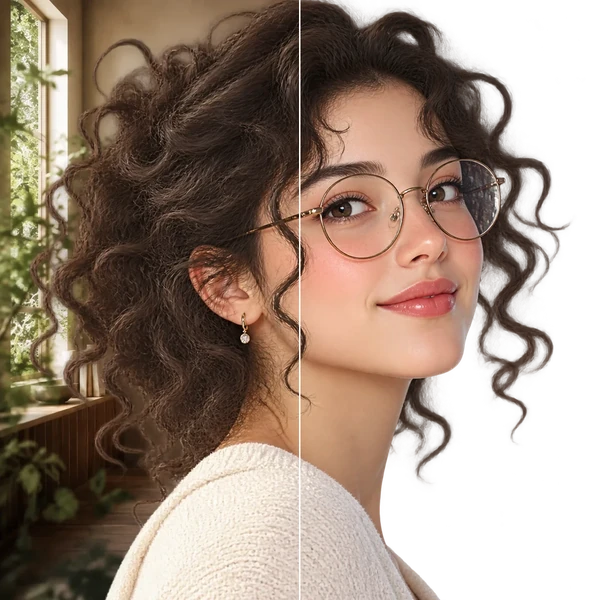
Transparent PNG or WebP with clean hair and product edges, ready for a listing or a new composition.
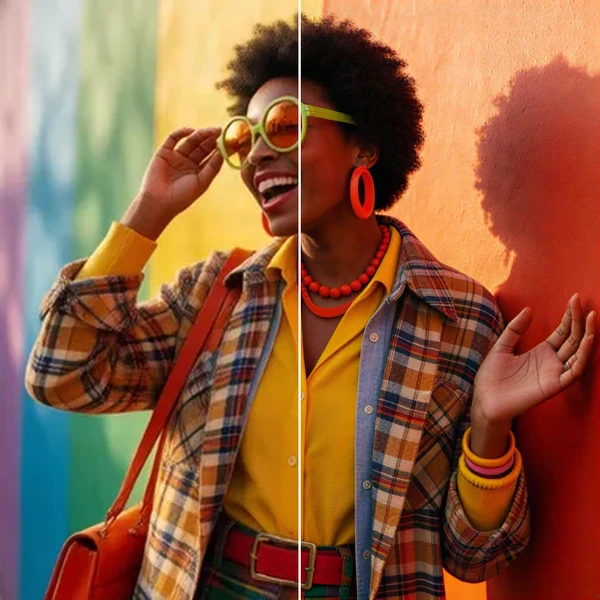
2× / 4× / 8× with recovered texture instead of smeared pixels, so a 1K draft can become a print.
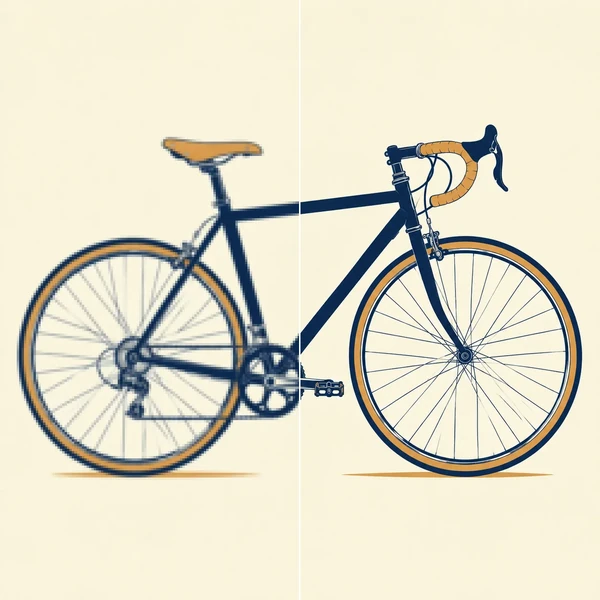
Logos, icons and flat illustrations become editable SVG that scales to any size.
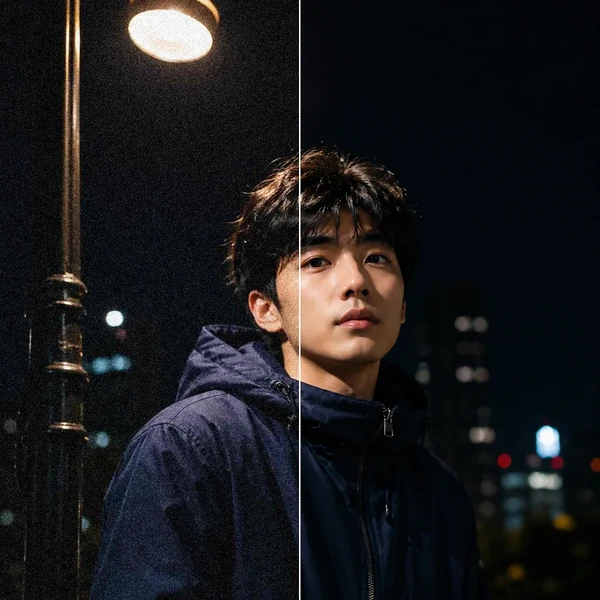
Remove grain and compression artifacts from low-light photos and scans while keeping real detail.
A photo effect. Each run produces one still wedding dress photo with no motion and no sound.
No. A clear portrait works; showing the upper body gives the model more information about proportions, and it completes the rest of the gown itself.
Not here. The first version offers the three built-in presets and has no dress-photo upload slot; for a dress you found, use the free-form image generator.
The edit aims to keep your recognizable features — face, hair or headscarf, skin tone and build — but AI can still change details, so check the face before sharing.
A clear headscarf photo gives the edit a covered-hair reference, and the veil is drawn over it. Hair coverage can still drift, so it is not a guarantee.
Generation uses credits, and the button shows the exact price for the look and size you picked before you start. New accounts start with 10 credits.
Yes. You can pick an aspect ratio and a 1K, 2K or 4K resolution; changing the ratio reframes the photo, so a very wide or tall ratio may crop the skirt or the veil.
No. Each preset already has its bridal wording built in, so you only upload a photo and pick a look.
Here the preset, model and settings are already fixed, so one photo and one click give a consistent result. A chat tool needs you to write and tune the prompt yourself, which this page does for you.
No. It is an Oeneo AI photo effect, and it has no connection to CapCut or its official templates.
No. Results from this filter stay private in your account and never appear in the public gallery, on any plan.
No. It creates a styled image rather than measuring your body or validating how a real garment fits.
Keeping your photo's background is the goal, but it is not a guarantee; a preset may soften or change it. For a specific backdrop, describe it in the image generator.
Upload one photo, pick a bridal preset and get a still preview, with the credit price shown before you generate.