


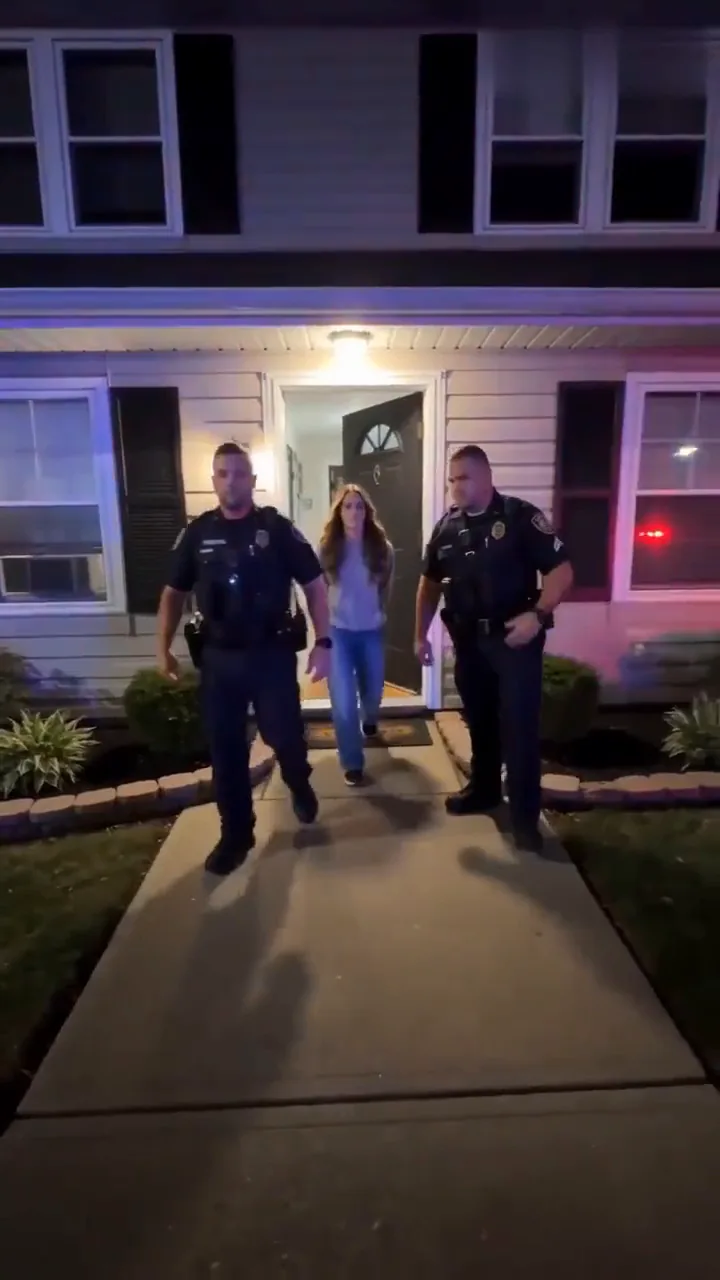
The "again" line
The original caption, for the friend who always ends up like this, posted with their photo and their OK.
Caption idea: Not bro, getting arrested again (AI edit)
Turn one photo into the viral AI arrest video: two police officers walk you out of the house in handcuffs while you grin back at the neighbor's phone.
PNG / JPG / WebP · up to 10 MB · at least 512px on the short side
0/1 photos
One adult, face clear, head to toe if you can: the outfit in the photo is the one you get arrested in. Use your own photo or a friend's who said yes; it's an AI joke.
Video settings
No prompt needed. Only upload photos of yourself or people who agreed to be featured; celebrity photos and film stills aren't allowed.
One handheld take, filmed as if a neighbor held up a phone on the front lawn. Six moments carry the joke, and the grin as she passes the camera is the one people replay.
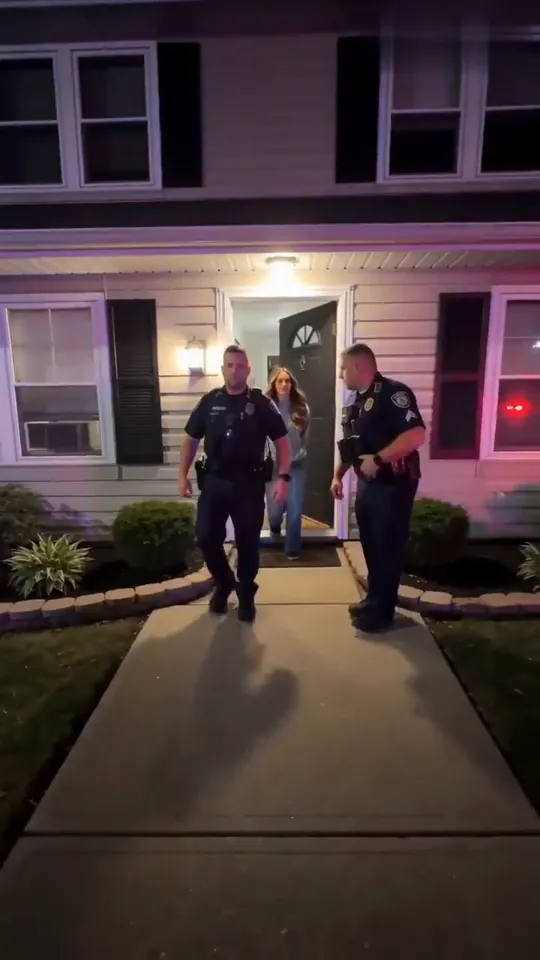 10:00–0:01
Two officers walk her off the porch, one at each side, under the porch lights, with red and blue light already on the siding.
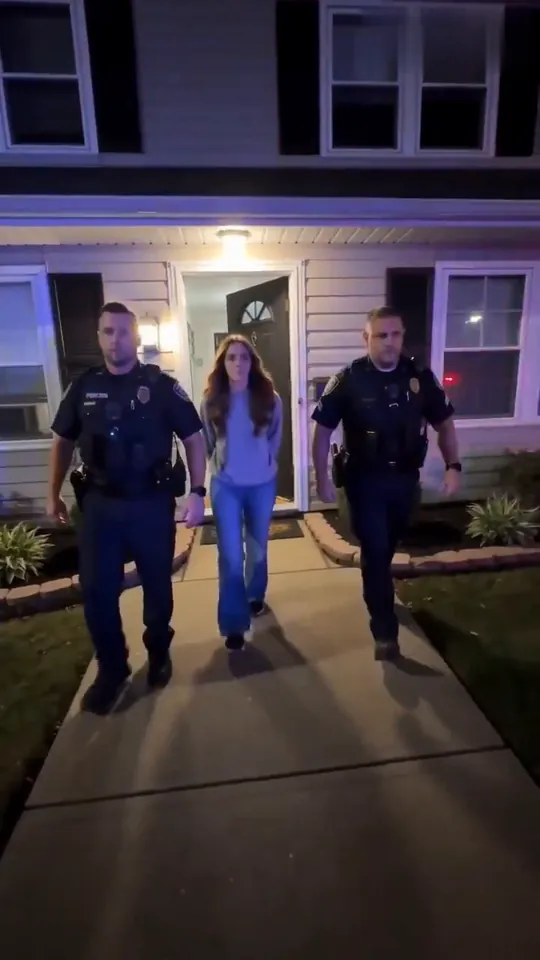 20:01–0:02
The three of them come straight down the front path at the camera, in step, her hands held behind her back.
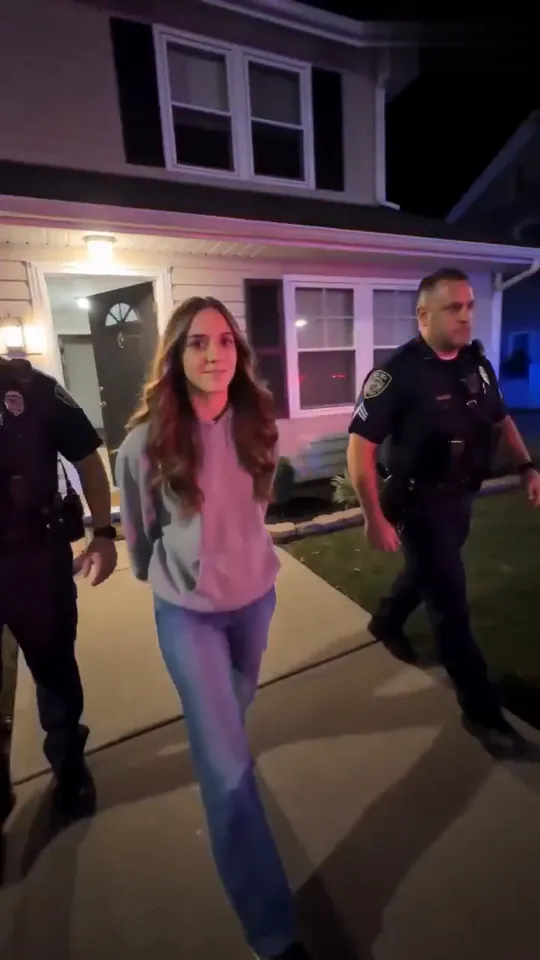 30:02–0:03
Close to the lens she lifts her eyes and starts to smile, as if she knows exactly who is filming.
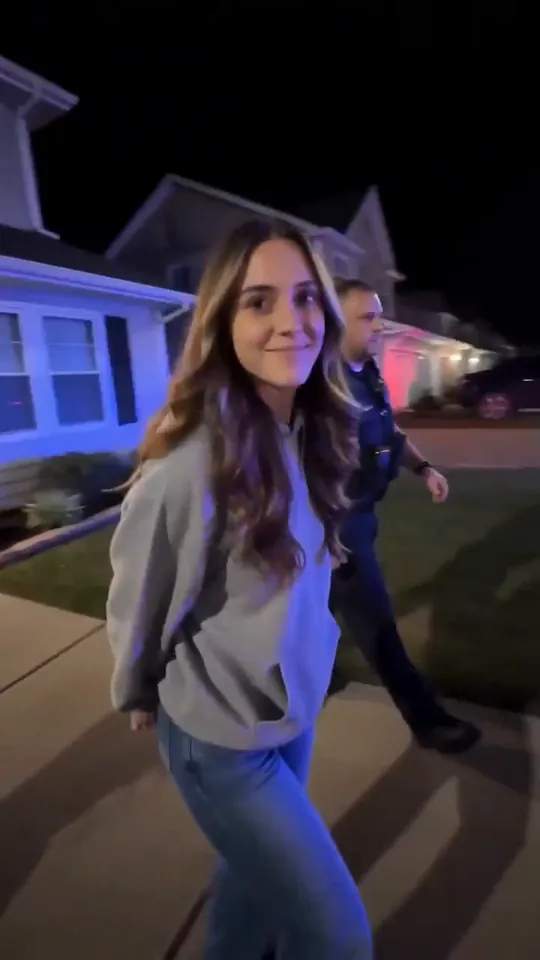 40:03–0:04
She passes the phone, turns her head and grins into the lens: no fear, no protest. This is the frame the trend is known for.
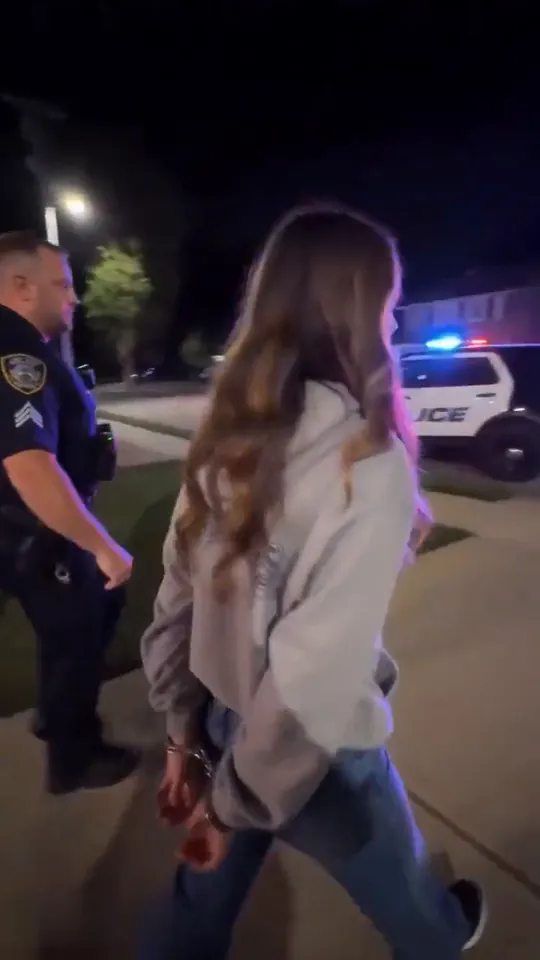 50:04–0:06
The camera swings round to her back: wrists cuffed behind her, an officer at her side, patrol cars flashing at the curb ahead.
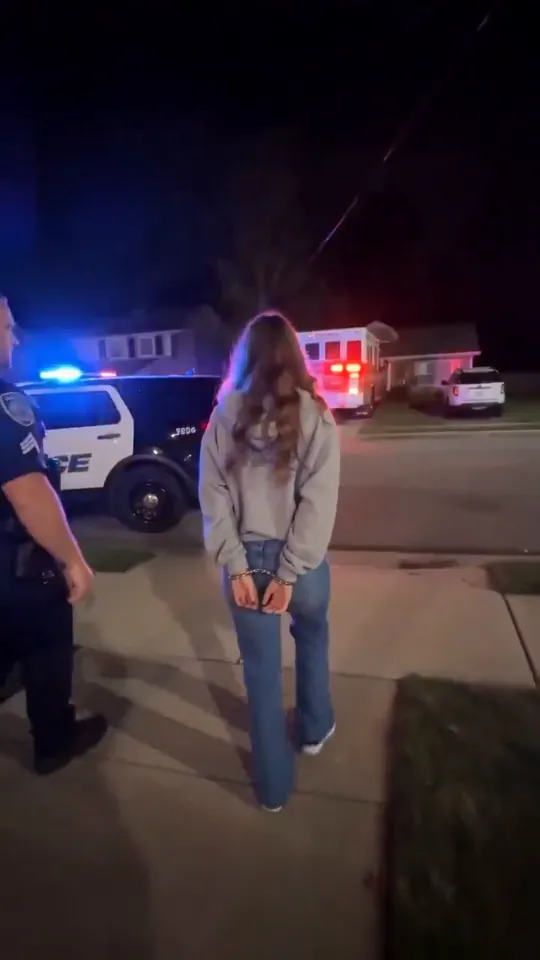 60:06–0:08
She stops at the curb beside a patrol car with POLICE on the door and lowers her head while the red and blue lights keep flashing.
The AI arrest filter, also called the AI police arrest filter, turns one ordinary photo into a short video of that person being walked out of a house in handcuffs by two police officers, grinning at the camera as if nothing is wrong. The current version spread in late September 2026 through a single-person CapCut template, posted with captions like "Not bro, getting arrested again".
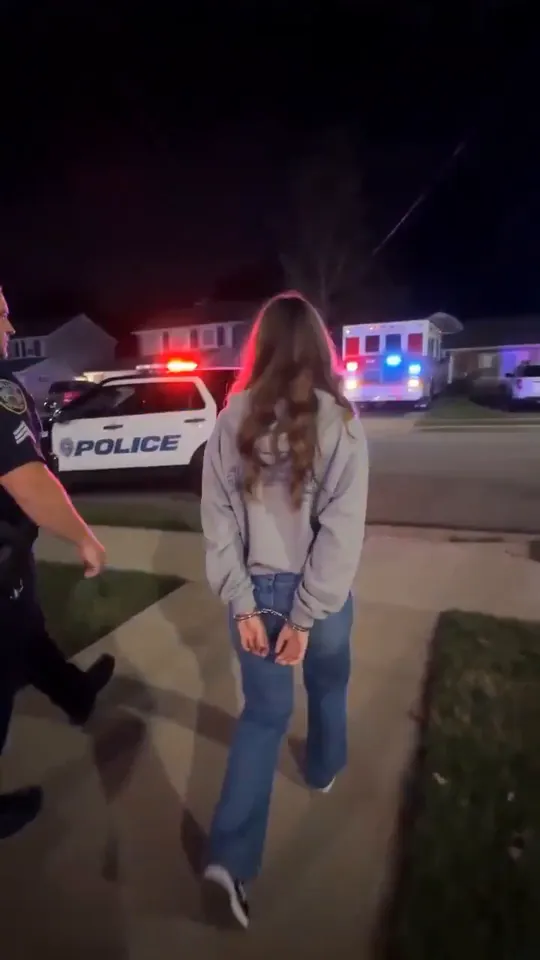
The joke is the casting. The less likely the suspect, a grandmother, a coworker in office clothes, the friend who never breaks a rule, the funnier the calm grin looks; the caption supplies the crime, and the original line, “Not bro, getting arrested again”, teases the friend who is always in trouble.
It reads as real because of how it is shot: one shaky phone take from the lawn, porch lights, red and blue light on the siding. That realism is the punchline.
A group version spreads on TikTok: an AI officer walks into a group photo and takes one person away. Wondershare Filmora counts more than 6.6 million posts using variations of it.
A single-person arrest template goes up on CapCut: two officers, a front door, a patrol car, eight seconds. It is the one most posts link to.
@c0pe6zs0b9 posts a “Not bro, getting arrested again” tutorial on TikTok; it has about 67,000 plays.
A step-by-step tutorial posted by @lina397611 reaches about 536,000 plays and 6,900 shares.
The CapCut template passes 32.5 million uses.
Sources: CapCut template page and TikTok post counts, read November 8, 2026; Wondershare Filmora's AI arrest filter article for the group version.
On TikTok and Instagram, switch on the AI-generated label in the post settings and say it in the caption too. The joke lands when everyone watching can tell it's a bit, and these caption lines do both.
The original caption, for the friend who always ends up like this, posted with their photo and their OK.
Caption idea: Not bro, getting arrested again (AI edit)
The template's own cover line in Spanish: arrested for standing up for a brother or sister.
Caption idea: When someone messes with my little brother... #AIgenerated
The smaller the reason, the bigger the laugh against a full police escort.
Caption idea: They forgot the fries. Again. #aiarrest #AIedit
Skip anything that reads like news: no "breaking", no real names or towns, no tagging a police account.
Caption idea: AI edit. Nobody was actually arrested.
One photo plays the person in cuffs. The officers, the house, the patrol cars and the sound come with the template.
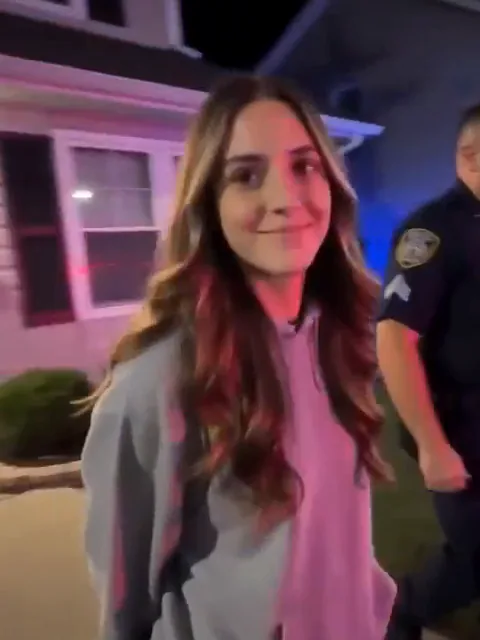
Photo 1The one in cuffs
Takes over the young woman walked out between the two officers: your face, your hair and the clothes in your photo, through the grin and the back view.
Works well
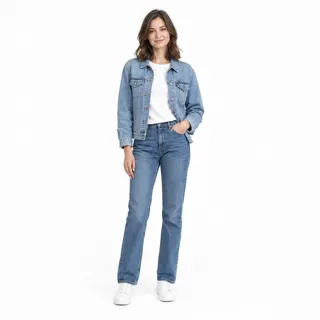 Head to toe, standing, one adult
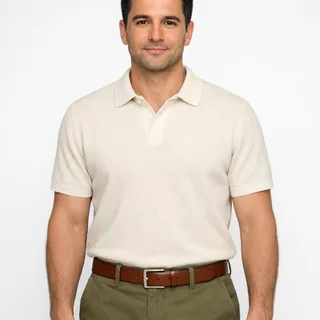 Waist up works too, face to the camera
Avoid
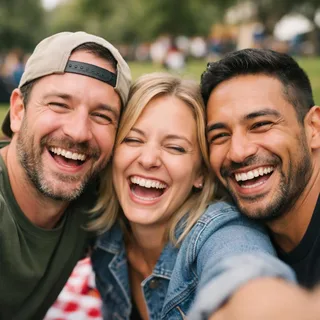 Group shots: one person per photo
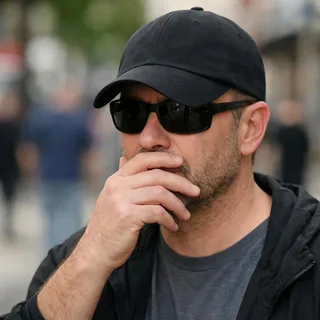 Sunglasses, a low cap or a hand over the face
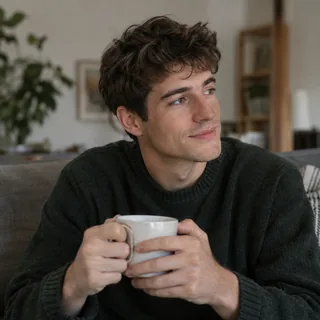 Sitting down: the clip needs a walking body
Upload the photo
Add the photo in the slot at the top of the page.
Click Generate
Pick 720p or 1080p; the button shows the exact credit price before anything runs.
Post it
Download the MP4 and post it with one of the caption lines above.
This page needs no prompt. If you take the same photo to another tool, these are runnable prompts: Kling's video edit swaps you into the arrest clip itself, and a Seedance reference prompt re-shoots the scene from your photo alone. Both rule out the badge text and station names AI arrest clips tend to invent.
Kling 4.0 video edit · @Video1 + @Image1
Prompt length 1243
Use @Video1 as the reference for the whole scene and performance. Replace only the young woman with long brown hair in the light grey hoodie and blue jeans, the one two police officers walk out of the front door, down the front path and past the camera, with the person in @Image1, in every frame including the back view. Keep @Image1's face, hair, skin tone, build and the outfit they wear in @Image1.

Transfer her performance frame by frame: the walk between the officers with the hands cuffed behind the back, the eyes lifting to the phone, the small unbothered grin over the shoulder as she passes the lens, the back view on the way to the street and the lowered head beside the patrol car. Keep both officers exactly as they are, with their own faces, uniforms and movements; neither officer takes the face from @Image1.

Keep the house, the porch lights, the red and blue light on the siding, the lawn, the patrol cars with their flashing lights and the lettering already on the car door, the handheld phone camera, framing, timing and the clip's own sound. Do not add text, captions, logos, badge numbers, station, city or department names, and no weapons, force or injury. The new face stays the same from the first frame to the last.Her clothes and hair
The grey hoodie and long brown hair identify her from the front and from behind; a word like "the suspect" points at nobody the model can see.
The officers' own faces
Say both officers keep their faces, or the face from @Image1 can leak onto the man walking beside her.
The grin over the shoulder
Without the small grin at the lens, the clip turns into a straight arrest and the joke is gone.
A real police force
Station names, city names and badge numbers make it look like footage of a real department.
Force or weapons
A drawn gun, a takedown or shouting turns a joke clip into one people report.
A new outfit in the prompt
The clothes come from @Image1. Naming a different outfit fights the photo, and the back view is where the two clash.
Too vague
Make me get arrested like the viral AI arrest filter.
Works
Replace the young woman in the light grey hoodie with @Image1; keep both officers, her grin and @Video1's sound.
The vague line names no clip, no person and nothing to keep, so the tool invents its own arrest.
Every template works the same way: add your photos, press Generate and get a shareable video without writing a prompt.
View all effectsFAQ
No, each video costs credits. The price depends on the resolution you pick, and the Generate button shows the exact number before anything runs. New accounts get 10 credits when they sign up.
No. You upload the photo on this page and generate the video in your browser; there is no template to find and no app to install. Oeneo AI is not CapCut and is not affiliated with CapCut or TikTok.
No. The arrest is made by AI from your photo, and nobody was arrested. Post it as a joke and say so: turn on the platform's AI label and keep the caption obviously fake. Don't present it as a real arrest or send it to someone to scare them.
A friend, yes, once they have seen the idea and said yes; the best versions are the ones they repost themselves. Don't use photos of celebrities, politicians or anyone who hasn't agreed: a fake arrest of a real public figure reads as misinformation, not a joke.
No. Each video takes one photo of one person, because the clip walks one person out between two officers. The group version, where an officer picks one person out of a group photo, was the 2024 wave; to put several friends in, make one video per friend.
No. The filter is made for one adult: the walk, the cuffs behind the back and the grin need an adult body, and an arrest is not a joke to make about a child. Pets are not supported either.
No. The front door at night, the two officers, the patrol car, the length and the vertical frame all come from the template; only the resolution is yours to pick. For a different scene, the re-shoot prompt in the prompt section describes the shot for another tool.
The face and clothes are redrawn in every frame, and in the last few seconds the camera sees only the back, so the hair and clothing there are the model's best match. A sharper, front-facing photo from the checklist helps; if it still drifts, run it again.
Not on this page: it makes the arrest video only. A mugshot is a still image, so make it in the AI Image Generator: upload your photo and describe a booking photo against a height chart, holding a blank placard.
AI arrest video generator
One photo in, the 8-second arrest video with its own sound out, ready for TikTok or Reels.