


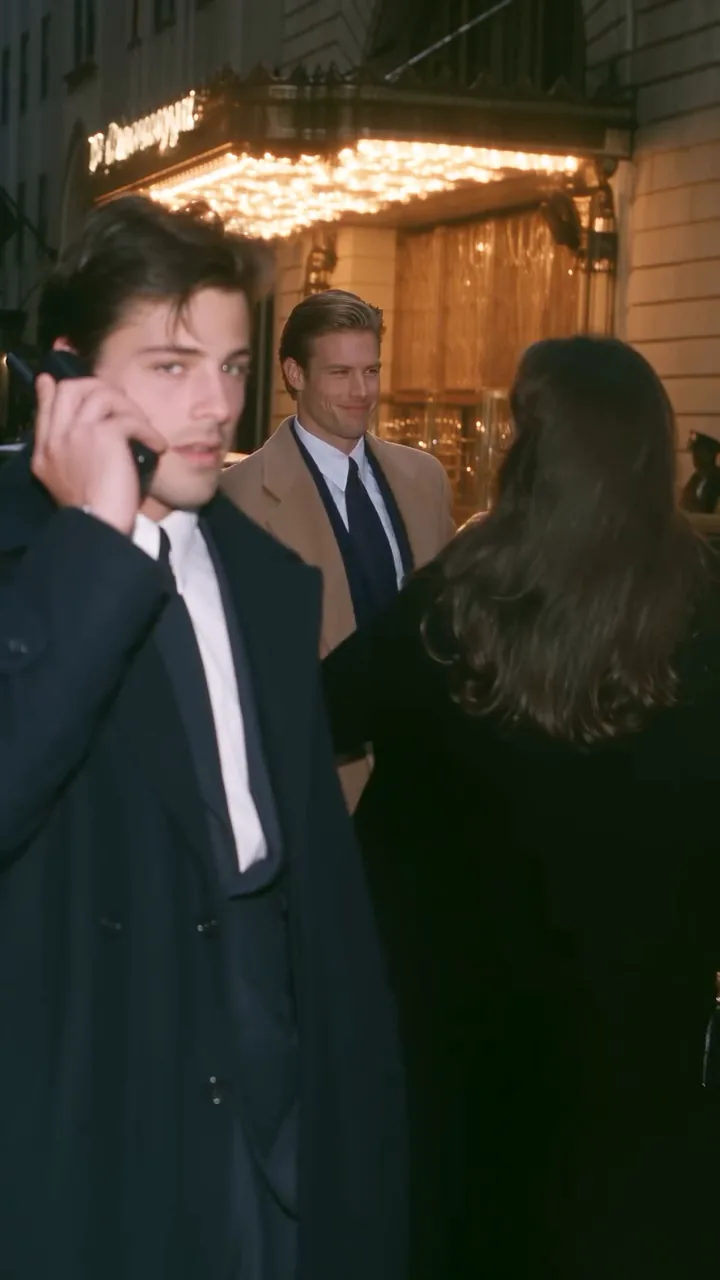
Default
Full take · 25s
The default, with all six beats: the approach, the number, the dial, the wait, the pickup and the walk-out. Everything the scene needs in order to land.
Cast your photos in this 90s rom com AI scene: a 90s movie AI short that keeps the hotel wrong-number twist, its fast cuts and its soundtrack.
PNG / JPG / WebP · up to 10 MB · at least 512px on the short side
0/3 photos
One person per photo: the woman in the black dress, the man in the dark coat in front, and the man in the camel coat behind him. Face clear, eyes open, nothing over it.
Video settings
No prompt needed. Only upload photos of yourself or people who agreed to be featured; celebrity photos and film stills aren't allowed.
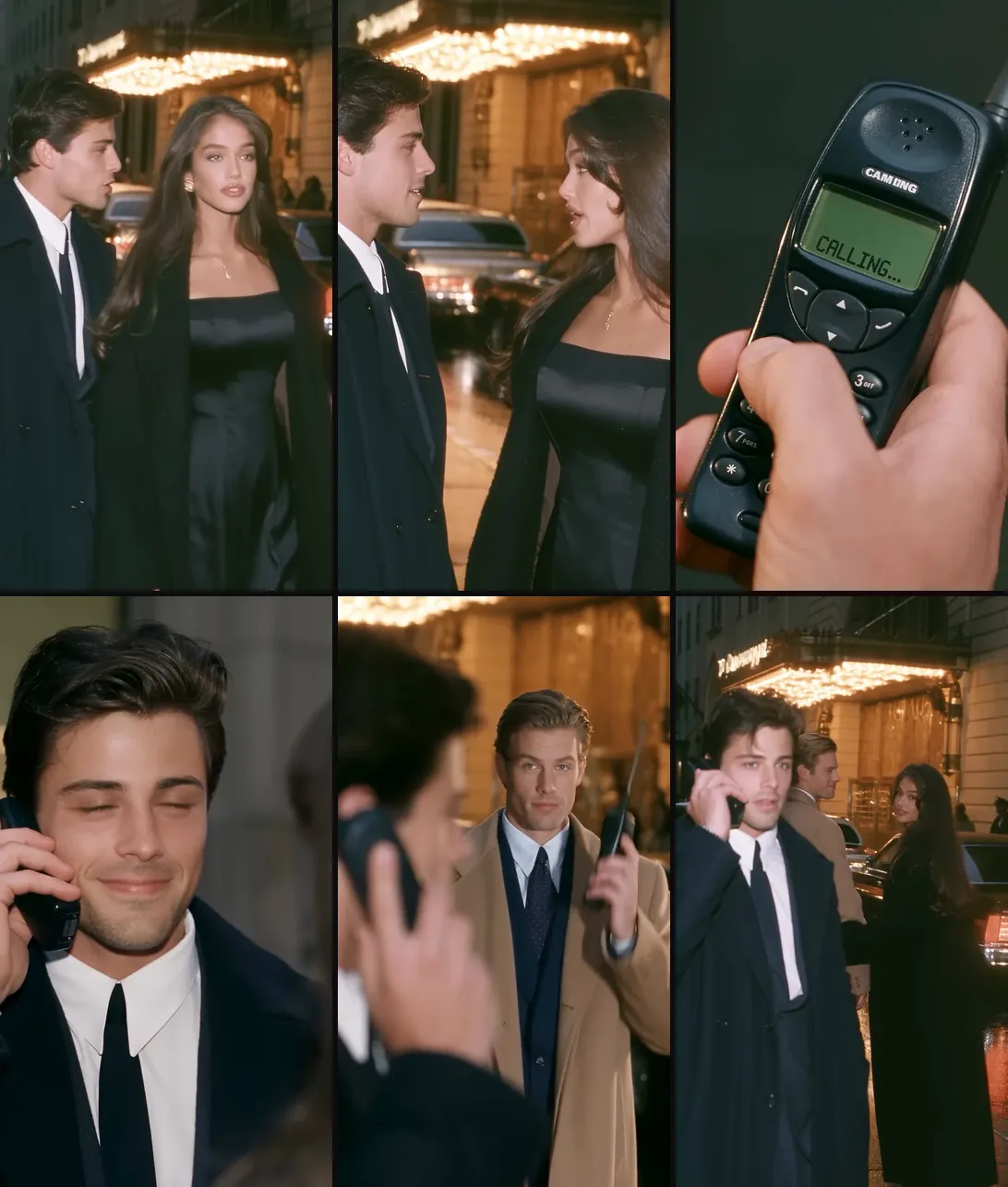
Six cuts from the 25-second take, in order, each labelled with whoever is on screen, so you can check which photo answers for which face.
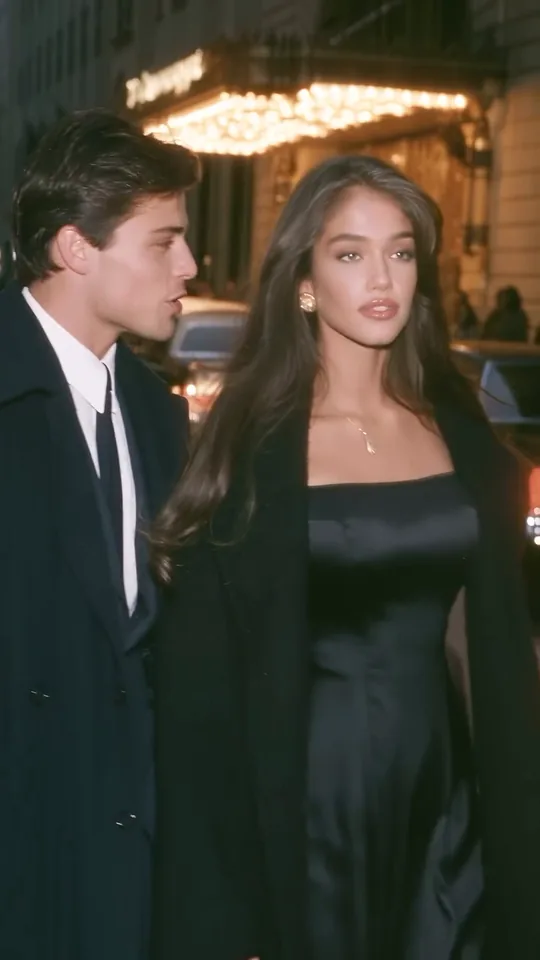 10:00–0:01
Woman + dark coat
A black dress and a long coat in the hotel lights; he turns from the kerb to face her.
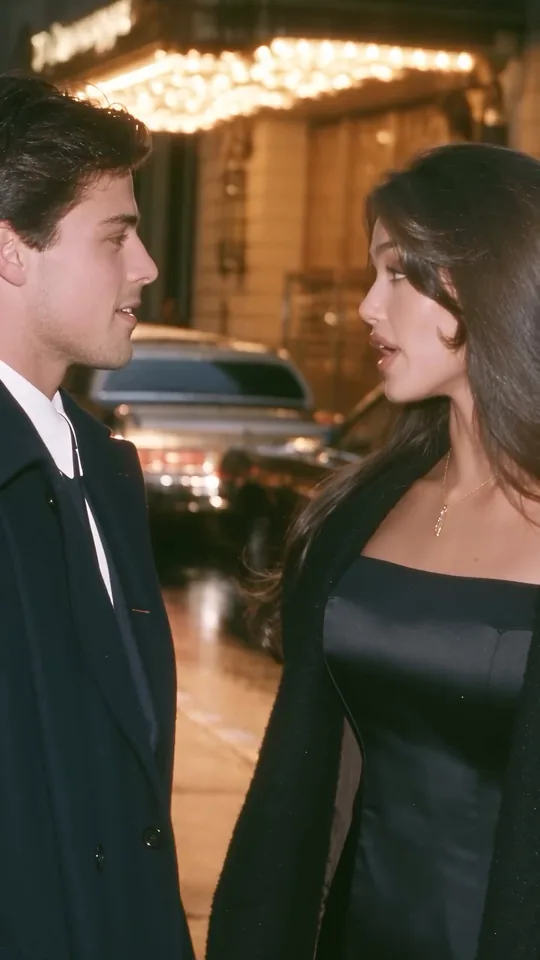 20:01–0:08
Woman + dark coat
A two-shot of them talking, then the cut drops to their hands and back to her face while he smiles.
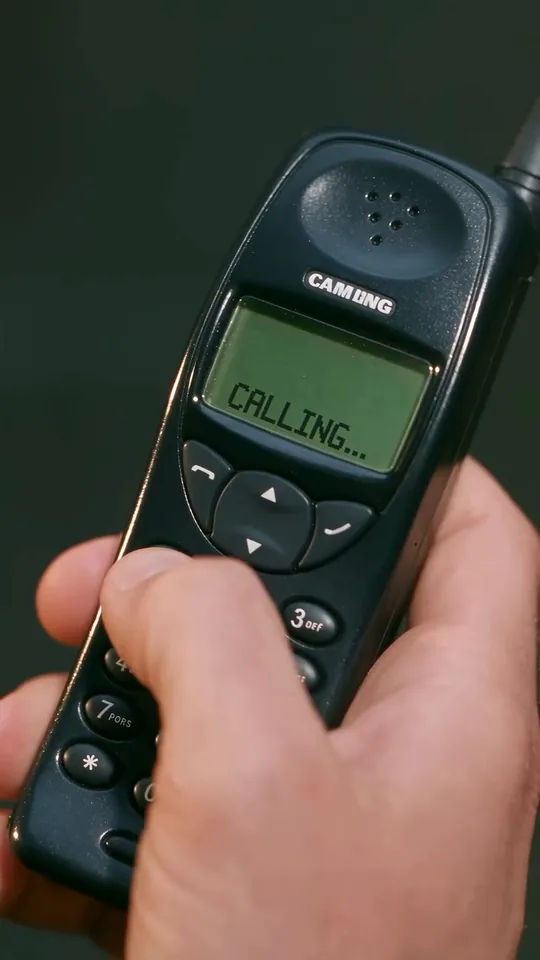 30:08–0:13
Woman + dark coat
A chunky 1990s handset fills the frame: green screen, keypad, CALLING on the display, cut against her face.
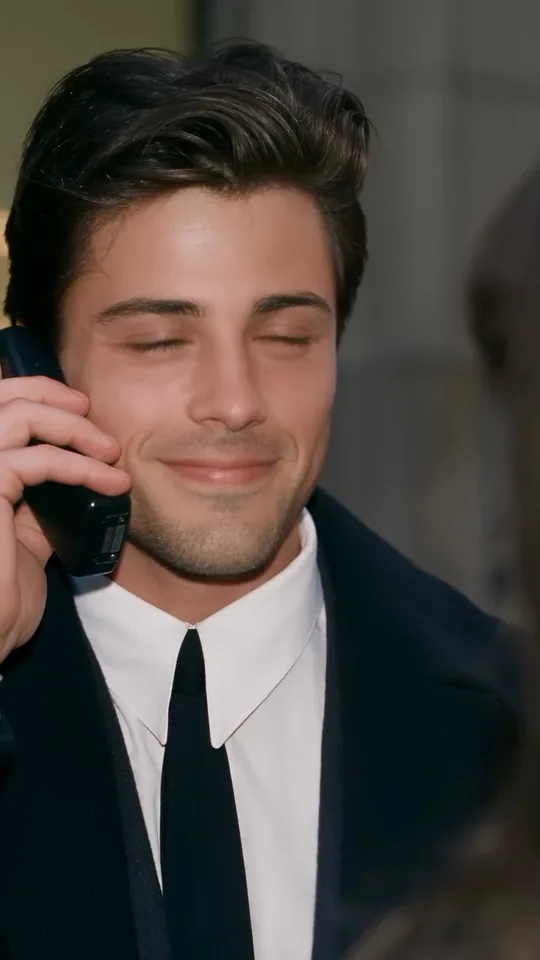 40:13–0:16
Dark coat
Phone at his ear, smiling, eyes half shut: the beat where the joke is still just a phone call.
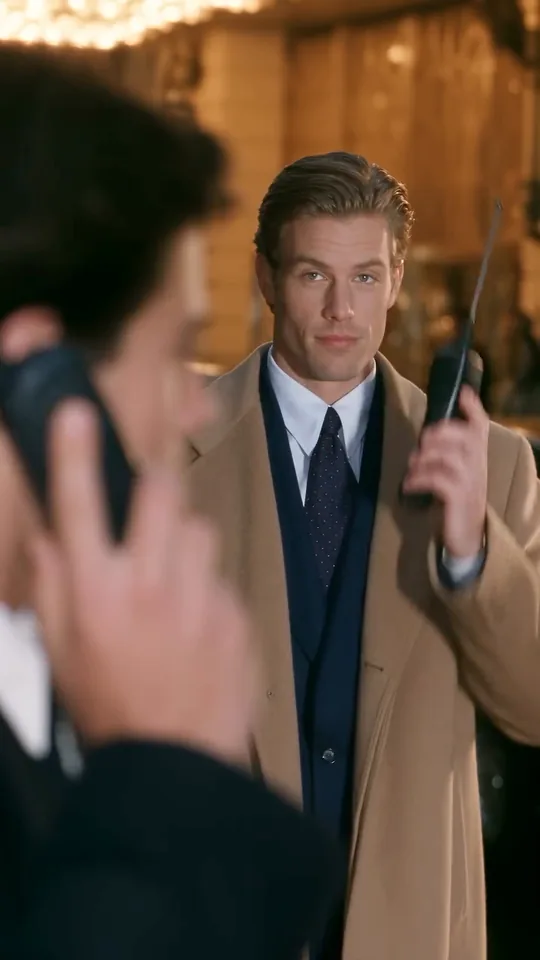 50:16–0:20
Dark coat + camel coat
Behind him a second phone lights up, and the man in the camel coat lifts it and picks up.
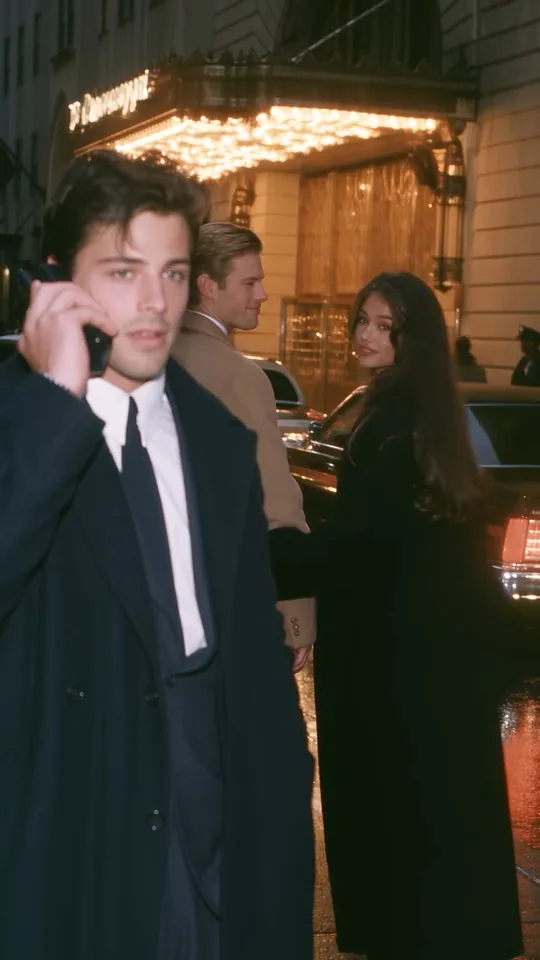 60:20
All three
He is still holding the line as she walks out past him with the man who answered.
90s rom com AI is a photo-to-video format that casts you in one fixed period romance: the hotel wrong-number scene, where the number she gives rings the phone of a man standing behind him. It is one 90s movie AI scene you act in, not a way to make any 90s film, trailer or poster.
The premise is a three-person joke about a number that reaches the wrong phone: he asks, she gives one, he dials, and the phone of the man behind him rings. She leaves with the man who answered while the first man is still talking into the handset.
What sells the period is the craft rather than the plot: warm hotel lights, film grain and a chunky 1990s handset, kept moving by cuts every second or two. The pickup is the punchline, and it lands because the scene never explains it.
Searches for 90s rom com AI also turn up lists of 1990s romantic comedies, streaming catalogues, Christmas rom-coms and the Smiths elevator scene. This page is none of those: it is one hotel scene you act in with three photos, wearing the coats the clip already has.
@dreamfall.art posts AI period romance clips on TikTok across 21 and 26 September. The look is already on the platform, without the phone twist.
@cinematic.grace_ posts the hotel wrong-number scene on Instagram: 442.9K likes and 975 comments as read on 10 November 2026.
Another site puts up a 90s rom-com page, with the wrong-number scene beside a rainy-street variant.
A trend site lists the 25-second scene as a template of its own.
Dates and counts: the Instagram post by @cinematic.grace_ (25 September 2026) and the template pages read on 9 and 10 November 2026.
Both cuts come from the same 90s love story, and both end on the pickup. Each grid holds only the beats its own cut contains.
Default
The default, with all six beats: the approach, the number, the dial, the wait, the pickup and the walk-out. Everything the scene needs in order to land.
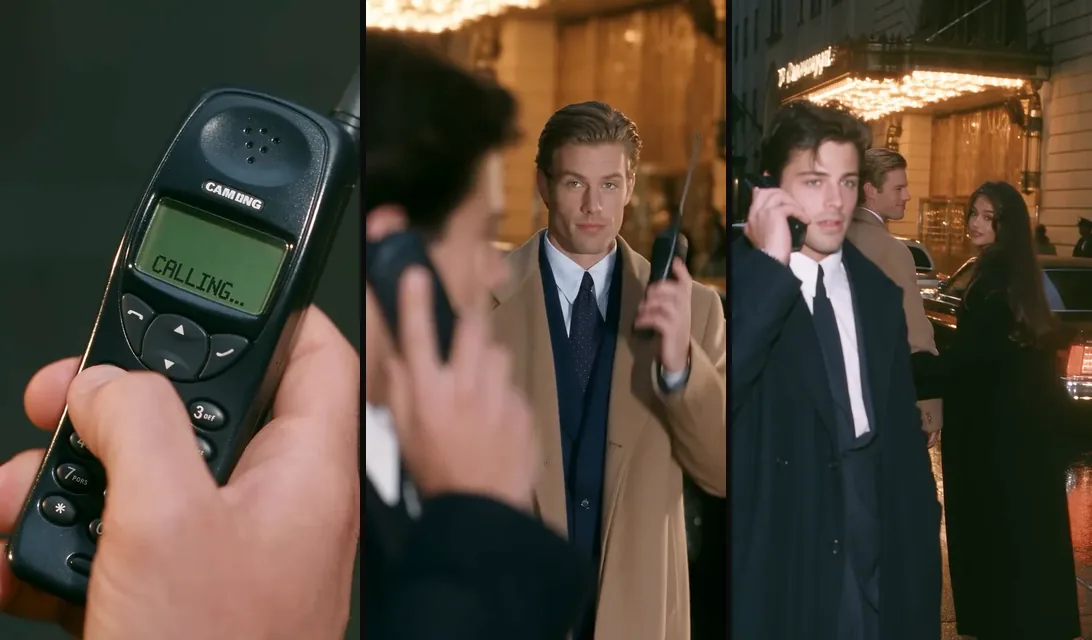
Opens at the dial, so the approach and the number are gone. This is not the whole story played faster; it is the ending of it, and it keeps the pickup and the walk-out.
Two of you can take the couple and a friend the third, or cast three different friends: swapping which friend plays which part is fine, as long as every photo holds one face.
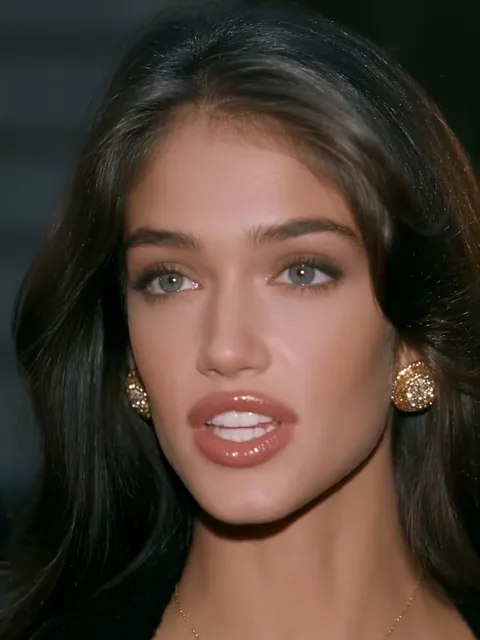
Photo 1Woman
Plays the woman in the black dress in every shot: the approach, the close-ups around the handset and the walk-out at the end.
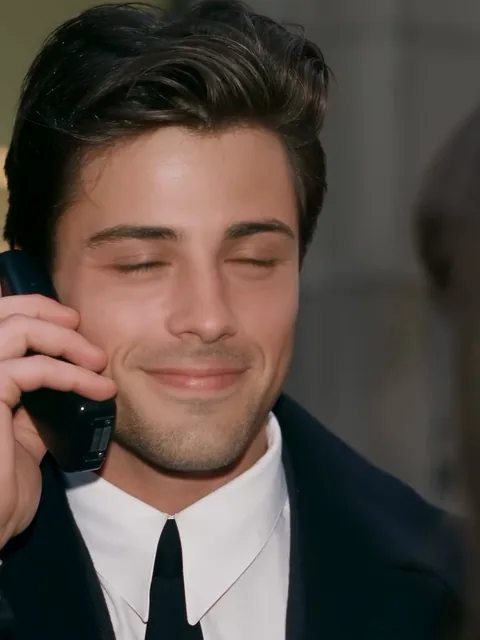
Photo 2Dark coat
Plays the man in the white shirt, black tie and dark coat: he asks for the number, dials it and is still on the line at the end.
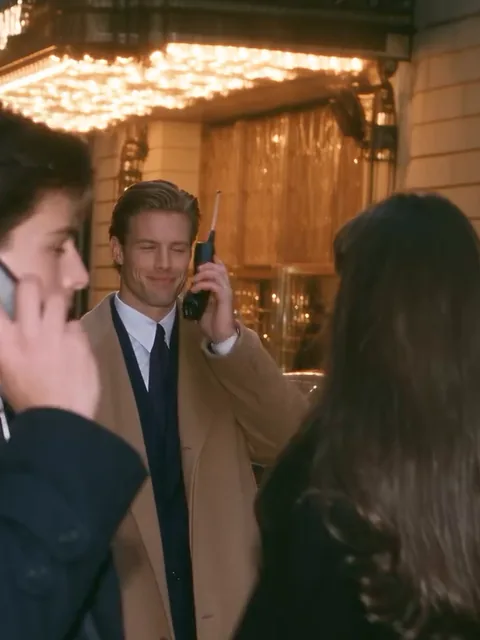
Photo 3Camel coat
Plays the man behind him in the camel coat. He answers the second phone and leaves with her, so this is the twist of the scene, not an extra.
Works well
 Face clear and lit
 Soft, even light
Avoid
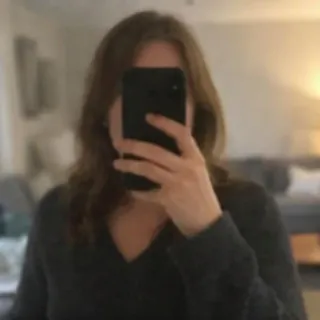 A phone over the face
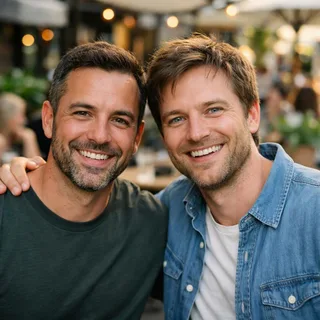 Two people in one photo
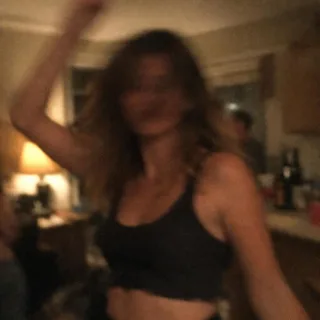 Dark or blurry shots
Add the 3 photos
One person per photo, in the tile order the hero shows: the woman first, then the two coats. No group shots, and no slot you can leave empty.
Pick a resolution and generate
The take keeps its length, its 9:16 frame and its sound. 720p or 1080p change how much detail comes back, never the edit.
Watch the two phone cuts
Check that both men keep their own faces and that the handset hides neither at the pickup, then download it and post.
Not for this page: the clip, the three swaps and the edit are fixed, and there is no prompt box to fill. To run the same idea yourself in Kling or Seedance with your own clip and photos, copy one of these two — each says who changes and what has to stay.
Kling 4.0 video edit
Prompt length 574
@Video1 is the hotel scene. Replace the woman in the black dress and long coat with the woman in @Image1, keeping her face and hair. Replace the man in the white shirt, black tie and dark coat with the man in @Image2. Replace the man in the camel coat who raises his phone near the end with the man in @Image3. Keep the hotel lights, the wet street, the 1990s handset, every cut, the clothing, the expressions and the scene’s own sound. The three faces must stay distinct: do not swap the two men, do not let the handset cover a face, and leave the hotel guests as they are.Who changes
Name each person to replace by their part and by something visible on them.
What stays
Say that the hotel, the handset, the cuts and the sound stay as they are.
Which coat is which
Give the third man his camel coat, or one face lands on both of them.
A new story
Asking for another scene, extra lines or a new ending rewrites the clip instead of casting it.
Music or lip-sync
You cannot pick the audio or lock mouths to lines here; the sound you get is the clip's own.
Four or five people
The scene has three faces. Extra names make the model hand one face to two people.
Too vague
Put me and my friends in this 90s rom com scene.
Names each face
Replace the woman in the black dress with @Image1, the man in the dark coat in front with @Image2 and the man in the camel coat behind him with @Image3; keep the cuts, the handset and the sound.
The second version gives every photo one face and leaves the scene alone, which is what the model needs.
A longer prompt does not fix it.
The handset stays in front of the face; that is the scene.
Check the last shot, where all three share the frame.
Every template works the same way: add your photos, press Generate and get a shareable video without writing a prompt.
View all effectsFAQ
Not one we could confirm. The post we were able to check was published on 25 September 2026 and is labelled as AI-made, and we found no film title, cast or release date to point at, so this page names none.
The joke is not a number that cannot be dialled. He calls the number she gave him and the phone of the man standing behind him rings, so she handed over someone else's number.
3 photos, one person in each. There is no optional slot and no two-photo mode that invents the third face.
Yes: two of you take two of the photos and a friend takes the third. Every slot still needs one face of its own, so a couple photo cannot fill two of them.
No. The take has three people with three separate faces. For a solo or pet version of the trend, start from another effect on the hub.
It keeps the sound that comes with the clip, so the scene plays as it is. Your voice is not cloned, and there is no way to replace or edit lines.
It is not the whole scene played faster: the short cut opens at the dial, so the approach and the number are gone. Treat it as the ending of the scene, and pick it when the pickup is all you want to post.
No. The clip, the three swaps and the edit are fixed and the hero has no prompt box. The prompts further up are for running the same idea yourself in another tool.
No, every video costs credits: the price follows the resolution and the length of the cut you pick, and the Generate button shows it before you start. New accounts start with 10 signup credits.
The take cuts every second or two, so each cut is a fresh guess at the same face. One clear, well-lit portrait per person is the best lever there is, and the result is close rather than frame-accurate.
No. The photos decide who the faces are; the clip decides the hotel, the clothing, the cuts and the ending. To write and direct a scene of your own, use the AI video generator instead.
It is our own fixed preset of the same scene. It does not come from the account that posted the scene, and we have no partnership with that account to announce.
Your turn
Three photos in, and the hotel wrong-number take comes back with its lights, its cuts and its sound in place.