


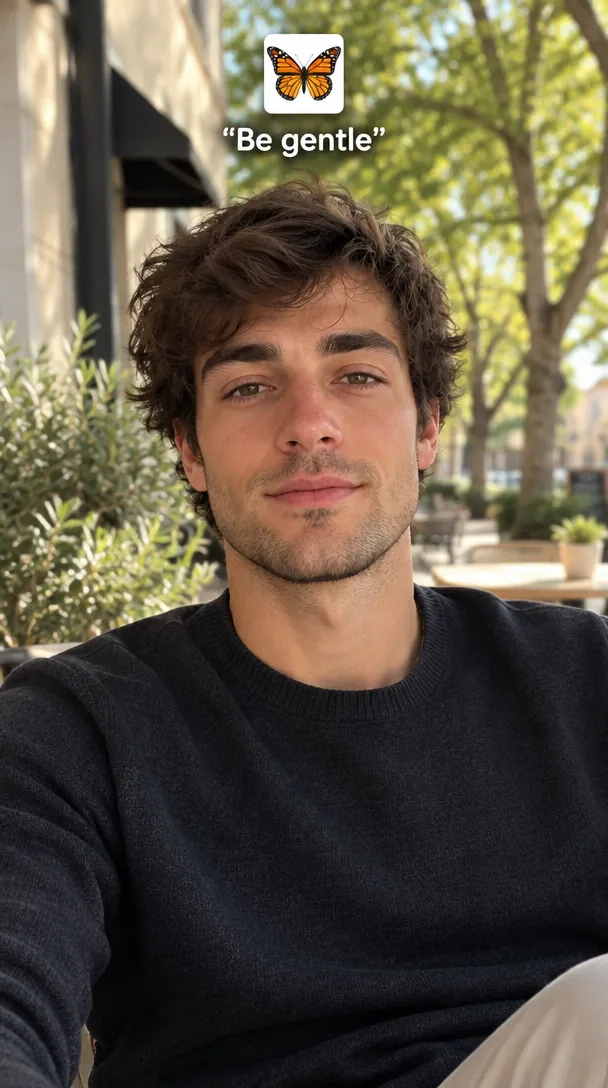
 Be gentle slide
Photo used
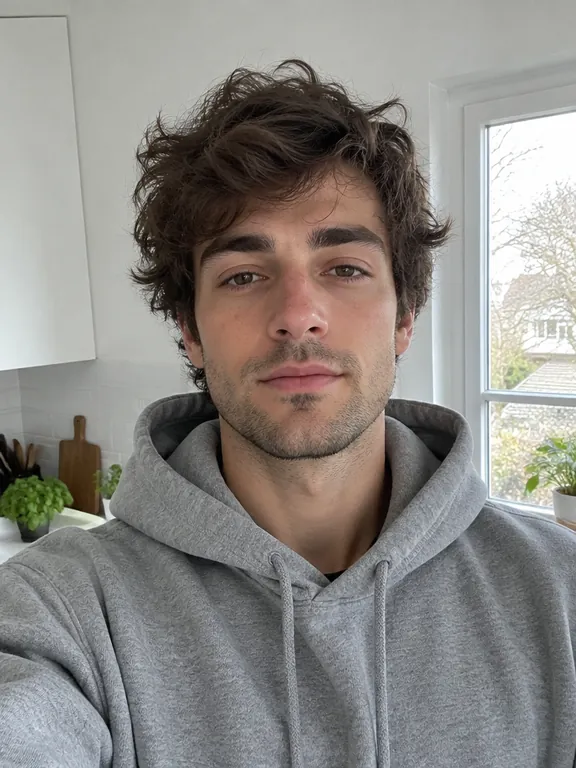
Your photo
Ready to post as slide 3
The grey-hoodie kitchen selfie becomes a sunny café-street shot in a navy knit, wavy hair and stubble kept, with the monarch sticker and "Be gentle" above his head.
Upload one photo of you or your pet and get an AI glow up as the third slide of the I Want Wings carousel: the same face with the butterfly sticker and "Be gentle", clean, or with wings.
PNG / JPG / WebP · up to 10 MB · at least 512px on the short side
0/1 photos
One recent photo of one person or one pet, face clear and toward the camera; a selfie or waist-up shot works best. Keep your old photo for slide 1.
Photo settings
No prompt needed. Only upload photos of yourself or people who agreed to be featured; celebrity photos and film stills aren't allowed.
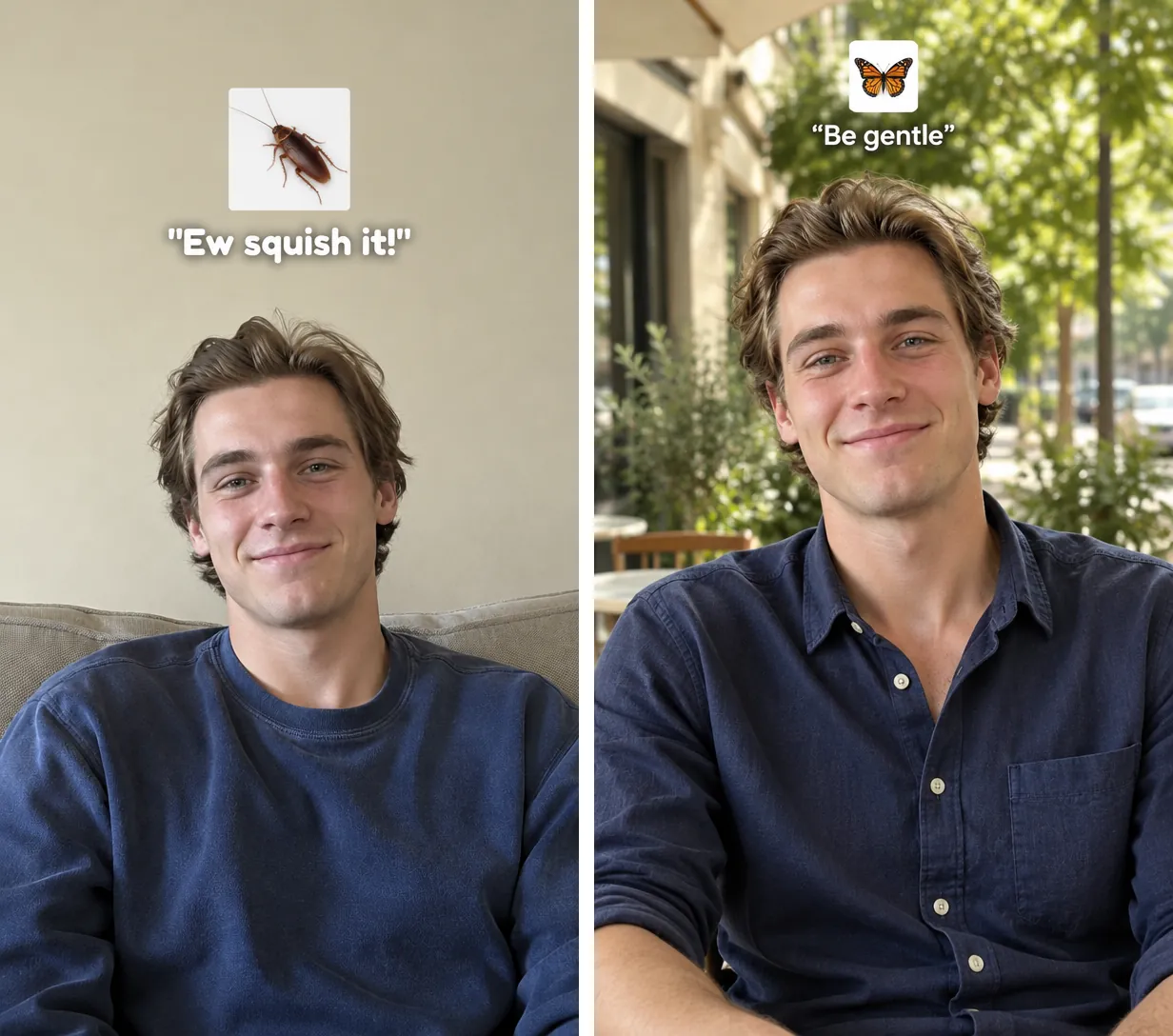
The I Want Wings trend, also called the "Ew squish it, be gentle" meme, is a TikTok glow-up post in three photos: an old or plain photo of you with a cockroach sticker and "Ew squish it!", a black slide with one butterfly, then a glowed-up photo of the same person with a butterfly sticker and "Be gentle", set to the line "In that case, I want wings".
Both lines are older than the format. On 28 September 2026 @unicorna1ice posted an "Ew ew ew squish it" lip-sync on TikTok (431,400 plays by 7 November). "In that case, I want wings" is a line of Griffith from the manga and anime Berserk, and the sound comes from a fan edit of that scene. The trend has nothing to do with the Wingstop "I want wings" jokes about chicken.
It spread because it takes no editing: three photos, two stickers, two quotes. People now post cars, outfits, birds and small businesses the same way. The hard part is slide 3, a photo of you on your best day, and that is the slide this page makes.
"Ew squish it!"
What people say to a cockroach. Slide 1 casts your least polished self as the bug.
"Be gentle"
What they say to a butterfly. That double standard is what "Ew squish it, be gentle" means: same person, new look, and suddenly everyone handles you with care.
@sin_alt posts a Berserk edit captioned "Careful what you wish for Griffith". Its original sound, with the line "In that case, I want wings", becomes the trend's sound; the edit has 924,900 plays by 7 November.
@omikko12 posts the three photos: cockroach and "Ew squish it!", a black butterfly slide, butterfly and "Be gentle". 5.5 million plays and 657,000 likes by 7 November.
The "I want wings" CapCut template goes up; it has 79,501 uses by 7 November.
@thats5urie posts a video made with the template on a second sound; it passes 1 million plays as template posts spread.
The original sound is on 85,100 TikTok videos, and a post from 4 November has 3.3 million plays.
Sources: TikTok post and sound pages and the CapCut template page, read on 7 November 2026.
Post the slides as a TikTok photo carousel and pick the sound "original sound - sin_alt", the one with "In that case, I want wings". In the post that set the format, each sticker is a small photo on a white square above the head, with its quote right under it, clear of the face.
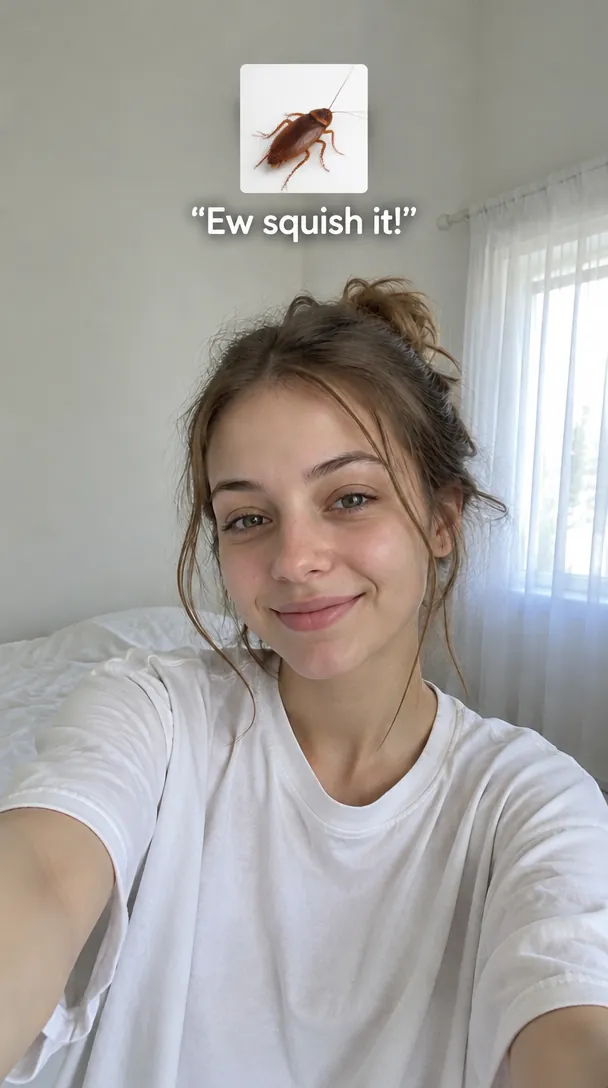
On the slide: "Ew squish it!"
Your own old or plain photo, kept as it is. A hair care brand swapped the quote for "Good luck on that business bro"; any line that roasts your old self works.
On the slide: No text
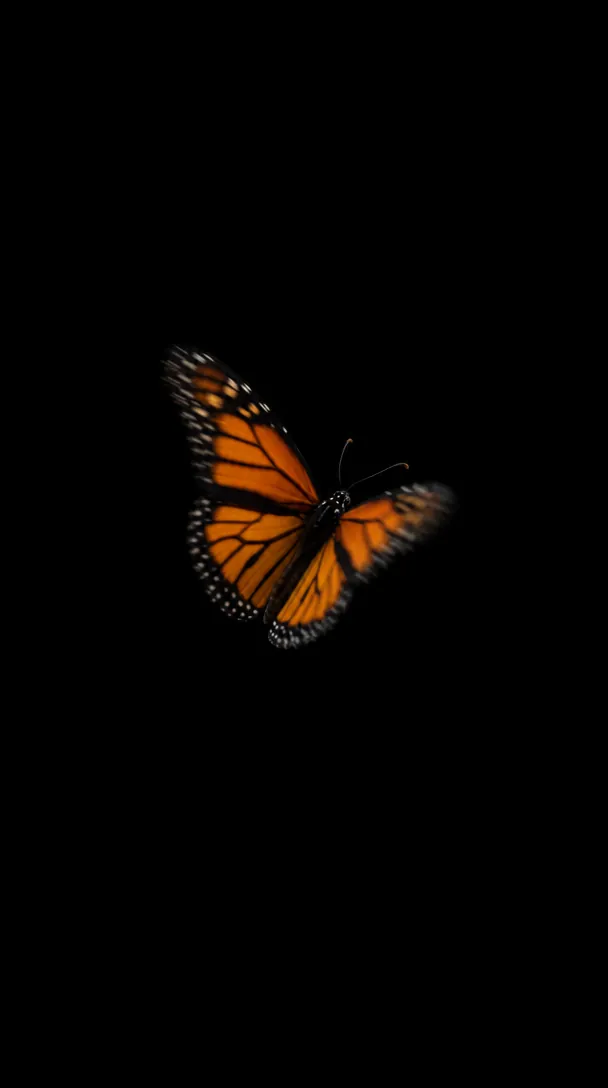
A black picture with one butterfly: a butterfly sticker on any black photo, or the 🦋 emoji. The CapCut template fills this beat with a swarm of butterflies.
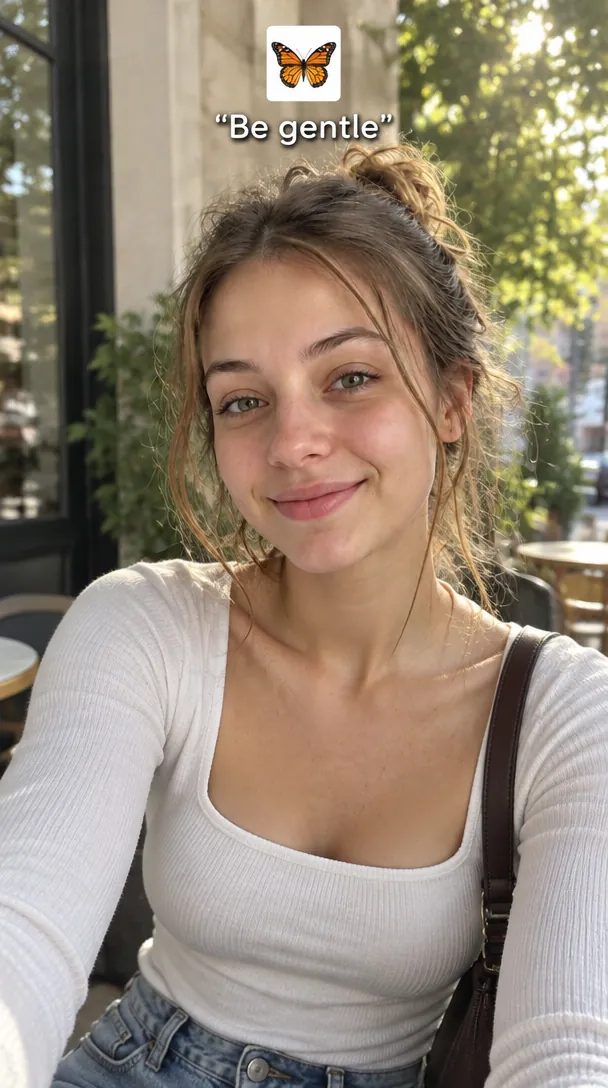
On the slide: "Be gentle"
The same person on a good day. The Be gentle slide look makes this one whole, sticker and quote included, so it goes straight into the carousel.
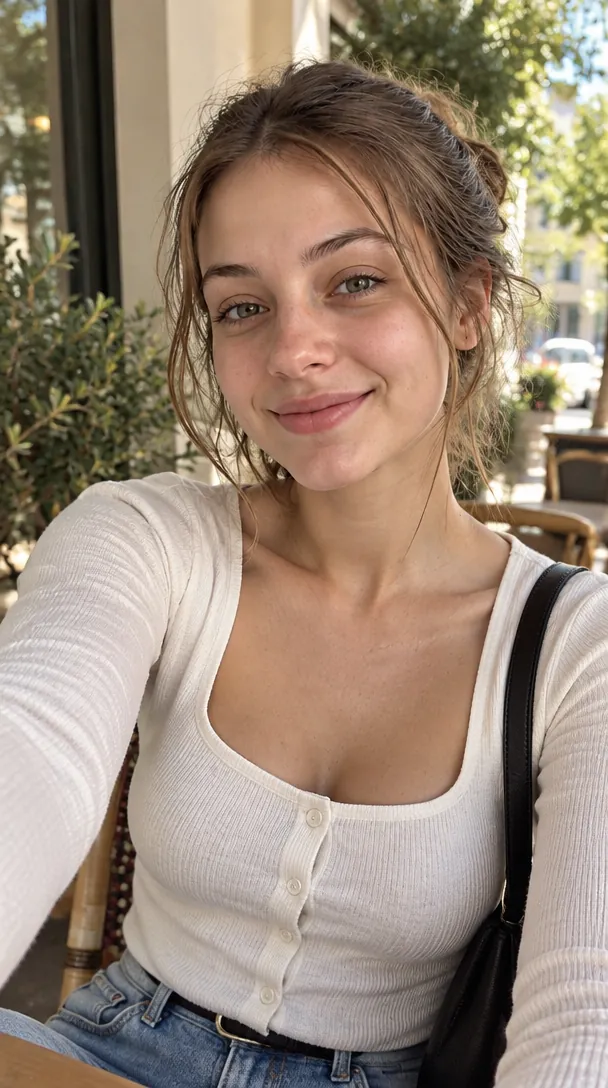
On the slide: No text
The "I want wings" CapCut template adds the bug, the butterflies and both quotes itself and brings its own sound. Give it the Clean glow up look: a sticker baked into the photo would show twice.
All three looks keep the face, hair colour and hair length, and change the outfit, the light and the place. They differ in what sits on top: the trend's sticker and quote, nothing, or a pair of monarch wings. Here is one kitchen selfie through each look, plus a cat.
Be gentle slidePhoto used
The grey-hoodie kitchen selfie becomes a sunny café-street shot in a navy knit, wavy hair and stubble kept, with the monarch sticker and "Be gentle" above his head.
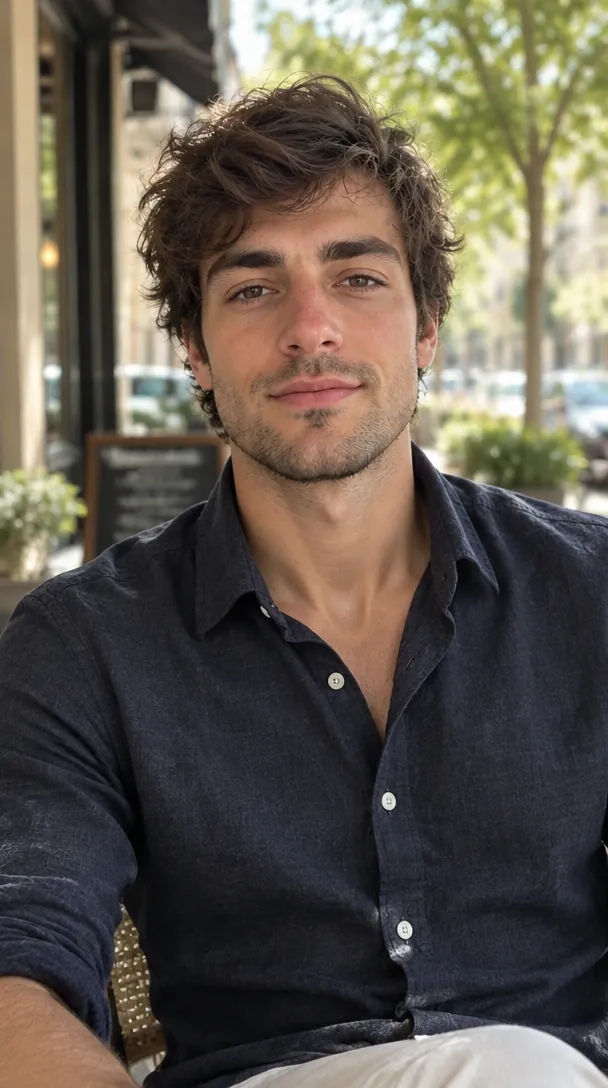 Clean glow up
Photo used
The same restyle with nothing on top: a navy shirt on a café terrace. Use it in the CapCut template, on Instagram or under a caption of your own.
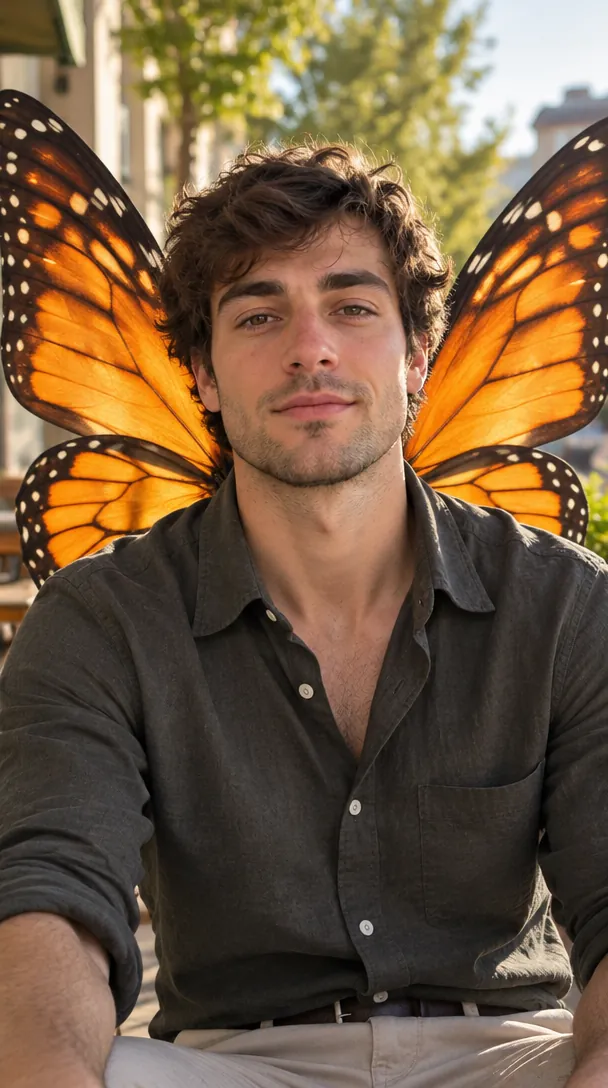 Butterfly wings
Photo used
Orange monarch wings rise from between his shoulder blades and stay behind his arms, with a dark olive shirt on a sunlit street: "I want wings", taken literally.
Wings in motion: the Angel Wings Catwalk video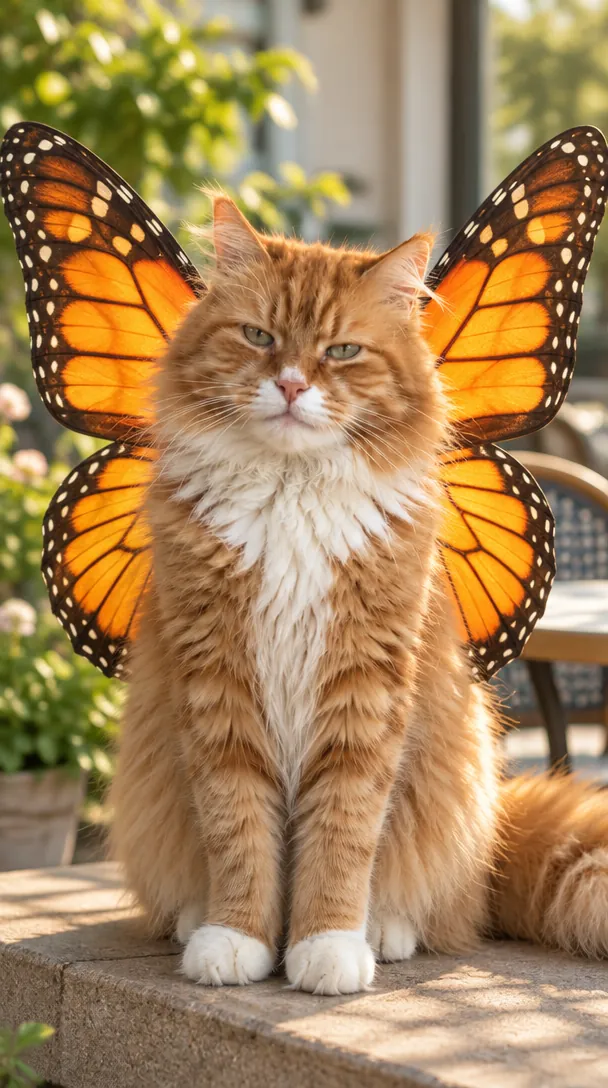 Butterfly wings
Photo used
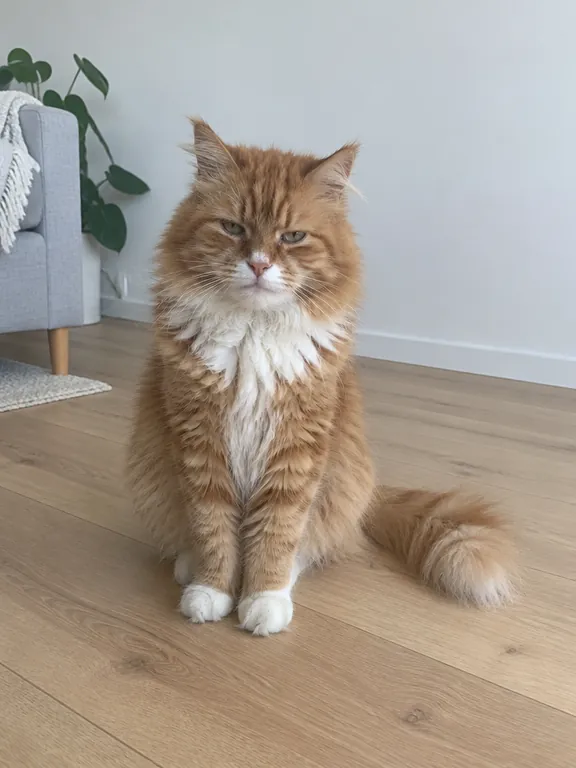
A ruffled ginger cat just up from a nap comes back brushed and fluffy, sitting on a sunny terrace ledge with monarch wings sized for it.
One photo goes in and slide 3 comes out. It doesn't have to be flattering: the restyle supplies the hair, outfit and light, and only needs to read your face clearly.
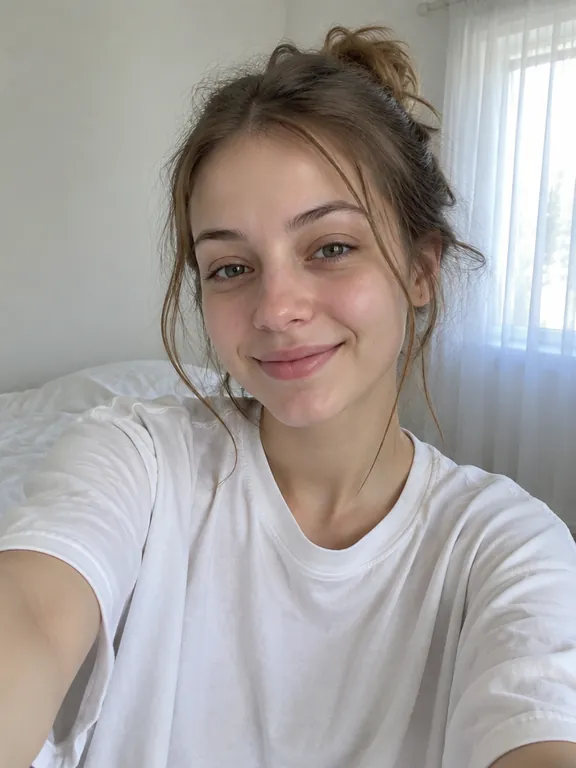
1 photoYour photo
Becomes slide 3 in the look you pick: you on a good day, restyled and moved somewhere sunny.
Glows up well
 Face clear and toward the camera
 Unfiltered, in daylight
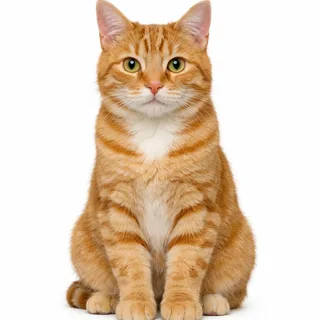 A pet, whole and facing you
Comes out wrong
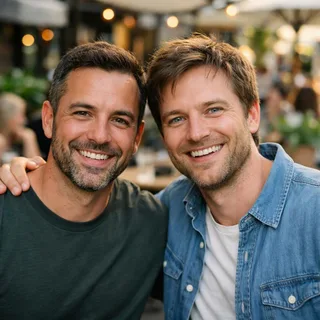 Two people in one photo
 Sunglasses, caps or a hand over the face
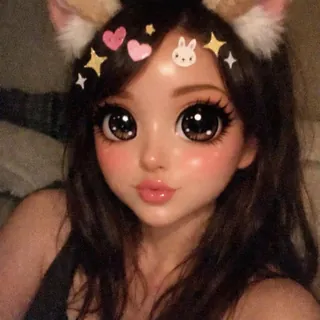 Beauty filters and AR effects
Upload a recent photo
One person or one pet, on the photo tile at the top of the page.
Pick a look and generate
Be gentle slide, Clean glow up or Butterfly wings. The button shows the exact price before you start.
Post it as slide 3
Download the photo and post it as the third picture of a TikTok slideshow, after your before photo and the black butterfly, with the trend's sound.
The trend's posts are real phone photos, so there is no creator prompt to copy. These are the prompts behind every result on this page, written the way our generator sends them, with image 1 as your photo. Paste one into GPT Image 2.5 or any editor that takes a reference photo, and change the place or the wings to make it yours.
GPT Image 2.5 edit · image 1 = your photo
Prompt length 1888
Edit image 1 into the "after" photo of a glow-up post: the exact same person on their best day, in a believable phone photo a friend took. Keep their identity so friends recognize them at once: the same face shape and features, eye colour, skin tone, age, body build, hair colour and hair length, and any beard, glasses or freckles. Change only the styling: the hair freshly cut and neatly styled in its own colour and length, healthy skin with its real texture, a sharp, well-fitted everyday outfit that suits them, and a relaxed, confident pose with a small, sure smile toward the camera. Move them to a pleasant everyday place, such as a sunny street, a cafe terrace or a bright room by a big window, in warm, soft natural light, the background softly out of focus. Vertical framing from the waist up, the face large, sharp and well lit, with clear space above the head. If the photo shows a pet, it is the same animal with its own species, breed, coat colours and markings, freshly groomed with clean, fluffy fur, sitting proudly and looking into the camera, with no clothes. Lay the caption sticker of the trend over the photo, the way a phone app places it: in the upper third of the frame, above the head and never over the face, a small square photo of a real orange-and-black monarch butterfly on a plain white square, and centred just below it the words "Be gentle" in double quotes, in white rounded sans-serif letters with a soft dark shadow. "Be gentle" is spelled exactly once and is the only text in the image: no other words, numbers, emoji or watermarks.
Unretouched photo look: no beauty filter, no skin smoothing, no slimmer face, no bigger eyes, no makeup the photo does not show, no younger or older face; a child stays a child in modest clothes. Only the person or pet from the photo: nobody added, removed or merged. No logos, brand names or trademarked characters.List what friends know you by
Face shape, eye colour, skin tone, age, hair colour and length. "Glow up" on its own lets the model invent a new face.
Place the sticker
Upper third, above the head. Left open, the butterfly and quote land on the forehead.
Ask for a friend's phone photo
Real after slides are candid snaps. A studio portrait reads as an ad, not as you on a good day.
"Perfect skin" or "model looks"
That is the beauty filter that makes friends say it isn't you.
The whole carousel in one image
Three slides squeezed into one picture shrink every face. Make one image per slide.
"Ew squish it!" on the after photo
The cockroach line belongs on your real before photo; on the after shot the joke flips.
Invents a stranger
Give me a glow up with butterfly wings.
Holds the face
Edit image 1 into the "after" photo of a glow-up: the exact same person, with the same face, skin tone, age, hair colour and hair length, restyled and moved into warm daylight. Two monarch wings grow from between the shoulder blades and stay behind the body.
The short version often returns a stranger with wings growing from the arms. Listing what stays and where the wings attach fixes both.
Every template works the same way: add your photos, press Generate and get a shareable video without writing a prompt.
View all effectsUpscale the after slide for a print, cut yourself out of the background, or clean the grain out of a dim before photo.
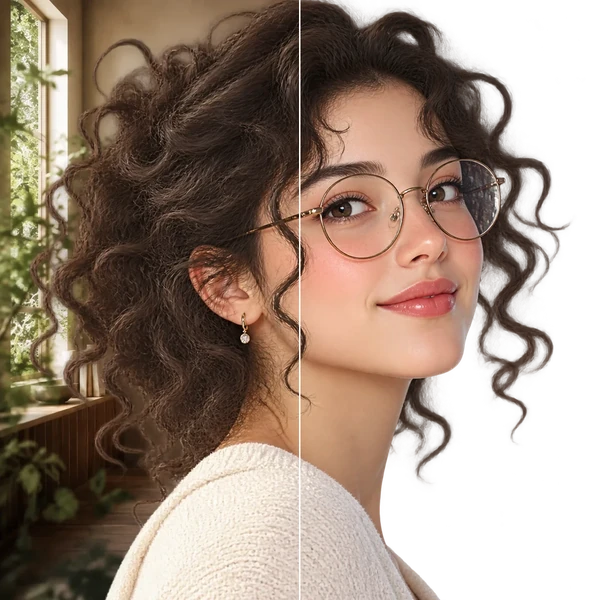
Transparent PNG or WebP with clean hair and product edges, ready for a listing or a new composition.
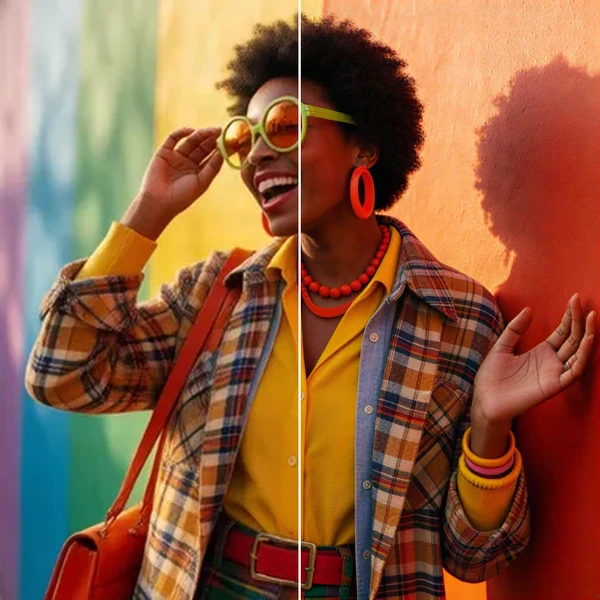
2× / 4× / 8× with recovered texture instead of smeared pixels, so a 1K draft can become a print.
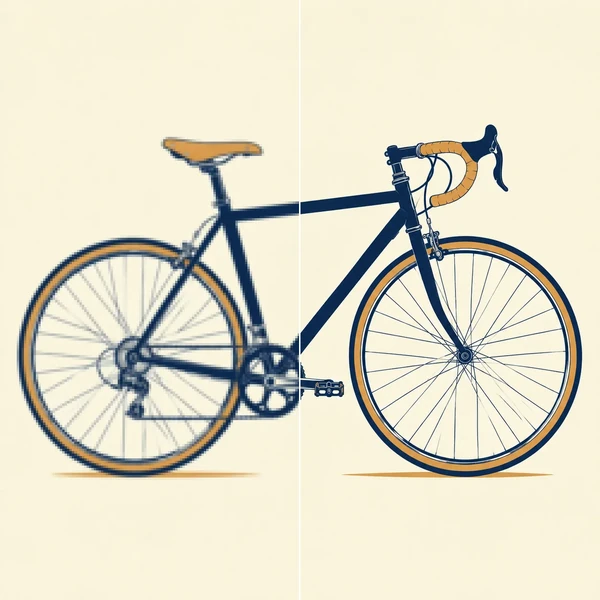
Logos, icons and flat illustrations become editable SVG that scales to any size.
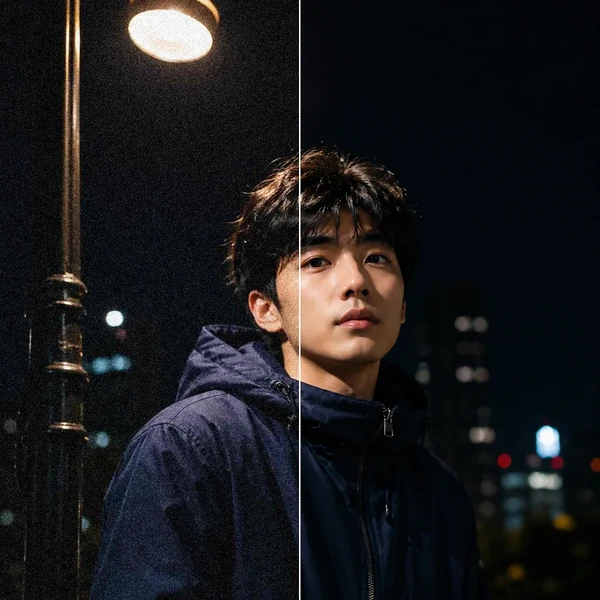
Remove grain and compression artifacts from low-light photos and scans while keeping real detail.
No. It runs on credits, with no subscription needed. New accounts get 10 free credits at signup. The price depends on the resolution you pick, and the Generate button shows the exact amount before anything is spent.
It should. The prompt keeps your face shape, features, eye colour, skin tone, age, hair colour and hair length, and bans beauty filters, smoothing and slimming; only the styling, outfit, light and place change. When a result drifts, the face in the photo is usually small, turned away or filtered: use a sharper photo facing the camera and run it again.
Neither. It is not a live camera filter and there is nothing to install: you upload one photo in your browser and get a new photo back to post anywhere.
This page makes photos. For a video, drop your after photo into the "I want wings" CapCut template, which plays the slides on its own sound, or use the Skull Cap AI video effect on Oeneo AI for a glow-up transition clip.
Keep the old photo for slide 1 exactly as it is. For the glow-up, upload a recent photo: the AI keeps the age it sees, so an old picture gives you an after shot of your younger self.
Yes. Upload a photo with the whole animal and its face in view. It comes back brushed and fluffy, sitting proudly in warm light, and the Butterfly wings look gives it wings sized for it.
The Be gentle slide always writes "Be gentle" under a monarch sticker. For your own line, pick Clean glow up and add a sticker and text in TikTok's editor, or use the 🦋 emoji.
9:16, the default, fills a TikTok photo carousel edge to edge. 3:4 suits an Instagram carousel or a print.
No. Results from this template stay private to your account and are not shown in public galleries.
No. It is an Oeneo AI photo template. Results show only you or your pet, with no anime frames, no sound and no logos.
One recent photo in, your Be gentle slide out: with the sticker and quote, clean, or with monarch wings.