


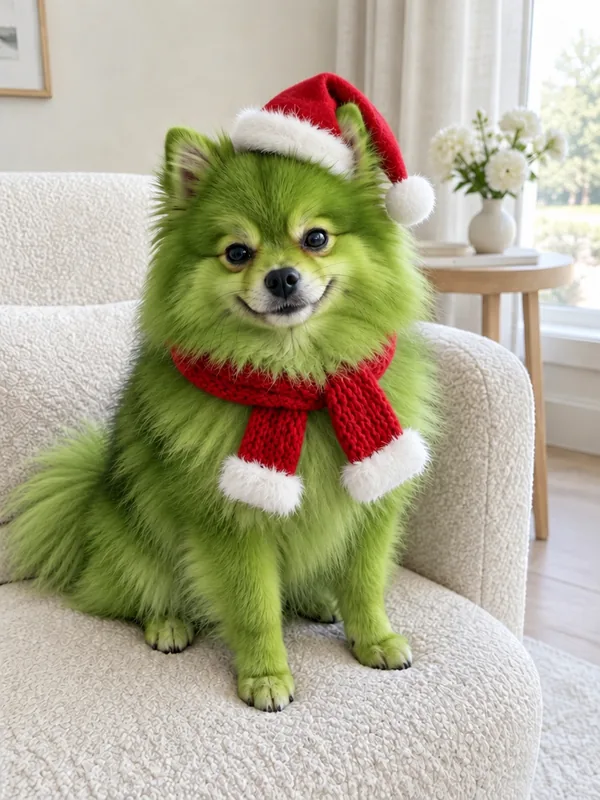
 Fluffy coat
Before
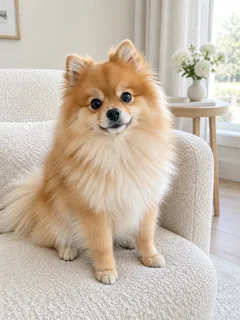
Your pet
Pomeranian: fox face and fluff
The pointed fox face, small upright ears, round black eyes and the cloud of fur all come through. It sits on the same cream armchair; only the orange coat is now lime green.
Grinch my pet without editing: upload one dog or cat photo and get your pet back with green fur, a sly grin and a Christmas outfit, its ears, eyes and markings still its own.
PNG / JPG / WebP · up to 10 MB · at least 512px on the short side
0/1 photos
One dog or cat on its own, ears and muzzle in view, ideally ears to paws. You get one photo back: the same pet, green, grinning and dressed for Christmas.
Photo settings
No prompt needed. Upload a photo of your own pet; film stills and cartoon characters aren't allowed.
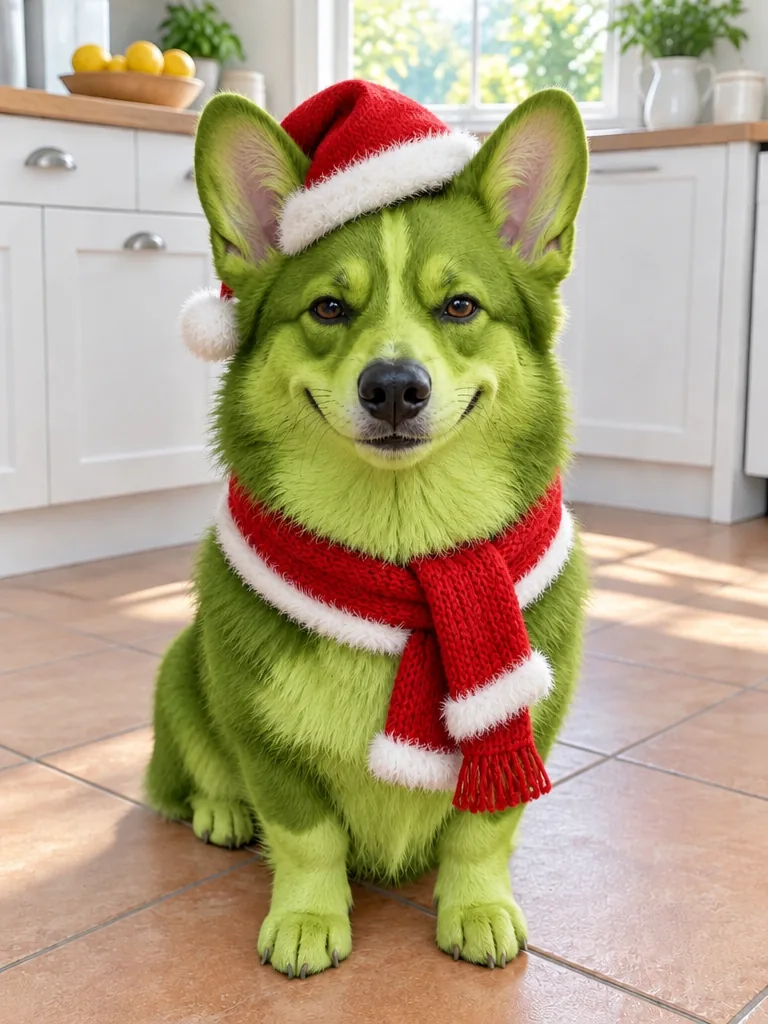
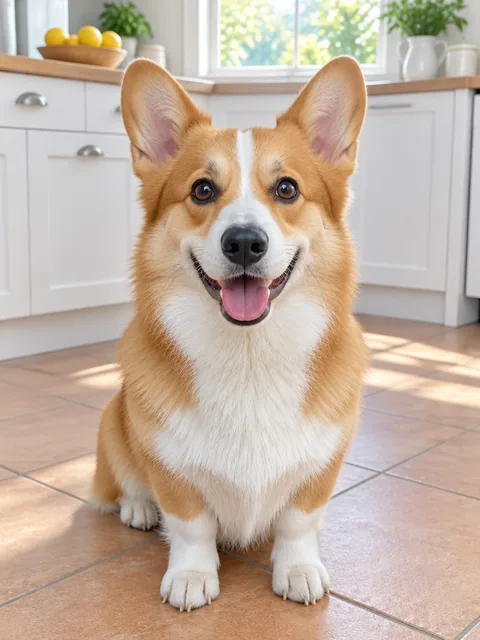
One look, used as a Grinch dog filter and a Grinch cat filter alike: four coats in four rooms, each card beside the photo it came from, naming what stayed the pet's own once the fur went green.
Fluffy coatBefore
The pointed fox face, small upright ears, round black eyes and the cloud of fur all come through. It sits on the same cream armchair; only the orange coat is now lime green.
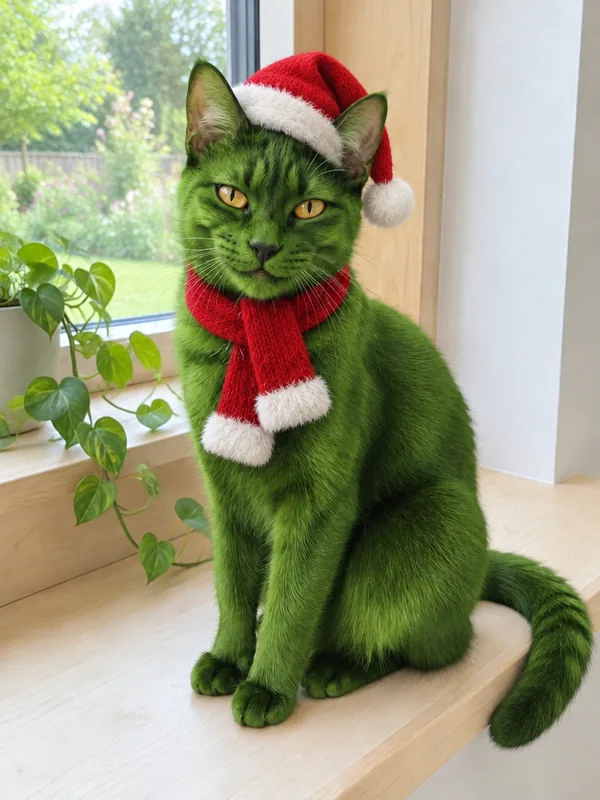 Black fur
Before
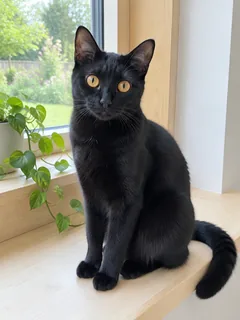
Black is the hardest coat to recolour. Lit by the window, it turns a deep green that still shows the fur and the shape of the face, and the amber eyes, nose and whiskers stay sharp.
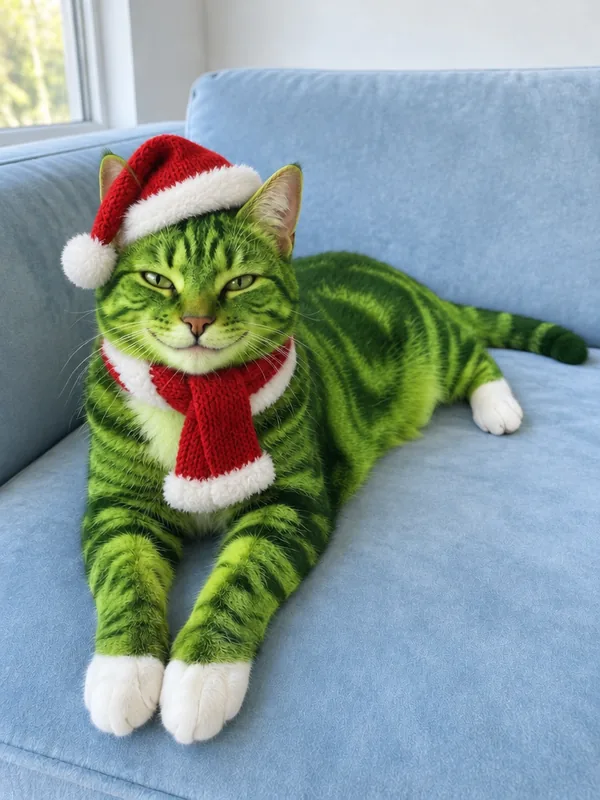 Tabby stripes
Before
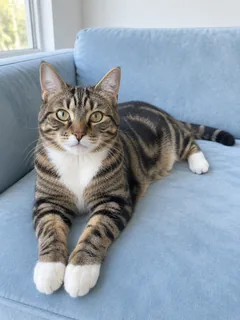
The swirls come back as dark green on bright green, right where they were, and the white socks stay white. The stretched-out pose on the blue sofa does not move.
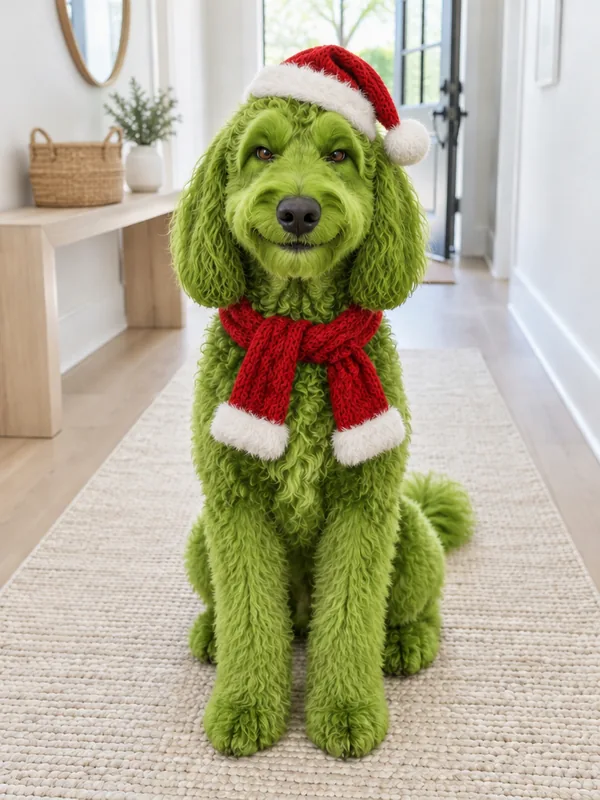 Curly coat
Before
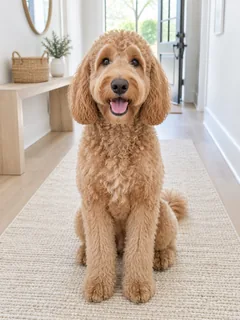
Every curl keeps its shape, the long floppy ears still frame the face and the eyes stay clear under the fringe. Same sit, same rug, same hallway.
Christmas pet photos without the green furThe Grinch pet filter, also searched as “grinch my pet”, turns your own dog or cat Grinch green: green fur, a sly grin and a Santa hat, still recognisably your pet. On TikTok it is posted as a before-and-after reveal video; this effect makes the after as one photo.
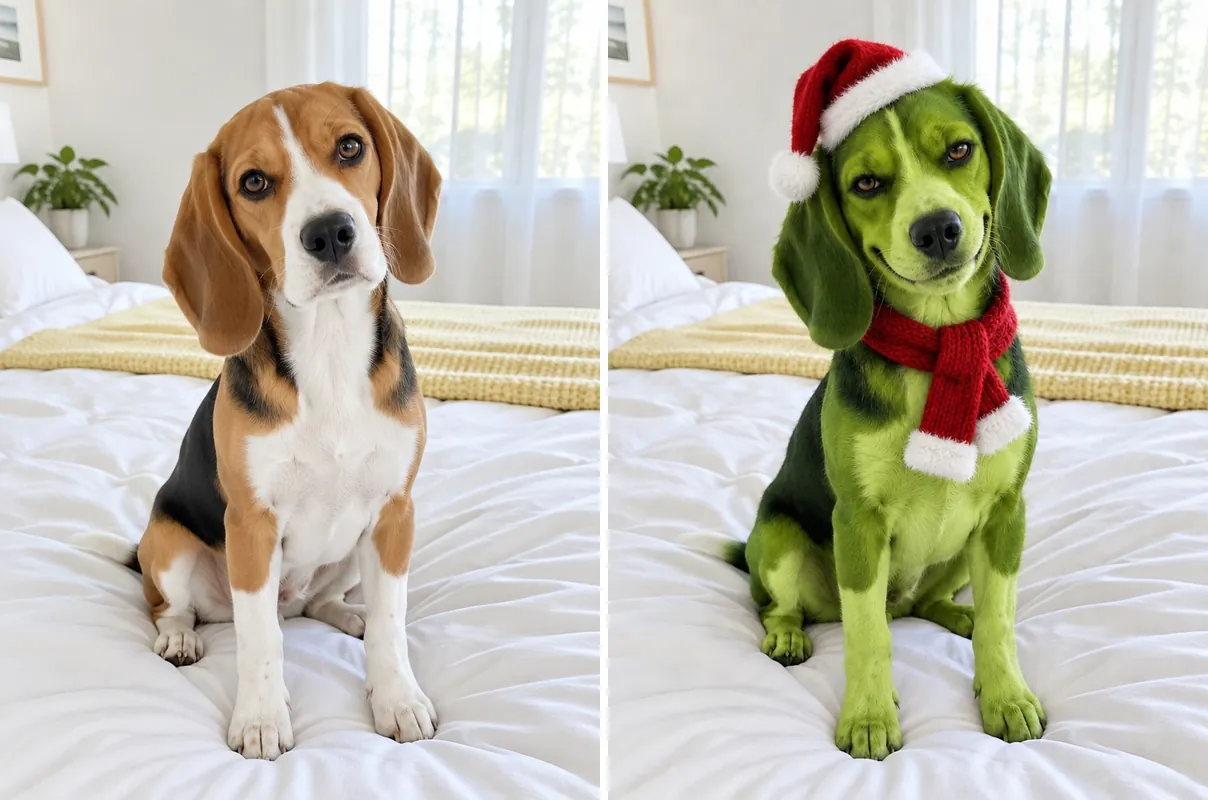
The joke is the contrast. The sweetest pet in the house suddenly looks ready to steal the presents, and owners caption it with the pet's name and its opposite, along the lines of “she could never be mean”.
Grinch-style pet pictures have come around for a few Christmases already, as 3D cats, cartoons and Grinchmas scenes. The 2026 wave is different: owners post their own pets, first as they are, then green.
Setup: the everyday pet
An ordinary photo of the pet, looking as sweet as it does every day.
Payoff: the green reveal
The same pet, green and grinning in a Santa hat. On TikTok the reveal lands right after the before, set to the trending sound; post your before and this photo together and add that sound from TikTok's library.
@lewisbrownnew666 posts the video whose original sound the pet reveals now use.
AI reveals of people's own dogs and cats start appearing from several accounts, @trickytrick70 among them.
Reveals posted by @nimala_nisanta06 and @alizia910 reach about 52,500 and 41,400 plays by the next day.
About 12,000 TikTok videos use the sound; 54 of the 59 posts readable that day were under three days old.
Sources: post dates from the TikTok post IDs; plays and the video count read on TikTok on November 10, 2026.
Ears, eyes and muzzle are what keep the green pet yours, so every check below is about keeping them in view.
1 photoYour pet
This photo is the whole cast: your pet's ears, eyes, muzzle, markings, body shape and pose, plus the room around it. The look only turns the fur green, adds a sly grin and dresses it for Christmas.
Works well
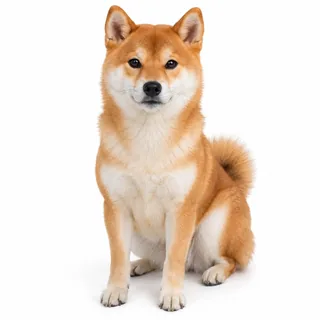 One dog or cat, alone in the frame
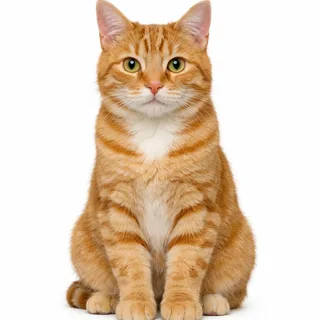 Ears, eyes and muzzle all in view
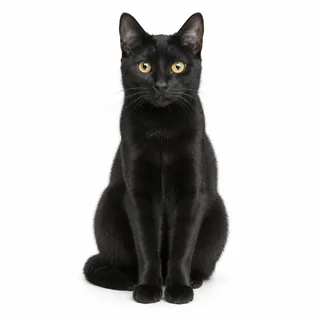 Even light on the face, black fur included
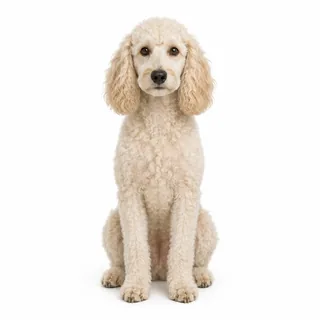 Curls or long fur clear of the eyes
Avoid
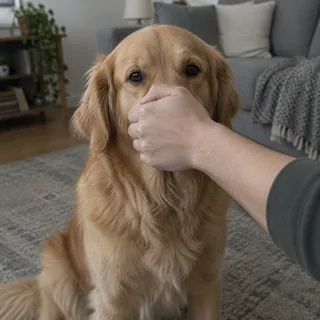 A hand over the muzzle
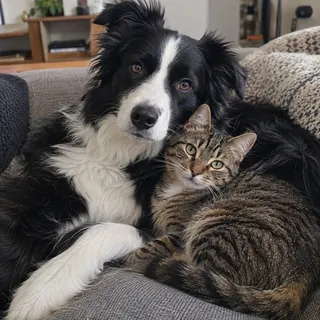 Two pets in one photo
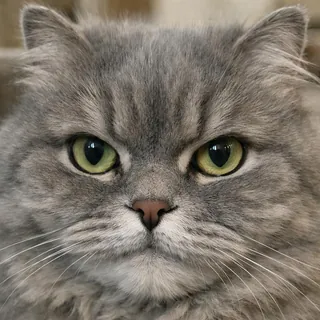 Just the face, no body for the outfit
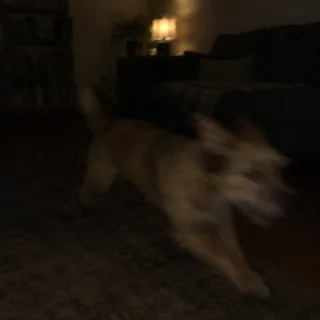 A dim room or a pet on the move
Add the pet photo
Tap the photo slot and pick one picture of the dog or cat you want to turn into the Grinch; it shows in the frame before anything runs.
Pick a size, then Generate
Auto keeps the photo's own framing. The Generate button shows the exact price before you start.
Download it, or animate it
Save the photo for your reveal post. Animate it, under the result, opens the Animate Christmas Photo template with the photo already added; that video is a separate run with its own price.
Running the Grinch pet filter in another image editor? This is the instruction behind every example on this page. Here you never type it; elsewhere, attach one pet photo as image 1 in a model that edits photos from text, such as GPT Image, and paste it.
Photo edit · one photo (image 1)
Prompt length 1854
Edit image 1 into a festive photo of the exact same dog or cat, turned into a Grinch-style holiday grump. Keep the pet instantly recognizable to its owner: the same species and breed, head shape, ear shape, size and position, eye shape, eye colour and spacing, muzzle length, nose shape, whiskers, body shape and size, tail, and the layout of its markings, which stay as lighter and darker patches in the same places. Keep the pose, the camera angle, the framing and the room from the photo, with the same furniture and light. Change only three things. The fur: the whole coat turns a rich Grinch green, from deep moss to bright lime, keeping its own length, texture and fluff, darker green where the fur was dark and lighter green where it was light; a black or very dark coat becomes a deep but clearly green shade with its fur texture and the shape of the face easy to read. The eyes, the nose pad, the inside of the ears and the paw pads keep their natural colours. The face: a sly, mischievous grin made with the pet's own mouth, its corners curling up, and the eyes narrowed a little in a knowing look. The outfit: an original red-and-white Christmas outfit sized to the pet, a small red knit scarf or a little red vest with a white fluffy trim, and a tiny red Santa hat with a white pom, tilted to one side between or beside the ears so both ears stay fully visible in their own shape and position.
The pet stays a real animal: its own animal nose and mouth, no human teeth, lips, nose, eyebrows or hands, the same number of legs, paws and tails as in the photo with none added, and it only stands upright if the photo shows it. Photorealistic photo with real fur detail. No text, titles, lettering, logos or watermarks. Draw no character from books, films or ads, and no copy of their costumes. Do not add any people, other animals or characters.Markings as light and dark patches
Saying the markings stay as lighter and darker patches in the same places is how a tabby keeps its stripes in green.
A grin from the pet's own mouth
Asking for the corners of its own mouth to curl up keeps the grin a dog or cat grin, not human teeth.
The pose and the room
Keeping the pose, angle, framing and room means the reveal lines up with the before photo in your post.
The character's name as the goal
“Make my dog the Grinch” invites the character's own face, hands and costume, and your pet gets lost.
Nothing about dark fur
A black coat can come out flat and murky; the dark-coat line asks for a clearly green shade with texture.
Nothing against lettering
The look is named after a film, so the model may add a title or a logo; “No text, titles, lettering, logos” keeps the photo clean for your post.
Too short
Make my dog the Grinch.
Better
Edit image 1: keep this exact dog, its ears, eyes, muzzle and markings; turn the fur Grinch green, add a sly grin with its own mouth and a tiny red Santa hat beside the ears.
The short version names the character and says nothing about your pet, so the model is free to draw a green creature instead of your dog.
Every template works the same way: add your photos, press Generate and get a shareable video without writing a prompt.
View all effectsNext steps for the finished photo: lift the pet off the room, upscale it for printing, trace it into a vector sticker or clean up the grain.
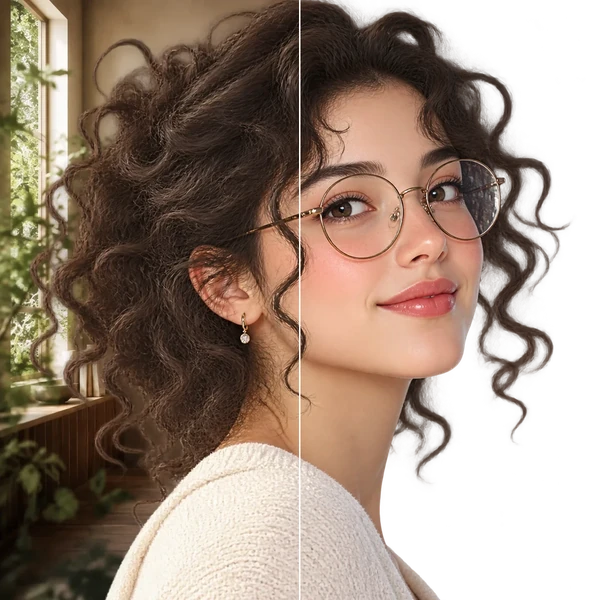
Transparent PNG or WebP with clean hair and product edges, ready for a listing or a new composition.
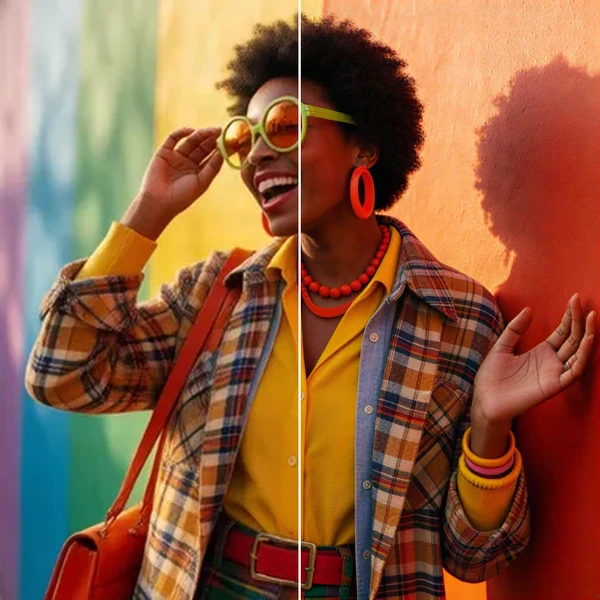
2× / 4× / 8× with recovered texture instead of smeared pixels, so a 1K draft can become a print.
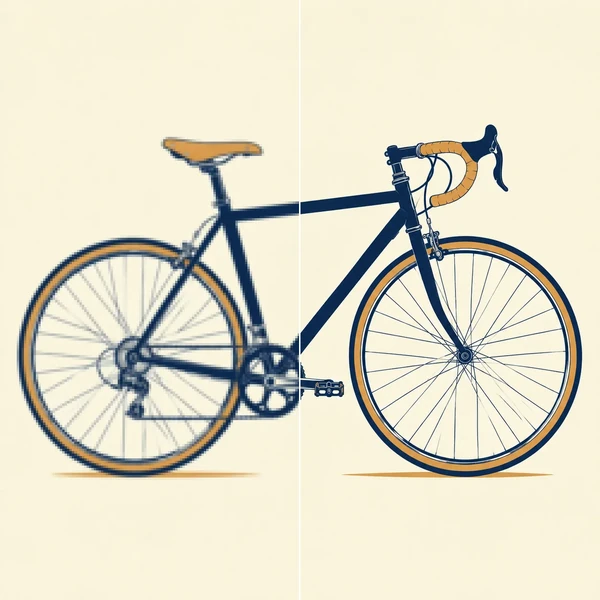
Logos, icons and flat illustrations become editable SVG that scales to any size.
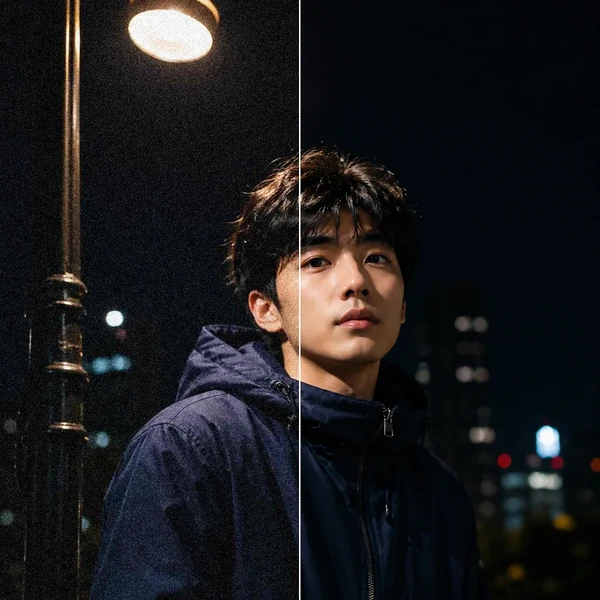
Remove grain and compression artifacts from low-light photos and scans while keeping real detail.
No, each photo costs credits. The price depends on the resolution you pick, and the Generate button shows the exact amount before anything runs. New accounts get 10 credits when they sign up.
No. It runs in your browser on a phone or a computer, so there is nothing to install. It is not a CapCut template either: you download a finished photo and post it wherever you like.
A picture: one still photo per run, with no sound, motion or film title. Making it move is a separate video run, started from Animate it under the result.
Yes. The same look is built for one dog or one cat, with the outfit sized to the animal; the examples above include a black cat and a tabby next to two dogs, each keeping its own nose, whiskers and ears.
Not its colours: turning the coat green is the whole effect. The layout stays, so stripes, patches and white markings keep their places as darker, lighter or white areas, and the eyes and nose keep their own colour.
The model recolours every hair and adds a grin in one go, and sometimes it overdoes it: a grin that looks too human, a hat pulled over an ear or a marking smoothed away. Dark, blurry or tightly cropped photos make that more likely; check the photo list above and run it again with a clearer shot.
No. The look is built for one animal. Crop a shared photo into one picture per pet, run each one, and post them side by side.
No. It recolours and dresses your own pet; it does not draw Max, his antler or any costume from the book or the films.
No. Grinch Pet AI is an Oeneo AI effect named after the trend, with no connection to the book or the films.
Not on this page: the look is fixed so it works in one tap. To change it, copy the prompt above into the AI Image Generator, attach your pet photo and edit the outfit line.
Auto keeps your photo's own framing and is the safest choice. 9:16 fills a phone screen, but if your photo is wider, the model has to paint extra room above and below the pet.
One pet photo in, one green, grinning holiday grump out, ready to post right after the before.