Ghost Filter Prank AI Video

Do the ghost filter prank with one photo: get an AI ghost video of a pale ghost creeping up behind them while they keep smiling. No filter to find.

  • HOT
  • One click · no prompt
  • From scary to friendly
  • Results stay private
Example · Slow creep
Choose an effect

PNG / JPG / WebP · up to 10 MB · at least 512px on the short side

0/1 photos

One adult, indoors, facing the camera, with a doorway or hallway behind them. Use your own photo or one they said yes to.

Video settings

No prompt needed. Only upload photos of yourself or people who agreed to be featured; celebrity photos and film stills aren't allowed.

AI ghost video ideas: how the ghost shows up behind them

Pick how the ghost arrives: Slow creep, In the mirror, Lights flicker, Hand on shoulder or Friendly ghost. The person in the photo keeps smiling, so whoever watches your ghost prank video spots the ghost first. Here is a real Slow creep run.

Slow creep

A pale ghost creeps up and leans over their shoulder

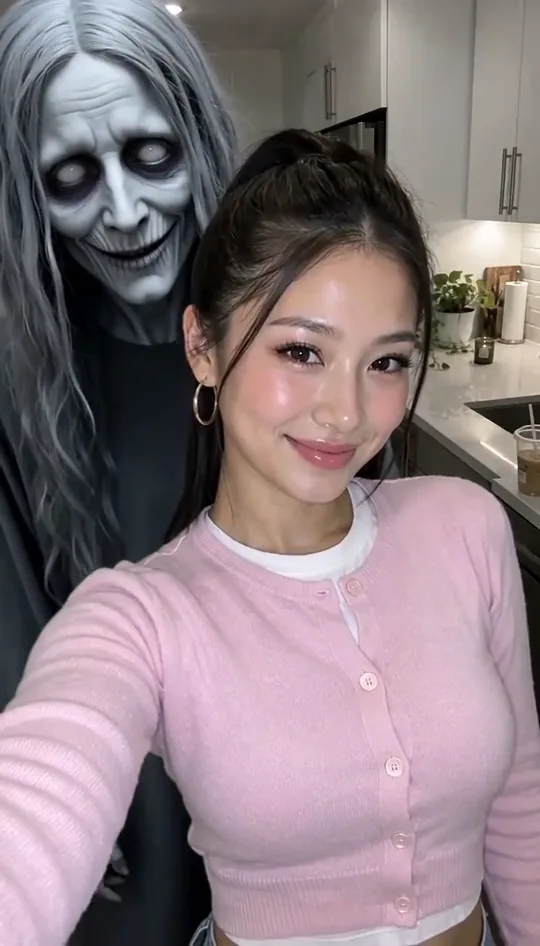
The ghost effect filter prank, made from one photo: partway through, a pale grey ghost with long hair and white eyes creeps up behind them, leans in close and stares into the lens. The slower it builds, the bigger the jump.

Make the slow creep
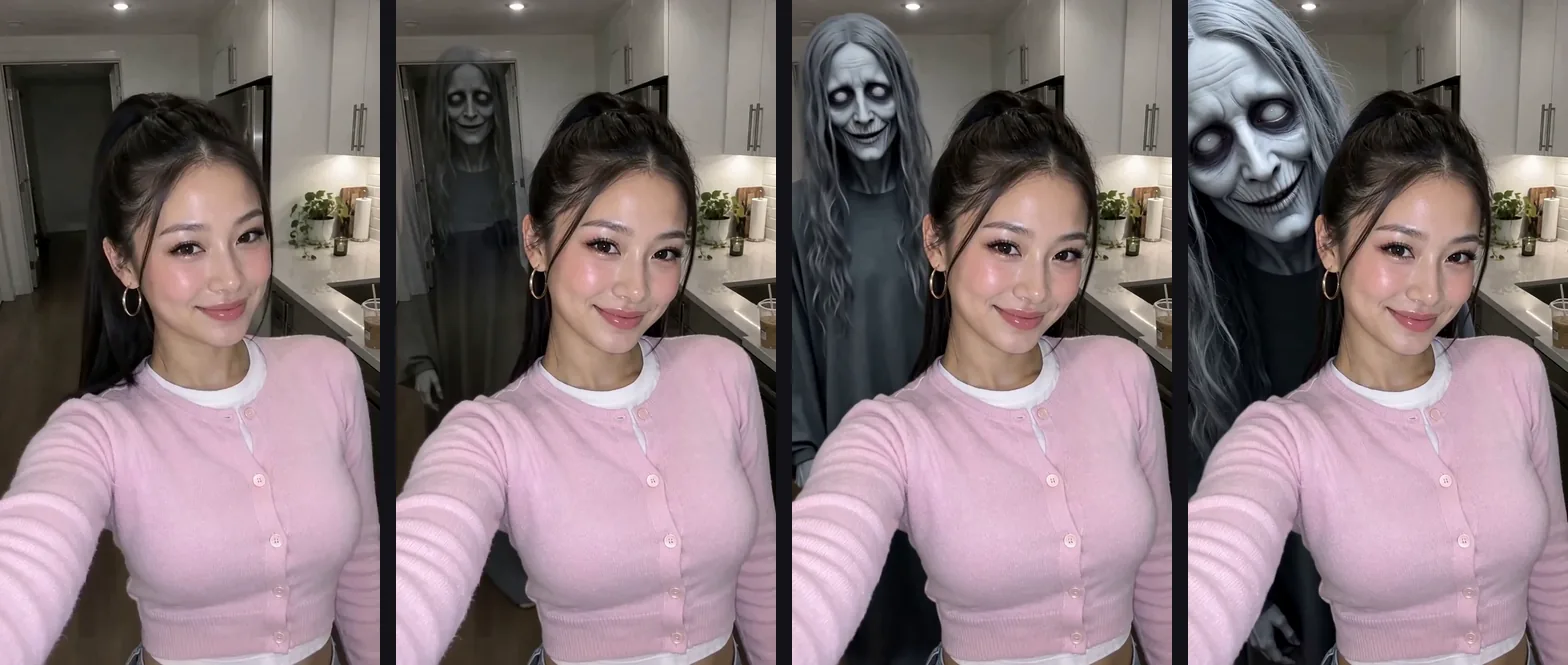
Four frames from one ghost filter prank video side by side: a smiling young woman in her kitchen, then a pale grey ghost in the doorway behind her, closer, and finally at her shoulder

One take

Same face, same kitchen: only the ghost moves

Four moments from the run above: the first frame, the ghost in the doorway, the ghost crossing the room and the ghost at her shoulder. Her smile, pose and the kitchen stay as photographed, with no cuts and a camera that never moves.

TikTok ghost filter or a ghost prank video: which do you need?

The ghost filter prank uses a live camera effect that puts a ghost behind someone on the phone screen; the post is their face when they spot it. On TikTok or Snapchat, search “ghost” in Effects or Lenses and record with them in front of you, since the effect has no single name. If they're not with you, or you'd rather see the scare first, make a video from a photo instead.

What mattersLive ghost camera filter (TikTok, Snapchat)Ghost prank video here
What you needThe app, with them in front of youOne photo and a browser
Works if they're not thereNoYes, from a photo you have
Who sees the ghost firstThey do, live on screenYou do, before you share it
CostFree in the appCredits, price on the button
Only want a ghost photoScreenshot the screenGhost Behind You, 3 credits
Already filmed a clipFilm it again with the effect onVideo-to-video in the AI Video Generator

Who is the ghost filter prank for, and is it OK for kids?

It is for adults who enjoy a scare and laugh it off seconds later. It is not for small children: in October 2026, clips of parents scaring toddlers in the bathroom with a ghost filter drew a wave of criticism (CafeMom, October 12, 2026).

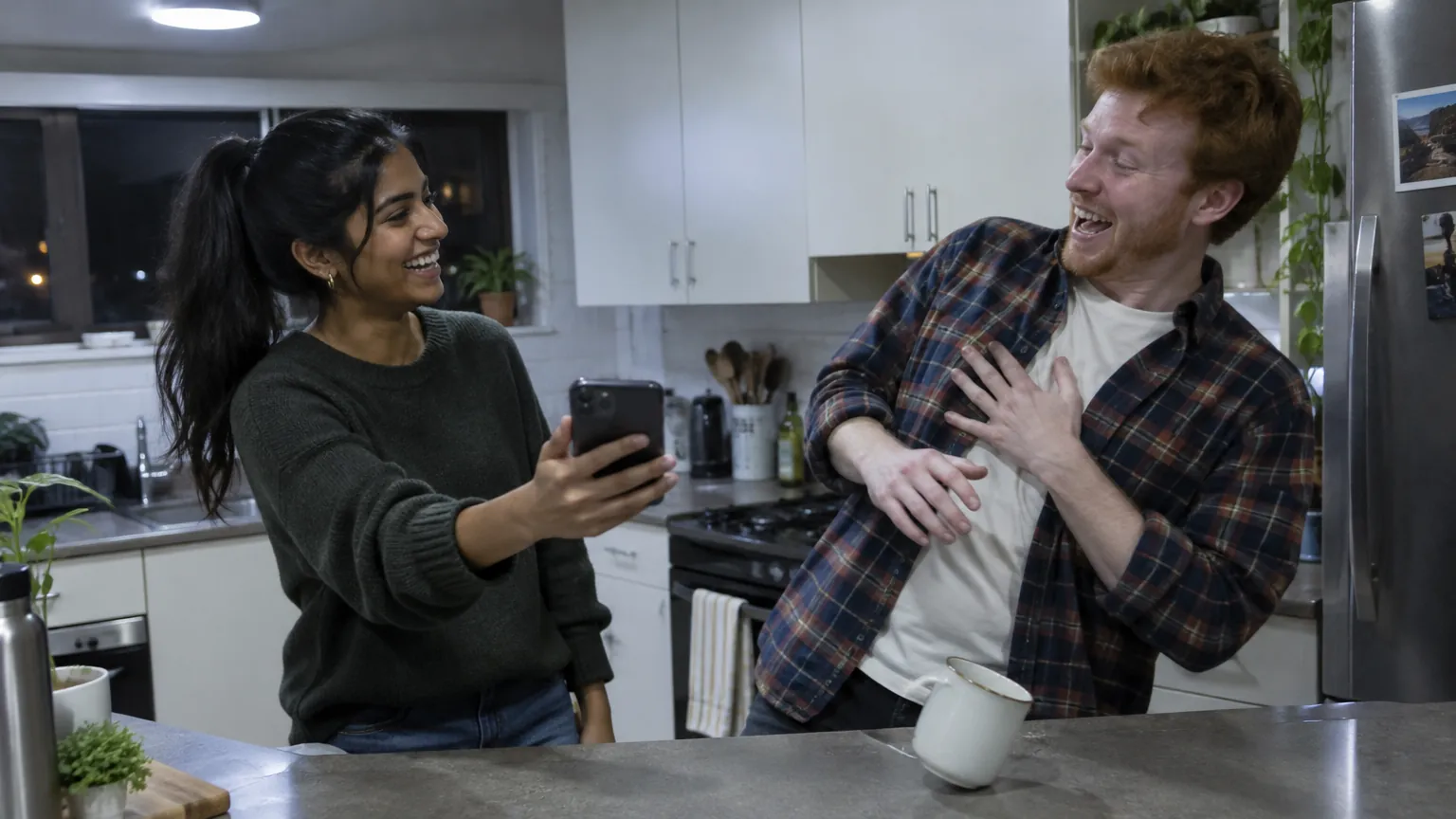
A woman holds her phone out to a friend in the kitchen, who jolts back laughing with a hand on his chest

Friends who love a scare

A roommate, sibling or partner who's all in on Halloween week, even one who lives across the country: make it from a photo they're happy for you to use and send it as a scary prank video. Post their reaction only if they say yes.

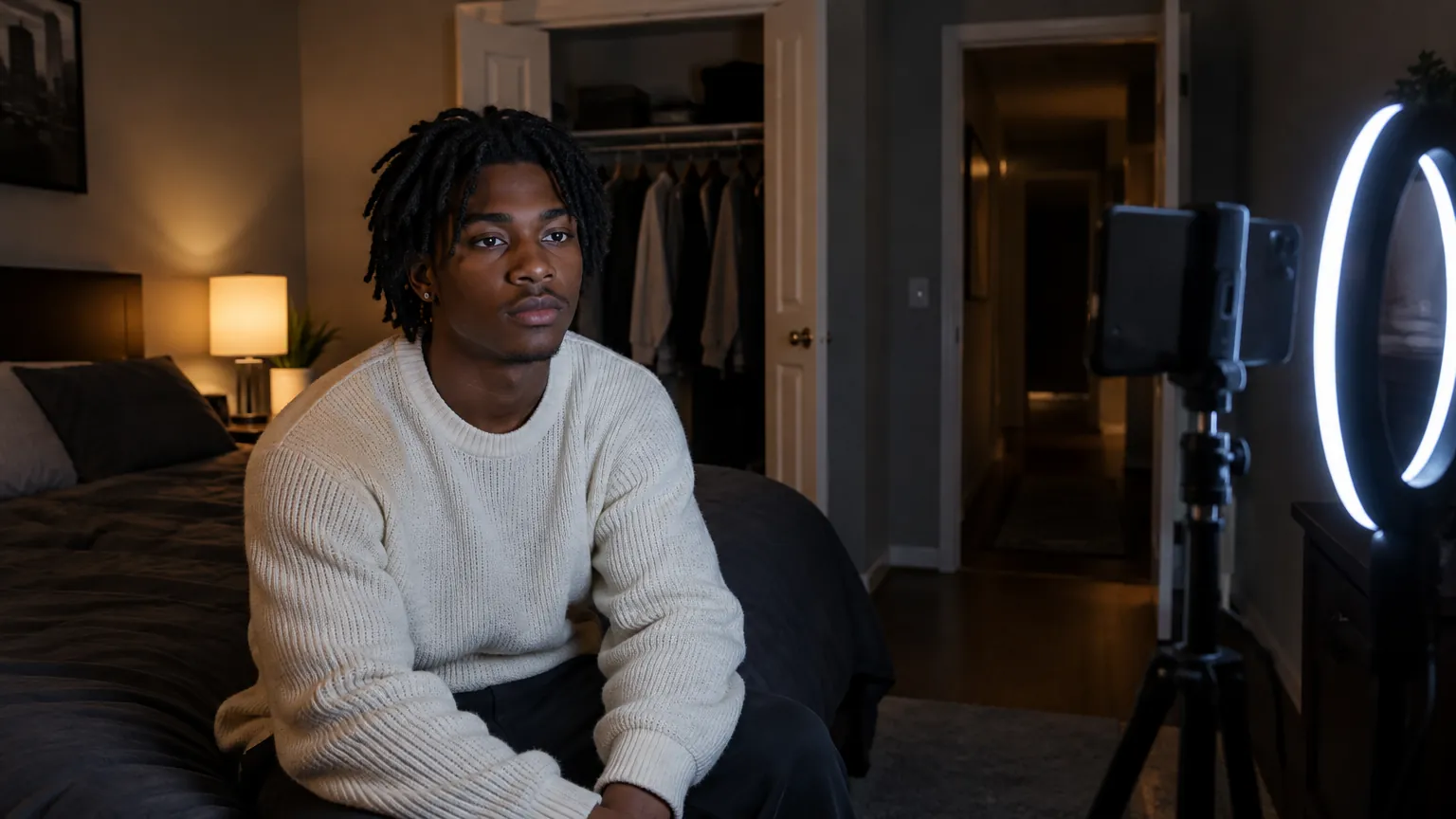
A young man films himself with a phone on a tripod next to a ring light in his bedroom at night

You, for a POV post

Use your own photo and caption it “POV: you didn't check behind you.” Nobody has to be scared for real, and viewers still do a double take.

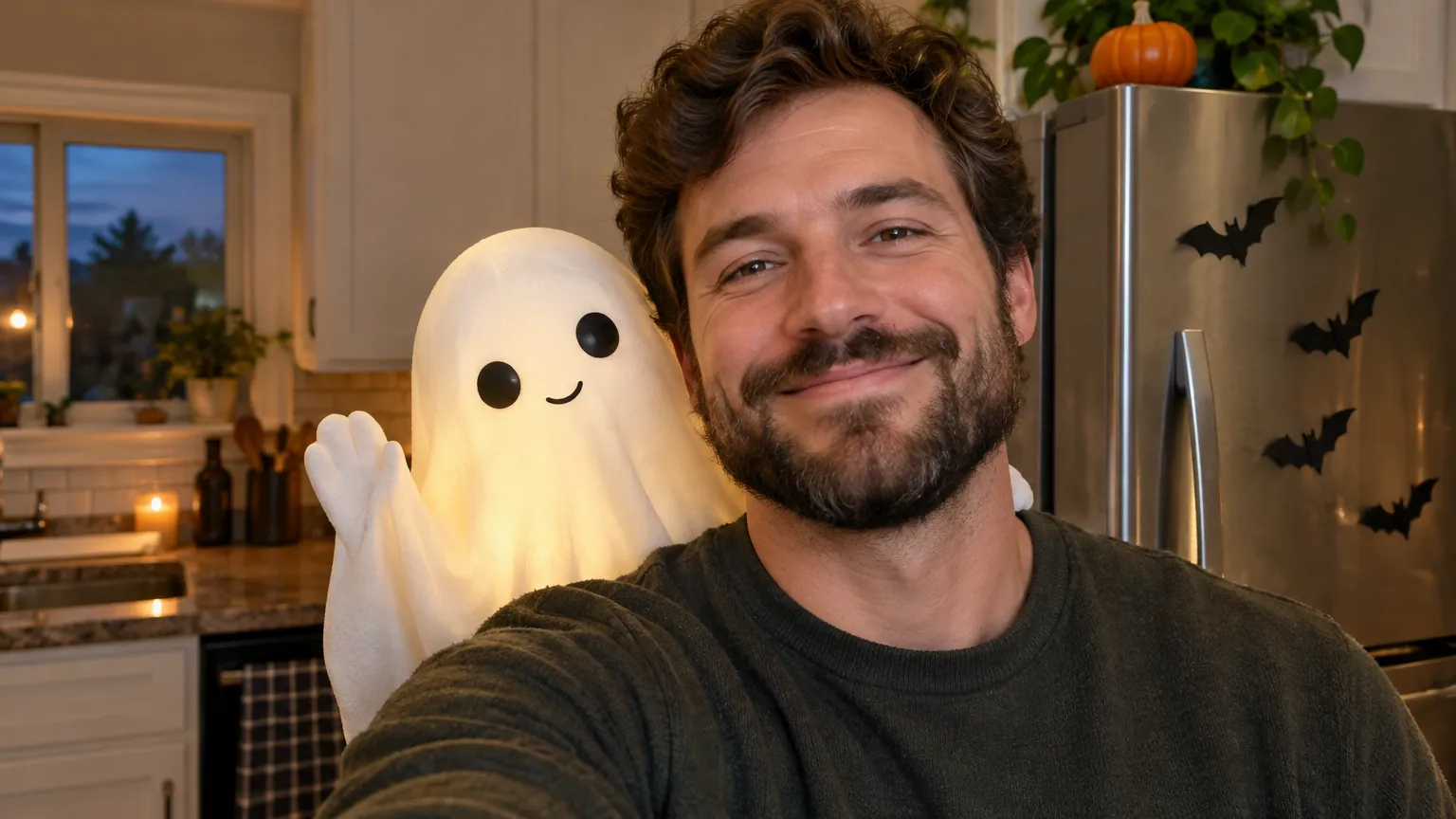
A cute white sheet ghost waves over the shoulder of a smiling bearded man in a kitchen

Kids who want in: the friendly ghost

Put the friendly ghost behind a grown-up, show it to children as a joke they are part of, and let them choose who gets it next.

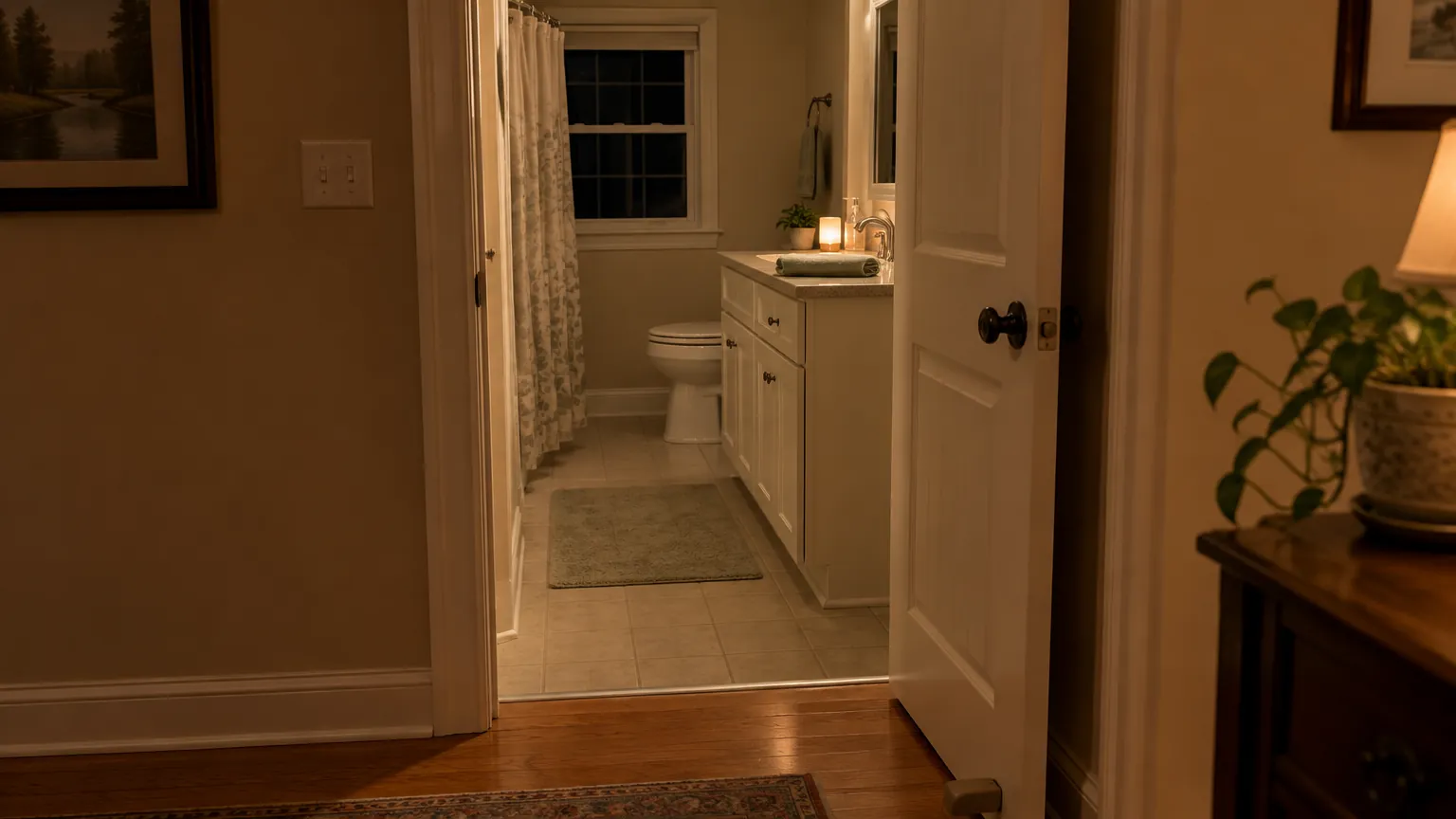
An empty bathroom at night with the door propped wide open, the light on and a night-light by the sink

Not toddlers, or anyone who'd think it's real

Small children can't tell the ghost is fake, and some older relatives may not either. Never shut anyone in a room for it, never pass it off as a real intruder, and tell them it was you right away.

How to do the ghost filter prank: which photo to upload

To make a fake ghost video, upload one photo, pick how the ghost shows up and generate. The photo matters most, because the ghost needs room to appear.

Use

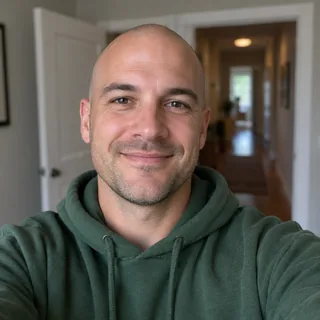
  1. Selfie of a man with an open doorway softly blurred behind him

    One adult, with a doorway or hallway behind

    The ghost walks in from that space, so leave a doorway or hallway visible over one shoulder.

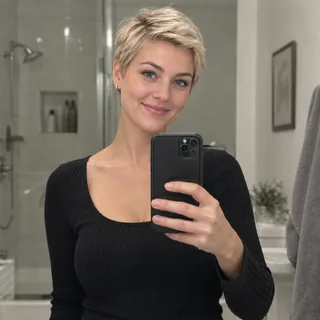
  2. A woman's bathroom mirror selfie with her face fully visible above the phone

    A mirror selfie, for the ghost mirror prank

    With In the mirror, the ghost shows up only in the reflection, like the bathroom-mirror version of the prank.

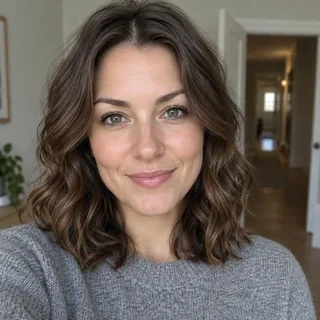
  3. Selfie of a woman with a relaxed smile looking at the lens, a hallway softly blurred behind her

    A relaxed smile, eyes on the lens

    The photo is the first frame and they keep that face for the whole clip, so a calm smile works better than a laugh or a pulled face.

Avoid

  1. Photos of kids or teens

    Use adults only, for the friendly ghost too.

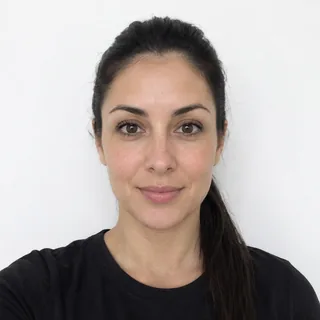
  2. A woman standing flat against a plain white wall

    A wall right behind them

    The ghost needs a few steps of room to creep up; a wall right behind them leaves it nowhere to go.

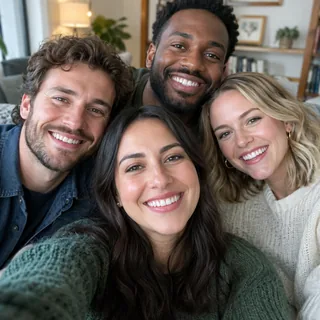
  3. A group selfie of four friends in a living room

    Group photos

    The ghost comes for one person; in a group shot it's unclear who it's after.

  4. Someone's photo without asking

    They'll star in a prank video they haven't seen yet, so ask before you upload their photo.

The video keeps your photo's shape. For a full-screen TikTok, Reel or Short, crop the photo to 9:16 before uploading.

Specs

Specs
Upload
1 photo · PNG / JPG / WebP · up to 10 MB · 512 px+ on the short side
Result
5–15 s video · 480p / 768p / 2K / 4K
At 5 s
50 / 60 / 130 / 160 credits (480p / 768p / 2K / 4K)
At 15 s
150 / 180 / 390 / 480 credits (480p / 768p / 2K / 4K)
Ghost entrances
Slow creep, in the mirror, lights flicker, hand on shoulder, friendly ghost
Sound
Eerie room tone and the ghost's own sound, no music or words
Prompt
None: pick a look and generate
Visibility
Always private

Ghost filter prank FAQ

Why is everyone doing the ghost filter prank right now?+

It first went viral on TikTok in 2022 and came back in October 2026: two TikTok clips posted on October 7 and 10 had passed 6 million views each by October 15, and a South African grandmother bargaining with what she took for a Tokoloshe made the news (Briefly News, October 7, 2026).

Is the ghost filter prank free here?+

No. A ghost prank video costs 60 credits at the default 5 seconds and 768p, and 50 to 480 credits by length and resolution; the exact price is on the Generate button, and failed runs are refunded. Sign-up credits (10) do not cover a video, but they cover a ghost photo in Ghost Behind You at 3 credits.

Can I add a ghost to a video I already filmed?+

Not with this template, which starts from one photo. To change a clip you already have, try video-to-video in the AI Video Generator and describe the ghost; results depend on the model and are not a fixed effect.

Is it the same ghost as the TikTok filter?+

No. The ghost here is our own and always clearly supernatural, never a real-looking intruder; in Slow creep it is pale, grey-haired and white-eyed and closes in slowly, the way the trend does. The TikTok filter is someone else's live effect, so the two never look exactly alike.

Does the ghost prank video have sound?+

Yes, every video has sound: a quiet, eerie room tone plus the ghost's own sound, such as a breathy giggle, a buzzing light or a cold exhale, depending on the look. There is no music or speech, so you can add your own in TikTok or Instagram.

How do I film someone's reaction to the ghost video?+

Download it and watch it alone first so you know when the ghost appears. Then hand over your phone with the sound up and film their face from the front with a second phone. Don't point at the screen, and ask before you post their reaction.

Why does the ghost look different every time?+

Each video is generated fresh, so the ghost's face, hair and timing change from run to run, and the person's face can shift slightly. Generate again for a different take.

Can a ghost filter detect real ghosts?+

No. Live filters and this template both draw the ghost in software; nothing in the room is detected or recorded.

Should I label the ghost prank video as AI?+

Yes. TikTok asks for a label on realistic AI-generated video, which you switch on before posting, and a short “made with AI” caption tells anyone who sees it later that it is a Halloween prank.

Pick a ghost and make the video

One photo, five ways for the ghost to show up. Save the scariest one for the friend who loves Halloween most.