


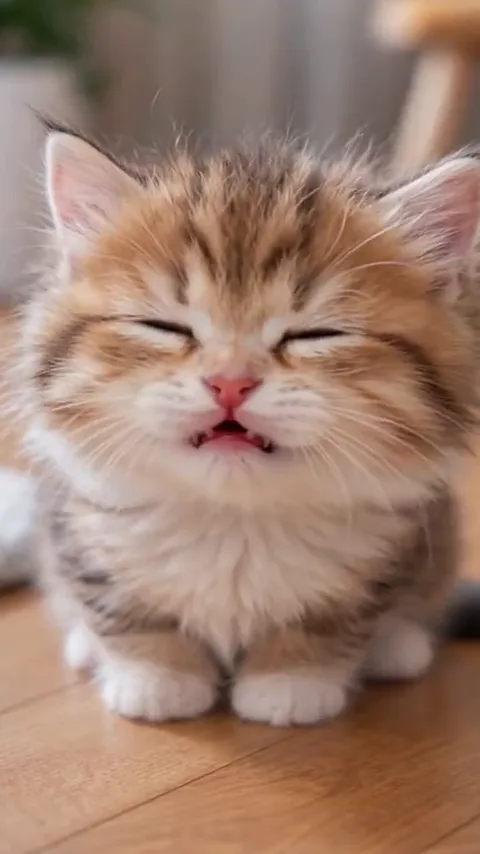
The cat who knows exactly what it did
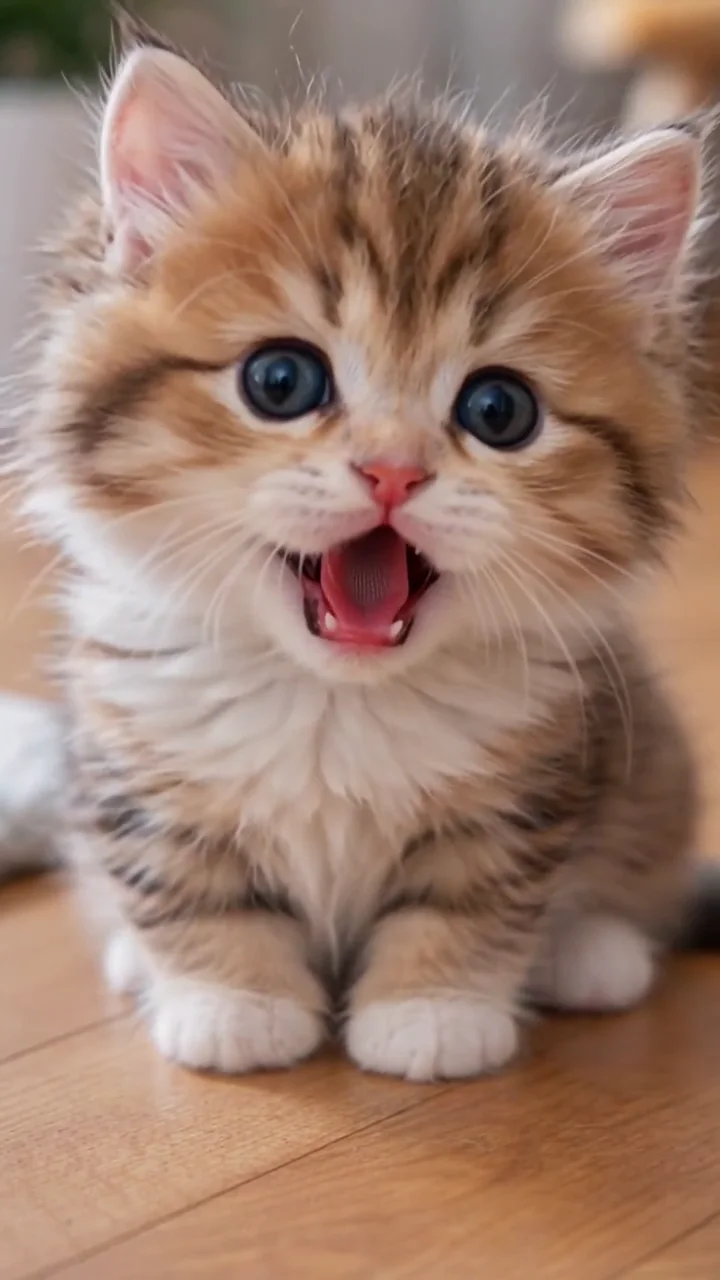
A front-on cat photo turns the closed-eye smug into a full denial: the plant was already broken when it got there.
Caption to try: she's innocent, your honor
Shaking Head AI runs a short cat-clip head shake on one photo of yours: the smug eyes-closed sway, then the wide-eyed stare, in your own room, with the clip's sound.
PNG / JPG / WebP · up to 10 MB · at least 512px on the short side
0/1 photos
One face only — a person, a cat, a dog or another pet — front on, both eyes clear, in a bright room. The room in the photo is the room in the video.
Video settings
Use a photo of yourself, your pet, or someone who agreed to be in it.
Shaking Head AI runs a short cat-clip routine on one photo: the face shuts its eyes into a smug, satisfied sway, then snaps them open into a wide-eyed stare straight at the lens. The motion and its sound come from the template; the subject and the room come from your photo.
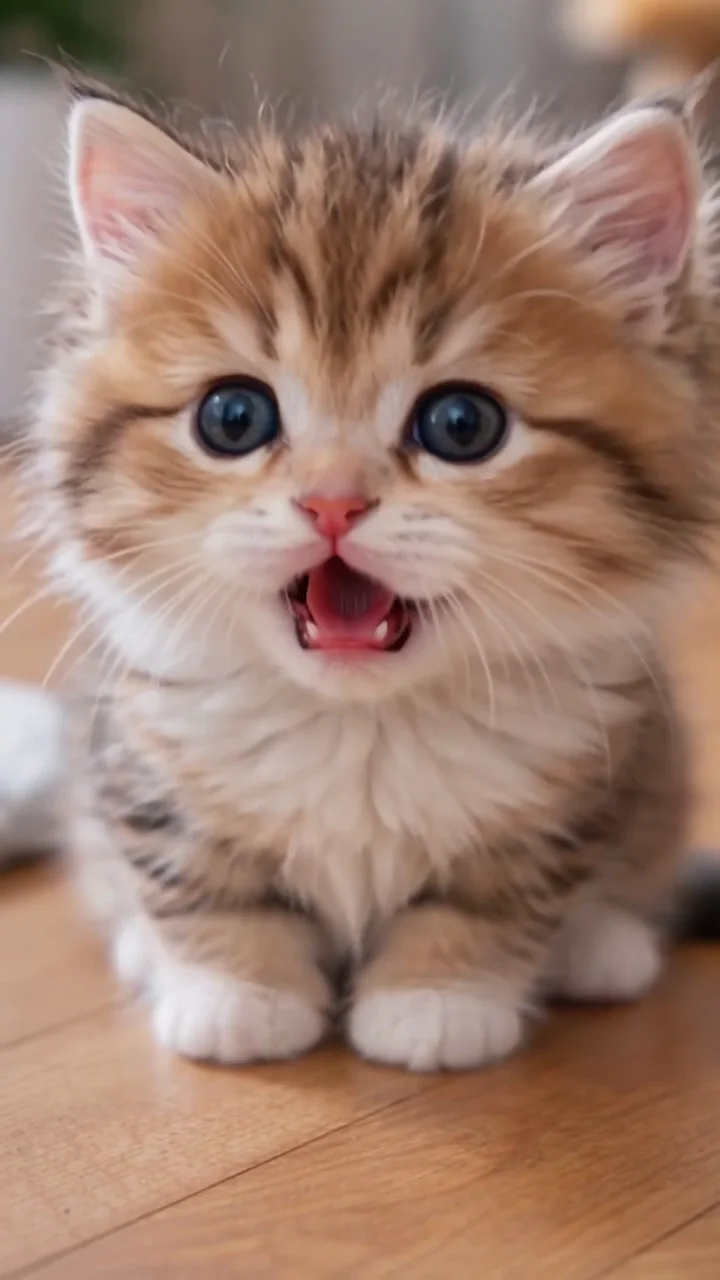
The joke is two moods in one shot. The closed eyes read as “obviously I did it on purpose”; the stare that follows reads as “who, me?” — which is why pets carry it so well.
It also travels as the smug head shake, the tongue-out head shake and the head shake reaction. The body barely moves: one face, one fixed camera, and a head that swings instead of nodding.
An early AI head-shake clip is posted on TikTok on 14 August 2026 and sits at about 76,600 plays when checked in October.
A calf version circulates from 19 October; template pages claim about 4.6M plays for it, a figure this round did not confirm on the platform.
On 20 October a cat doing the reaction is posted on TikTok and takes off: about 2.3M plays, 357,600 likes and 81,100 shares eight days later.
On 24 October a TikTok tutorial names it the shaking head template and reaches about 764,900 plays; its caption lists cat, cow and other animal versions.
Dates and figures follow TikTok posts and tutorials from August to October 2026; plays, likes and shares are platform readings taken in late October and are rounded.
The routine comes from one short cat clip: a single fixed close-up, the whole reaction in the eyes and the head, in this order. The cat, dog or face in your photo runs the same three beats in its own room.
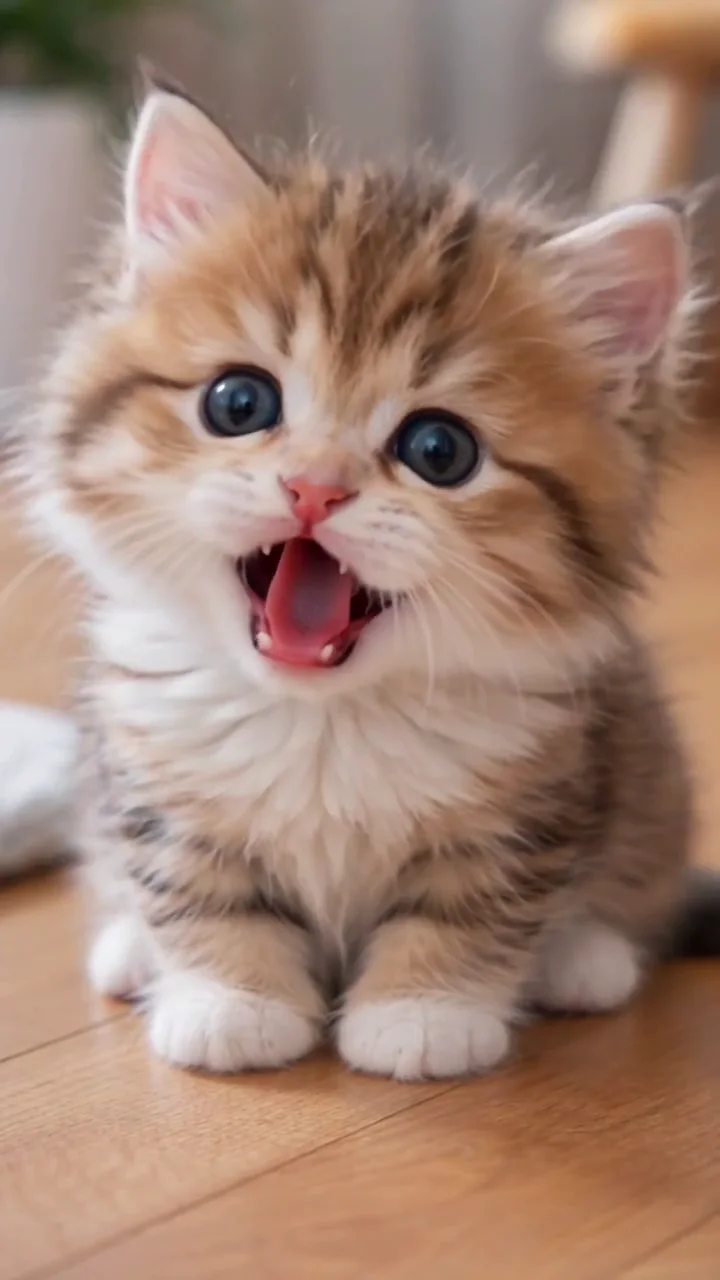 10:00
10:00The clip opens tight on the cat's face, eyes on the lens. In a run, the subject of your photo takes that spot and brings its own room along.
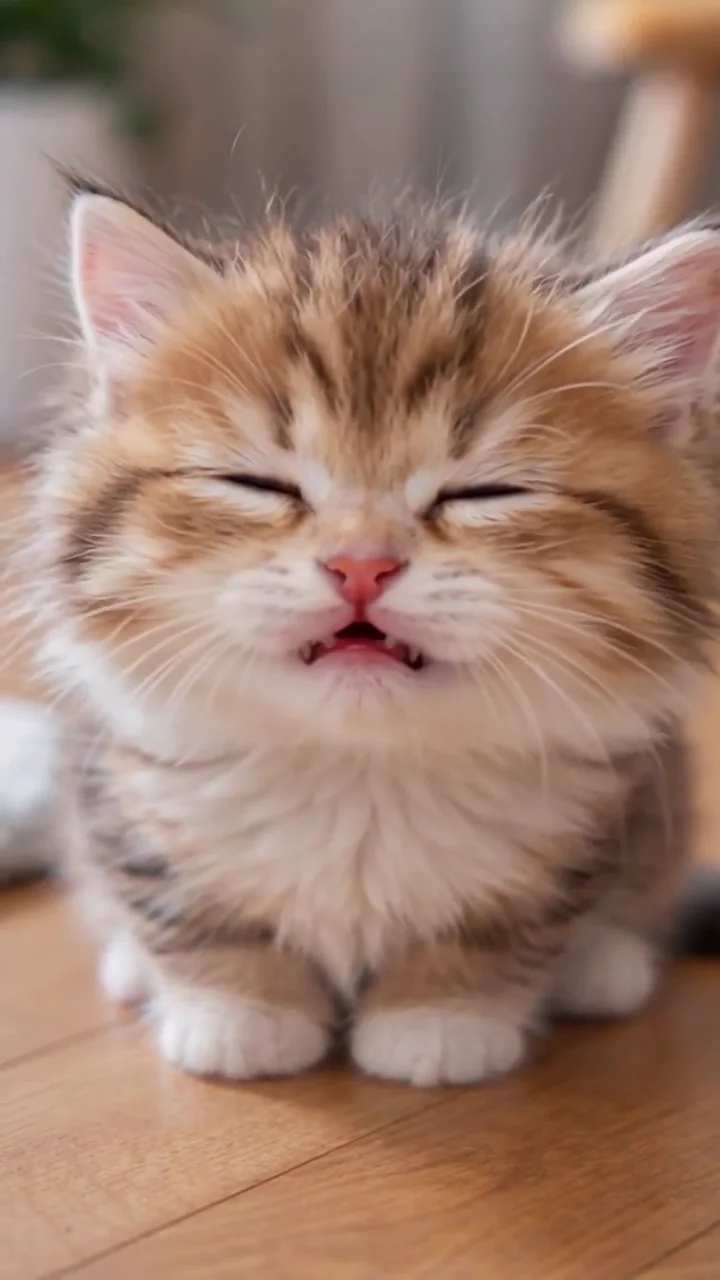 20:01
20:01The eyes close into a satisfied squint and the head starts to roll: the smug half, the part that makes a pet look like it knows exactly what it did.
 30:03
30:03The head swings left and right with the eyes still shut while the camera stays exactly where it is.
40:06On the last beat the lids pop open and hold: wide eyes, straight into the lens. That stare is the frame people screenshot.
The motion and its sound come from the clip the template carries; the photo decides the subject and the room around it.
The same routine fits a pet, a selfie or a friend's face. The template keeps the species you upload, and the room in your photo stays the set.
A front-on cat photo turns the closed-eye smug into a full denial: the plant was already broken when it got there.
Caption to try: she's innocent, your honor
Dogs read best in a close, bright photo where the ears and the eyes are both clear, so the stare lands before the fur blurs.
Caption to try: no thoughts, only shake
A front-on selfie with both eyes visible makes a straight-faced reaction clip for a group chat, with no performance needed.
Caption to try: when they ask if I ate the last slice
A rabbit, a parrot or a lizard works with one clear photo of the face. Small pets need a closer crop, or the eyes end up a few pixels wide.
Caption to try: the stare does the talking
One slot, one photo. The routine lives in the template; the photo decides who performs it and where.
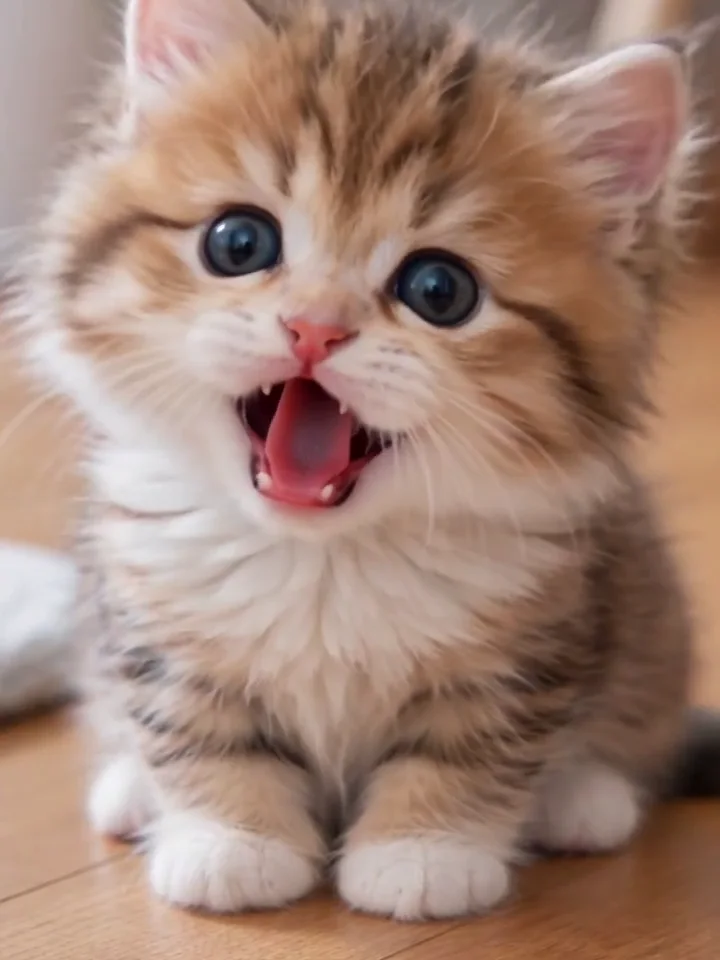
Photo 1Reaction star
The subject the routine happens to, in its own room. Species, fur or hair, eye colour and markings all come from this photo, so a person, a cat or a dog fills the same slot.
Do
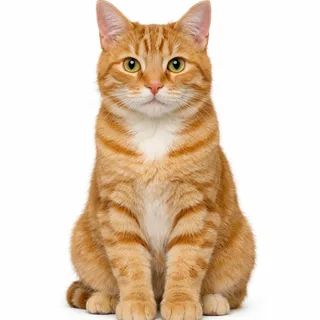 A cat looking at the lens
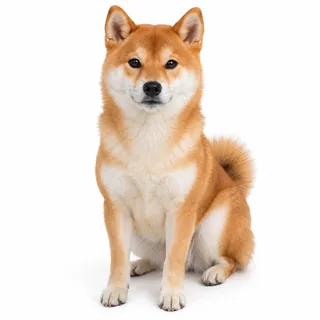 A dog, front on
 Your own face, straight on
Avoid
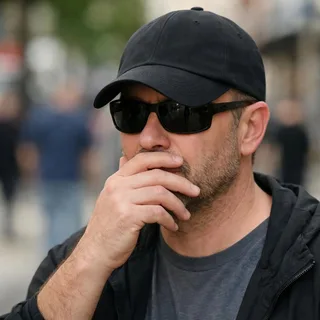 A hand, hat or sunglasses over the eyes
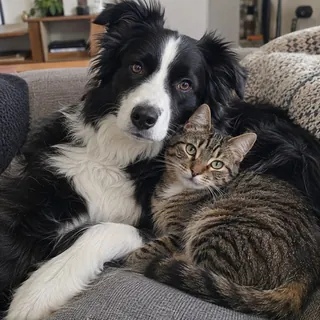 Two pets in one photo
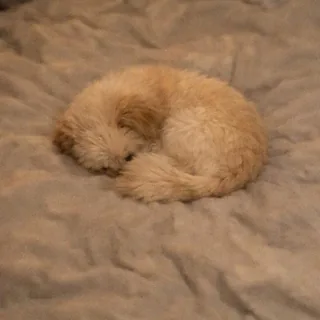 A curled-up pet with the face hidden
Add the photo
One photo of one subject in the Reaction star slot. The room in the photo is the room in the video, so a bright, uncluttered shot reads best.
Check the price, then generate
Pick the resolution; the Generate button shows the exact price before anything is charged.
Download and caption it
Save the clip and add your own line where you post it. The template does not burn in text or stickers.
Every template works the same way: add your photos, press Generate and get a shareable video without writing a prompt.
View all effectsQuestions
No. Nothing runs live on your camera: the template renders the clip from your photo and you download it.
No. Head Bop AI fills four paper-cut heads on a black background from one photo and nods them in a row. This one keeps a single face in a close-up and changes the expression.
Yes. A cat, a dog or another pet fills the same slot; the photo decides the coat, the ears, the eye colour and the room around it. A person works the same way.
Yes. A front-on selfie with both eyes visible gives the same reaction; only the face in the frame changes.
No. The motion belongs to the template: you upload a photo, choose the resolution and press Generate. There is no prompt box for this effect.
No, each video costs credits. The price follows the length of the motion clip and the resolution you pick, and the Generate button shows it before you start. New accounts start with 10 credits.
It is not a track you pick: the output keeps the sound of the template's motion clip, so the file arrives with audio. Swap it in your editor if you want a specific song.
Closed eyes only read if the photo shows them. Sunglasses, a hand, a low cap or a pet curled away hide the eyes, and the template cannot shut what it cannot see. Swap in a front-on photo and generate again.
AI. The motion is a template clip and your video is generated from your photo, so the face on screen is the one you uploaded, in the room your photo was taken in.
Every frame is generated again from the photo, so fine markings, a patch over one eye or an unusually shaped ear can drift. A sharp, well-lit photo keeps more of them; nothing guarantees a frame-for-frame match.
Yes, after the download, where you post it. The template does not burn in text, stickers or a sound label.
Yes. Upload the photo, choose the resolution, generate, and download; there is nothing to install and no action clip to film.
Videos made on a free account are public. On a paid plan they are private by default.
Ready
Upload one photo of a pet or yourself, pick the resolution, and download the reaction with the clip's sound already in the file.