Grow Up AI Video

Back then and today, one continuous shot in one room.

  • No prompt
  • No app
  • Private results
Example · Two photos
Choose an effect

PNG / JPG / WebP · up to 10 MB · at least 512px on the short side

0/2 photos

Same person or pet in both photos, faces clear; one childhood photo also works.

Video settings

No prompt needed. Only upload photos of yourself or people who agreed to be featured; celebrity photos and film stills aren't allowed.

What is a grow up AI video?

A grow up AI video takes a childhood photo and a photo from today of the same person and returns a single clip where they grow up on screen: the years in between are drawn by the model, in one room, instead of cut hard from one photo to the next. A single childhood photo works too, with the adult face predicted rather than photographed.

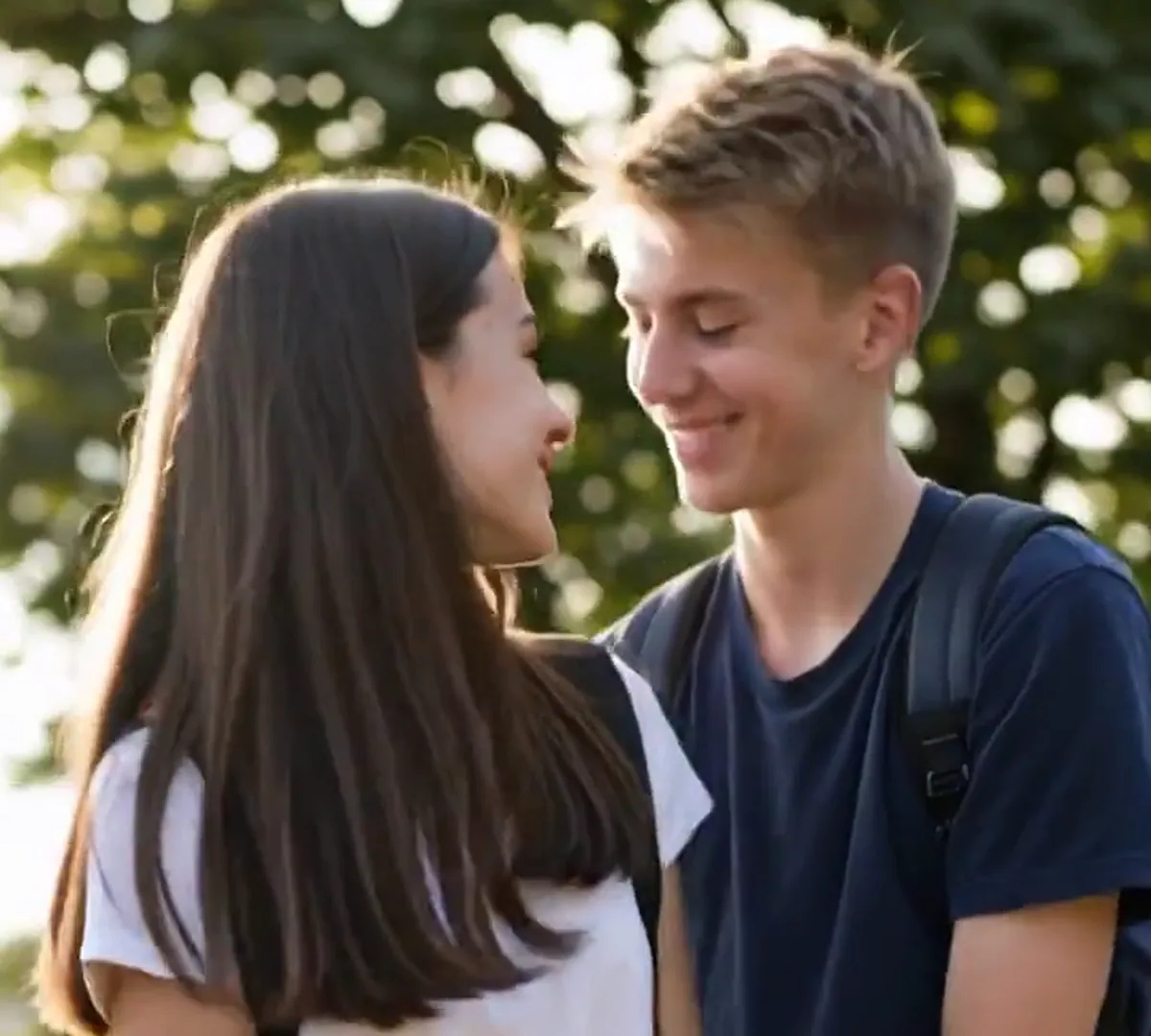
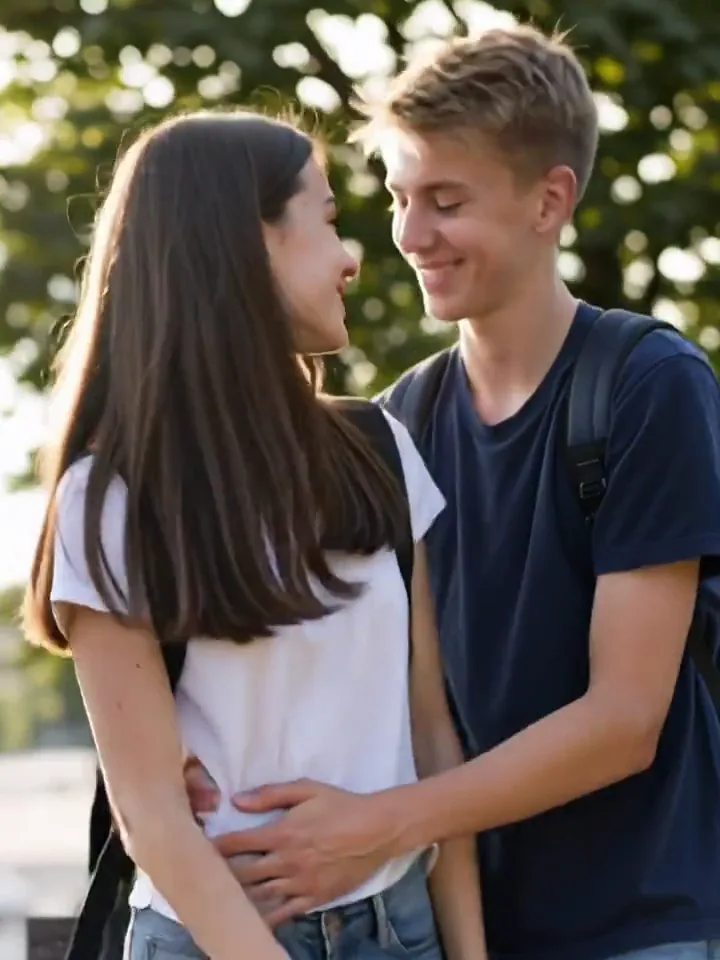
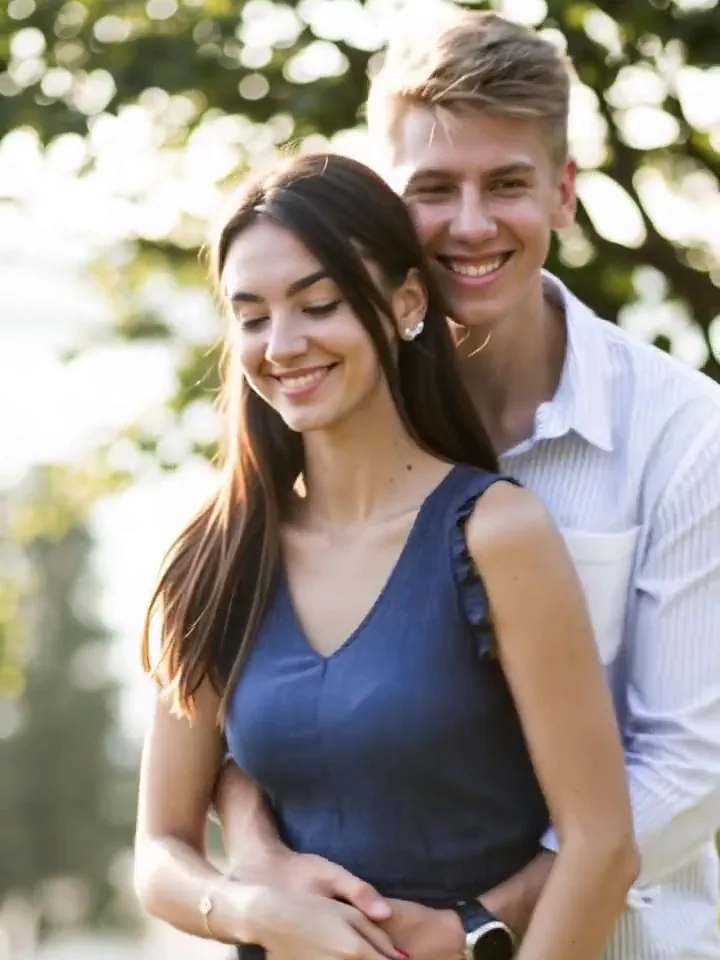
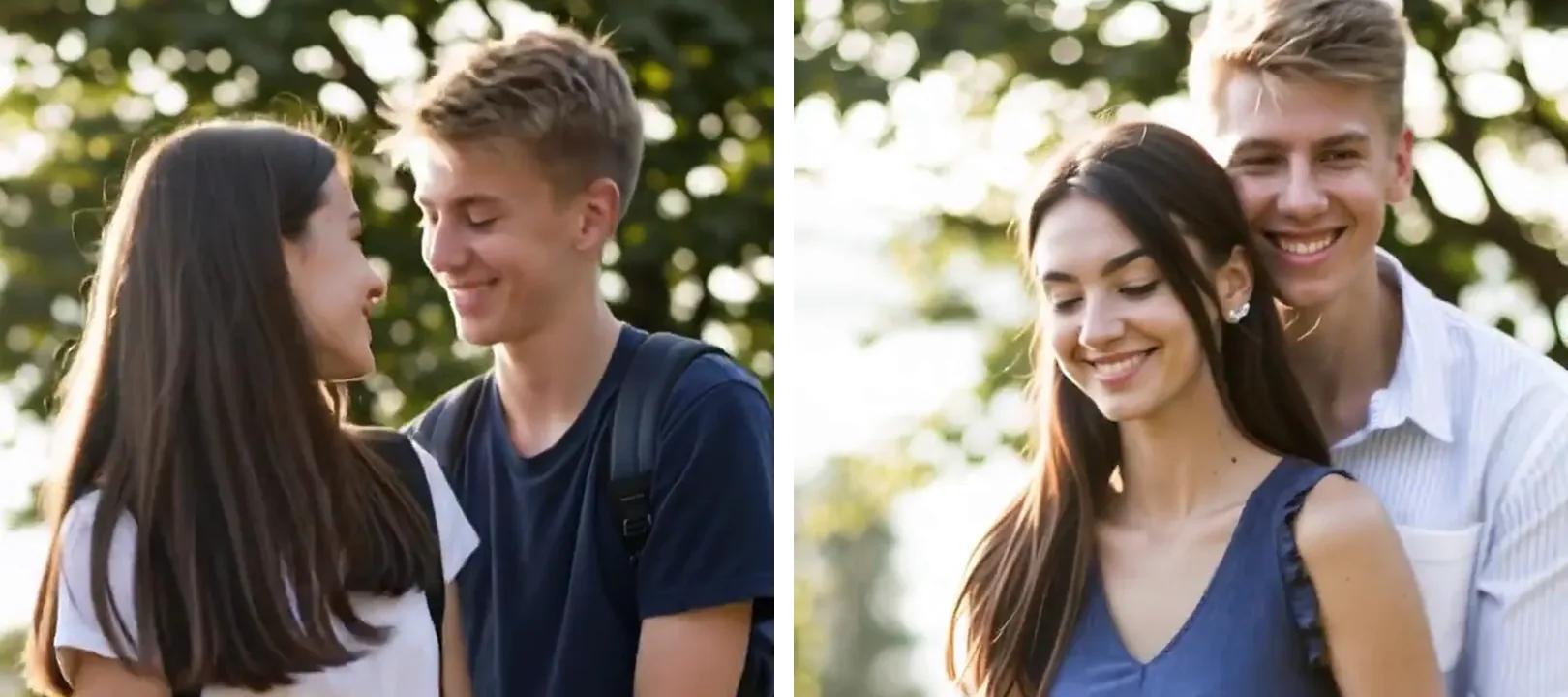
A teenage couple standing in a park on the left, the same two people holding each other years later on the right

The two-photo habit is older than AI. TikTok and CapCut edits put the same face at two ages side by side and cut between them on the beat, which is why TikTok still files the AI version under grow up AI filter. What changed is that the years now play.

That needed a model that can draw the years in between. Two-photo apps turned it into a one-tap effect, CapCut's All ages AI trend carried the opposite direction, into older faces, and tool pages for age progression and growing-up videos followed.

Both photos go in as references, not as a first and a last frame. The recipe fixes one room for the whole shot, the one in today's photo, stands the younger person in it at the same distance from the camera, and grows them frame by frame: no dissolve, no cross-fade, no wiping between two photos.

How two photos became a timeline

  1. CapCut publishes the two-photo Childhood Trend template, created on 12 November 2022; it has passed about 926,000 uses, read on 3 November 2026.

  2. then vs now appears on CapCut on 14 March 2025 and has passed about 766,000 uses.

  3. @visdrip posts a grown-up trend tutorial made with a two-photo app; it has about 3.1 million plays when read on 3 November 2026.

  4. CapCut’s All ages AI trend, built on 25 March 2026, passes about 162,000 uses; it ages one photo instead of growing two.

  5. Dreamina publishes an age-progression page on 24 October 2026, and media.io a growing-up page on 2 November 2026.

CapCut template pages and the TikTok post, read on 3 November 2026; tool pages as published on their own sites.

Then and now AI video: two photos, 8 seconds

The two-photo edits cut straight between two stills; here the gap between them is one room and the years that pass in it. Drag a divider: the left side is the photo from back then, the right side is today.

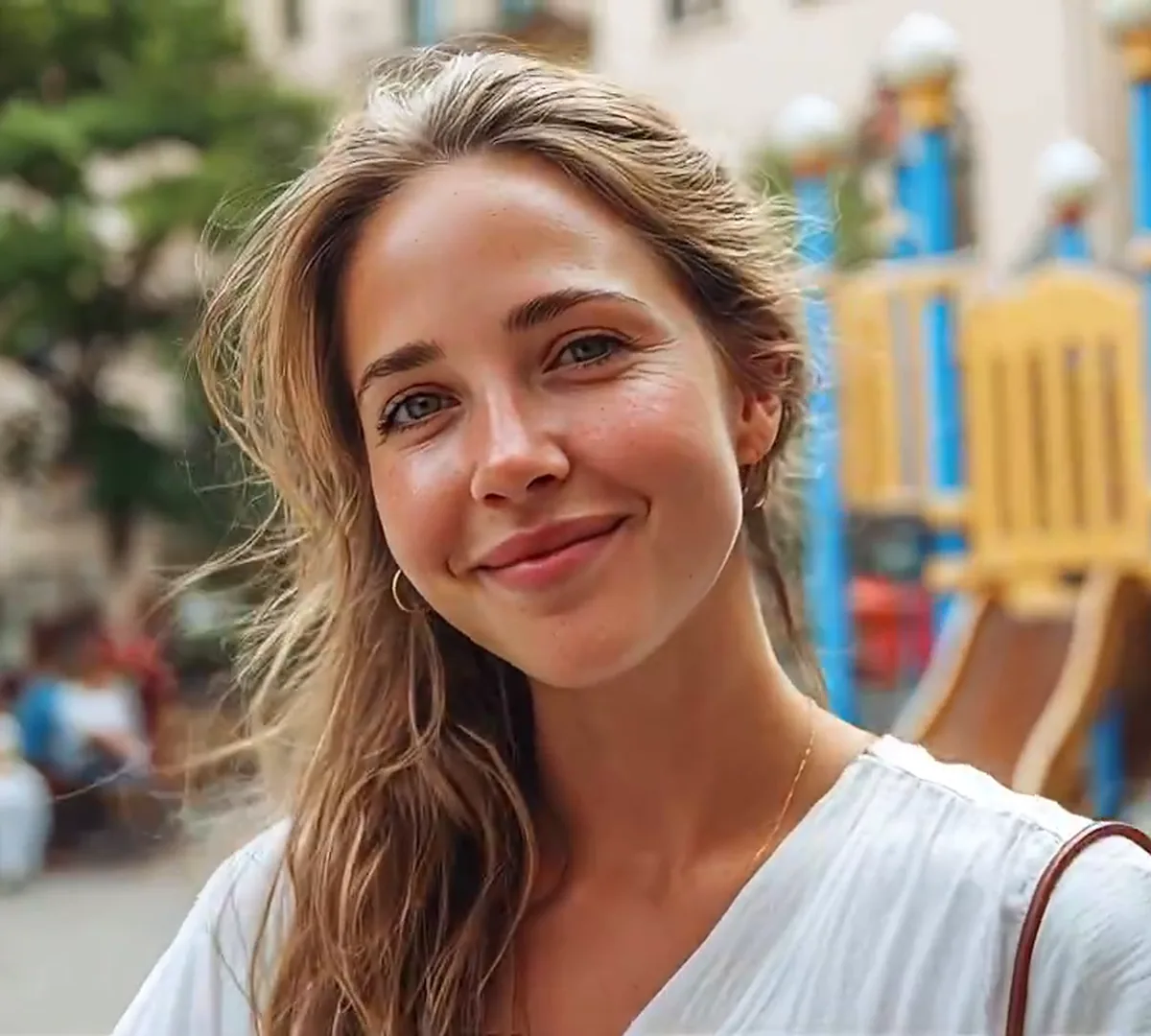
A young woman in a white blouse in the same playground
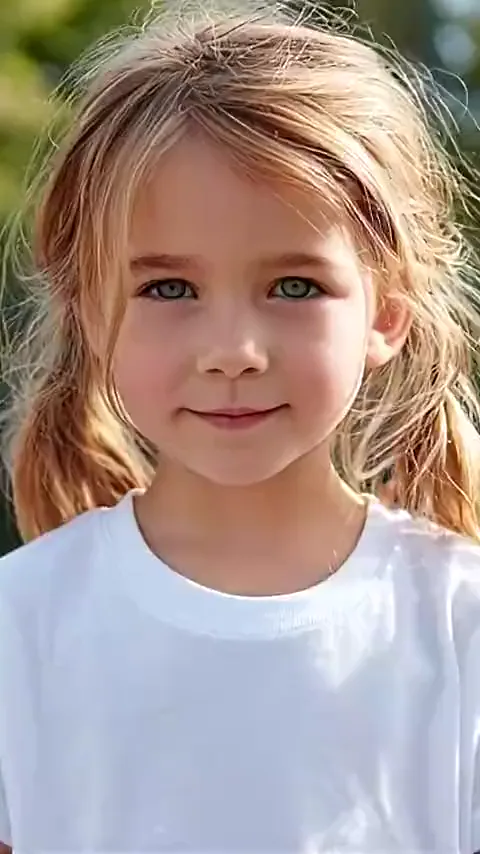
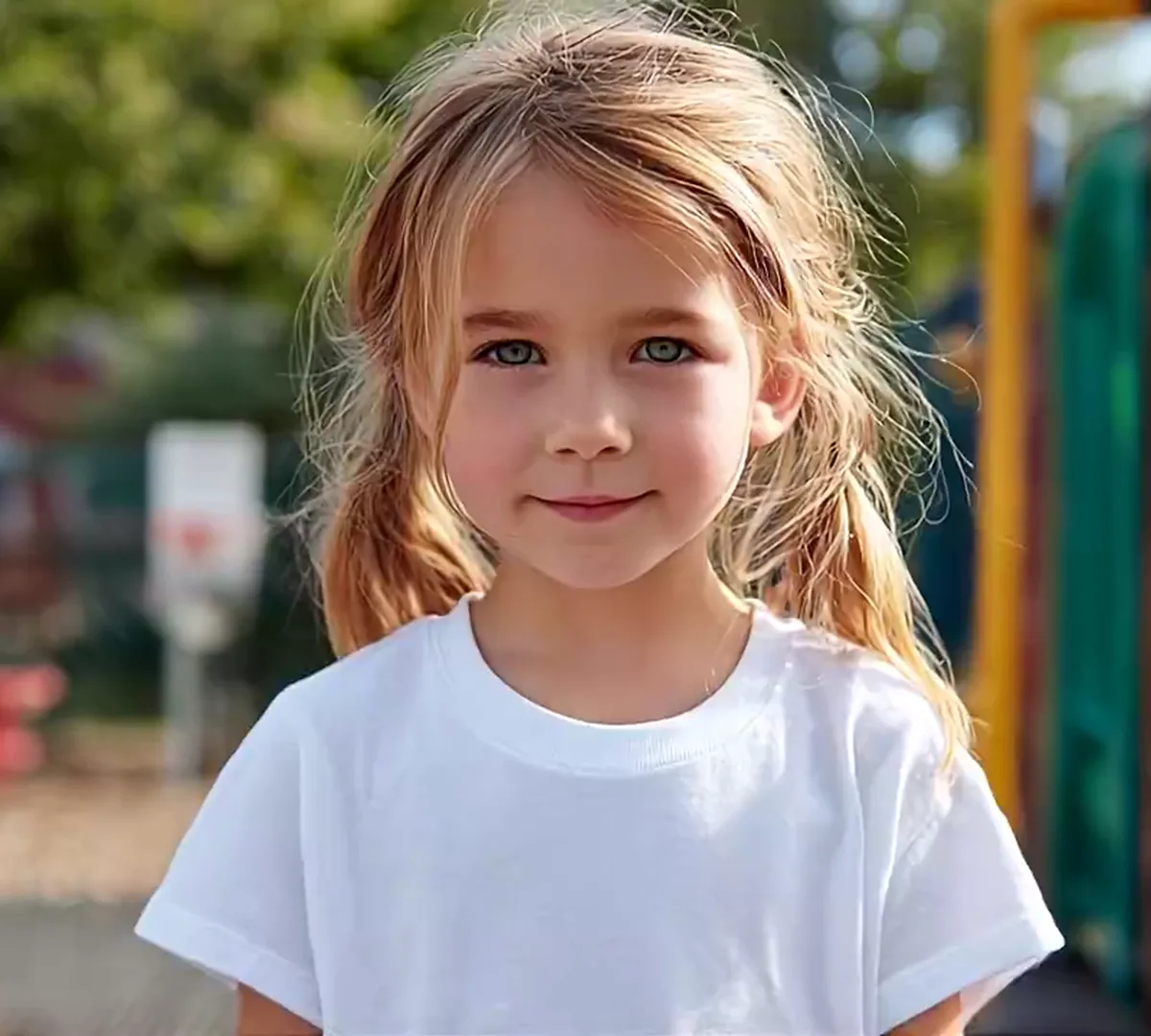
A small girl in a white tee with pigtails, standing in a playground
Back then
Today

Same face, same playground

The eyes, the nose and the playground behind her stay where they are; the jaw fills out, the pigtails go and the white tee becomes a blouse. Height and hair length are what the model draws in between, in the same room and the same light.
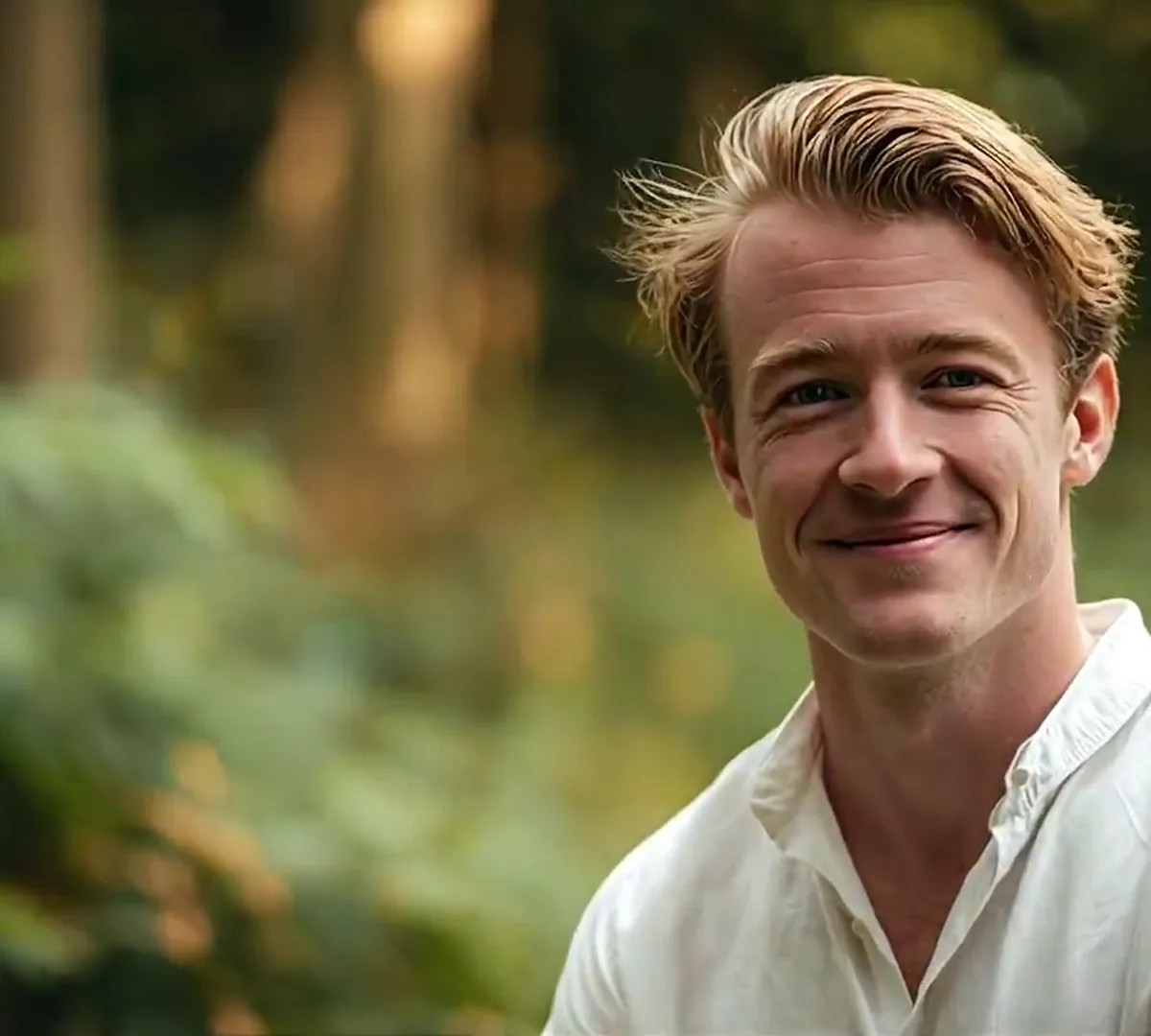
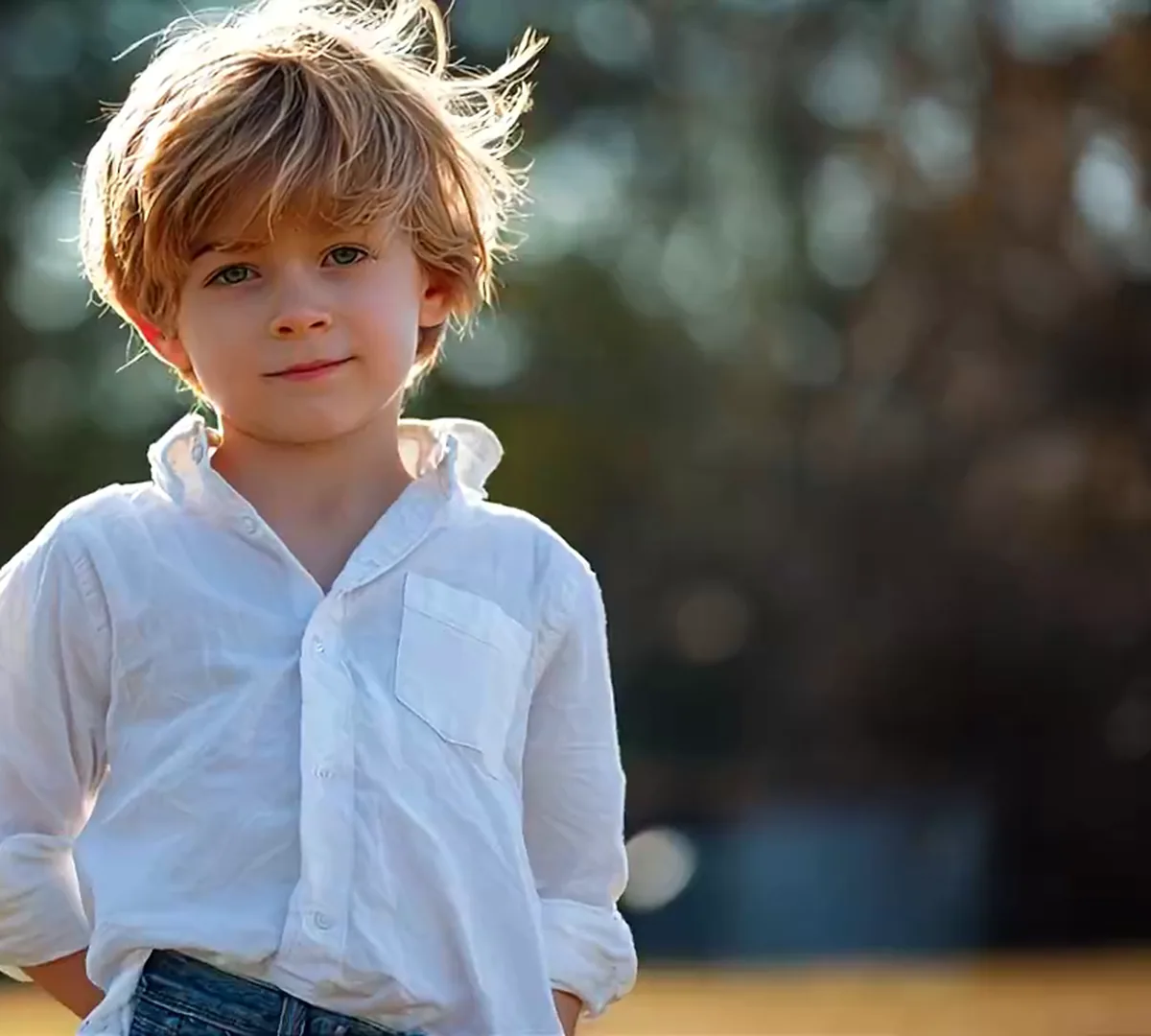
A grown man in a white shirt in the same woodland clearing
A boy in a white shirt standing in front of blurred trees
Back then
Today

Same smile, same woodland

Hair colour, brow and smile carry across; the round cheeks and the shaggy fringe do not. The trees behind him stay put, and the model has to age him without letting a third face appear halfway.

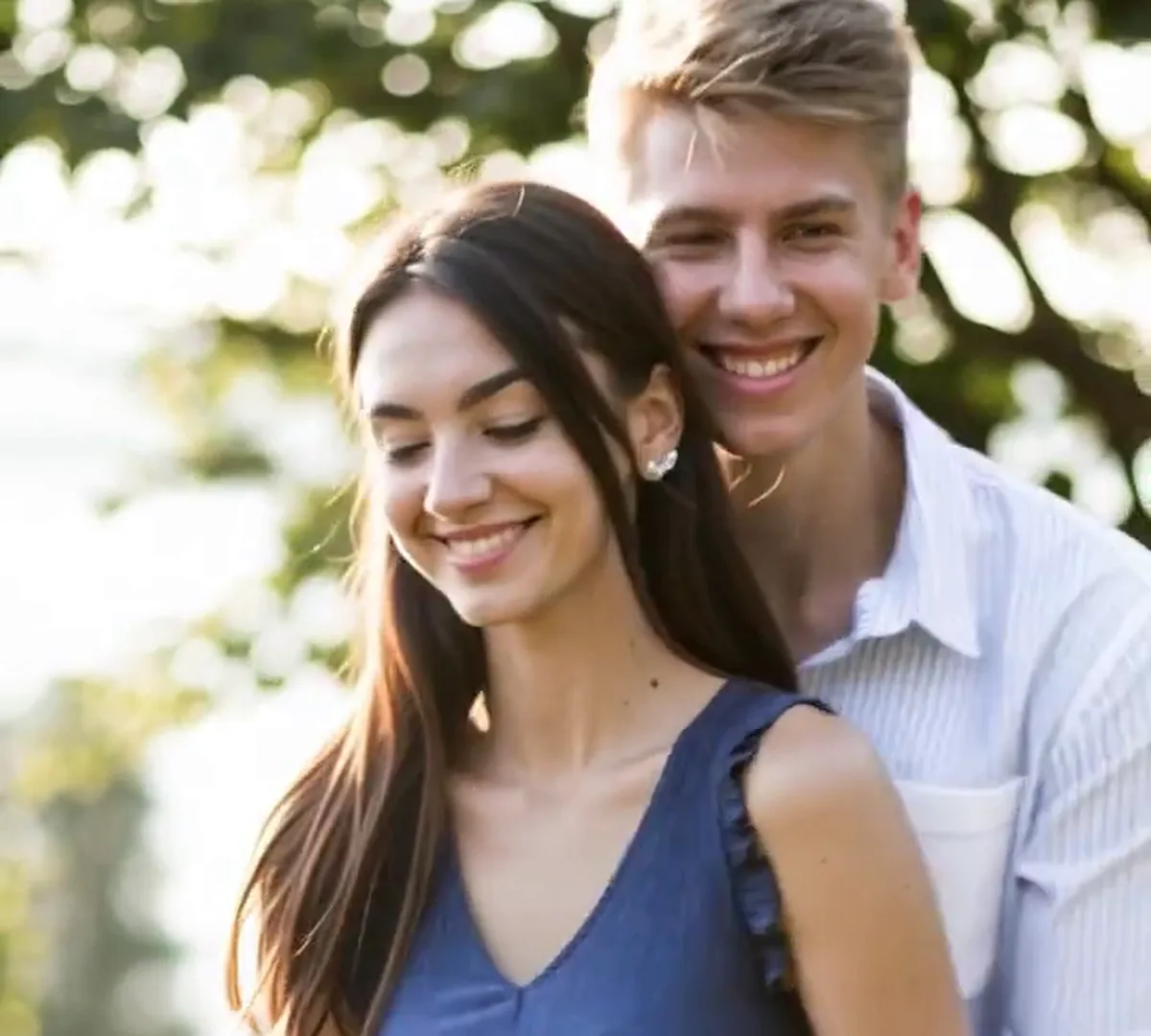
The same couple as young adults, in a blue dress and a shirt, holding each other in the same park
A teenage couple in tees and jeans standing close in a park
Back then
Today

Same arm around her: the Growing Up Beside You trend

The backpacks become a summer dress and a linen shirt, the two faces stay, and the arm around her waist stays where it was: that is the growing up beside you trend as one growing shot instead of a jump between two posts.

Growing up, or getting older?

Growing up and getting older arrive in almost the same words. Only growing up starts from a photo you already own and plays the years in between.

What you wantThis pageAn aging filter
Photos it takesTwo, then and todayOne
What playsThe years in betweenAn older face
Where it endsBack on today, as close as the model getsDecades ahead
Getting olderNot supported hereAll it does

Growing up video: from a photo pair to one shot

Photo one is back then and sets the direction: put today's photo first and the years would run the wrong way. Photo two is today, and the two-photo version keeps the whole shot in its room, so each photo has to hold the same person, pair or pet. The one-photo version stops after photo one and lets the model age that face.

  1. Two teenagers standing side by side in a park, one in a white tee and one in a navy tee

    Photo 1Back then

    The childhood photo, the earliest photo of the two of you together, or the day the puppy came home. It supplies the face that has to survive the years, and the clothes and hair the shot starts from; on the one-photo version it carries the room too.

    • On the one-photo version it stands on its own; with a second photo both have to show the same person, pair or pet
    • A face you would still recognise, even from a small print
  2. The same couple years later, the woman in a blue dress and the man in a shirt

    Photo 2Today

    The photo from today, and the room the shot happens in: the recipe puts the younger you into this room, in this spot and this light, and ends on this pose. Leave it empty on the one-photo version.

    • Taken the same way round as photo one: both portrait or both landscape
    • Face and hair clear; what you wear here is the outfit the shot ends on

Photos that survive the years

Do

  • A curly-haired woman in a mustard sweater, chest up and smiling at the camera on a plain backgroundOne person, or the same two people, in each photo
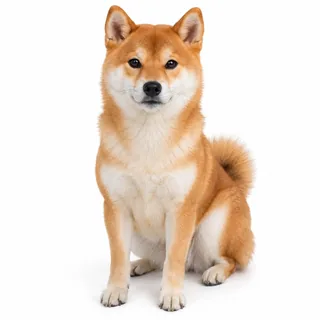
  • A shiba inu sitting and facing the camera on a plain backgroundA pet with the whole body in frame, then and now

Avoid

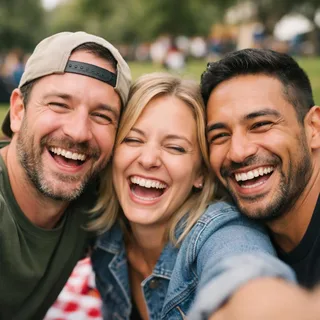
  • Three friends squeezed together into one picnic selfieA group photo when the other photo has one person
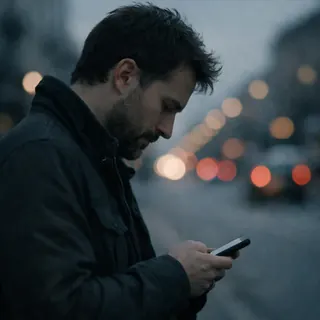
  • A man in side profile looking down at his phone on a street at duskA turned back or a side profile: the face carries the clip
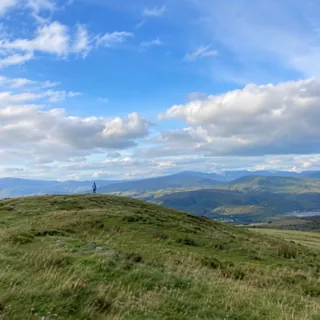
  • A person standing as a tiny figure on a distant hilltopA face too small to carry the years

From a photo pair to a post

  1. Add the pair

    Back then in the first slot, today in the second; the one-photo version takes only the first.

  2. Pick the length and the frame

    Anywhere from 6 to 10 seconds, 8 by default, in the ratio you post in. The button shows the exact price for that combination before you press it.

  3. Save it and add your own song

    Every clip arrives with a soundtrack the model wrote for it; swap in your own song when you edit it for posting.

Grow up AI prompt tutorial

A then and now prompt for MiniMax H3 and other image-to-video tools: one room, one continuous take, and the lines that stop two photos from sliding into each other.

MiniMax H3 · reference to video (image 1, image 2)

Prompt length 933

Two references: image 1 is this person earlier in life, image 2 is the same person today. Keep the real face, eyes, nose, mouth, skin tone, hair colour and body build of each.

Shoot it as one continuous take in a single room. Take the room, the framing, the light and the camera from image 2, and stand the younger person from image 1 in that same spot, at the same distance from the lens. Nothing in the background moves.

The only thing that changes is the person, slowly and frame by frame: taller, the face maturing, the hair growing, the clothes of the earlier photo becoming the outfit in image 2, the posture settling until the last second matches image 2.

No cuts, no dissolve, no cross-fade, no wipe, no ghosting, no split screen, no frozen frames.

No extra people, no second face, no swapped faces. No age numbers, captions, logos or watermarks.

Warm instrumental soundtrack; no speech, no lyrics, no recognisable song.

What the prompt has to say

  • Name both ends

    Say which image is back then and which is today, and which one the last second lands on.

  • Fix the room once

    One unchanged room, one camera, one light. A second location turns the clip into a slideshow.

  • Ask for a slow, continuous change

    Frame by frame, taller and older, the same person throughout, with no cut in the middle.

What breaks it

  • Don't list ages

    A list of ages or scenes comes back as separate shots with cuts between them.

  • Don't ask for a blend

    Blend, morph, cross-fade and wipe produce exactly the two-photos-sliding-over-each-other look.

  • Don't ask for lettering

    Age numbers, captions and labels come back garbled; add them in your editor.

From a blend to a growth

Blends two photos

Blend my childhood photo into my photo from today, smooth morph.

Grows one person in one room

Keep image 2's room for the whole take and grow the person from image 1 into image 2 frame by frame: no dissolve, no cross-fade, no wipe.

Both lines use the same pair of photos; only the second keeps one room, which is what makes the years read as growing up.

Who makes one: birthdays, parents, couples, dogs

The same two photos cover the childhood ones, the baby-to-adult versions and the pet pairs. Only the photos change.

A birthday or a graduation

The childhood then and now post, and the child-to-adult transformation most people start with: a photo from a birthday years ago and one from this week.

Caption idea: Same kid, same grin.

Parents making one for a child

An AI video of a child growing up, made for a graduation or a milestone: the first photo from the hospital and one from today.

Caption idea: From the first day home to the last day of school.

A couple's anniversary

Two couple photos, one from when you met and one from this year, in the same order in both: the growing up together TikTok trend, cut as one shot.

Caption idea: We looked like that then.

The dog's first day, and now

A puppy then and now, or the week a rescue came home and today: the pet version of the same pair.

Caption idea: He was that small.

What a grow up AI video generator takes and costs

What a grow up AI video generator takes and costs
Photos
2 for the two-photo version, or one childhood photo on its own
Files
PNG / JPG / WebP, up to 10 MB, short side at least 512 px
Length
6–10 seconds; 8 by default
Aspect ratio
9:16 by default, also 16:9, 4:3, 1:1, 3:4, or Auto
Direction
Back then to today; an AI age progression video runs the other way, into older ages
Resolution
720p by default; also 480p or 1080p
Sound
A soundtrack the model writes for each run; there is no silent version
Credits
109 at 480p, 224 at 720p, 448 at 1080p
Failed runs
Credits return automatically if a generation fails.
Visibility
Private: runs stay out of the public gallery

Grow up AI, answered

Do I need two photos?+

For the default version, yes: photo one is back then and photo two is today, so both ends of the shot are photos you already own and the model only draws what happens between them.

Can I do it with one photo?+

Yes. Pick the One photo version and upload the childhood photo alone: the model carries that face into adulthood in the same room. The adult it draws is a prediction built from the child's features, so it will not match a real photo of you today. The still on this page for that version is an illustration of the idea, not a one-photo run. Choose Two photos when the ending has to be your own photo.

What photos work best?+

The same person, the same pair or the same pet in both, faces clear and shot the same way round; one portrait and one landscape will crop badly. Older, slightly soft prints are fine. On the one-photo version the childhood photo carries the whole face. The checklist above the steps has the do and don't pairs.

Can it make me look older?+

No. The clip only runs from the back-then photo towards today; every year after that would have to be invented. Aging filters and older-self videos are a different job.

How is this different from Your Next Opponent Is You?+

That one puts the same person in a standoff under a spotlight; here the two photos are the two ends of one lifetime.

Can it add our ages on screen?+

No. The model draws faces and a scene, not lettering, so the clip arrives without numbers. Add the ages as text in TikTok, CapCut or Instagram before you post, where you can place and time each one.

Does it add music?+

Every run comes back with a soundtrack the model writes for it: it is asked for warm instrumental music, with no words and no recognisable song, though what comes back varies. Mute it or lay your own track over it when you post. TikTok’s growing-up edits usually run on Paolo Nutini’s “Growing Up Beside You”; that is what the trend uses, not what this clip contains.

How long is the video?+

You choose before generating: 6 to 10 seconds, 8 by default, and the shorter runs cost less. The exact options are in the specifications below.

Can I use an old black-and-white photo?+

Yes. A scan, or a flat, evenly lit phone photo of the print, works; colour comes back as the years pass. What no photo survives is a face that is too small, too blurred or turned away.

Why does the face change halfway?+

Each face is held from its own photo, so a large gap between the two, or one photo taken from far away, makes the middle of the clip drift. Swap in a closer photo from a similar angle and run it again; every run varies.

Do I need an app or a prompt?+

Neither. The effect runs in the browser with both photos uploaded here, and the instruction that turns the pair into one growing shot is part of the template, so there is no prompt box.

Is the grow up AI video generator free?+

Every run costs credits; the price depends on the length, ratio and resolution you pick, and the Generate button shows it before you start. New accounts get 10 credits at sign-up.

Is this the same as hugging your younger self?+

No. A younger-self hug puts the child you and today’s you in one frame together; this page keeps the two ages at the two ends of one shot and never has both in frame. The hug is a different effect, with a page of its own still to come.

Are my photos and the result private?+

Yes. Childhood photos and children's faces are the main input, so every run here stays out of the public gallery whatever plan you are on. The video is yours to post or keep.

Make your grow up AI transition from two photos

One photo from back then, one from today: press generate and the years between them play as a short video.