


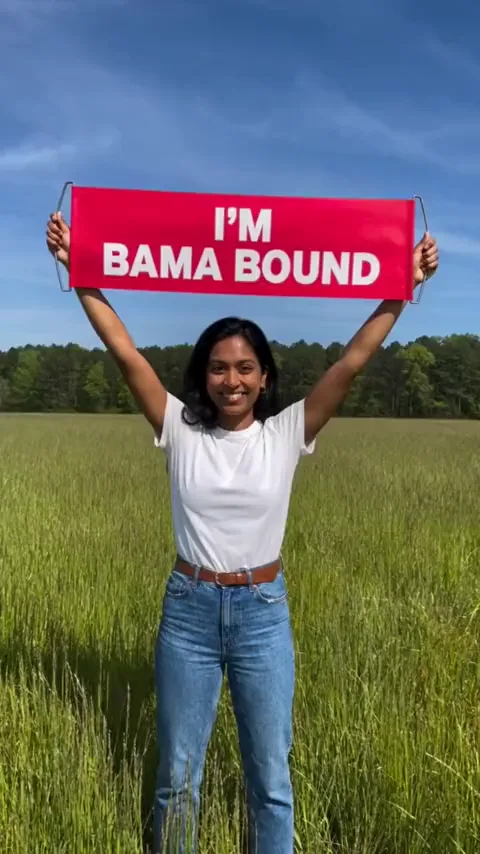
The punchline of the joke
After an everyday photo that shrugs it off, this is the slide nobody saw coming.
Applied to Bama as a joke? Add one photo of you or your pet and get the payoff: a clip of you lifting a red I'M BAMA BOUND banner in a sunny field, then screaming and jumping.
PNG / JPG / WebP · up to 10 MB · at least 512px on the short side
0/1 photos
One photo of one person or one pet, upper body or full body, face clear. Whoever is in it lifts the banner.
Video settings
No prompt needed. Upload yourself, your own pet or a friend who said yes; celebrity photos and film stills aren't allowed.
The Bama Bound meme is a two-slide TikTok college acceptance joke: someone shrugs off applying to Bama, and the next slide shows them in a sunny field holding a red I'M BAMA BOUND sign overhead because they got in with a full ride.
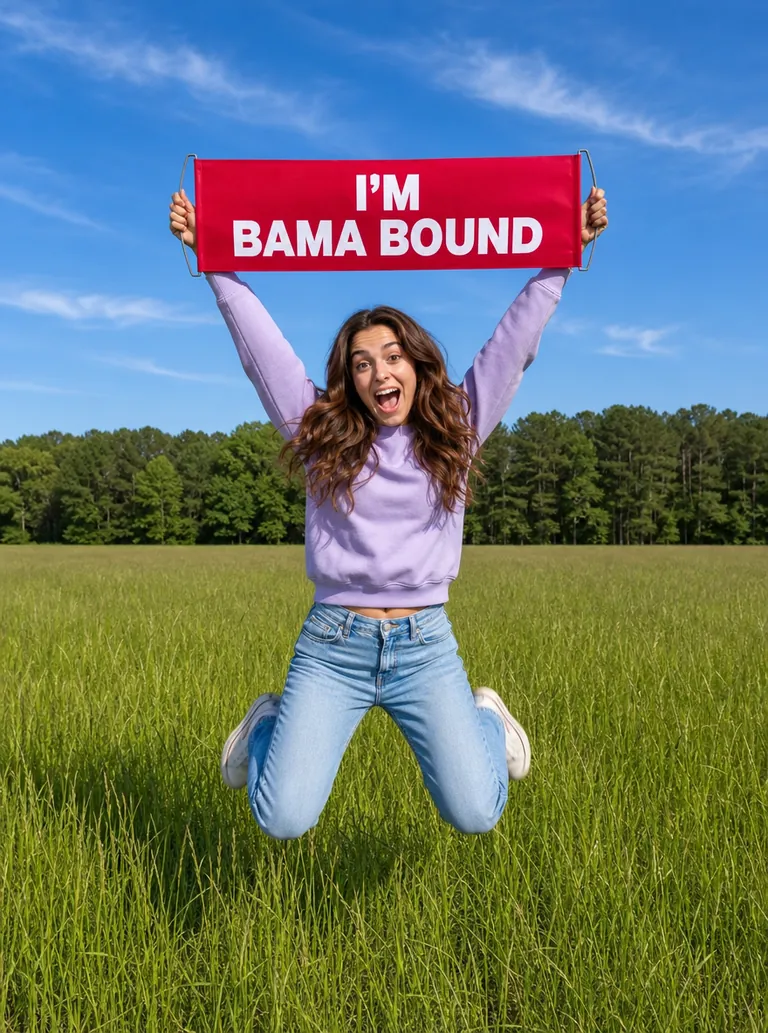
Bama is the nickname of the University of Alabama, and Bama Bound is what its incoming students call themselves. The laugh is the swing from “as a joke” to a full ride. Bama Bound AI lets anyone play that second slide from one photo, and here it becomes a short video.
Slide one · the setup
An everyday photo captioned “applied to Bama as a joke”. Nothing in it hints at what comes next.
Slide two · the payoff
The same person in a sunny field, the red sign held high, captioned “and got a full ride”.
A two-slide TikTok post sets up the joke; it has since passed 2 million views.
The first AI tutorials and templates appear, and people start putting themselves into the banner shot.
TikTok has search pages for “bama bound meme”, “applied to bama as a joke” and “bama bound template”.
Sources: TikTok post dates, view counts read on October 25, 2026, and TikTok search pages.
One continuous shot in a sunny field of tall grass, framed from about the knees up as if a friend were filming a few steps away. Here are the six beats of a 8-second video.
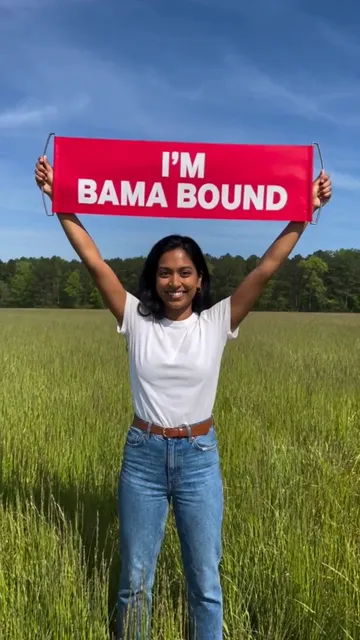 10:00–0:01
It opens with the red banner already overhead, white capitals reading I'M BAMA BOUND and nothing else, and a proud smile at the camera.
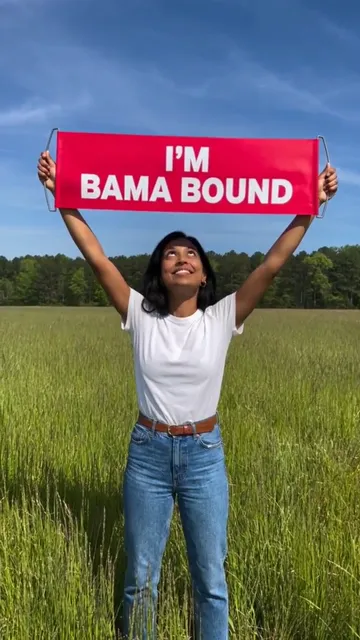 20:01–0:02
Her head tips back and her eyes go to the banner, as if she is reading it for the first time.
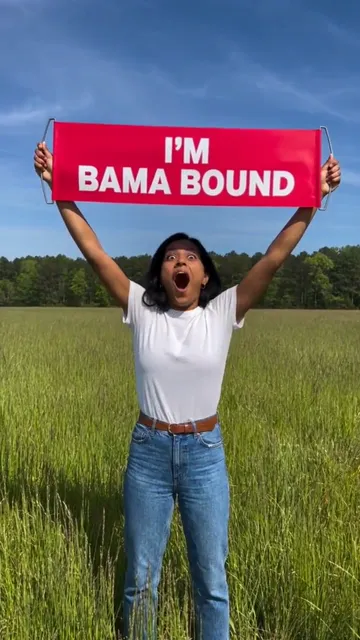 30:02–0:03
Her mouth drops open and she screams with joy straight at the camera.
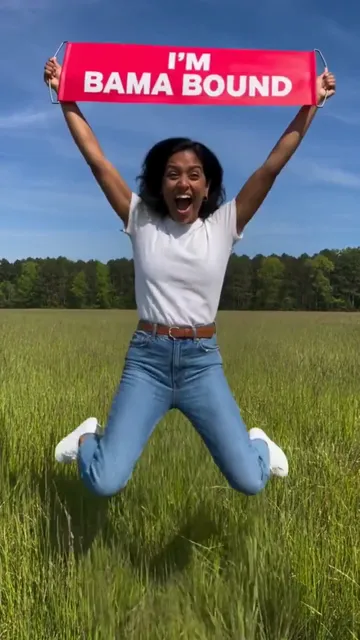 40:03–0:05
Two jumps with her knees up, the banner shaking above her head.
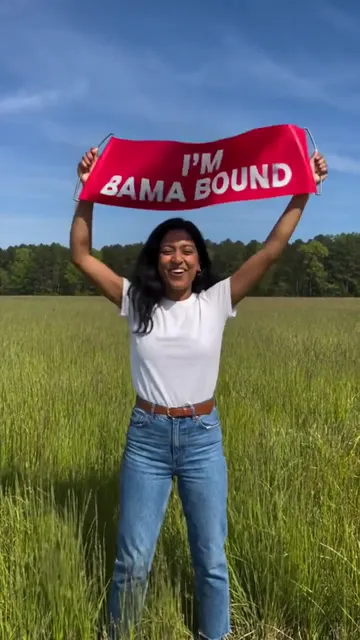 50:05–0:07
She lands, swings the banner from side to side and keeps cheering.
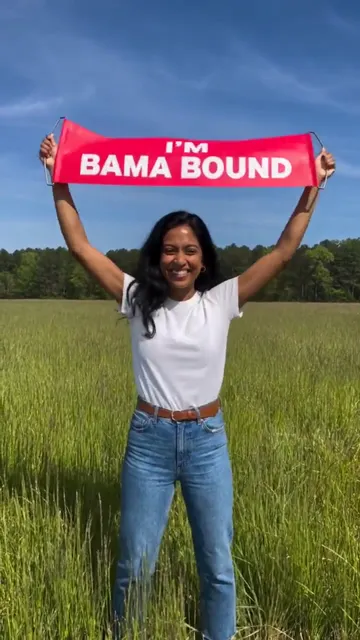 60:07–0:08
The last beat: the banner held high and flat, and a big grin for the camera.
Times are from this 8-second clip; at other lengths the beats keep this order, not these times.
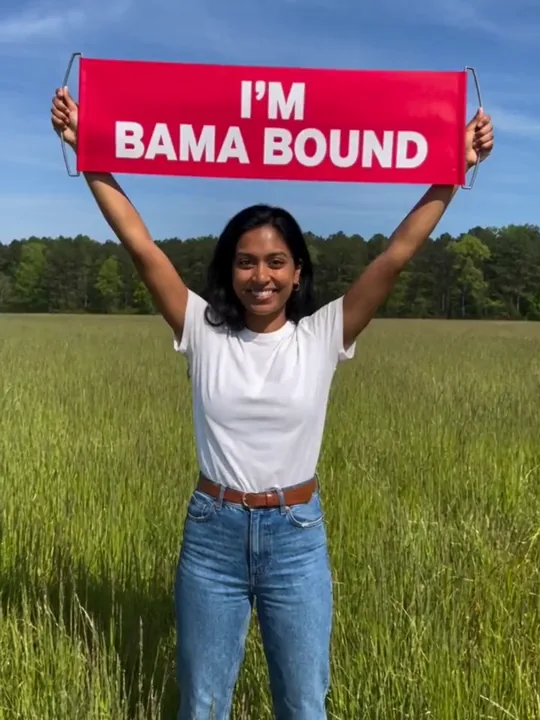
Photo 1You (or your pet)
Whoever is in this photo lifts the banner, with the face, skin tone, build, hair and clothes it shows. The template adds the field, the banner and the moves.
Banner-ready
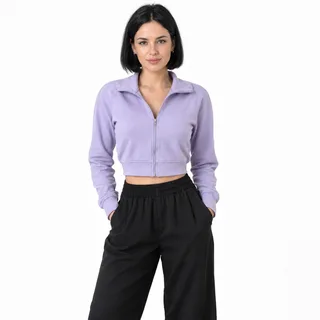 One person facing the camera, head to thighs
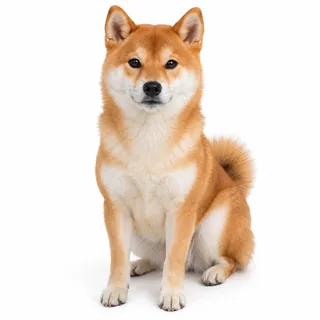 One pet, whole body in view
Not banner material
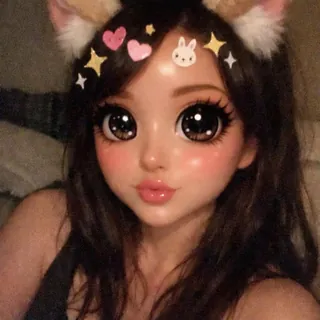 Beauty or cartoon filters: the video copies the filtered face
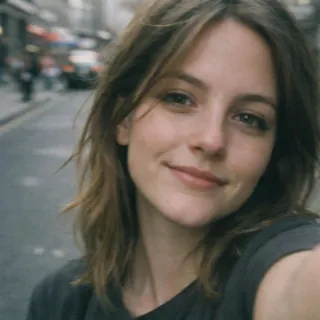 Face-only selfies: the video has to guess your outfit
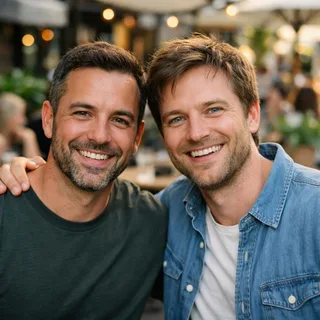 Two people in one photo: one banner holder per video
Drop in your photo
Add it to the “You (or your pet)” tile at the top of this page.
Generate the clip
Keep the defaults or change the length, shape or resolution. The button shows the exact price before anything runs.
Post the payoff
Download the MP4, caption it “got a full ride” and post it after your setup photo.
Same field, same banner, a different person in each: one lands the joke, one shares real news, one pranks the group chat.
After an everyday photo that shrugs it off, this is the slide nobody saw coming.
Actually Bama bound? Post the banner moment as a playful announcement and let your caption share the details.
With a friend's OK, one photo of them is all it takes to “announce” they are Bama bound in the group chat.
Every template works the same way: add your photos, press Generate and get a shareable video without writing a prompt.
View all effectsFAQ
No, each video costs credits. The price changes with the length and resolution you pick, and the Generate button shows the exact amount before you start. New accounts get 10 credits when they sign up.
No. This template has no connection to the University of Alabama, and the banner shows only the words I'M BAMA BOUND. It's a meme video, not proof of admission or a scholarship, so don't pass it off as one.
It shouldn't. The template tells the model to keep the face, skin tone, build, hair and clothes from your photo, and there is no other person's body for it to copy. Results can still drift with filtered, dark or tiny faces; if yours does, generate again with a clearer photo from the checklist.
The template asks for exactly those three words, but the AI draws the letters, so read the banner before you post. If a letter slips or the fabric folds over a word, a new run redraws it.
Yes, you can try it with a photo of one pet, whole body in view. The pet stands on its hind legs with the banner in its front paws and keeps its own coat and markings.
No. Each video has one banner holder, a person or a pet. For a group post, make one video per person and post them together.
Many Bama Bound posts use Tanya Tucker's “Delta Dawn”. Add it from TikTok's sound library when you post; the video's own cheering can stay underneath or be muted.
No. This template makes a video of the banner moment, not a still image.
Neither. It isn't a filter laid over your selfie, and there is nothing to write: the scene, the banner and the moves are built in, so you only add the photo.
Slide two awaits
One photo of you or your pet is all the banner moment needs.