


Your own car
The format's whole point: the car you actually drive is the miniature on the ledge and the full-size car on the night road.
Caption idea: “Same car, two sizes.”
One photo of your car becomes the miniature on a train window ledge at sunset; the tunnel takes the light, and the same car drives out full size on a night road.
PNG / JPG / WebP · up to 10 MB · at least 512px on the short side
0/1 photos
One photo of your car, side or rear-corner view, the whole body in frame and nothing parked in front of it.
Video settings
No prompt needed. Only upload photos of yourself or people who agreed to be featured; celebrity photos and film stills aren't allowed.
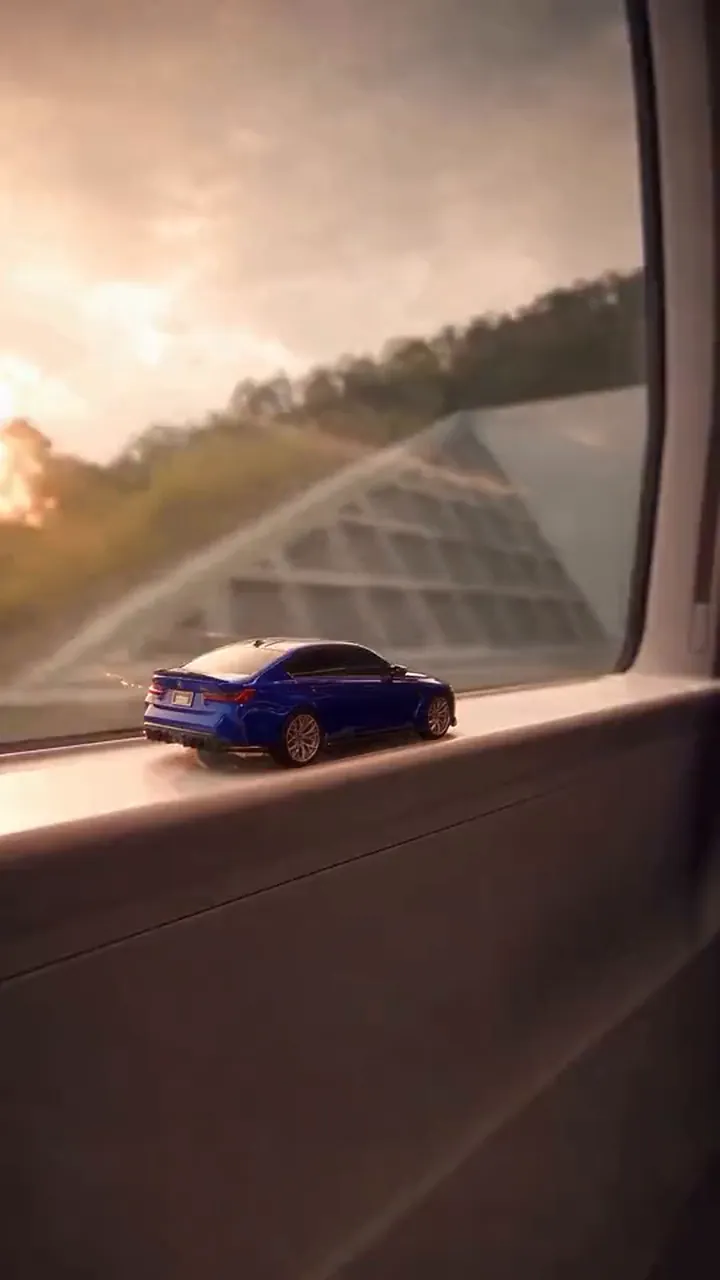
Train Window Car AI is a one-take transition: a miniature of your own car sits on a moving train's window ledge at sunset, its tail lights switch on in a tunnel, and the same car grows to full size and drives out into the night.
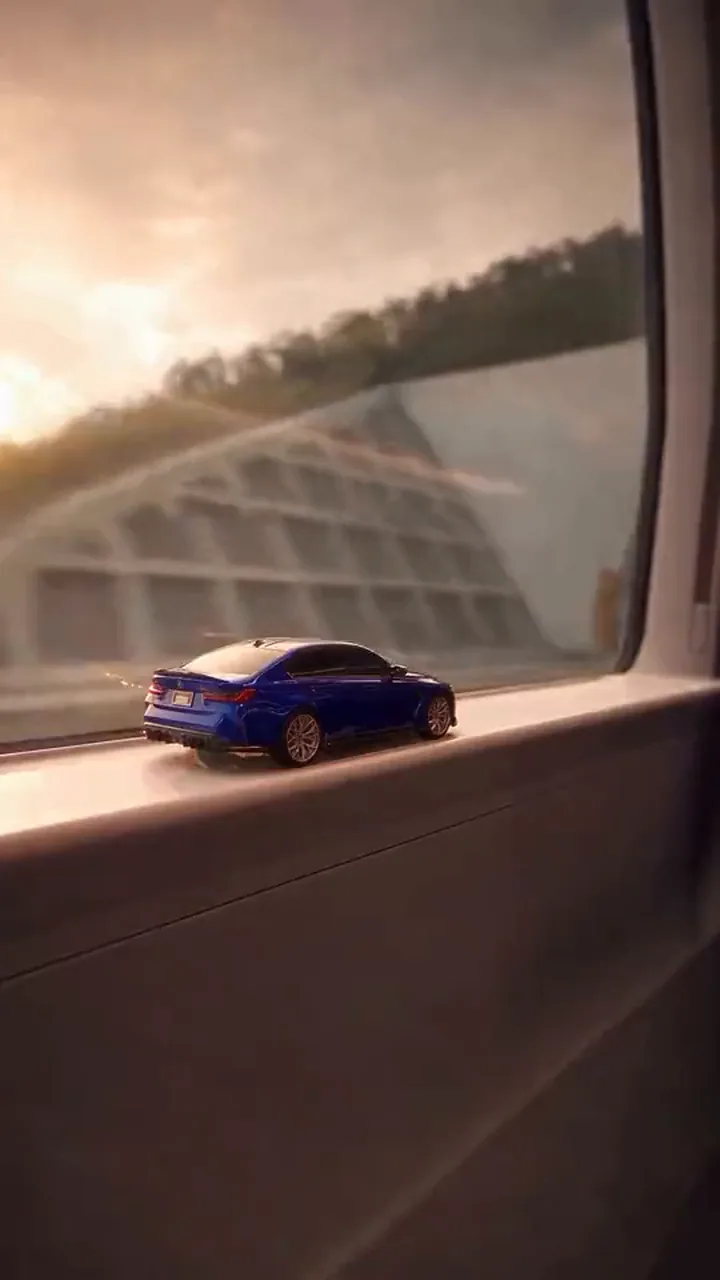
Toy Car to Real Car AI is the same template under the name most walkthroughs use. What makes it work is that the two sizes are one car: the eye follows the same body across the size change, so the reveal reads as a transformation rather than a cut to another vehicle.
It spread as a short format rather than a filter: one photo, one built-in clip, ten seconds, and nothing to write. That is why a clip of a few seconds can be copied with any car instead of turning into a new effect.
The earliest walkthrough that can be dated is Rahul's on YouTube, 25 October 2026: 4,293 views at the time it was read, with the tunnel reveal explained in one take.
Eshan's walkthrough follows on 26 October 2026 with 6,075 views, and its title uses Toy Car to Real Car as well, so the two names settle on one format.
A third walkthrough lands on 28 October 2026 with 725 views, still filed under Toy Car to Real Car.
Dates and view counts are readings of the three YouTube walkthroughs taken on 28 October 2026; an earlier origin for the format is not established.
One continuous take: the toy on the ledge, the tunnel that takes the light, the car at full size and the road at the end.
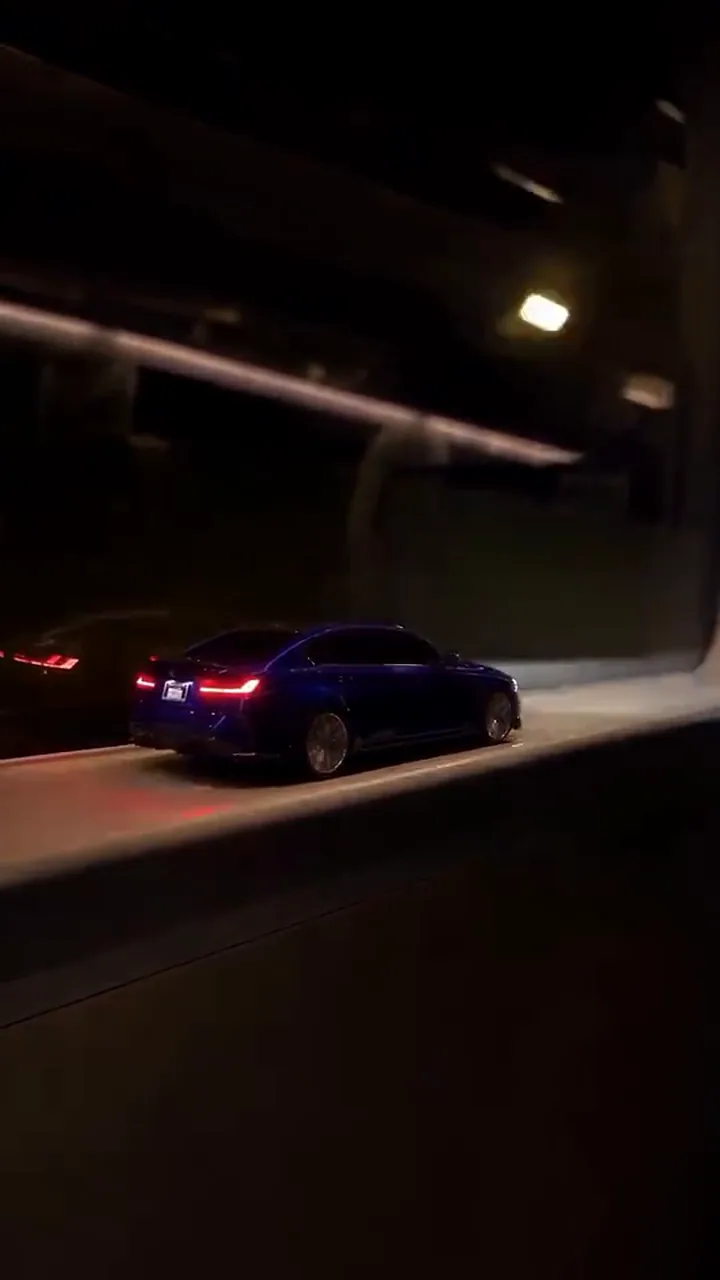
10:00The train is moving at sunset and your car sits on the window ledge at miniature size, tail lights still dark.
 20:05
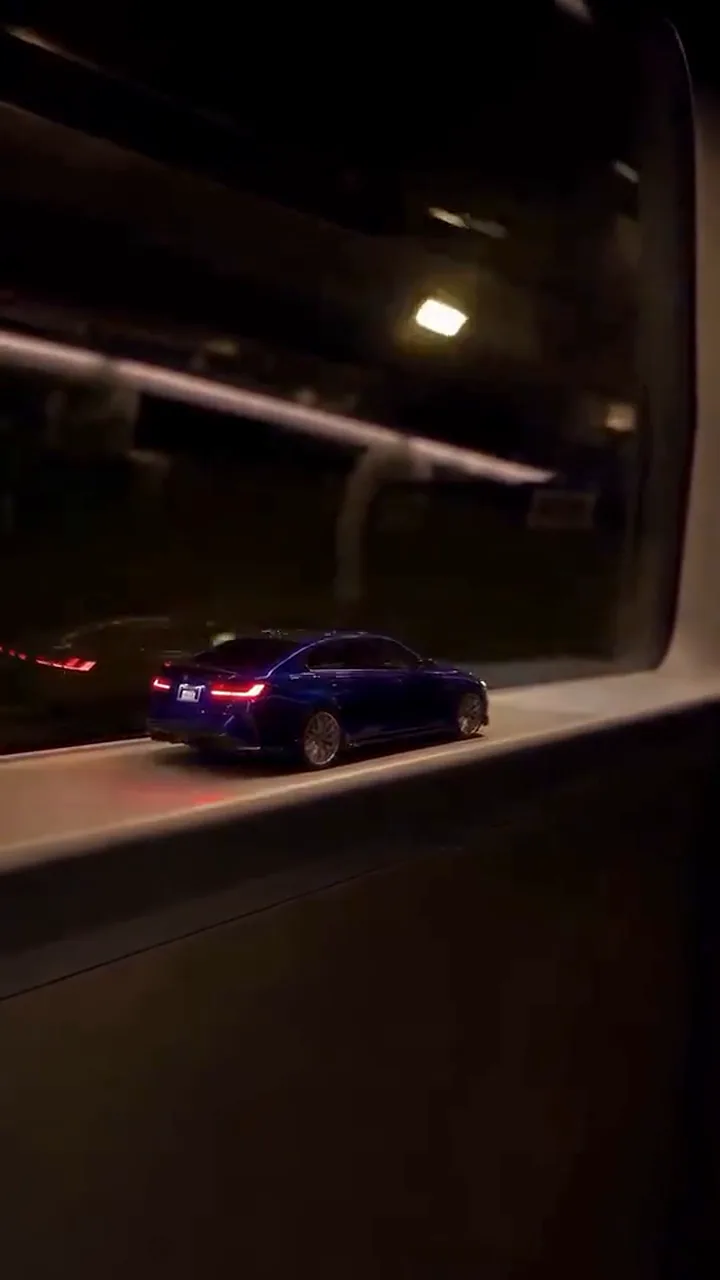
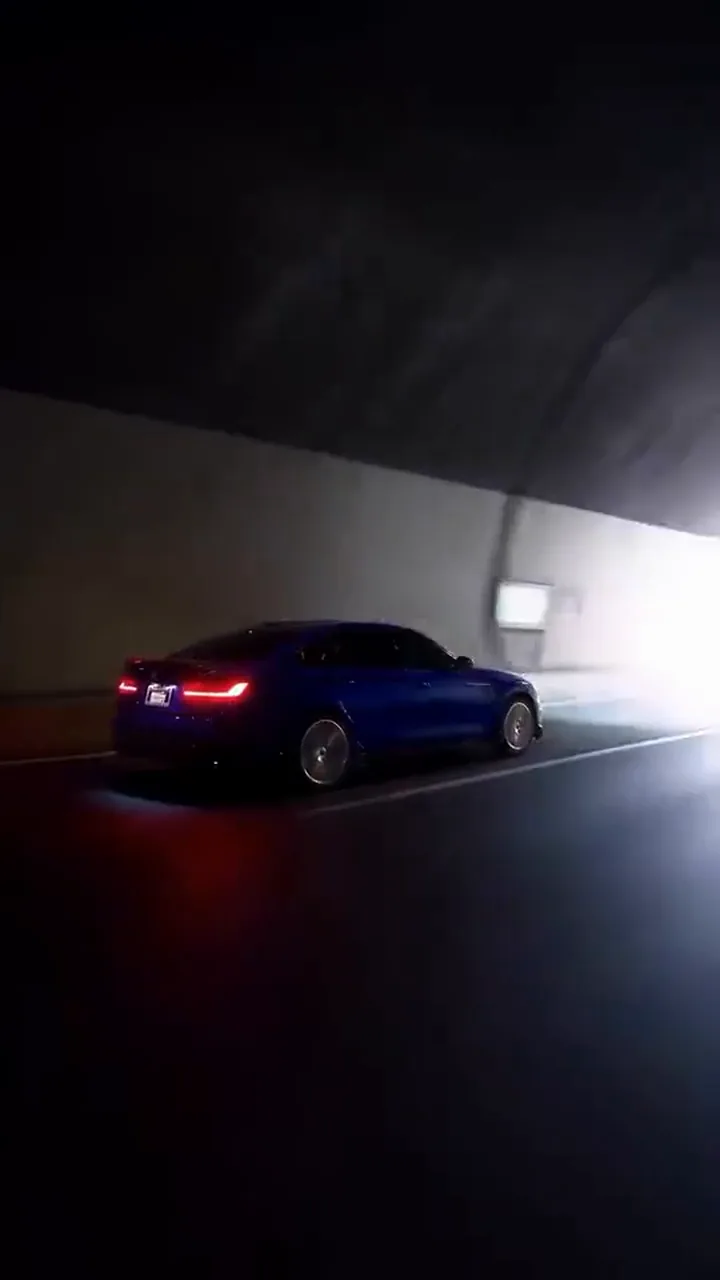
20:05The window goes dark for several seconds and the toy's tail lights switch on: this is where the scale change hides.
 30:08
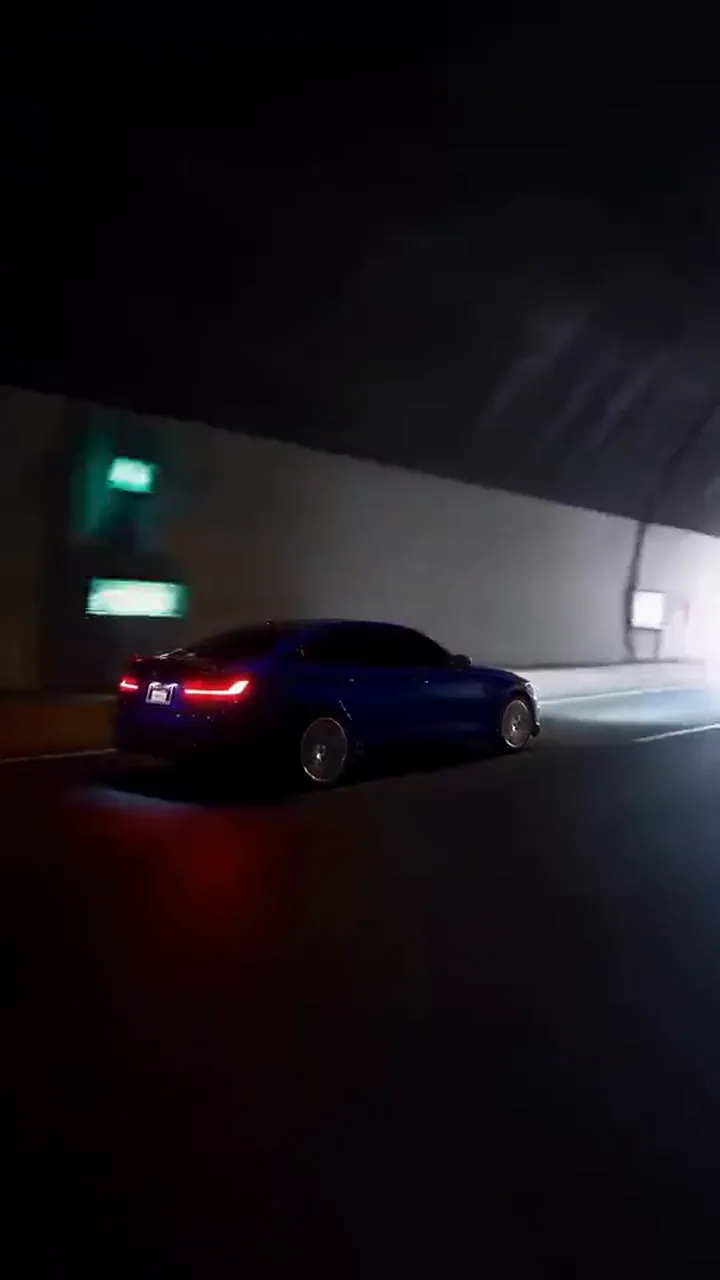
30:08Out of the tunnel the ledge is gone and the car stands at full size in the same unbroken shot.
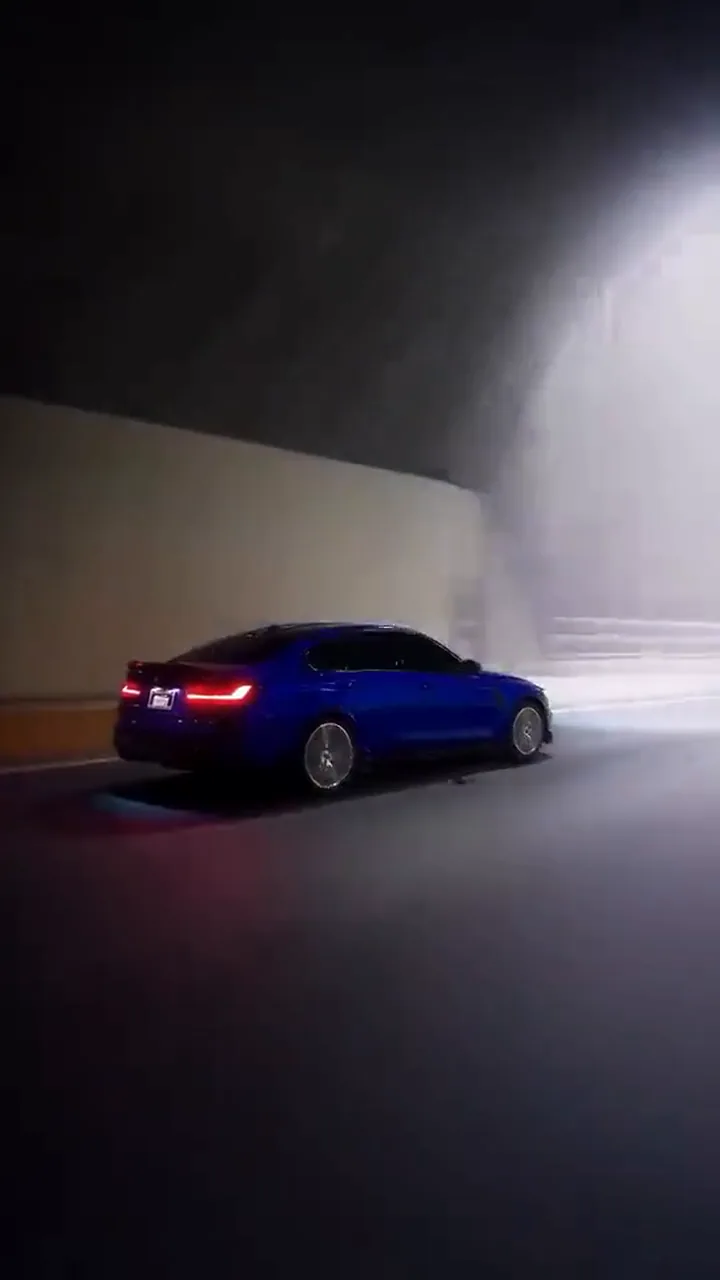 40:09
40:09The real car drives off with its headlights on, and the clip ends before any cut.
Frames are cut from the built-in clip, so the car in them is a sample, not yours.
The reveal works when the eye can follow one car across the size change, so the easiest cars to start with are the ones with an outline, a colour or a wheel design you can recognise at both sizes.
The format's whole point: the car you actually drive is the miniature on the ledge and the full-size car on the night road.
Caption idea: “Same car, two sizes.”
A boxy saloon keeps the same silhouette at both sizes, which is the easiest shape to read across the dark stretch.
Caption idea: “Sunset ledge, night road.”
A strong paint colour or a distinctive wheel design gives the eye something to match the moment the window clears.
Caption idea: “Watch the paint after the tunnel.”
Why it works
A tunnel gives the shot a natural black stretch. The miniature can leave and the full-size car can arrive inside it, so the size change never shows as an edit.
What to check
The reveal only reads if the car after the tunnel is the car before it. A repainted shade reads as another car, a different wheel design reads as another trim, mismatched lights break the night reveal, and a changed outline throws off the jump in scale. Compare all four between the ledge and the road shot before you post.
Similar names cover different edits. This template is the train-window one; the other two keep a toy or a second car instead of changing one car’s size.
| Version | What changes size | How it is revealed |
|---|---|---|
| Train window ledge | One car: toy to full size | Hidden by a tunnel |
| Desktop toy-to-real | Desk toy to a real car | Hidden by a cut |
| Remote-control car AI | Two full-size cars | No size change |
One slot, one photo, one press: the shot is already written.
Photo 1Your car
The car in your photo becomes the miniature on the ledge and the same car, full size, on the night road.
Do
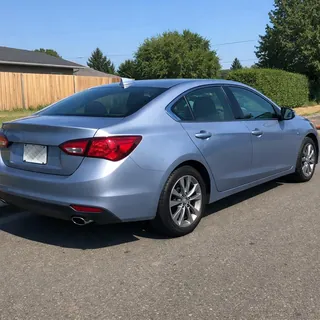 Rear corner, whole car, daylight
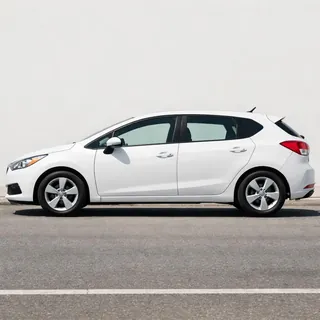 Straight side, whole car
Avoid
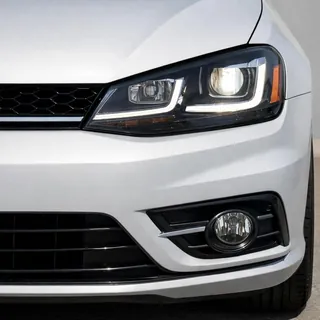 Cropped at one end
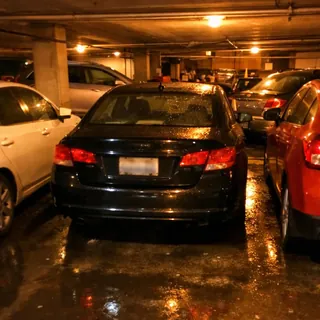 Parked in a row, at night
Add the photo
Drop it into the Your car slot: one car, whole body, nothing in front of it.
Pick the resolution and generate
Choose 720p or 1080p and press Generate; the button shows the exact price before you start.
Download and post it
The file arrives vertical with its audio in it, so it can go straight to Reels, Shorts or TikTok.
Every template works the same way: add your photos, press Generate and get a shareable video without writing a prompt.
View all effectsQuestions
No, each video costs credits. The price depends on the resolution you pick, and the Generate button shows it before you start. New accounts start with 10 credits.
No. One photo of the car you want on the ledge is enough; the miniature, the tunnel and the train window come from the built-in clip.
No. The template already describes the shot; you add the photo and press Generate. If you want a line to keep: “A miniature of my car sits on a train window ledge at sunset, passes through a dark tunnel, then appears full size on a night road.”
No. The slot takes one photo — a screen recording brings the tutorial's borders, labels and its own inset, and the template has nothing to do with it.
The two photos marked Do above are exactly that shot; the Avoid pair is what breaks the reveal.
Every frame is generated again across two very different sizes, so a blurred photo or a car hidden behind others lets the shape drift. Check paint, wheels and lights against the ledge shot.
It is the format's seam: a dark stretch of window covers the moment the miniature leaves and the full-size car arrives, so the change never reads as an edit.
Yes. The clip's audio track is kept, so the file arrives with its own sound rather than a new soundtrack.
Yes, it keeps the clip's 9:16 frame, so it fits Reels, Shorts and TikTok without reframing. Only the resolution is yours to choose.
No. Here one car changes size across the tunnel. Remote-control clips keep two full-size cars moving together, with no reveal.
Train Window Car AI
Your car photo in, a ten-second vertical clip out, with the tunnel and the audio already in the file.