


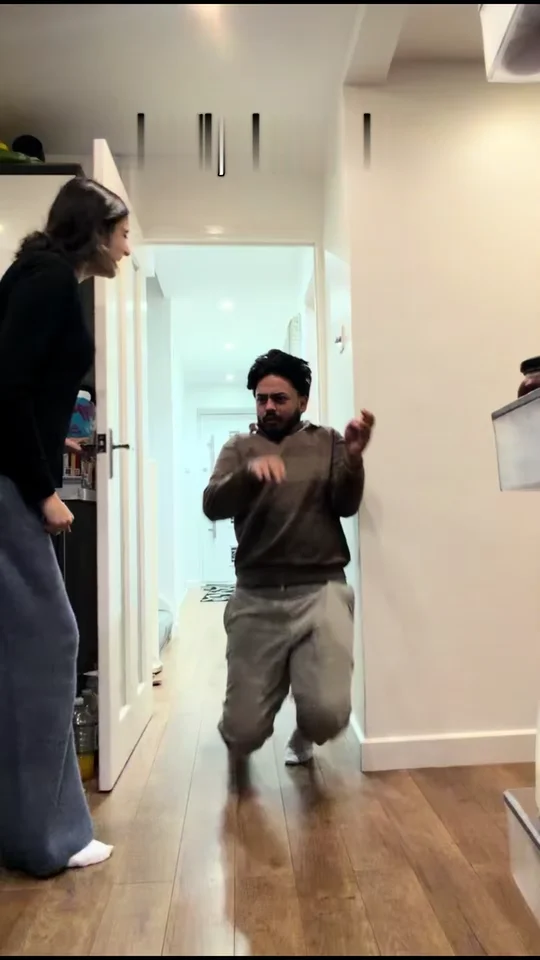
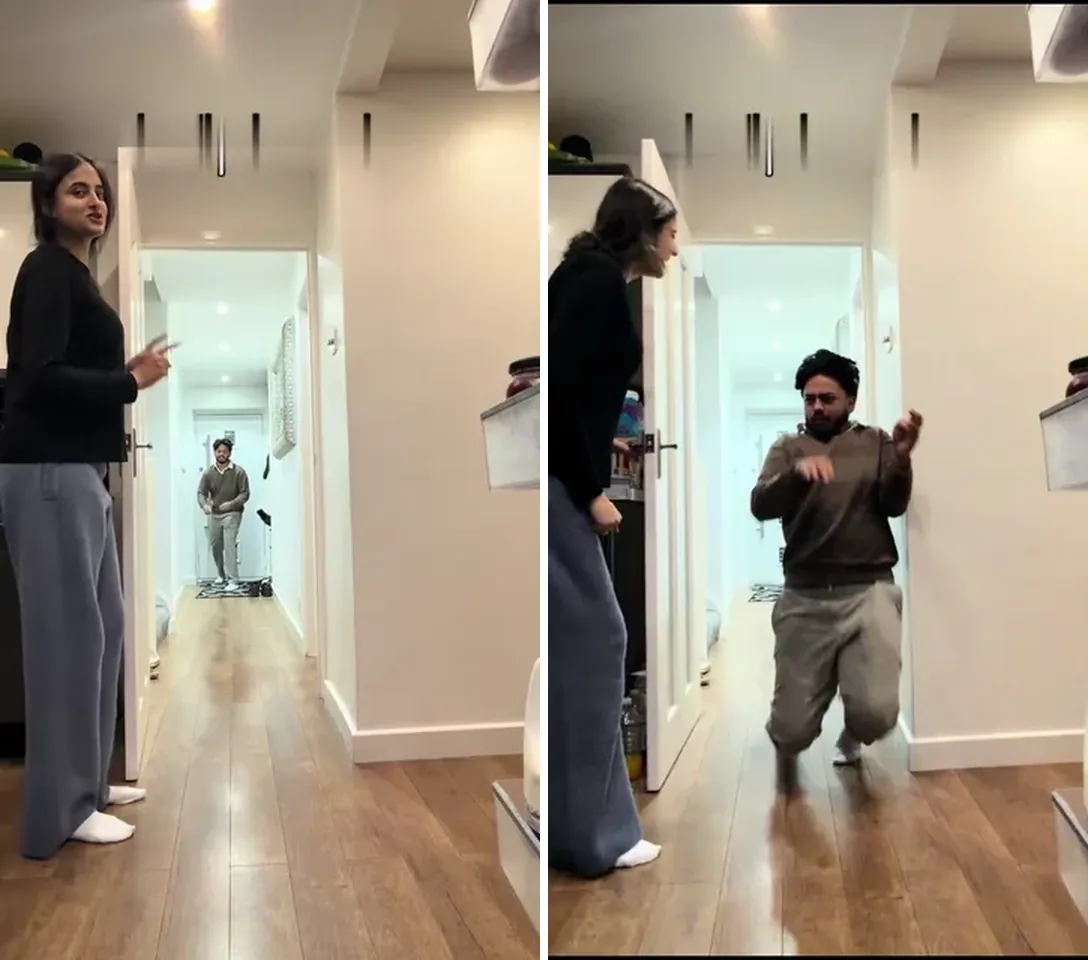
Couple
Two photos: one of you holds the door
The couple version takes a second photo for the door holder, and either of you can take either part: swap the two photos and the other person is the one who runs. Nobody from the template stays on screen.
One photo drops you into the hallway sprint: you run at the door, squeeze through the gap as it shuts and land on the floor. No filming or CapCut, and the clip's own sound stays.
PNG / JPG / WebP · up to 10 MB · at least 512px on the short side
0/2 photos
Photo 1 is the runner and lands in front of the camera; photo 2 holds the door and stays on the left of the frame.
Video settings
No prompt needed. Upload yourself, your own pet, or people who agreed to be in it; celebrity photos and film stills aren't allowed. No photos of children.
The closing door prank, also called the fake closing door prank or close the door prank, is a hallway stunt: one person counts down at an open door while another sprints at it, then the door is pushed shut at the last second and the runner squeezes through the gap, brakes hard or vanishes behind the door.
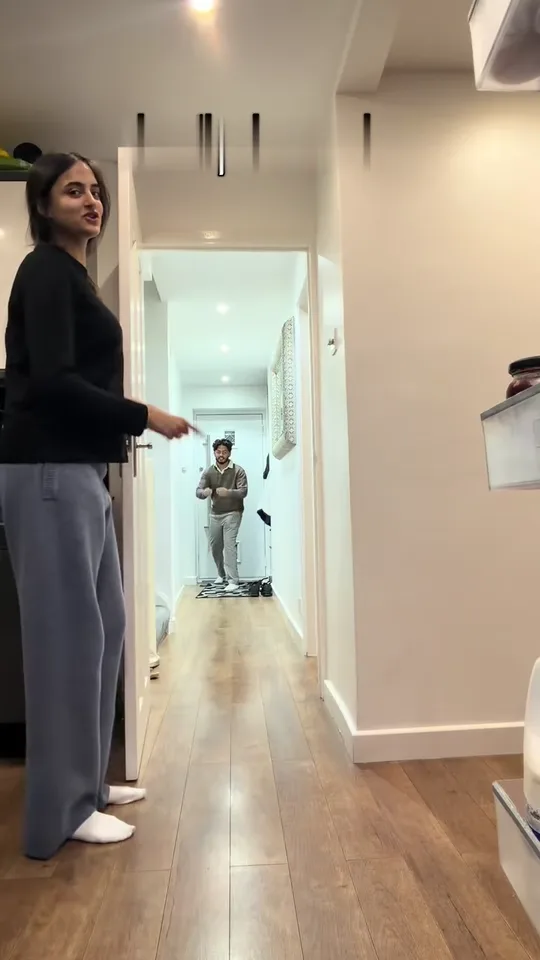
What makes it work is the betrayal. The runner is sprinting at a door that is closing, and the face goes from "I have got this" to panic in one step. Posts usually stack a disclaimer on top, like "nobody was harmed", and the disclaimer becomes part of the joke.
The earliest big post of this wave goes up with the caption "No kids were harmed"; it sits at about 740,000 plays by November 2.
A 61-second compilation of the prank passes a million plays and is reposted under the same caption for days.
Two separate accounts pass two million plays on the same day, which is when the format stops being one family.
Two family accounts post edited versions that reach about 7.2 million and about 9.2 million plays by November 2.
ESPN reposts one of the family clips, about 850,000 plays, and from 28 October couples start posting their own takes with captions like "on my husband".
Play counts read on TikTok on November 2, 2026. The bare name has no readable search curve, so this is a social wave rather than a search one.
The template runs 12 seconds and cuts once, just before the landing. Here is what the hallway does while your photo runs.
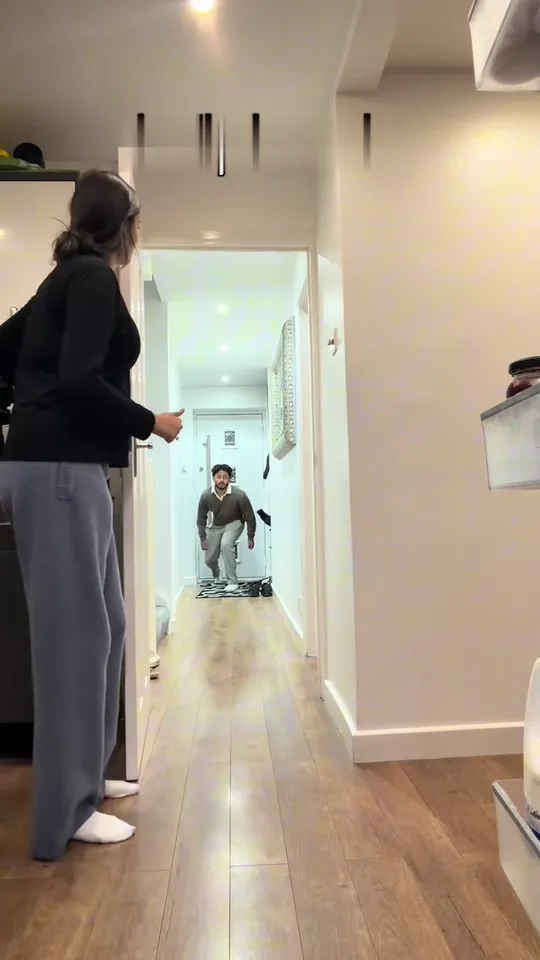 10:02–0:05
A couple of seconds in, the person at the door turns away from the camera, waves the runner forward and counts down while the door hangs open.
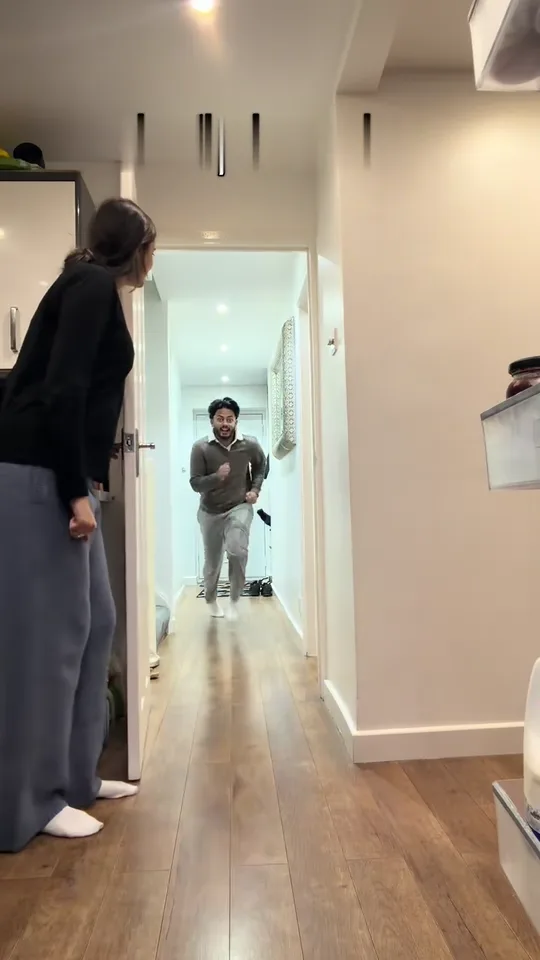 20:05–0:07
The runner starts at the far end, small in the frame, and covers the whole corridor at a full run. This is the shot that will not look like you yet.
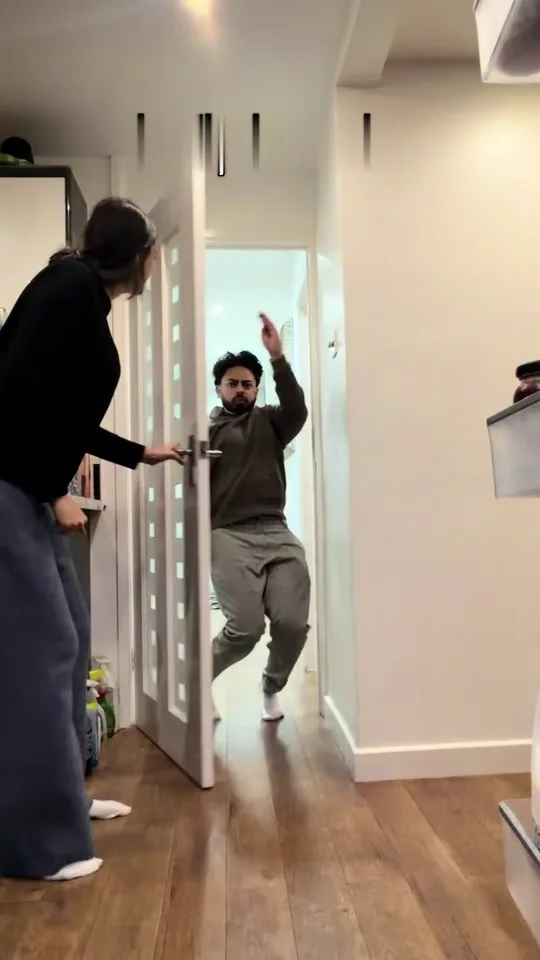 30:07–0:09
The door is pushed back to a narrow gap. The runner turns side-on, lifts an arm over the door and slides through without the door touching them.
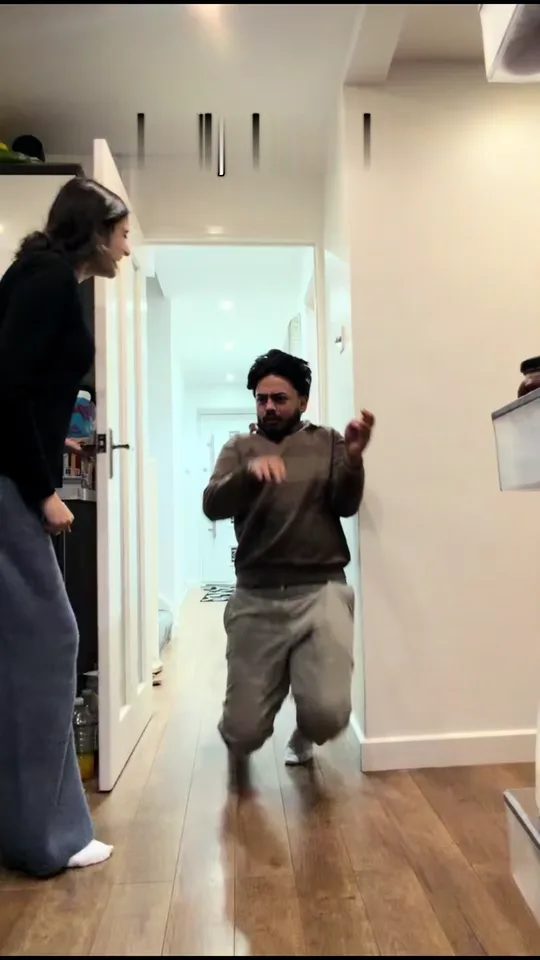 40:09–0:12
After the cut the runner is on the floor in front of the camera, half crouched and out of breath, then slides and looks back at the door while the door holder peeks out and laughs.
Both versions run the same hallway and the same 12-second timing; what changes is who ends up with a face on screen. The frames show each cast.
Couple
The couple version takes a second photo for the door holder, and either of you can take either part: swap the two photos and the other person is the one who runs. Nobody from the template stays on screen.
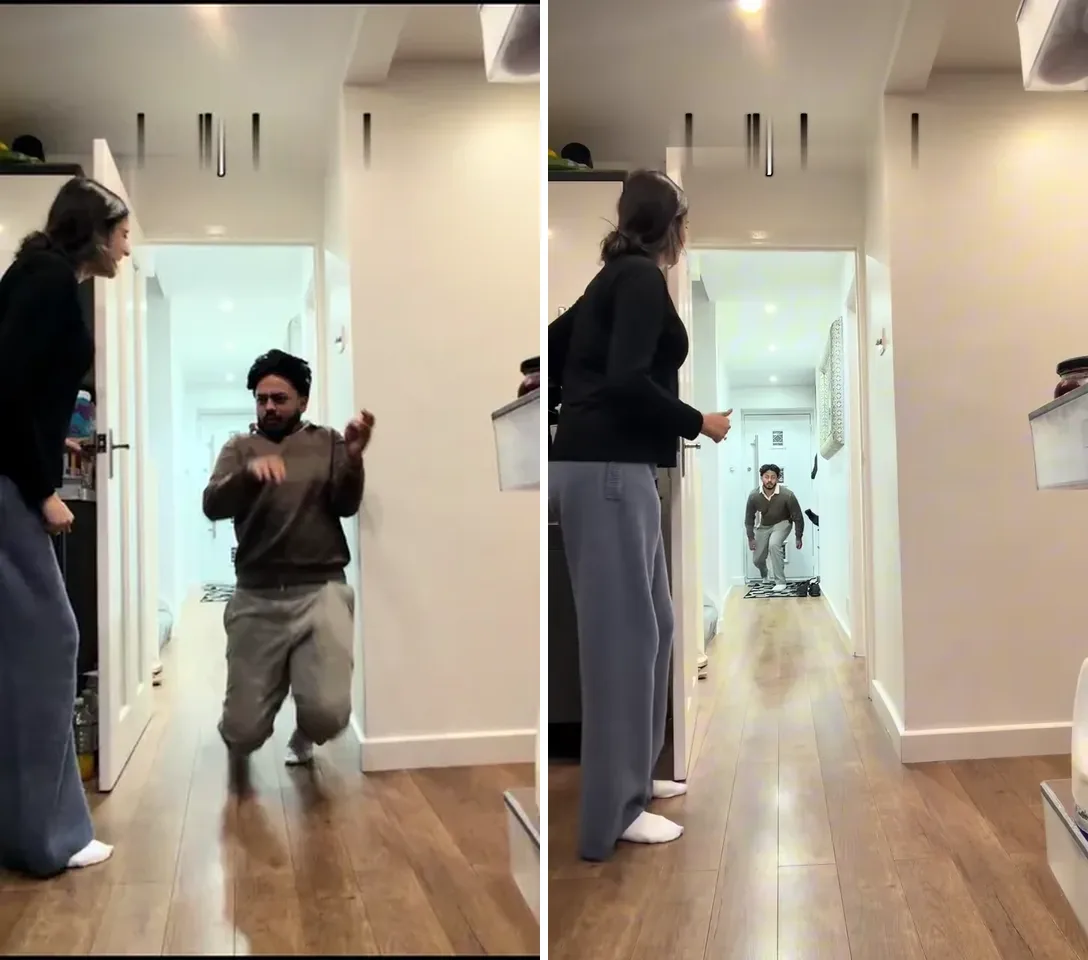
Solo
The solo version replaces the runner only, so the person counting down and pushing the door stays as they are in the take. One photo in, a 12-second hallway clip out.
The solo version takes one photo, the couple version two. These are the pairings that land hardest.
You hold the door, they run. The best takes are the ones where they shout something on the way in.
Caption idea: He said he'd make it.
Cast two people, decide who runs, and let the other one hold the door with a straight face.
Caption idea: They never knock anyway.
Any two people work, so aim it at whoever keeps eating your food.
Caption idea: Third time this week.
One pet photo puts four legs on the sprint, and the slide at the end lands better than a person's.
Caption idea: He still has no idea what happened.
Nothing to film and nothing to cut. The photos take the places of the two people, and the hallway, the door and the timing stay.
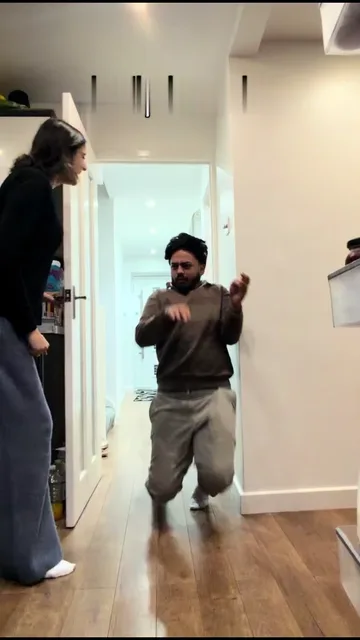
Photo 1Runner
Photo 1 is the person who runs. The template puts them at the far end of the hallway and brings them to the camera for the panic.
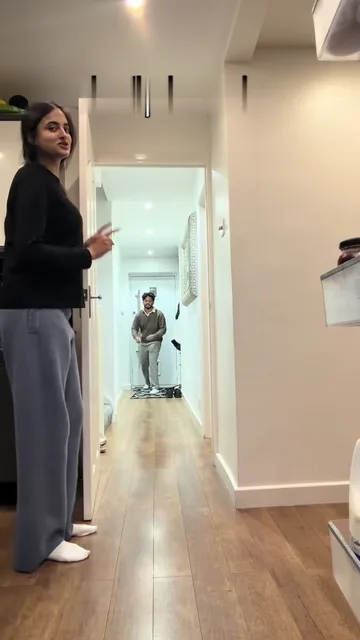
Photo 2Door holder
Photo 2, in the couple version only, is the person at the door. They wave the runner in and push the door shut at the last second.
Use
 One adult per photo, standing and visible head to feet
 Face to the camera in even light
 A pet can run instead: whole body, eyes open
Avoid
 Two people in one photo
 Dark or blurry hallway snapshots
 Sunglasses or a cap over the face
Add the photos
One photo for solo, two for the couple version.
Click Generate
The button shows the exact price for the resolution you picked before anything runs.
Post it
Download the MP4 and post it. The hallway sound is already inside.
Every template works the same way: add your photos, press Generate and get a shareable video without writing a prompt.
View all effectsIn this template nobody runs at a real door: the hallway, the door and the timing come from a 12-second clip and a face is added afterwards. That is also why there are no filming instructions here — the real-world version is a stunt with a door that can hit someone.
The hallway is the template; the runner in your version is generated from your photo, so the person on the floor is you by design, not by luck.
The template takes adult photos and pets. The real-world prank is usually played on children, which is why the "on kids" caption is everywhere, but this version is built for grown-up photos.
Yes — one pet photo fills the runner spot: four legs down the hallway, a squeeze through the gap and a slide on the floor at the end. A clear full-body photo helps, and results vary from run to run.
Yes. The couple version takes both photos, and either of you can take either part: swap the photos and the other person is the one who runs.
Yes. The solo version replaces only the runner, and the person holding the door stays exactly as they are in the clip.
The CapCut templates for this prank are editing templates: you film the hallway yourself and cut the moment the door hides the runner. This page is neither a filter nor a template to film with, so you add photos and get the finished clip back.
No. In that trend someone in evening wear cries at a locked black door while the walls open into a lake or a beach, and nobody runs. Here the door is pushed shut on a runner.
No. The hallway, the door, the cut and the timing come from the template; your photos change who is in the shot, and their clothes come with the photos.
At the start the runner is at the far end of the hallway and only a few dozen pixels tall, so the face is only clear in the last two seconds before the cut. A bright, front-facing photo helps, and a second run can land differently.
Yes. The clip keeps its own soundtrack, including the shout down the hallway and the door.
Tag whoever got pranked, use #closingdoorprank or #fakeclosingdoorprank, and keep the AI label the platforms add — the swap is generated even when the hallway is not.
No, each video costs credits. The price follows the resolution you pick, and the Generate button shows it before you start. New accounts start with 10 credits.
No. The casting, the door and the timing are built into the template, so there is no prompt box; you add the photos and press Generate.
Upload the runner's photo, pick a resolution, and the hallway clip does the rest.