AI Crying Trend

Turn one selfie into an AI crying video: on a night street, over a stranger's blurred shoulder, your shy smile breaks, tears roll and you walk off into the lights.

  • One click · no prompt
  • Headscarf and glasses stay on
  • Results stay private
Example · Night street

PNG / JPG / WebP · up to 10 MB · at least 512px on the short side

0/1 photos

One selfie of just you, facing the camera with both eyes clear.

Video settings

No prompt needed. Only upload photos of yourself or people who agreed to be featured; celebrity photos and film stills aren't allowed.

What is the AI crying trend?

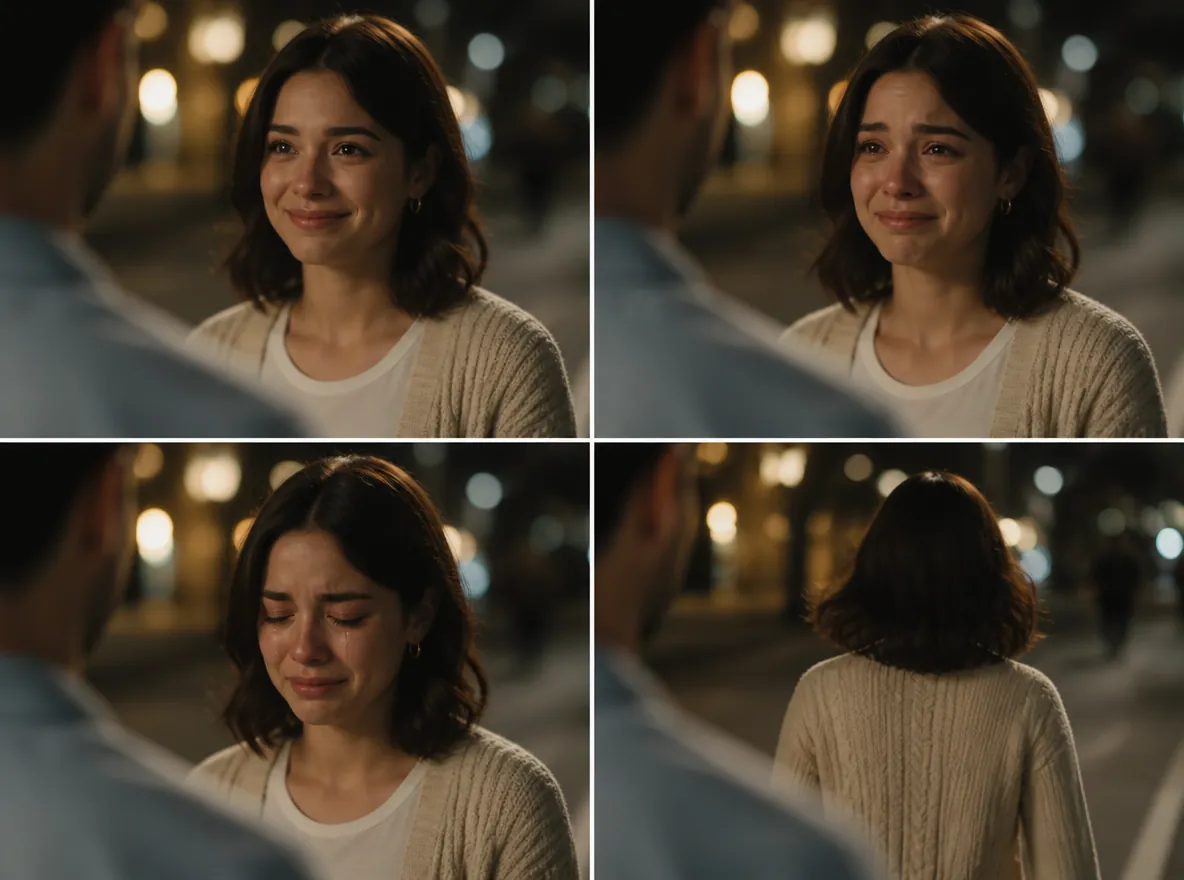
The AI crying trend, also called the AI crying effect, is a short AI video made from one photo: filmed over someone's blurred shoulder on a night street, you smile shyly, the smile breaks, tears roll down, and you turn and walk away into the city lights. In Indonesia it is also called AI menangis or AI nangis.

Four-panel storyboard on a night street, seen over a man's blurred shoulder: a woman in a cream cardigan smiles, tears up, cries quietly, then walks away.

Built-in beats

Tears that fall, and an ending

Two things usually go missing when people write this scene themselves: tears that actually roll, and an ending, so the clip stops on a dry, sad face. The template asks for both in one continuous take, from the trembling smile to the walk into the lights.
The shot

A new night scene around any selfie

The camera sits behind a person facing you, so only their blurred shoulder and the back of their head show, never a face. Around you is a night street full of warm, out-of-focus lights. Your photo can come from anywhere: the template builds the scene and takes only you from the picture.

Is the AI crying trend a crying filter?

Not quite. Searches for an "AI crying filter" mix up three things: the generated video this trend is made of, the live Snapchat crying filter from May 2022, and still photos with tears painted on. Here is what each one needs and what it gives you.

At a glanceAI crying trend videoLive crying filter (2022)Crying photo edit
What it isAn AI-generated video sceneA live AR camera filterAn edited still photo
What you give itOne selfieYour face, live on cameraOne photo
What you getA video clip with soundA recording of your own faceA single image
What happens on screenYou smile, cry, turn and leaveMouth droops, eyes go glassyNothing moves
BackgroundA new night streetWherever you are filmingYour photo's own background
Where you make itThis page, in your browserInside a social app's cameraPhoto editing apps

Why it spread

Why is everyone posting the AI crying trend?

The earliest dated AI crying video appeared on September 21, 2026, and within ten days tutorials in Indonesian and Tagalog had carried the format across TikTok. The joke is the contrast: a K-drama breakup scene, played completely straight, over a caption about something tiny.

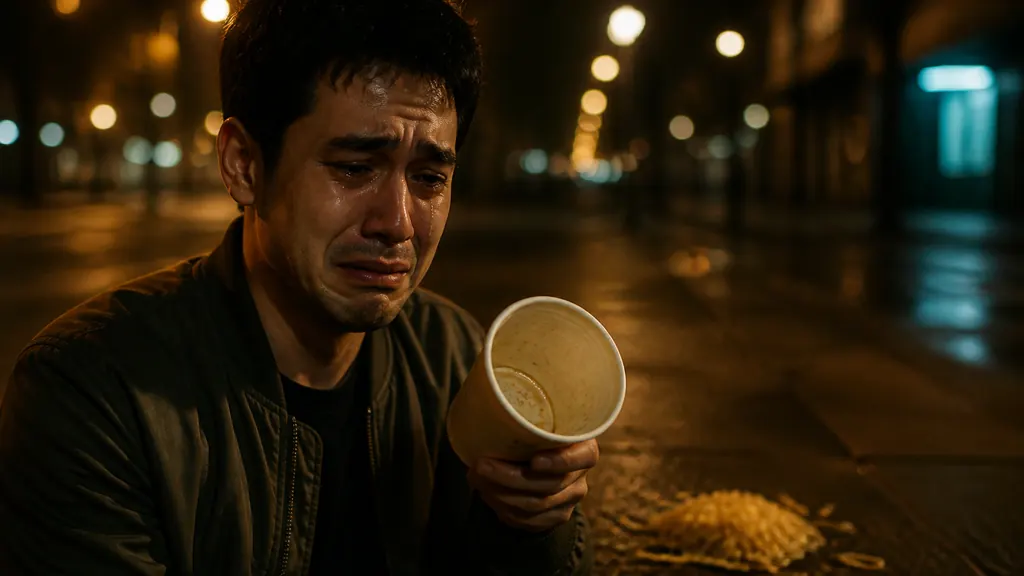
A man in an olive bomber jacket cries on a night sidewalk, holding an empty noodle cup over the noodles spilled at his feet.

"When the café closes five minutes before I get there"

K-drama heartbreak, tiny caption

The version most people post: the scene plays a breakup with full seriousness, and the caption admits it is about a silent group chat, a spilled lunch or a bank balance.

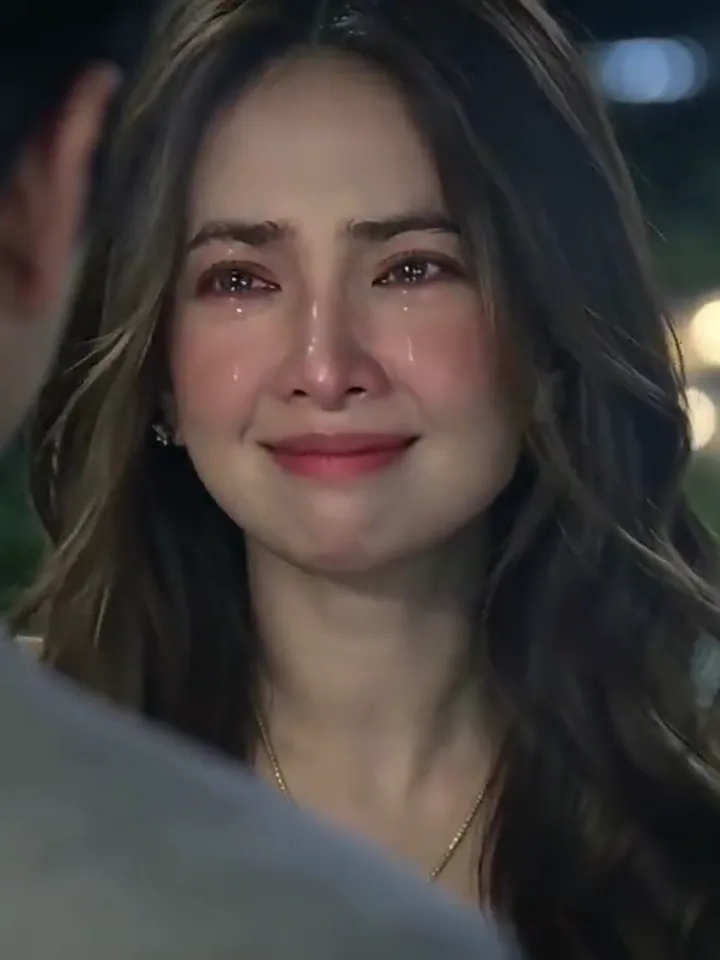
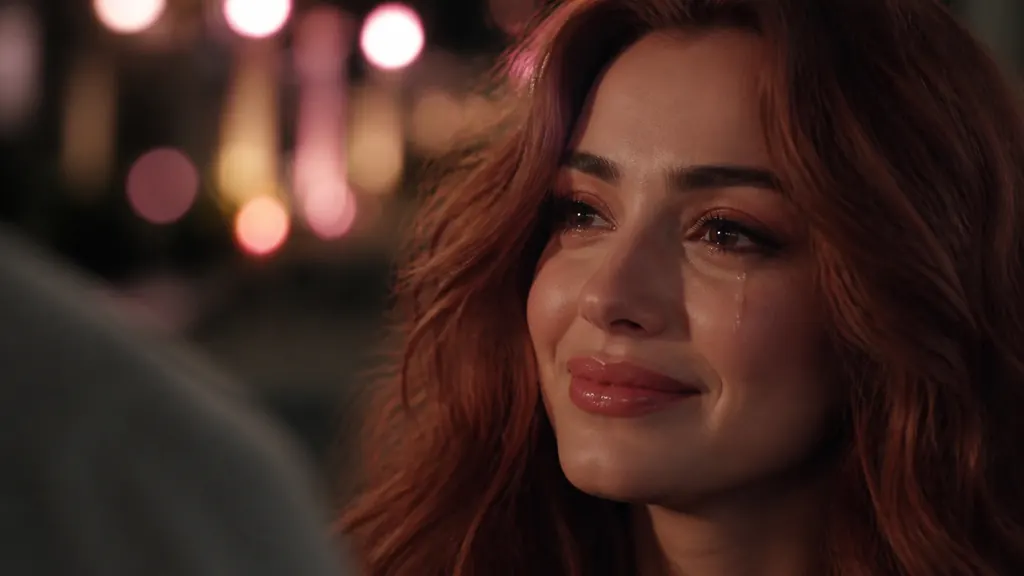
Close-up of a woman with wavy auburn hair smiling at night as a single tear runs down her cheek, pink and gold lights behind her.

"Even crying, I look this good?"

Crying, but make it pretty

Plenty of people post it simply because it is the first time they have cried and looked great doing it: warm street light, wet lashes, a close-up worth keeping.

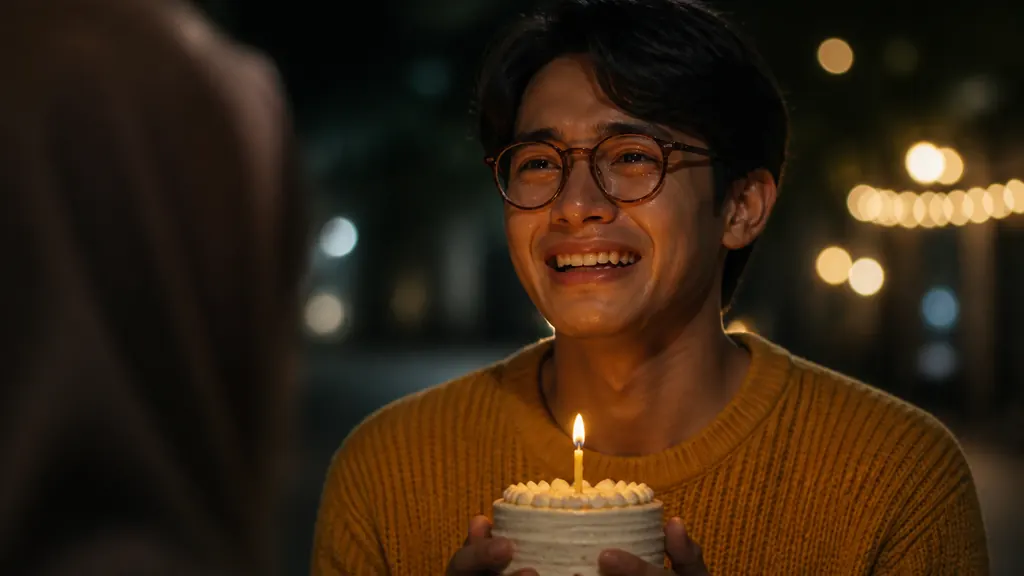
A man in round glasses and a mustard sweater laughs through tears on a night street, holding a small birthday cake with one candle.

"My best friend remembered my birthday"

Happy tears

Flip the meaning with the caption: a confession that went well, a graduation, a surprise party. The same smile-to-tears arc reads as joy.

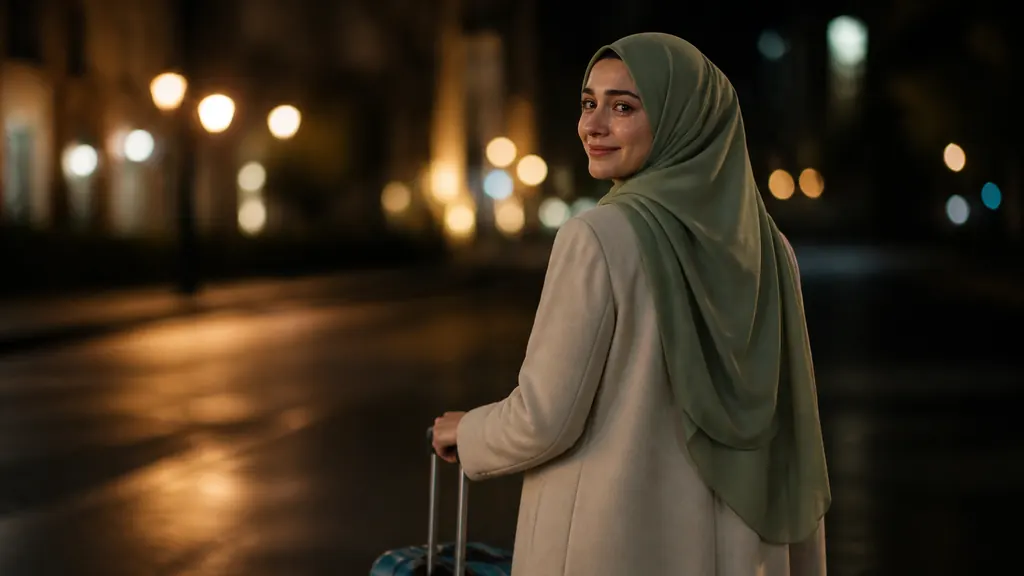
A woman in a sage headscarf and cream coat pulls a suitcase down a night street and looks back with a teary smile.

"Last night in this city before I move"

A goodbye that walks away

The ending, where you turn and leave into the lights, suits farewells: moving out, a last shift, a friend leaving town.

How do you make the AI crying trend from one selfie?

One selfie is the whole cast. The night street, the over-the-shoulder camera and the slow slide from smile to tears are built into the template; the photo only decides whose face it is.

  1. A woman with long dark hair smiles through tears on a night street, seen over a blurred shoulder

    Photo 1You, in tears

    You carry the whole scene: the shy smile, the tears rolling down, the walk away into the lights. The person facing you is a blurred stranger the template adds, not a second upload.

    • Both eyes open and sharp: that is where the tears well up

Selfies that hold up through the tears

Good to use

  • A woman in a pink headscarf and glasses, her face fully visible, on a white backgroundHeadscarf, clear glasses and makeup stay on in the night scene
  • Chest-up photo of a grey-haired man in a navy sweater, unfiltered, on a white backgroundA plain, unfiltered selfie: real skin makes the tears look real

Swap these out

  • A man in sunglasses and a low cap covering his mouth with one handSunglasses, a cap or a hand over the mouth: the crying lives in the eyes and lips
  • Three friends squeezed into one selfie at a picnicFriends in the frame: crop down to just you, one adult per video
  • A selfie under a cartoon filter with cat ears, huge eyes and stickersCartoon filters, heavy beauty edits or files under 512px on the short side

Selfie, tears, sad song

  1. Add one selfie

    Drop one selfie into the slot at the top of this page; change the length or frame first if you want.

  2. Generate the scene

    Check the price on the button before it runs; the finished scene replaces the example clip on the page.

  3. Add a sad song and post

    Pick a sad song when you post, then add your tiny caption.

AI crying video length, size and credits

One selfie in; a night-street clip with sound out.

AI crying video length, size and credits
Photo
1 selfie
File
PNG / JPG / WebP, up to 10 MB, at least 512 px on the short side
Length
10 seconds by default; any whole number from 5 to 15 seconds
Aspect ratio
3:4 by default, the trend's own framing; also 21:9, 16:9, 4:3, 1:1, 9:16, or Auto
Resolution
768p by default; also 480p, 2K, or 4K
Sound
Generated night ambience and soft piano, no speech or lyrics
Credits
120 for the default 10-second 768p clip; 50 to 480 across all options
If a run fails
The credits go back to your balance automatically
Who sees it
Only you: results stay out of the public gallery on every plan

FAQ

AI crying trend: the app, the prompt and the song

What app is the AI crying trend made with?+

Most clips in your feed come from CapCut's AI crying template, used inside the app. Here you make the same kind of video in your browser from one photo. Oeneo AI isn't affiliated with CapCut, TikTok, Snapchat or any template creator.

Do I need an AI crying trend prompt?+

No. The scene, the framing and the smile-to-tears timing are already written into this template, so you only add a photo. If you want to write your own for another image-to-video tool, a short version is: "Night city street, warm bokeh, over the blurred shoulder of someone facing her: she smiles shyly, the smile breaks, tears roll quietly, then she turns and walks away into the lights."

Is this AI crying video generator free?+

No. Each video uses credits: 120 credits for the default 10-second 768p clip, and 50 to 480 credits depending on the length and resolution you choose. The Generate button shows the exact price before anything runs.

Does the AI crying video come with a song?+

It comes with generated sound, quiet night ambience and soft piano, not a specific trending song. For the full trend feel, add the sad song you like from TikTok's or Instagram's sound library when you post.

Why doesn't my AI crying video look like me, or show tears?+

The face drifts most when the photo hides, darkens or over-smooths it, so swap in one that passes the checklist above. The template always calls for tears, but how strongly they show varies from run to run, so another run can land differently.

Can I make an AI crying video of my friend?+

Yes, if your friend is an adult and has said yes. Don't use it to fool or prank anyone, or to pass someone's sadness off as real. It is an AI video, so label it as AI-generated wherever the platform asks.

Can I put two people, a pet or a child in it?+

No. Each video stars one adult. Pets, children and celebrities aren't supported.

One selfie, one take

Make your AI crying video

Upload a selfie, let the smile break on a night street, then add your caption and post.