


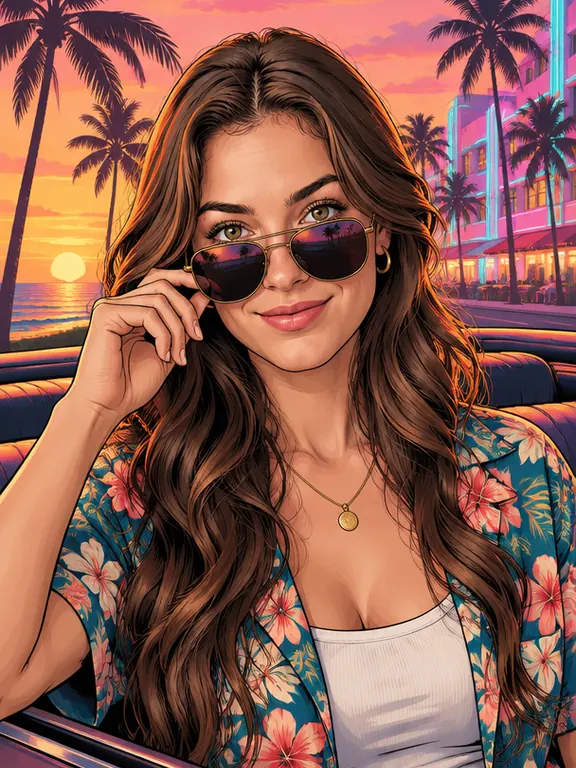
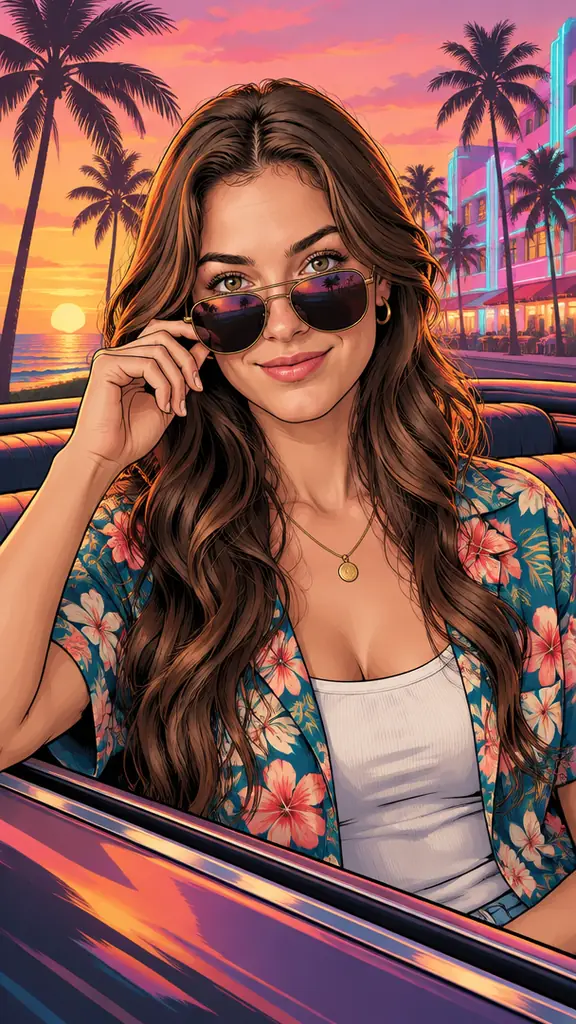
 Neon Sunset
Photo used
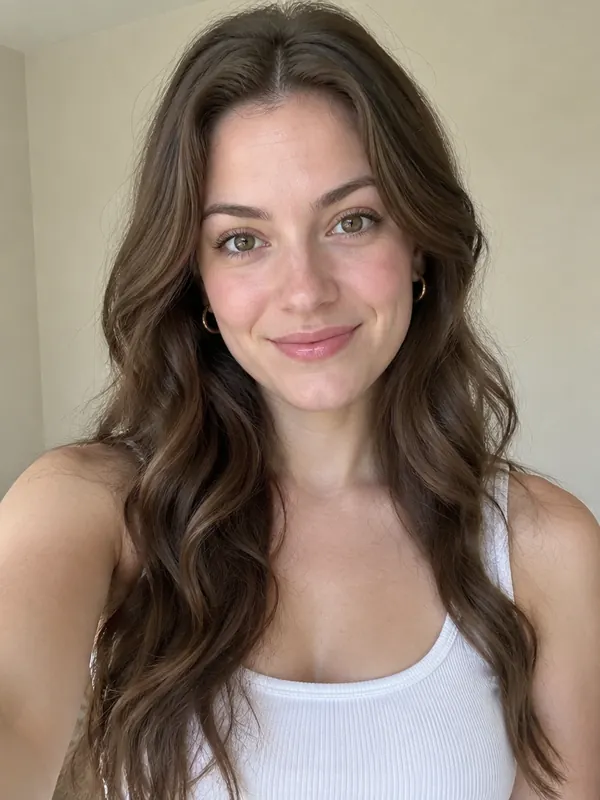
Your photo
GTA 6 and Vice City feel
The default look and the GTA 6 loading-screen mood: a pink and orange sunset over a beach city, with neon and holiday clothes.
Use this online GTA AI filter to redraw one photo as a hand-painted loading-screen portrait with bold outlines and an airbrushed city sky, ready for your lock screen.
PNG / JPG / WebP · up to 10 MB · at least 512px on the short side
0/1 photos
One photo of one person, two people (a couple or friends) or one pet. Adults only, with every face clear and front-on.
Photo settings
No prompt needed. Only upload photos of yourself or people who agreed to be featured; celebrity photos and film stills aren't allowed.
The GTA loading screen AI trend is using AI to redraw your own photo as the hand-painted portrait art of the Grand Theft Auto loading screens: you, your partner or your pet in a half-body poster pose, with bold ink outlines, cel-shaded colour blocks and an airbrushed city sky behind you.
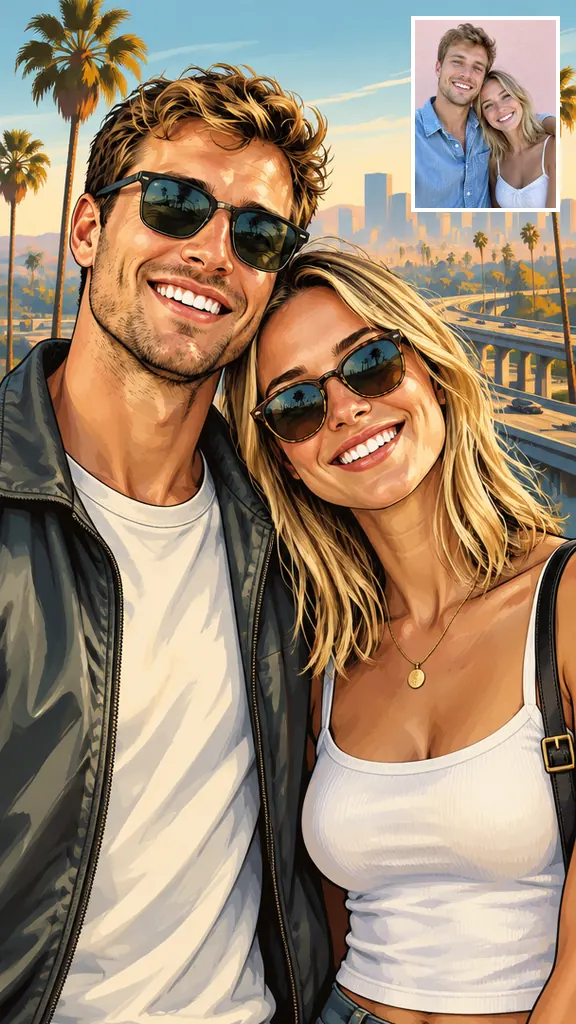
People usually call it the GTA art style or loading-screen art, and it is easy to spot: thick dark linework, two or three flat shadow tones on every colour, saturated sunset or daylight palettes, a confident half-body pose and a skyline, palm trees or a car framing the subject. It sits between comic art and a painted movie poster, which is why it reads so well on a phone lock screen.
It spreads as a way to turn yourself into a GTA character: people post “me in GTA”, couples make matching lock screens or print one as a gift, and every official GTA 6 milestone brings a new wave.
@capcutdailyuk posted “GTA loading screen ai trend” on TikTok with the line “POV: Your boyfriend asks for a new lock screen”; by November 1, 2026 it had about 4.89 million plays and 363,000 likes.
Around the GTA 6 cover reveal and the start of pre-orders, worldwide Google searches for “gta ai filter” and “gta style ai” reached their 12-month high.
@eg3bx1 posted “your gta 6 loading screen”, about 197,000 plays, and more than 20 accounts followed with the same CapCut AI template.
@eden.hendrixx shared a tutorial turning a GTA 6 loading-screen portrait into a light-box gift for a boyfriend: 13,000 plays and 1,951 likes.
GTA 6 release day on PlayStation 5 and Xbox Series X|S.
Sources: TikTok plays and likes read on November 1, 2026; Google Trends, worldwide, past 12 months; the GTA 6 launch trailer announcement of October 15, 2026.
The same selfie in every look, from a neon GTA 6 sunset to dusty San Andreas streets. Pick the one that matches the game you play or the colours you want on your screen.
Neon SunsetPhoto used
The default look and the GTA 6 loading-screen mood: a pink and orange sunset over a beach city, with neon and holiday clothes.
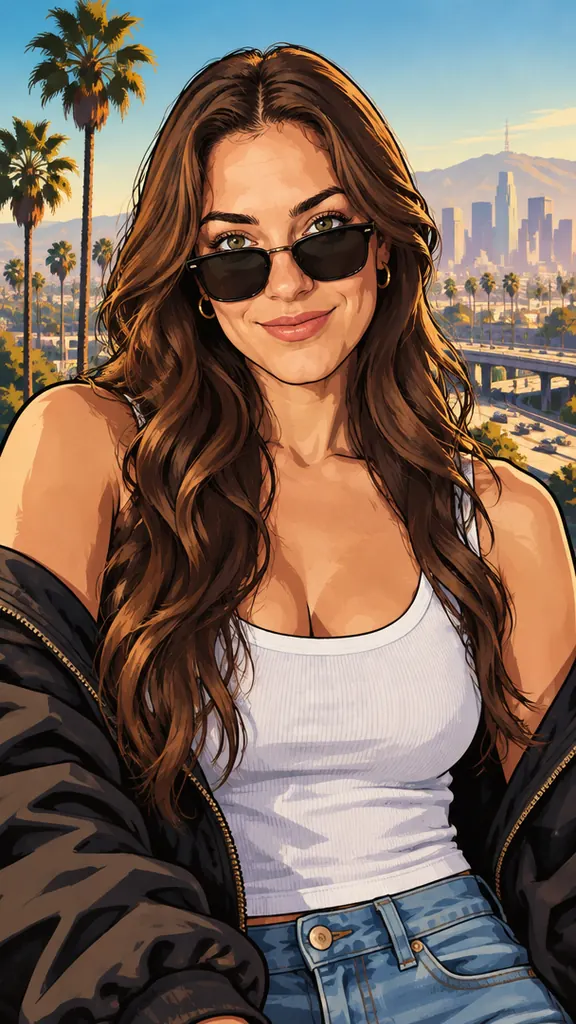 Sunny City
Photo used
Golden afternoon light and a blue sky over a West Coast city: the GTA 5 loading-screen mood.
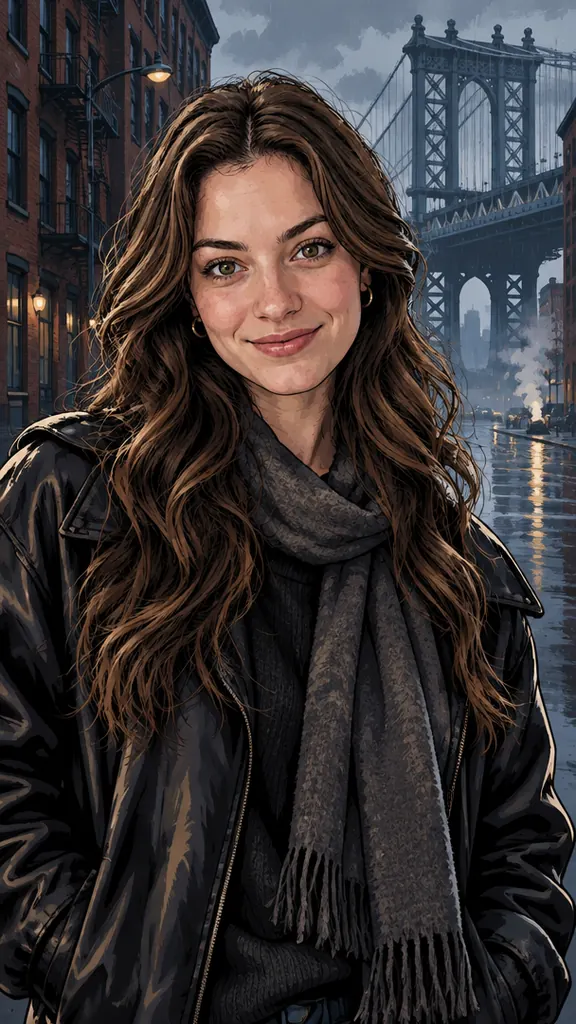 Gritty City
Photo used
Grey-blue rain over an East Coast city that feels like New York, with dark coats: the GTA 4 loading-screen mood.
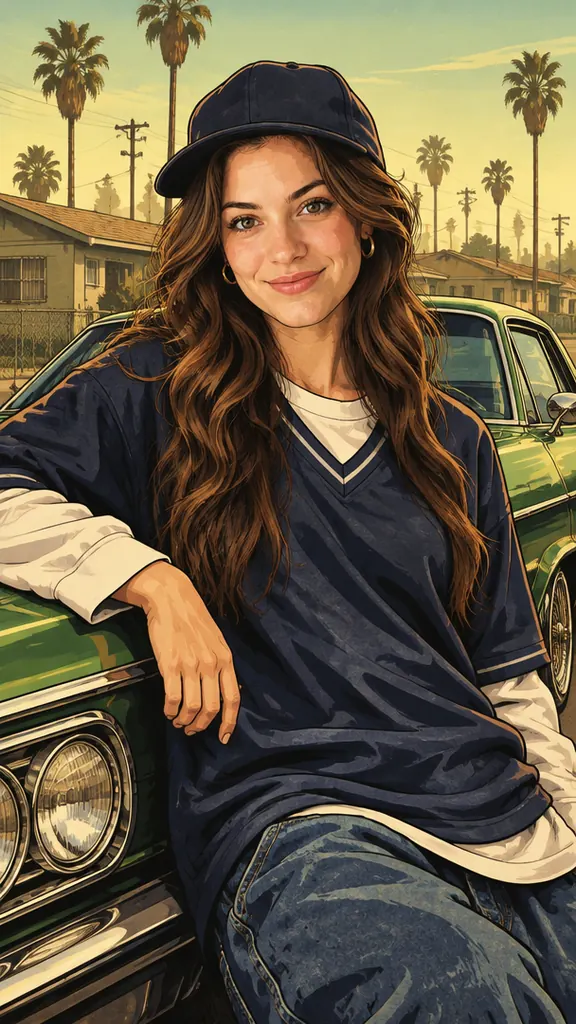 2000s West Coast
Photo used
Warm, dusty yellow-green light on an early-2000s West Coast street: the San Andreas loading-screen look.
What the photo needs, then three steps from upload to download.
1 photoYour photo
One photo with one person, two people (a couple or friends) or one pet. Faces, hair, skin tone and the number of people come from this photo; the look adds the city, the light and the outfits.
Strong choices
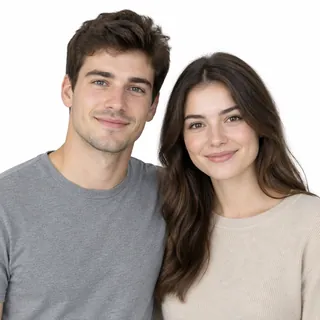 Two people cheek to cheek, both faces clear
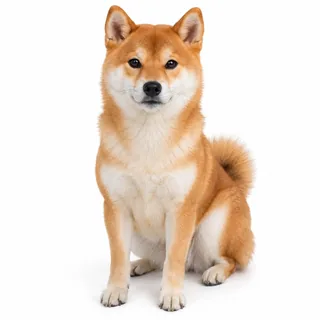 One pet sitting up and looking at the camera
Likely to miss
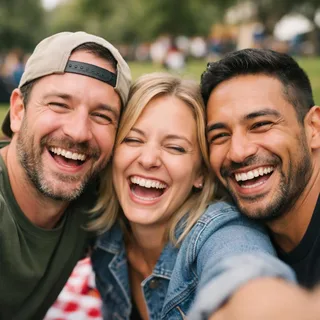 Three or more people in one shot
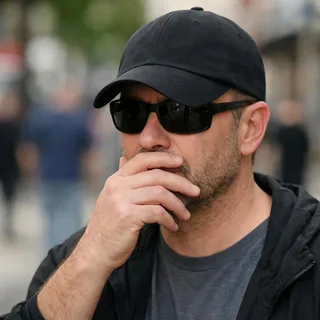 Sunglasses, caps or hands hiding the face
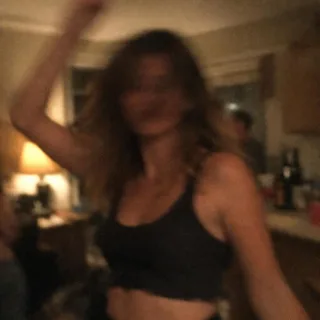 Dark, blurry night shots
Add your photo
Put one photo in the slot and pick a look; Neon Sunset is selected first.
Pick a size and generate
Choose the aspect ratio and resolution, then click Generate. The button shows the exact credit price before you start.
Download and post
Save the image and set it as your lock screen or profile picture, or post it with your own caption and music.
No: here you pick a look and upload a photo. If you would rather prompt ChatGPT or Gemini yourself, start from a short prompt like this one and swap the setting for another era: “Redraw this photo as a hand-painted crime-game loading-screen portrait: thick black outlines, cel shading, an airbrushed sunset over a palm-lined beach city. Keep my face, hair and expression. No text, no logos.”
| Compared | This GTA AI filter | ChatGPT or Gemini prompt |
|---|---|---|
| What you write | Nothing: pick 1 of 4 looks | A full prompt for every era |
| Brand words | Not needed | “GTA” in a prompt can be refused |
| Logos and lettering | Never drawn | Appear unless you rule them out |
| Your face | Built-in instruction to keep it | Drifts unless you repeat it |
| Sizes | 4 ratios, up to 4K | Set by the chat app |
| A scene of your own | Write it in the AI image generator | Any scene you can describe |
Pick the shape before you click Generate; each card shows a result in that ratio.
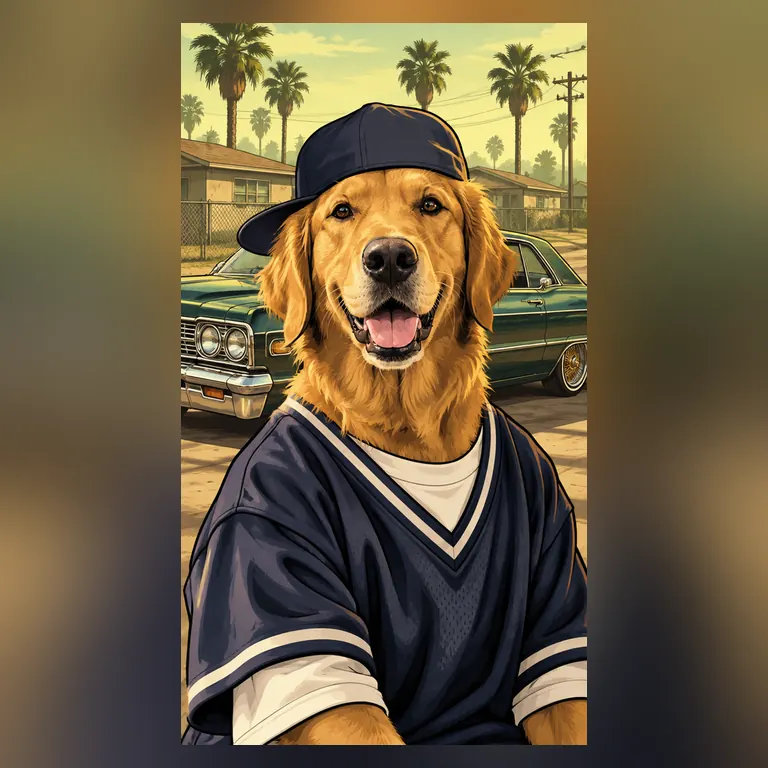
The default shape: fills a phone lock screen and doubles as a TikTok or Reels cover.
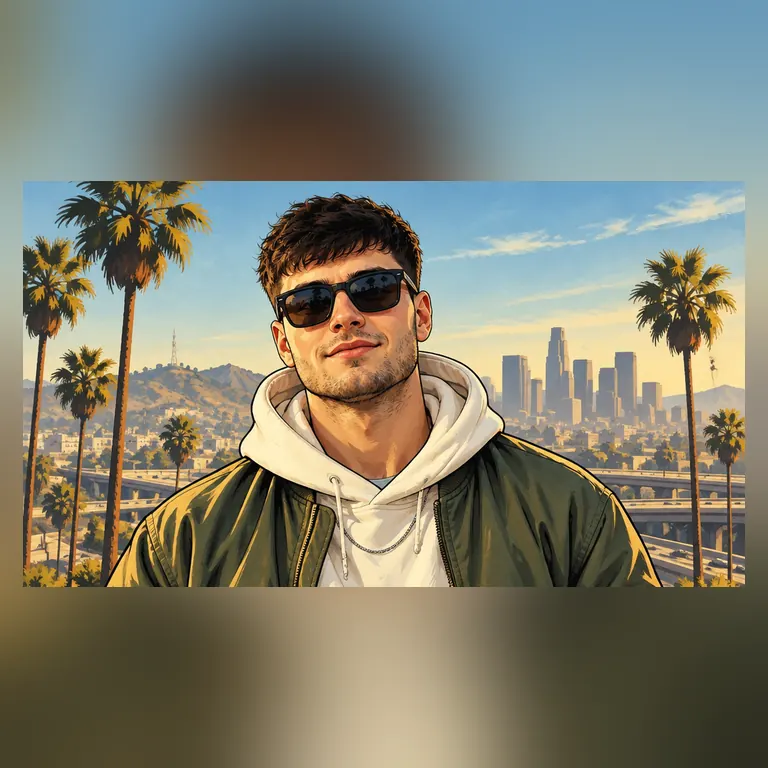
Landscape for a monitor, a stream background or a gaming video thumbnail.
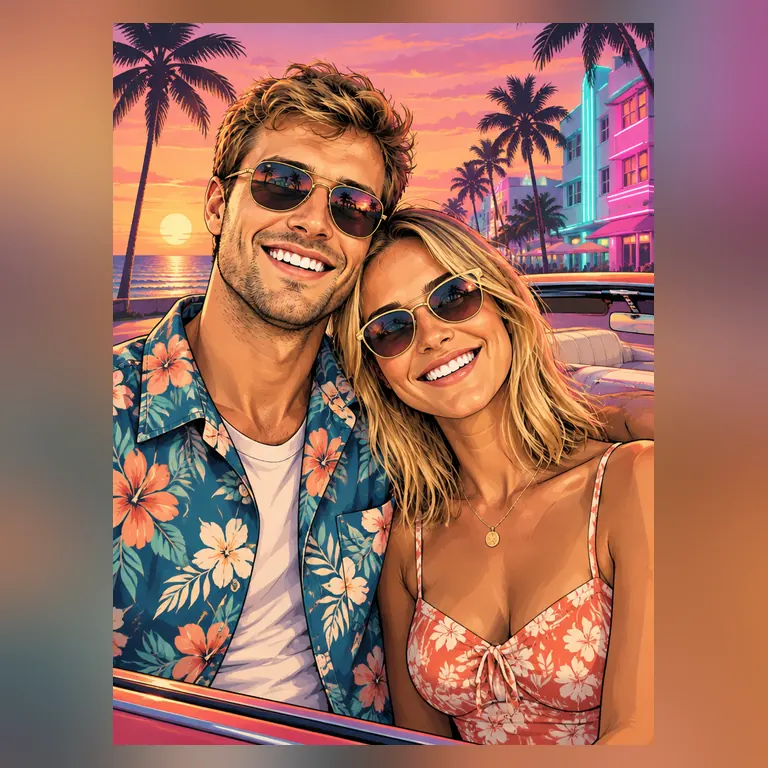
A frame-friendly portrait shape for a gift or a light box. Choose 4K when you plan to print.
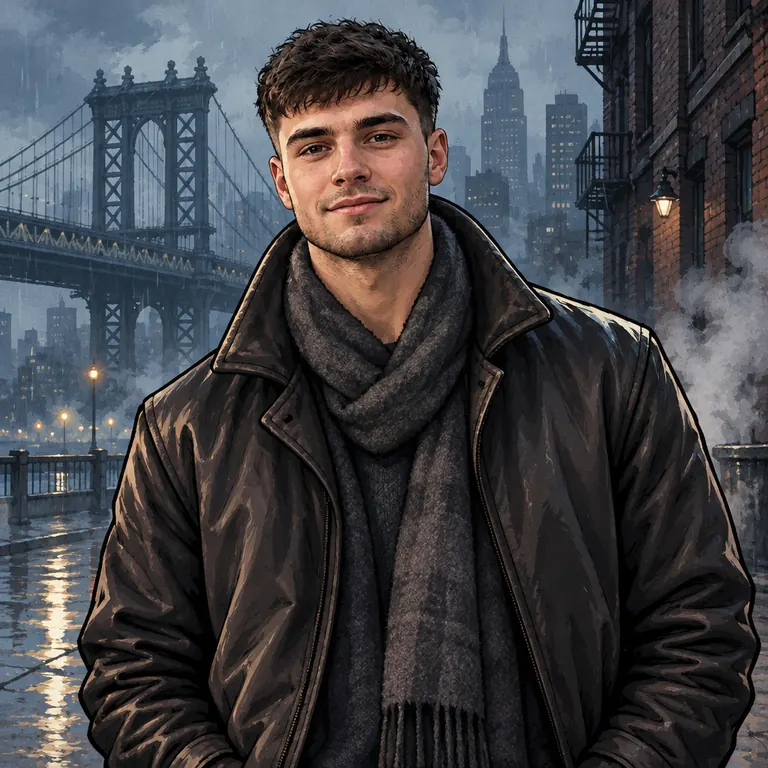
Square for Discord, Xbox, PlayStation or Steam profile pictures.
Every template works the same way: add your photos, press Generate and get a shareable video without writing a prompt.
View all effectsUpscale a portrait for a big print, cut out the background for a sticker, turn it into a vector for a shirt, or clean up a grainy photo before you upload it.
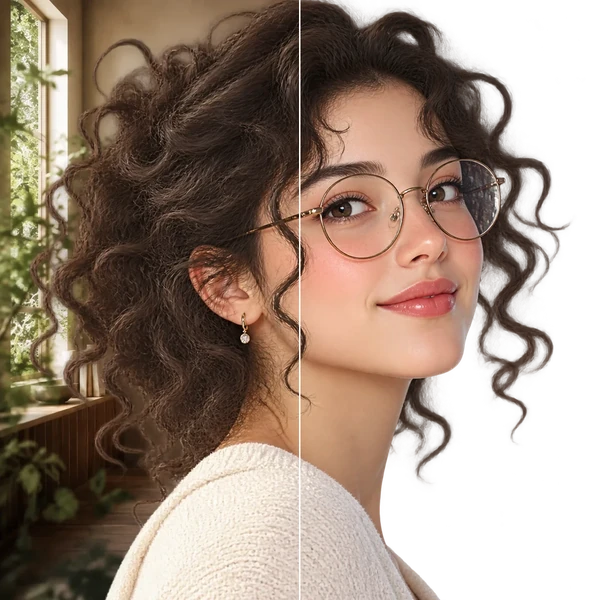
Transparent PNG or WebP with clean hair and product edges, ready for a listing or a new composition.
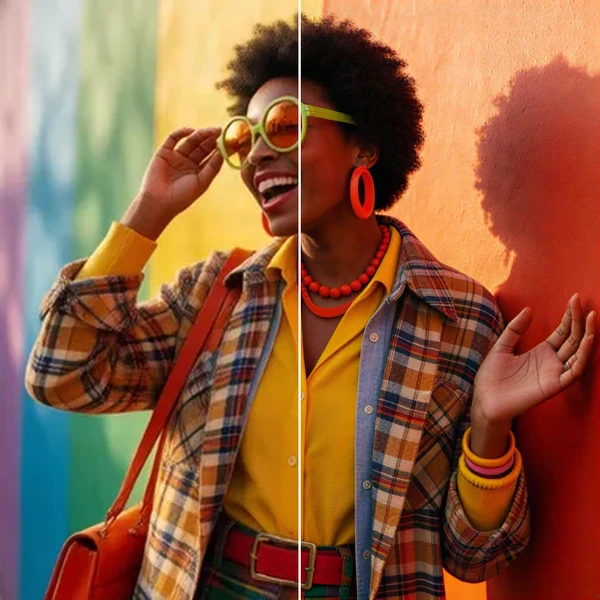
2× / 4× / 8× with recovered texture instead of smeared pixels, so a 1K draft can become a print.
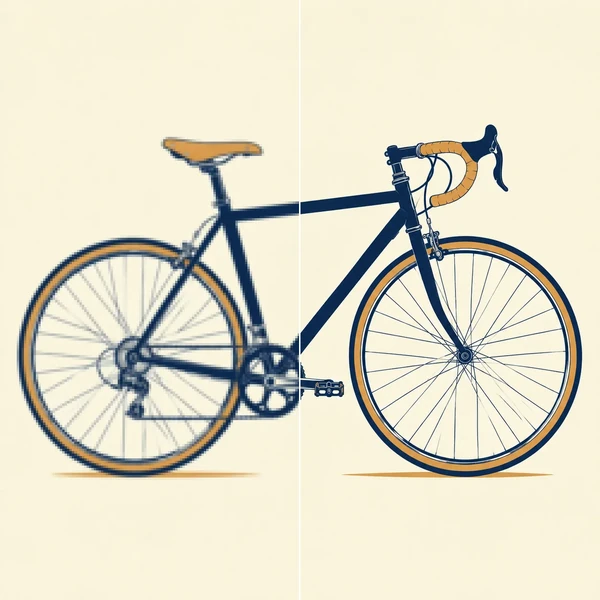
Logos, icons and flat illustrations become editable SVG that scales to any size.
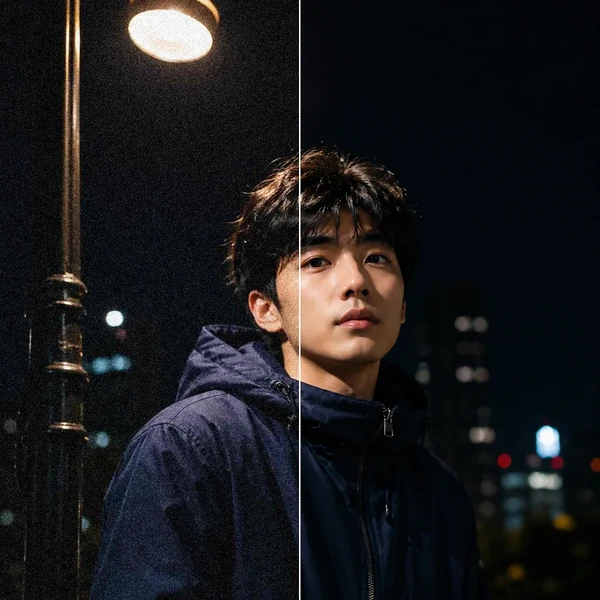
Remove grain and compression artifacts from low-light photos and scans while keeping real detail.
No. Each portrait costs credits, and the price depends on the resolution you pick; the Generate button shows the exact amount before you start. New accounts get 10 credits when they sign up.
Neon Sunset is closest to GTA 6 and Vice City, Sunny City to GTA 5 and Los Santos, Gritty City to GTA 4 and Liberty City, and 2000s West Coast to San Andreas. They echo each game's colours and settings without copying any of its artwork.
Usually, yes. The style redraws your face with ink outlines and flat colour instead of copying it pixel by pixel, so small details can shift, and the sunglasses some looks add can hide your eyes. Results vary from photo to photo; the photo checklist above shows which photos hold a likeness best.
Yes. Upload a photo of one pet looking at the camera; it keeps its breed, coat and markings and lands in the city of the look you pick.
No. The filter takes one photo, so pick a photo of the two of you together with both faces showing.
No. The filter never draws logos, titles, names or a loading bar, so the image stays clean. Add your own text in a photo editor or when you post it.
No. This page paints a flat, illustrated poster portrait like a loading screen, not a 3D in-game screenshot, and it adds no HUD or game interface.
No. It runs in the browser on a phone or a computer, so there is nothing to install.
No, this page makes still images only. To animate a finished portrait, upload it as the first frame in the AI Video Generator.
No. Results from this filter stay private in your account and never appear in the public gallery, on any plan.
No. Oeneo AI made this filter; it is not made by or affiliated with Rockstar Games. It paints your photo in a similar loading-screen style without any of the game's logos or characters.
One photo in, one hand-painted loading-screen portrait out, in the look and shape you choose.