


Beat 1 · The climb
Up the curved ramp until it hangs upside down
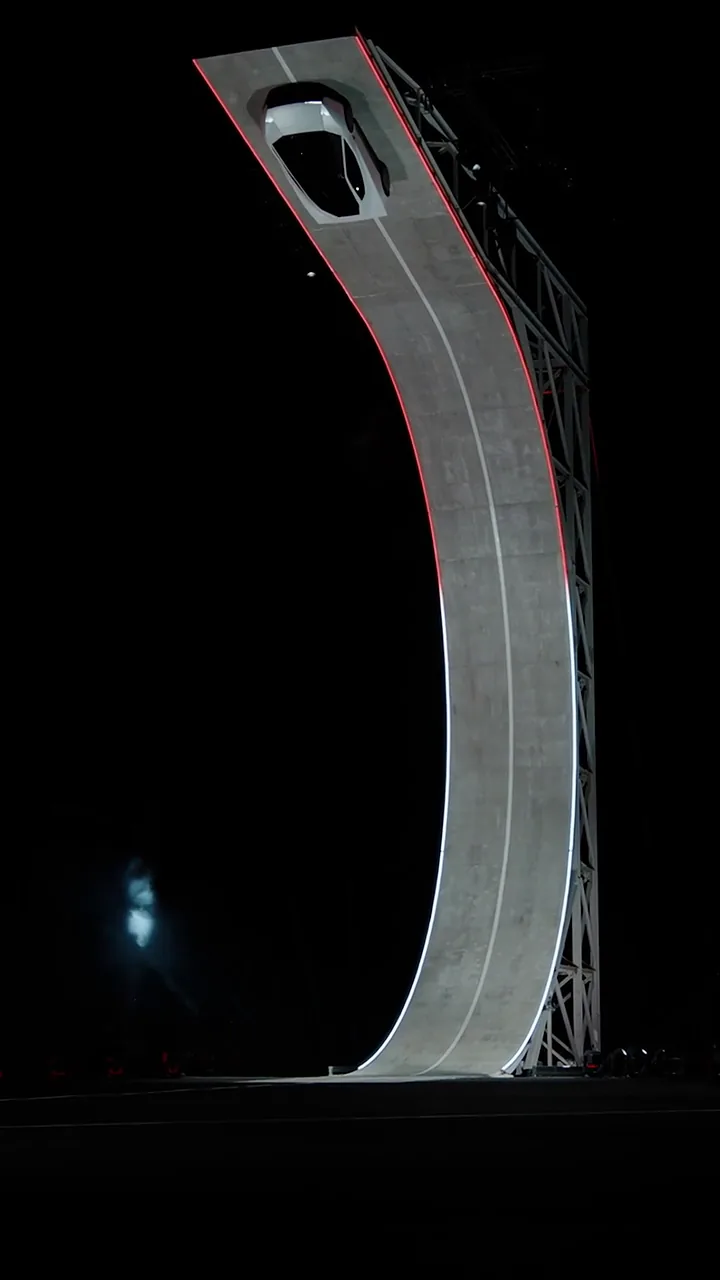
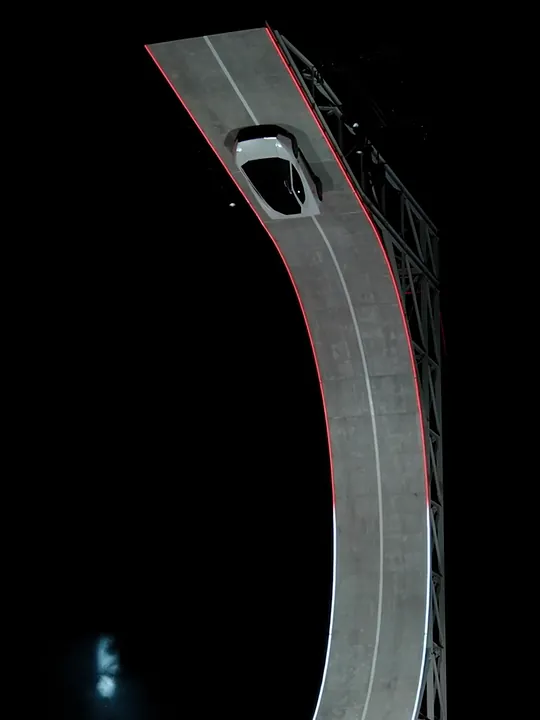
A wide night shot follows your car up the concrete curve, past the red light strips along its edge, and it keeps going until it's upside down near the top.
Make a Tesla Roadster AI video with your own car: from one photo, it runs the flying Tesla ramp stunt, climbing the curve, hanging upside down and flipping off the top into white smoke.
PNG / JPG / WebP · up to 10 MB · at least 512px on the short side
0/1 photos
One photo of your own car: the whole car and all four wheels, in daylight. A rear or rear three-quarter view works best, as the clip opens behind the car. No people.
Video settings
No prompt needed. Only upload photos of your own car or one you have permission to use.
The Tesla Roadster AI video trend is a wave of AI clips in which an everyday car takes the Tesla Roadster's place in its ramp stunt. Your clip runs the stunt in three beats; here's what your car does in each.
Beat 1 · The climb
A wide night shot follows your car up the concrete curve, past the red light strips along its edge, and it keeps going until it's upside down near the top.
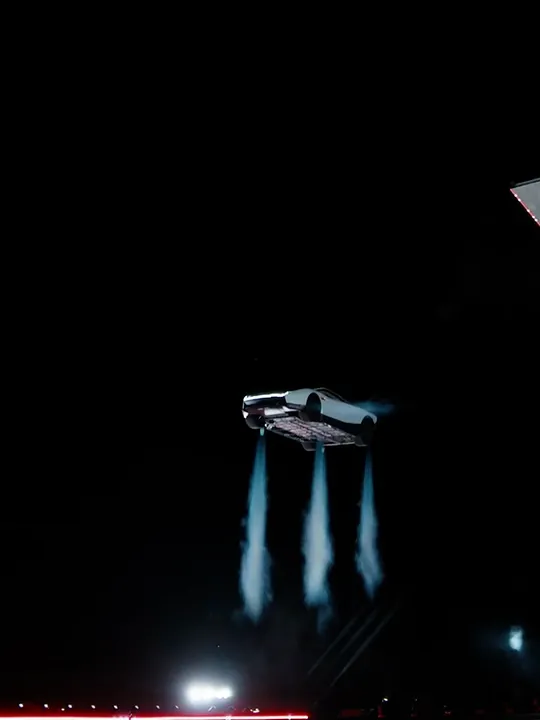
Beat 2 · The flip
It leaves the top of the ramp and turns over in the air, then short white-blue jets fire from underneath to slow the drop.
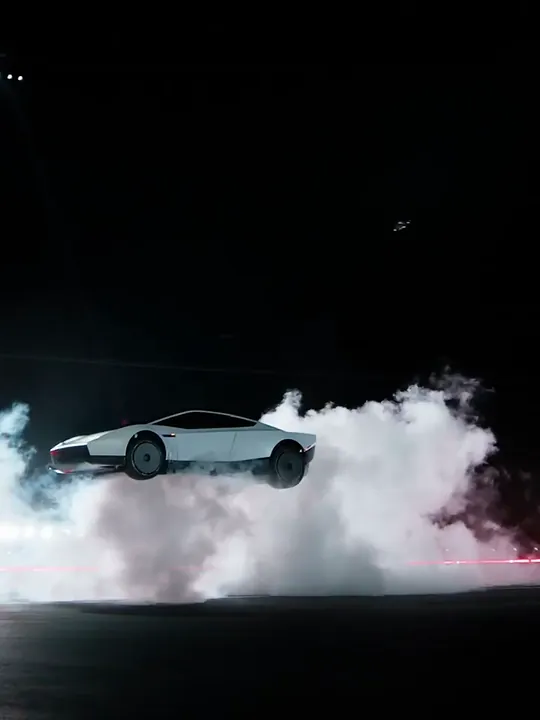
Beat 3 · The landing
All four wheels come down inside a big cloud of white smoke, and the clip ends as the car starts to roll out of it.
The demo is real footage; the versions starring other cars are made with AI.
The real demo
On the evening of October 15, 2026, at SpaceX's test site in Texas, Tesla showed a driverless second-generation Roadster prototype to a live audience. Fans underneath held it to the curved ramp upside down; it left the top, flipped, and cold-gas thrusters slowed its fall. Fact-checkers confirmed the flying Roadster footage is real, and Elon Musk called it a flying car.
The AI versions
From October 16, 2026, AI versions started putting cars that were never meant to fly in the Roadster's place. In this one, an old red hatchback drops off the ramp on jets, lands in the smoke and drives out. Yours is AI-made too, so label it as AI when you post.
Take off from your own street insteadPut the car you actually drive on Tesla's ramp, then post it with a caption that plays up the gap.
A sensible hatchback or sedan pulling a prototype stunt is the version everyone gets right away.
Caption: Tesla: do a kickflip. My car:
School runs by day, upside down at the top of a ramp by night.
Caption: Day one owning a Roadster. (It's a 2009 minivan.)
Selling your car? Put the ramp flip in the listing post and let the stunt do the talking.
Caption: One careful owner. Light ramp use.
For car-club chats and meet recaps: show the build doing something no dyno can.
Caption: Built, not bought. Now it flips.
Your photo supplies the car: body, paint, wheels, wraps, stickers and its own badges. The template supplies everything else: the night, the ramp, the camera, the stunt and the light. No new logo is added, the plate comes out blank, and nobody shows up inside.
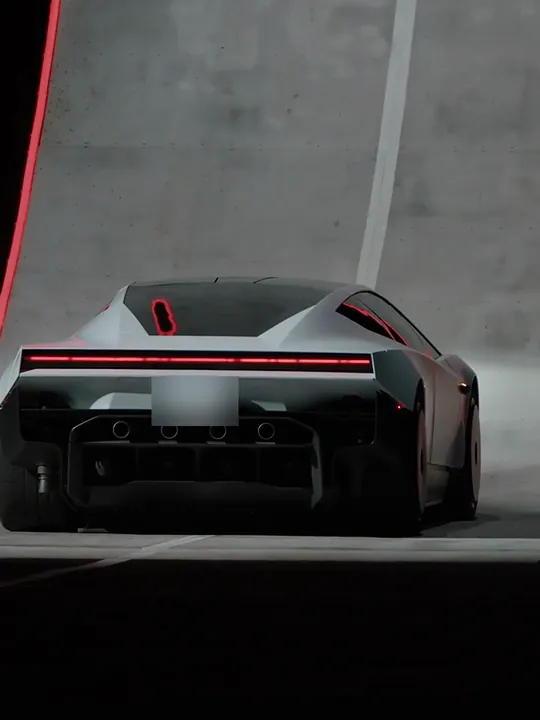
Photo 1Your car
Plays the stunt car from the first shot, parked at the foot of the ramp and seen from behind, through the flip to the smoke landing.
Upload
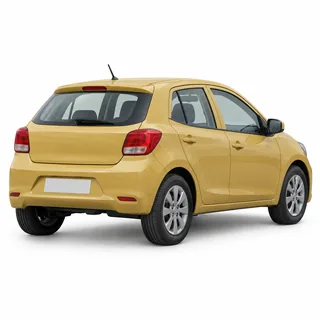 Whole car in daylight, nothing parked in front of it
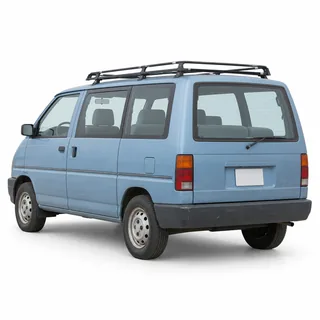 Vans, pickups and old cars work too
Skip
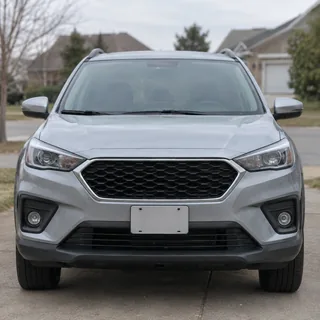 Front view only: the rear gets guessed
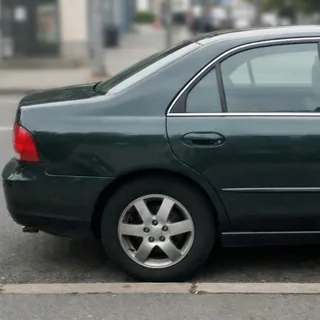 Part of the car cut off
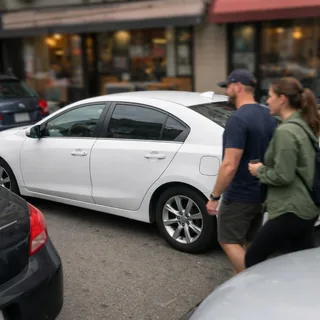 People or other cars in the shot
Upload your car
Drop one photo into the Your car slot. Length, frame shape and resolution sit under Video settings if you want to change them.
Press Generate
The button shows the exact credit price before you start, and the finished clip plays right in the preview.
Post it as it is
It keeps the ramp clip's original music along with the engine, jets and landing, so there's no track to add.
Every template works the same way: add your photos, press Generate and get a shareable video without writing a prompt.
View all effectsFAQ
Not the way a plane does. In the demo, thrusters gave the prototype a short, controlled hop and a slowed drop after it left the ramp; there was no sustained flight. Tesla plans to start production in 2028, and whether the production car keeps the thrusters hasn't been shown.
No. Oeneo AI isn't affiliated with, endorsed by or working with Tesla, SpaceX or Elon Musk, and this isn't an official Tesla product. Your clip is AI-generated, so label it as AI when you post it.
No. Any sedan, hatchback, SUV, pickup or van can take the ramp in the Roadster's place. Motorcycles, bikes and pets aren't supported.
No Tesla logo is added, and the plate is kept blank instead of showing your number. Badges and stickers already on your car come from your photo.
No, each clip uses credits: 337 credits for 14 seconds at 768p, and 191–929 depending on length and resolution. The Generate button shows the exact price before you start.
Upside down and in mid-air is where AI drifts most: wheels, body lines or badges can change for a moment. Try another photo that passes the checklist above, or run it again.
No. This effect swaps the car, not a person: the windows stay dark and no driver appears.
No, this effect runs the ramp stunt only: no kickflip, and it can't put your car into a video you upload. For a car that lifts off or flips right where you parked it, use the Flying Car AI effect.
Neither. The ramp, the camera, the stunt and the car swap are already written into this template, so you only add a photo. An editing-app template pastes a cut-out of your car onto the footage; here AI redraws the whole stunt with your car in it, so it climbs, flips and lands with the scene's light on it, and there's nothing to install.
Only with the owner's permission. Your own car is the safest choice; a friend's car works if they're happy to see it flip.
Tesla Roadster AI
One photo of your car puts it through the climb, the flip and the smoke landing.