Make a Raindance AI Video From Two Photos

Cast two people in the seaside duet from Dave’s “Raindance” featuring Tems: one waits on a wooden pier, the other walks up and sings to camera. One photo per role, no prompt, no editing.

  • One click · no prompt
  • From pier wait to serenade
  • You decide who plays whom
Example · Raindance

PNG / JPG / WebP · up to 10 MB · at least 512px on the short side

0/2 photos

One person per photo. The woman in the dress sings in the close-ups: use a sharp, front-facing face. The man on the pier sits and leans: waist-up or full body works best.

Video settings

No prompt needed. Only upload photos of yourself or people who agreed to be featured; celebrity photos and film stills aren't allowed.

Shot list

What happens in the 15-second Raindance take?

Raindance AI is the trend of recasting the seaside duet from the music video for Dave’s “Raindance” featuring Tems with two new people. It’s an AI video trend, not an AI-made song or a model called Raindance. This template follows one continuous 15-second stretch of that scene: six shots, from a wait on a wooden pier to a serenade by the water. Your photos replace both performers; the shots stay in this order.

0:00–0:04 · Man on the pier

A wait at the end of the wooden pier

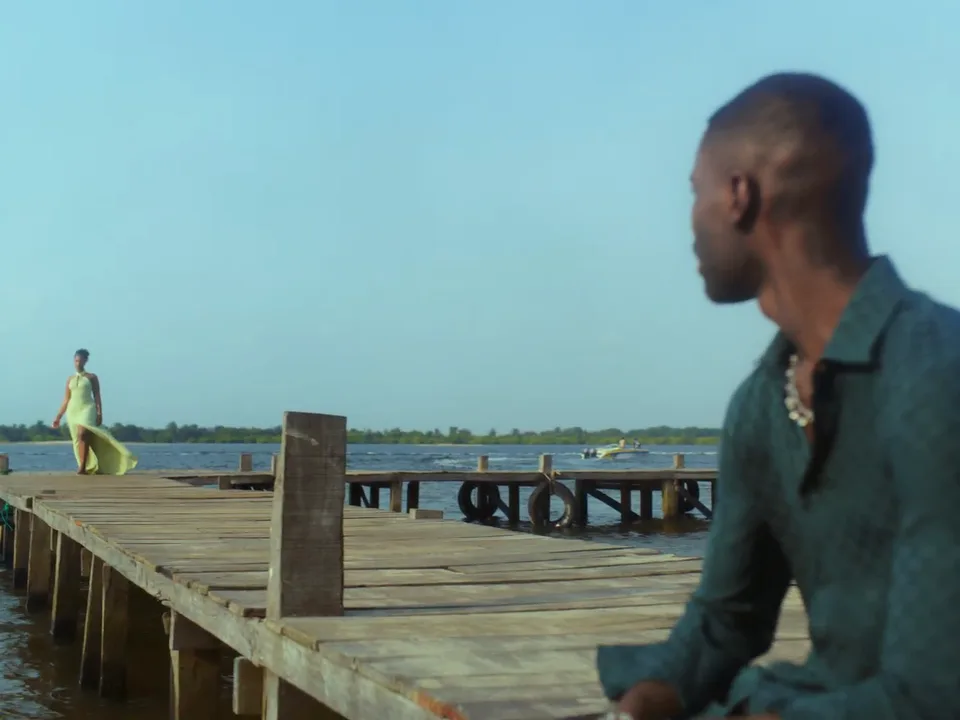
The man on the pier sits on the jetty looking out to sea, then turns as the woman in the dress appears at the far end. It’s the widest shot of the take, so this part’s build and outfit show as much as the face.

Cast your two photos
0:04–0:10 · Woman in the dress, then both

A serenade by the water, then a lean on the sand

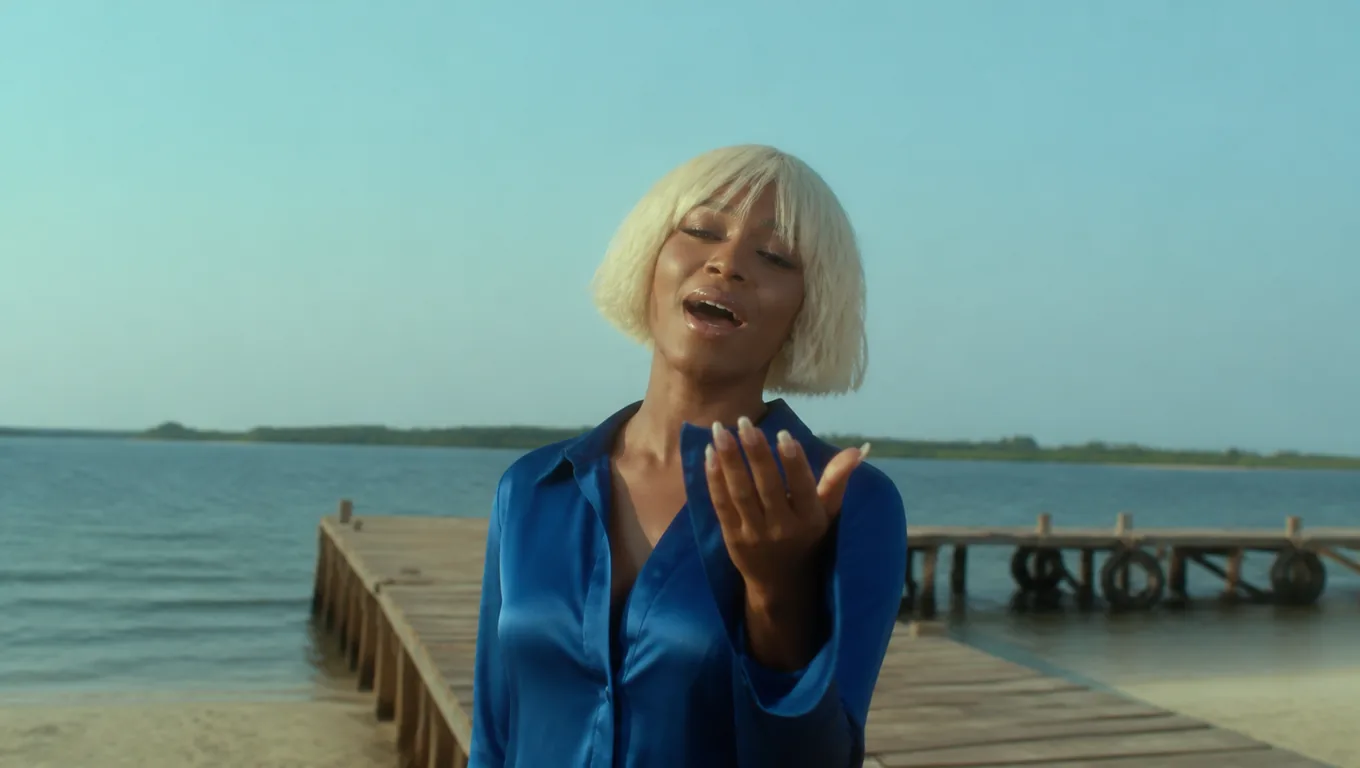
The woman in the dress starts singing to the camera with the sea behind, then the scene cuts to the two of them on the sand, the man resting against her shoulder. It’s the only close shot with both people, and the first one to check for blended faces.

0:10–0:15 · Woman in the dress

A reach to camera and the closing close-up

The final shots belong to the woman in the dress: another line by the water, a reach toward the camera on the pier and a tight close-up full of hand gestures. The take ends there, mid-song, on her face.

After 0:15 · Not in this take

The pier walk-off and sunset beach of longer edits

Fuller Raindance AI edits run about 28 seconds and keep going: both performers at the end of the pier, the woman hugging her own arms by the water, and the two of them watching the sunset from the beach. Those shots come after this template’s 15-second reference, so your take doesn’t include them.

Casting

Which photo plays whom in Raindance AI?

The photo in the Woman in the dress slot walks up the pier and sings to camera in the close-ups; the photo in the Man on the pier slot waits on the jetty, looks back and leans in on the sand. The labels name who you replace in the reference, so anyone can play either part. Roles follow the slot, not the order you chose the files in.

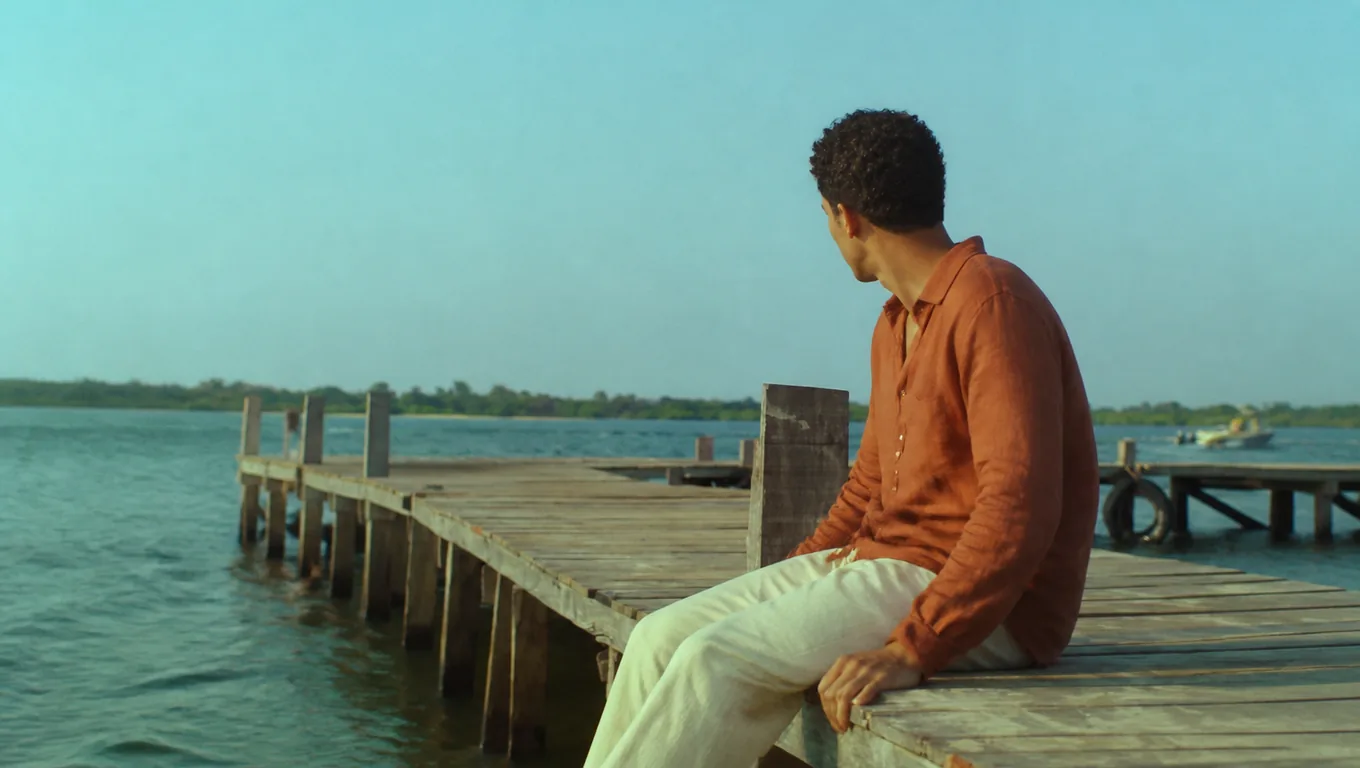
A man in a rust-orange linen shirt sits on the edge of a wooden pier and looks back over his shoulder

Man on the pier slot

Waits, looks back and leans in

On screen in the opening wide shot and in the moment on the sand, mostly side-on and from a distance. A good fit for the person who’d rather not be the center of attention.

A woman with a platinum bob in a blue satin shirt sings toward the camera with one hand raised at the end of a wooden pier

Woman in the dress slot

Sings and gestures in every close-up

Appears at the end of the pier, then sings to camera for most of the take and fills the frame in the final shots. Give this slot to whoever wants the spotlight.

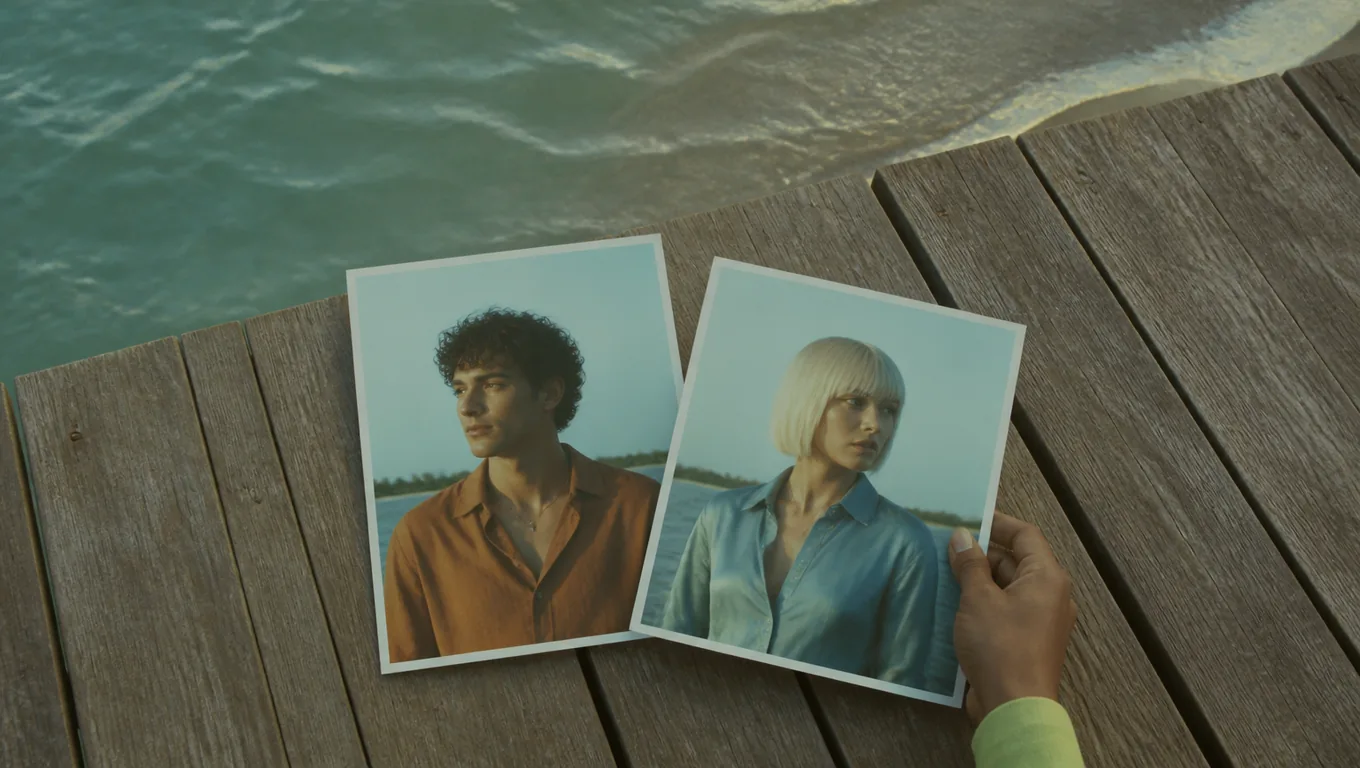
Two printed portraits on weathered pier planks, a hand swapping their places

Changed your mind?

Swap the photos to swap the parts

Remove both photos and add each one to the other slot before you press Generate. A finished video can’t be recast afterwards; switching roles means a new generation.

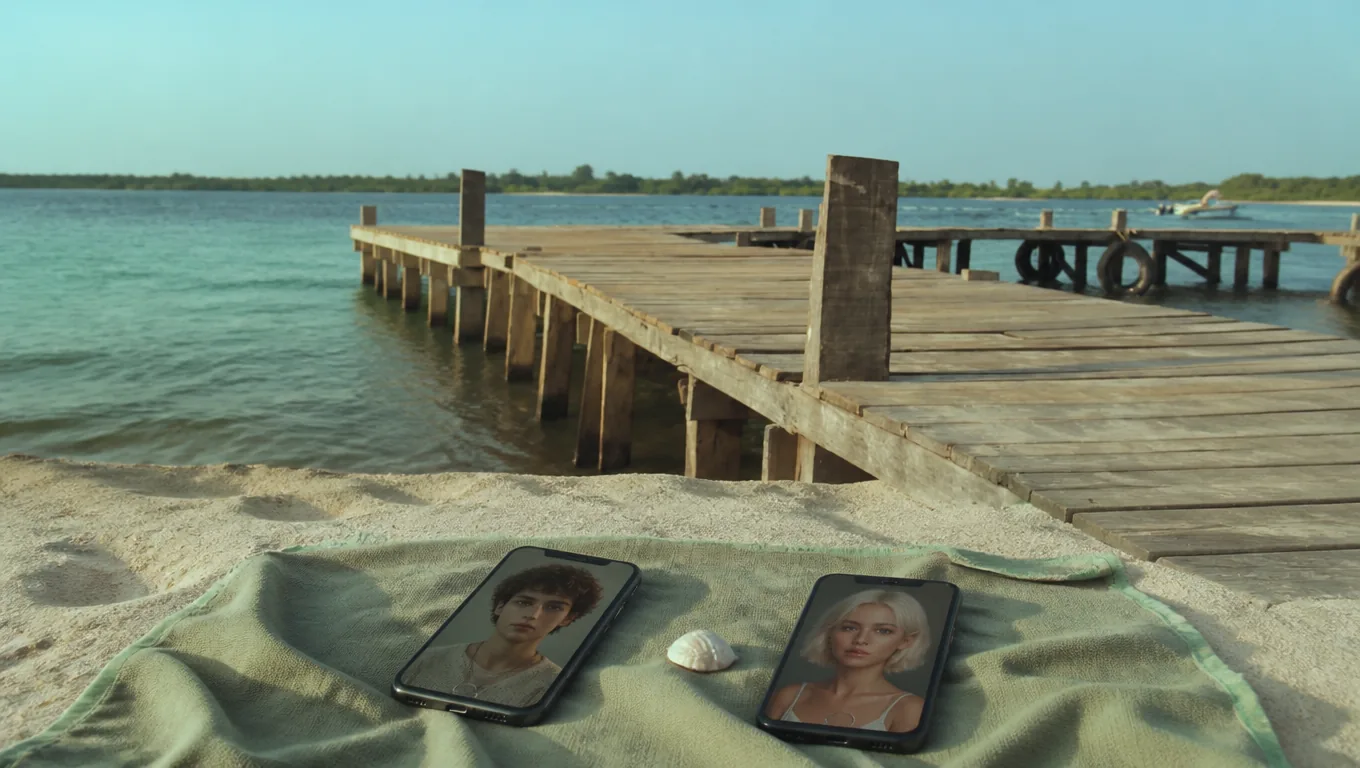
Two phones on a sage beach towel on the sand, each showing a portrait of a different person, a small seashell between them

No photo together needed

Two separate photos make one duet

The photos can come from different years, cities or phones. The template puts both people on the same pier, so the duet works even if you’ve never been photographed together.

Raindance character recast vs. face swap and the original video

A face swap pastes your face onto the original performers and keeps their bodies, clothes and footage. This template recasts both people as a whole: face, hair, build and outfit come from your photos, while the pier, the shots and the camera come from the reference take. The music video itself stars Dave and Tems and is the only version with the whole story and the original song.

QuestionRecast (this template)Face-swap editOfficial music video
Who’s on screenThe two people in your photosYour face on the original bodiesDave and Tems
Hair, build and outfitFrom your photosKept from the originalAs filmed
Shots and cameraFollow the 15-second takeOriginal frames, unchangedAs filmed in Lagos
LengthUp to 15 secondsSame as the source clipThe full song
AudioGenerated by the modelUsually the source audioThe original recording
Where to startUpload two photosA face-swap appThe artists' official channels

Photos that keep the two Raindance parts apart

Two clear, single-person photos are the best defence against blended faces in the shared shot on the sand. Prepare each one for what its role does on screen.

What helps each role

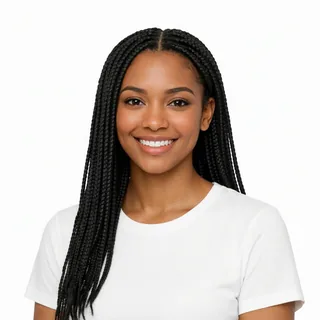
  1. A smiling woman with long braids facing the camera on a white background

    Woman in the dress: a sharp, front-facing face

    Eyes and lips visible and in focus. The closing close-up fills the frame with the woman in the dress, so a small or angled face shows the most drift.

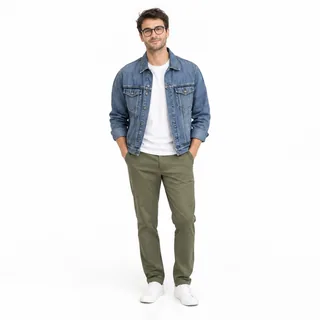
  2. A man in glasses, a denim jacket and olive trousers standing full-length on a white background

    Man on the pier: show the outfit

    A waist-up or full-body photo gives the wide pier shot real clothes and proportions to work from, instead of invented ones.

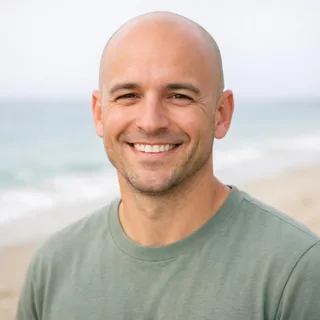
  3. A smiling man in a sage T-shirt in bright daylight, the beach blurred behind him

    Bright daylight in both photos

    The take is sunlit by the sea. Photos in soft, even daylight blend in more naturally and keep skin tones steady from shot to shot.

What mixes the two up

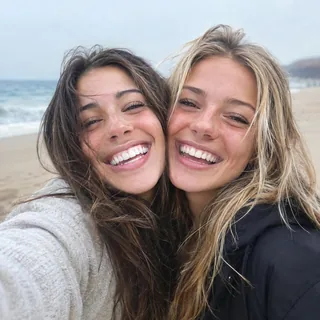
  1. Two friends pressed cheek to cheek in a laughing selfie

    A couple photo in one slot

    Two faces in one photo leave the model guessing who waits on the pier and who walks up in the dress. Crop to one person or use a solo photo.

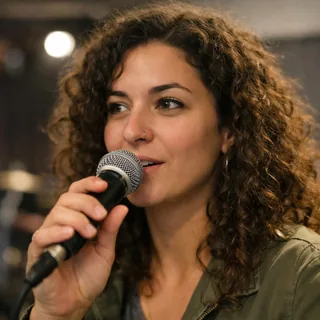
  2. A woman holding a microphone in front of her mouth

    A mic, hand or mask over the mouth

    The close-ups follow the mouth of whoever plays the woman in the dress. Anything covering it makes the singing look less like that person.

  3. A dark, blurry portrait that is hard to recognize

    Tiny, dark or filtered images

    Low-light, heavily filtered or small photos come out soft or unlike the person. Use photos at least 512px on the short side.

Only upload photos of yourself or people who agreed to appear. Photos of celebrities, including Dave and Tems, and stills from music videos aren’t allowed.

Tutorial

How to do the Raindance AI trend, step by step

Four steps take you from two photos to a Raindance AI video you can post. Nothing is charged until you press Generate.

  1. Watch the reference take

    Play the example next to the generator and read the shot list, so you know the take covers 15 seconds from the pier wait to the closing close-up.

  2. Cast both Raindance parts

    Add one photo to the Man on the pier slot and one to the Woman in the dress slot. To trade parts, swap the photos now.

  3. Choose length, shape and quality

    By default the take runs 15 seconds in 4:3 at 768p. Shorter takes have less time for the shot list; the Generate button shows the price for whatever you pick.

  4. Generate, check, then add the song

    Press Generate and keep the page open. Watch the shared shot on the sand and the close-ups, download the video, then add music in the app you post to.

Sound and posting

How do you add the Raindance song to your video?

In the app where you post. Your download carries a soundtrack the model generates itself, not the recording by Dave and Tems, and Oeneo AI doesn’t add licensed music for you.

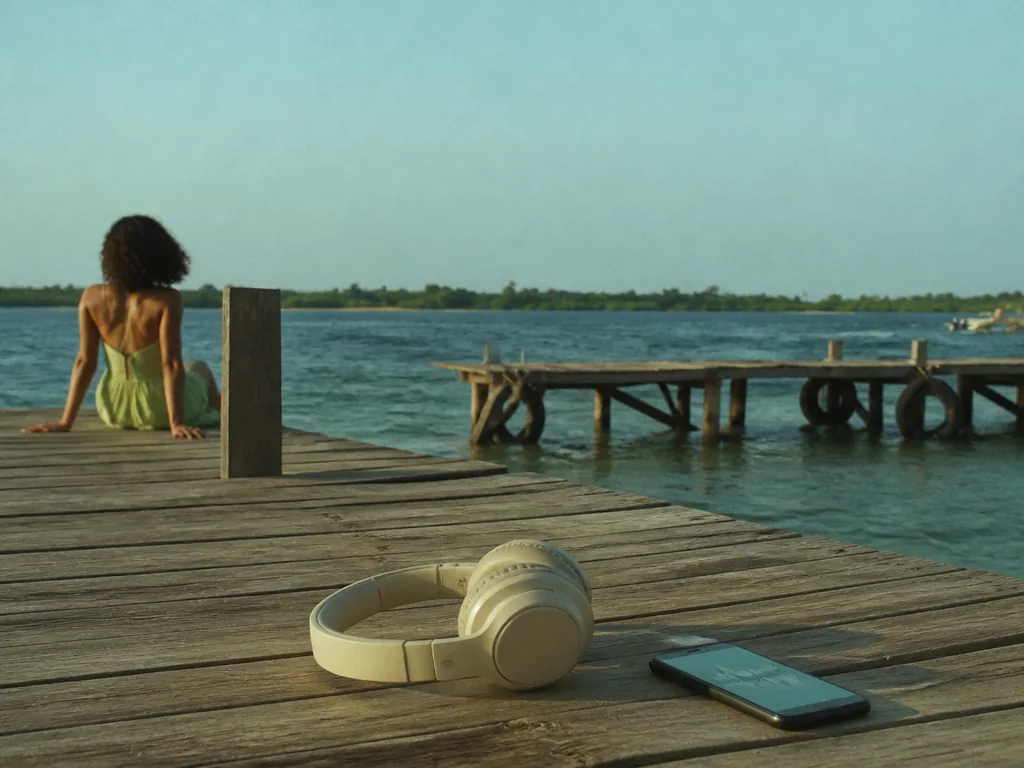
Cream headphones next to a phone showing an audio waveform on weathered pier planks by the sea

In your download

A generated soundtrack, not the original recording

Every take comes with audio created by the model. It isn’t the Raindance recording, and a soundtrack in the file doesn’t give you any rights to the song. Play it once, then keep it, replace it or mute it.

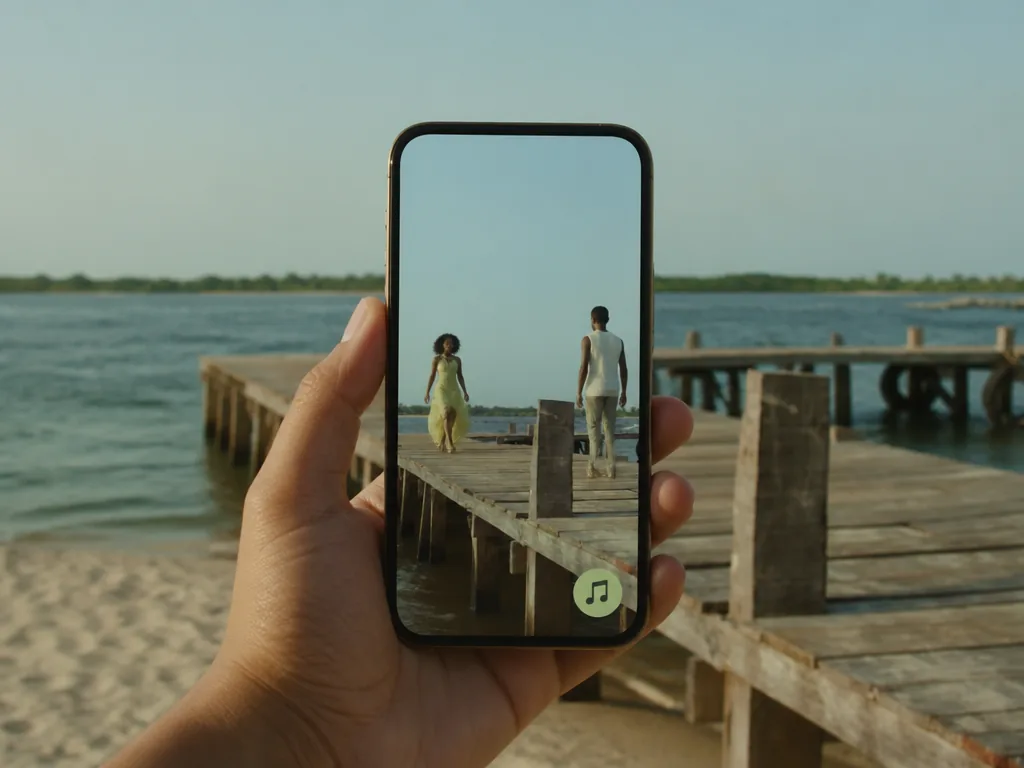
A hand holding a phone on a wooden pier, playing a vertical video of two people on the pier with a music badge on screen

In TikTok, Reels or Shorts

Add the track from the app’s music library

Upload the video, turn its original sound down and search the app’s library for Raindance. Whether it’s there depends on the app, your region and your account type. Slide the track until the lyrics line up with the mouth of the woman in the dress in the close-ups; an exact lip-sync isn’t guaranteed.

Raindance AI video specs: photos, length, sound and credits

These values come from the live generator, so they match the settings and price you’ll see before you press Generate.

Raindance AI video specs: photos, length, sound and credits
Photos
2: one for the man on the pier, one for the woman in the dress
Photo files
PNG / JPG / WebP, up to 10 MB, at least 512px on the short side
Reference take
A fixed 15-second stretch of the pier scene, six shots
Video length
5–15 seconds; 15 seconds by default
Aspect ratio
4:3 by default; also 21:9, 16:9, 1:1, 3:4, 9:16, or Auto
Resolution
480p, 768p, 2K, or 4K; 768p by default
Audio
Generated with each take; not the Dave and Tems recording
Prompt
None; the template fixes the scene, the shots and the roles
Credits
200–958 per video; 360 for 15 seconds at 768p
If a generation fails
The credits are refunded automatically

FAQ

Raindance AI FAQ: the song, length, roles and price

Is the Raindance AI video generator free?+

Watching the reference, adding photos and checking prices are free. A video costs 200 to 958 credits depending on length and resolution, and 360 credits for the default 15-second 768p take. New accounts get 10 free credits, which don’t cover a default take on their own.

Is Raindance an AI song?+

No. “Raindance” is a song by Dave featuring Tems from his 2025 album The Boy Who Played the Harp, and its official video, filmed in Lagos, came out in January 2026. The AI part is the video: people recast the music video’s seaside duet with themselves.

Can two friends do the Raindance AI trend?+

Yes. Nothing in the take assumes a couple: friends, siblings or coworkers can play either role, whatever their gender. Ask both people before you upload their photos.

Can I make the full 28-second Raindance AI video?+

Not with this template. It generates up to 15 seconds from a 15-second reference that ends on the close-up of the woman in the dress, so the pier walk-off and sunset beach shots aren’t included. Running it again doesn’t continue the story either, because every run starts from the same reference.

Why do faces, outfits or lip-sync change between shots?+

The model re-creates both people in every shot instead of copying pixels, so details can drift, most often in the wide pier shot and when the two sit close on the sand. Mouth movement is generated too, so it won’t match a song you add later exactly. Sharp single-person photos help, and another run can come out differently.

Can I make a vertical Raindance AI video for TikTok?+

Yes. Pick 9:16 before you generate rather than cropping a landscape take afterwards, which can cut the man on the pier out of the wide shots. The reference itself is landscape, so check the opening pier shot in the vertical version. Takes run 5 to 15 seconds in 480p, 768p, 2K, or 4K.

Do I need a prompt for Raindance AI?+

No. The template’s instructions are fixed and kept private, so you only add two photos. To write your own scene, camera moves or performance from scratch, use the AI video generator instead.

Is this Raindance template affiliated with Dave or Tems?+

No. It’s an independent, fan-made template inspired by the official video and isn’t affiliated with or endorsed by Dave, Tems or their labels. It’s also unrelated to the Raindance Film Festival and its AI filmmaking courses.

Who can see my Raindance AI video?+

Videos made on a free account are public. On a paid plan they’re private by default. Either way, every video is saved in your creation history.

What happens if a Raindance AI generation fails?+

The credits for that run are refunded automatically, and you can try again with the same or different photos. A finished video you don’t like isn’t a failed run, so it isn’t refunded.

Raindance AI video generator

Cast your own Raindance duet

Two photos, one pier, one serenade. Choose who waits on the pier and who walks up to sing, check the price on the Generate button and make your take. Fan-made, not affiliated with Dave or Tems.